There are so many AR & VR apps that are able to be downloaded on smartphones & tablets that can be used to engage students in the content you are teaching. Merge Cube is a really cool app we explored in class. It shows 3-D diagrams in your hand!
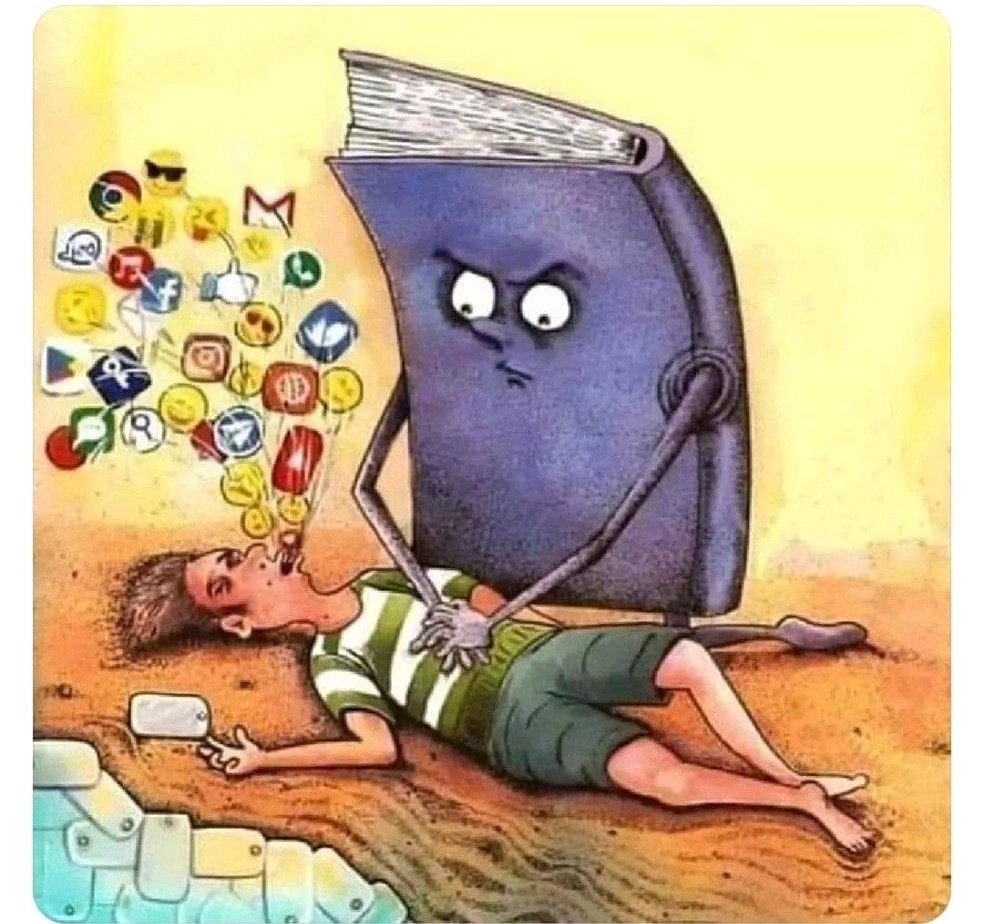
I could not agree more with this meme. Books have a place in all classrooms. Technology is nice, but our students should read hardcopy books now & then. There are studies that prove you will absorb info better when read on paper & not to mention it's easier on the eyes.
Nearpod is a tool that can be utilized even in high school subjects such as biology. It can be used for topics such as learning punnett squares since the students can practice filling them out through the different Nearpod features.
This tech tool was new for the majority of our class & it was interesting to explore its features as a group. I love that it allows teachers to customize the cards to help students learn the material or even just study.
Boom Cards is an online platform created for teachers to allow for instruction using cards: in our out of the classroom!! Tech of Instruction with #gccedu does a great job at exposing us to different tools to use :)
It is so important to remember this quote not only as a parent but as a teacher. There is not just one type of intelligence & teachers should appeal to each student to allow them to shine.
Choice boards appeal to different strengths of different students, therefore it does not take a one size fit all approach when it comes to assessing the students.
I really love this quote, because as a student I never realized how true this was. I honestly learn just as much from my students as they learn from me. I believe it is important to stress this in our classrooms because it is a great way to build relationships & respect.
Canva is such a helpful tool for teachers in any subject or grade level. It allows teachers to customize backgrounds, make charts, or even build bitmoji classrooms!
Jamboard is a collaboration tool that does not require students to raise their hands or speak out loud, therefore, allowing all students to be involved. It can even save time & give the teacher insight into each of the student's thoughts.
Microsoft and google certifications are great ways to keep you up-to-date on new features or programs you can implement into your class to keep your students engaged.
Bitmoji classrooms allow you to embed links to YouTube videos, QR codes, tweets, & lots of other tools/ resources. It helps keep you & your students organized.
This is my Bitmoji in the lab. Bitmojis are great for teachers who want to connect with younger audiences in and out of the class. Endless opportunities here! #gccedu
Today we talked about Google classroom & all the features built-in. It allows teachers to collect & organize assignments, as well as grading & providing meaningful feedback. I would absolutely use this in my future classroom!
It is important to have a trusted friend you can turn to for all of these talks. It allows you to get new ideas or problems off your chest so no anger builds up and explodes in the classroom toward your students.
This is so true. Teachers are people too. They have their own lives and "bumps in the road" outside the classroom, yet they still complete their job and teach their students.
"Teachers are not just teaching through a pandemic. Teachers are teaching through their own trauma. They are teaching through their own loss. They are teaching through their own anxiety and depression. And teachers do this every day...global pandemic or not."
🎙Maddie Fairchild
In class, we discussed the benefits and uses of bitmoji classrooms. The teacher can even create a digital library to provide students with more resources for the class.
In class we used https://t.co/1ZIYY6TyTI to create an ideal classroom floor plan. Kind of felt like playing Sims, but you had unlimited access to whatever materials…no Simileons needed.