📝 Story Architect (STARC) is an intuitive screenwriting app that streamlines the writing process, has a FREE plan, friendly interface and smart features.
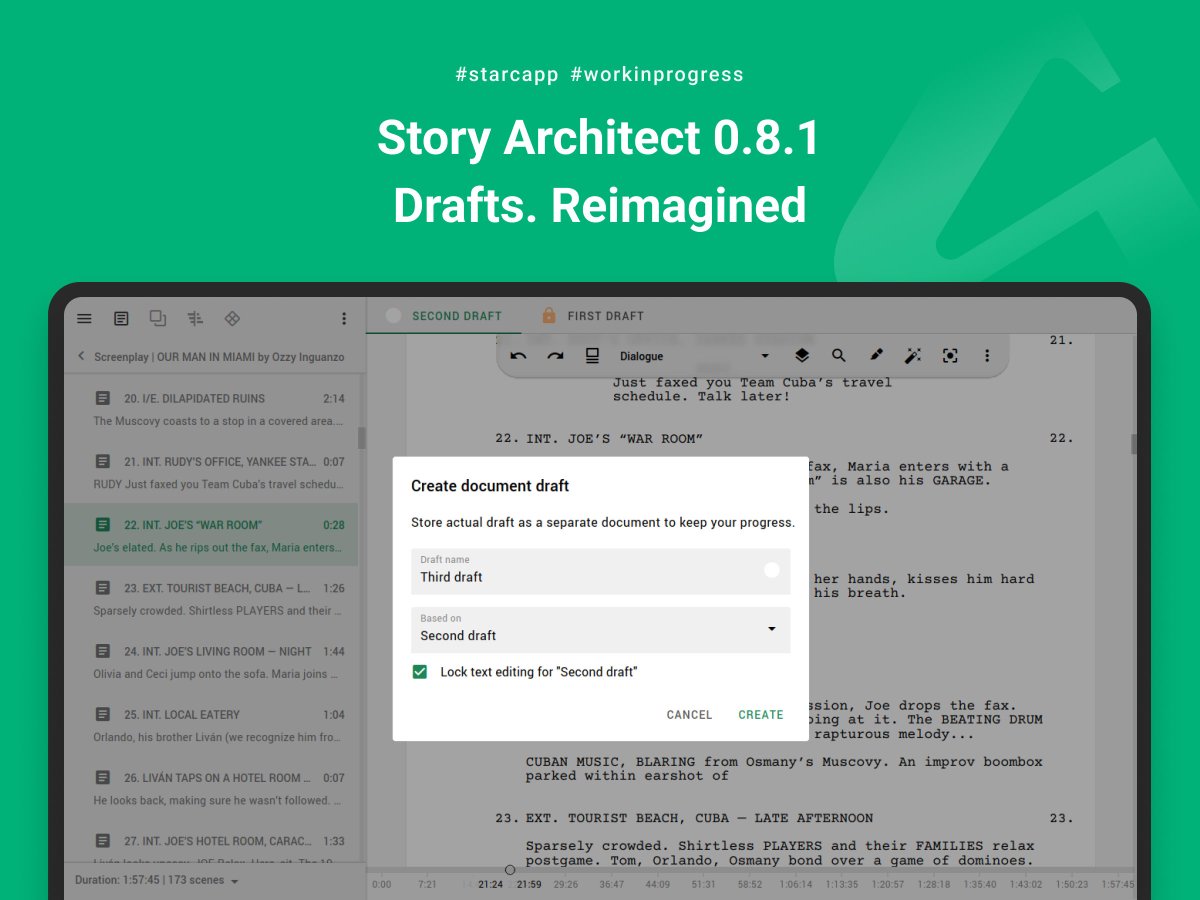
Spring has arrived, which means it’s time for another update — the stabilizing release of Story Architect 0.8.1 is now live!
Among the major updates: we’ve changed the approach to working with drafts and renamed the CLOUD plan to CREATOR.
✨ Release Note: https://t.co/Ok5r0OutBJ
✨ Download Update: https://t.co/9Fd5fA3vhg
7 days until Black Friday! 🖤
💫 CREATOR Lifetime: For the first time in a year, you’ll be able to get a lifetime subscription.
💫 PRO Lifetime with 30% off: if you’ve been considering PRO, this is your chance to get a lifetime subscription at an unbeatable price.
Stay tuned!
Story Architect Mobile 0.2.2 introduces a new tool for creating detailed descriptions of fictional worlds. In this cards, we'll show you where to find it and how to use it!
Black Friday is getting closer! 🖤
And with it comes a rare opportunity to get a Cloud subscription for life.
Normally, Cloud subscriptions are available for one month, six months, or a year. But on Nov 27, for 24 hours only, you’ll be able to purchase a special Lifetime plan!
Meet the new release – version 0.8.4!
This update focuses on syncing cards with the scenario timeline and fixing bugs.
✨ Release Note: https://t.co/Pe1JHGv8Us
✨ Download Link: https://t.co/WAXr7zJvGK
A STARC feature you might not have known about 👀
Here’s a life hack for romanticizing your work, especially during fall: turn on the typewriter mode and sound, switch on your desk lamp, and brew your favorite drink. Feel free to add a felt hat to the mix.
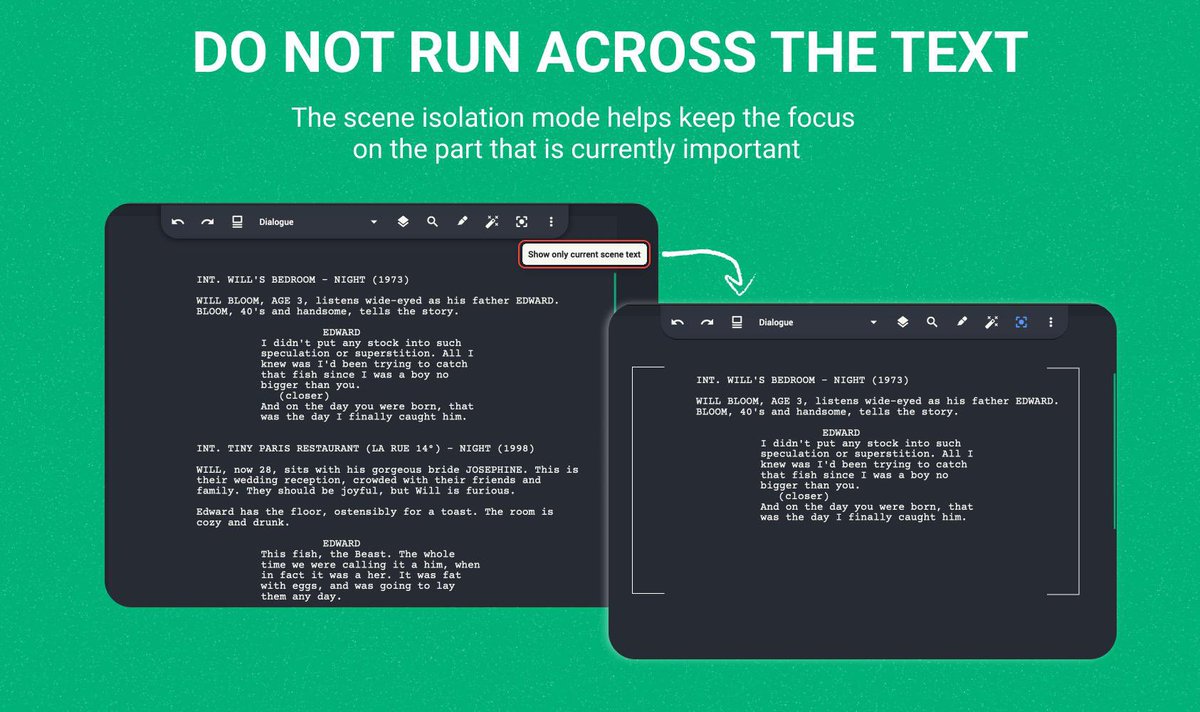
Feel the urge to run through the entire script again after every single edit? We know how to handle that 😎
Scene isolation mode lets you stay focused and see the job through to the end. Read more in the article: https://t.co/AENRP4mDU9
Following the mobile version update, we’re happy to share an update for the desktop version as well - Story Architect 0.8.3 is out today!
✨ Release Note: https://t.co/B4ksPgphK6
✨ Download Link: https://t.co/WAXr7zK3wi
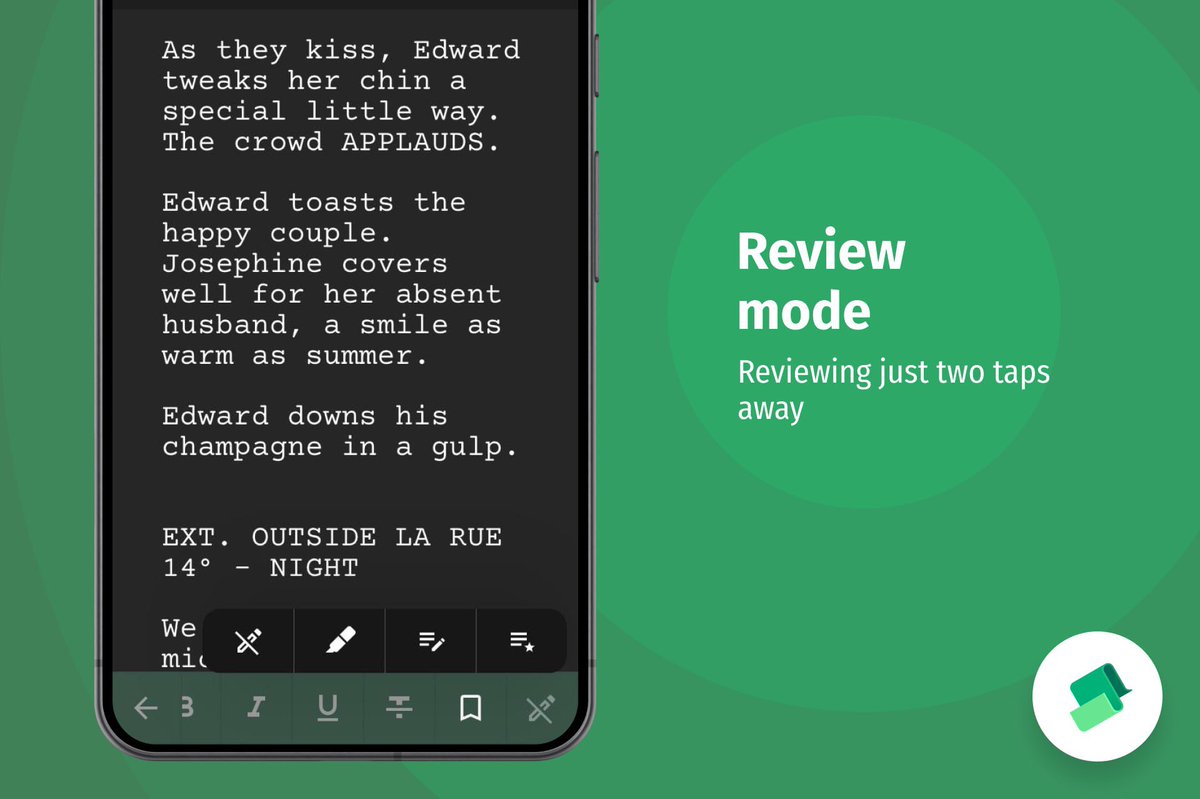
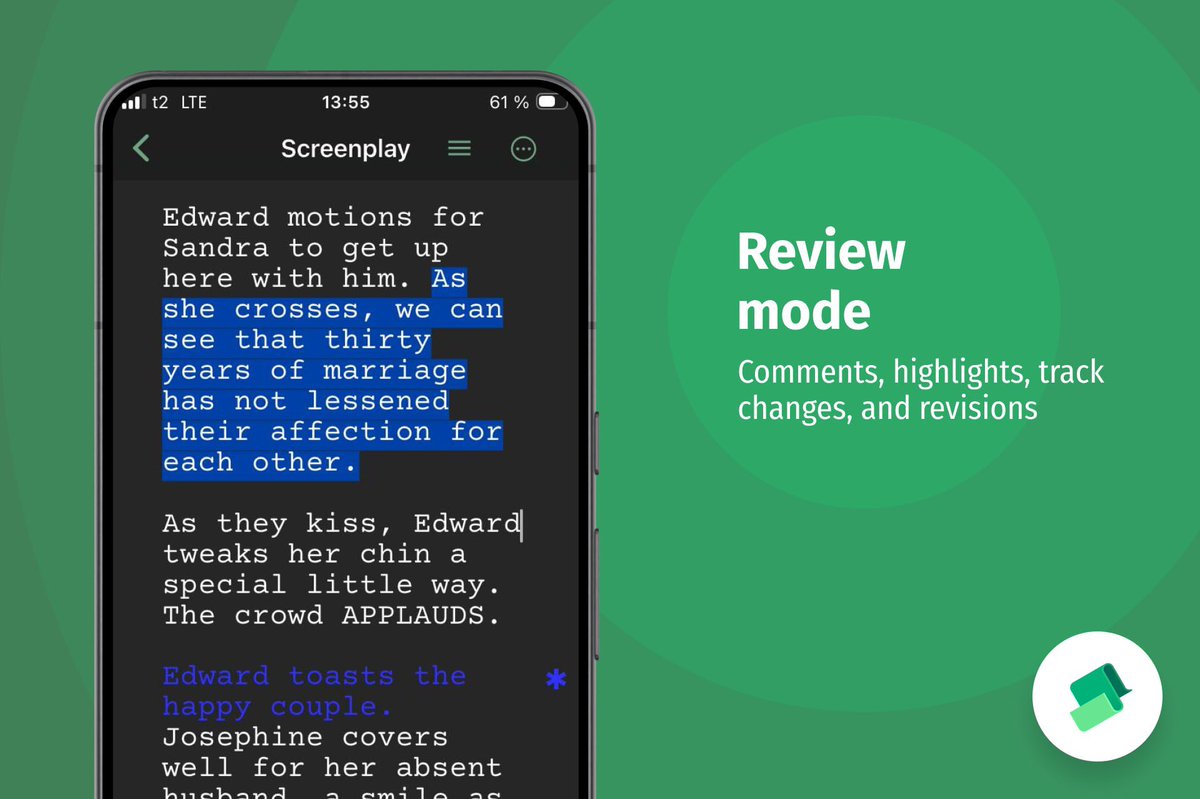
The new mobile version now features a review mode — with tracked changes, comments, and other annotations that will be useful for you, your editors, and co-writers.
Update the app and explore the new tools! And as always, we’d love to hear your feedback 💓
STORY ARCHITECT MOBILE 0.2.0
Meet the big mobile update! Yes, you can now log in. No, PC sync isn’t here just yet (coming soon!). Check out the article for all the details on what’s new: https://t.co/YtxzEEfW1Y
The new version is already available in App Store and Google Play
We’re here to make line producers and 2nd ADs very happy: no more spending days and nights struggling with production schedules — now you can automate the entire prep process in STARC!
In the cards, we’ll show you how you can end up with that long-awaited 💫 spreadsheet 💫
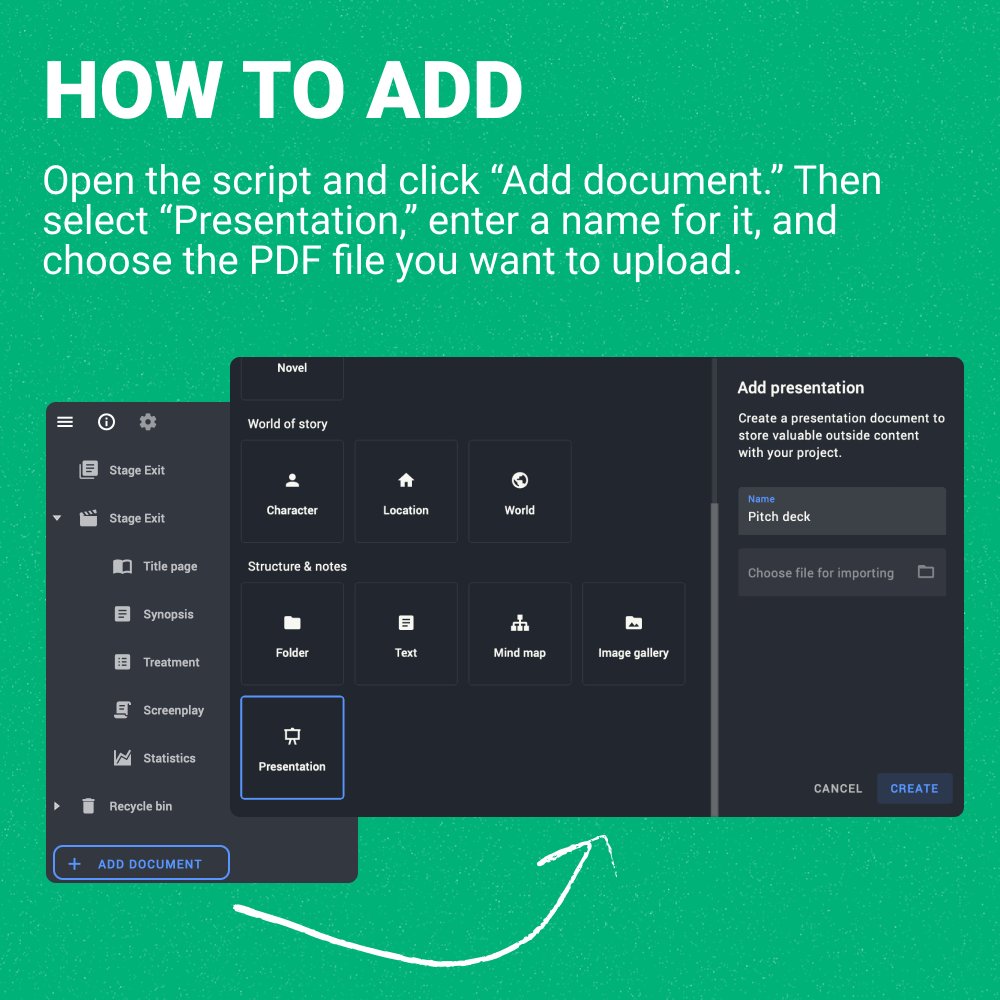
Here’s a look at one of STARC’s less obvious features that can help you prepare for a pitch.
Just add your presentation to STARC, create your speech notes right there, and you’re all set — everything you need is now in one place, from the synopsis to references.
If you are a student or faculty member at a film school, you can get 50% off any STARC subscription!
a) Email us at [email protected] from an email of your institution’s domain;
b) Or send us a photo of your student or faculty ID.
Once you're verified, you get a special promocode✅
All app features have been fully restored after the server outage 🥳
If you’re still experiencing any issues accessing the app, your projects, or certain features on your device, please contact us at [email protected], and we’ll look into it!
If you’ve just joined our community, we recommend checking out the Help section on the website. There you’ll find a guide to getting started with STARC, along with many other articles to help you get up and running easily 🐱
Link: https://t.co/Jej899Hxio
You can leave the routine tasks to AI and keep the most interesting part for yourself! To open the assistant menu, click the magic wand icon in the top panel of the project. If needed, you can disable AI in the app settings.
The first mistake in screenplay formatting is using the wrong template. Set the correct one, and STARC will handle the rest for you!
💡 For more detailed template customization, tap the three dots at the end of the selection row
Important announcement: access to the STARC cloud is now available only for versions 0.8.1 and newer.
If your app version is outdated, please update now and continue working.
Download the latest version: https://t.co/X0H9czGbnp
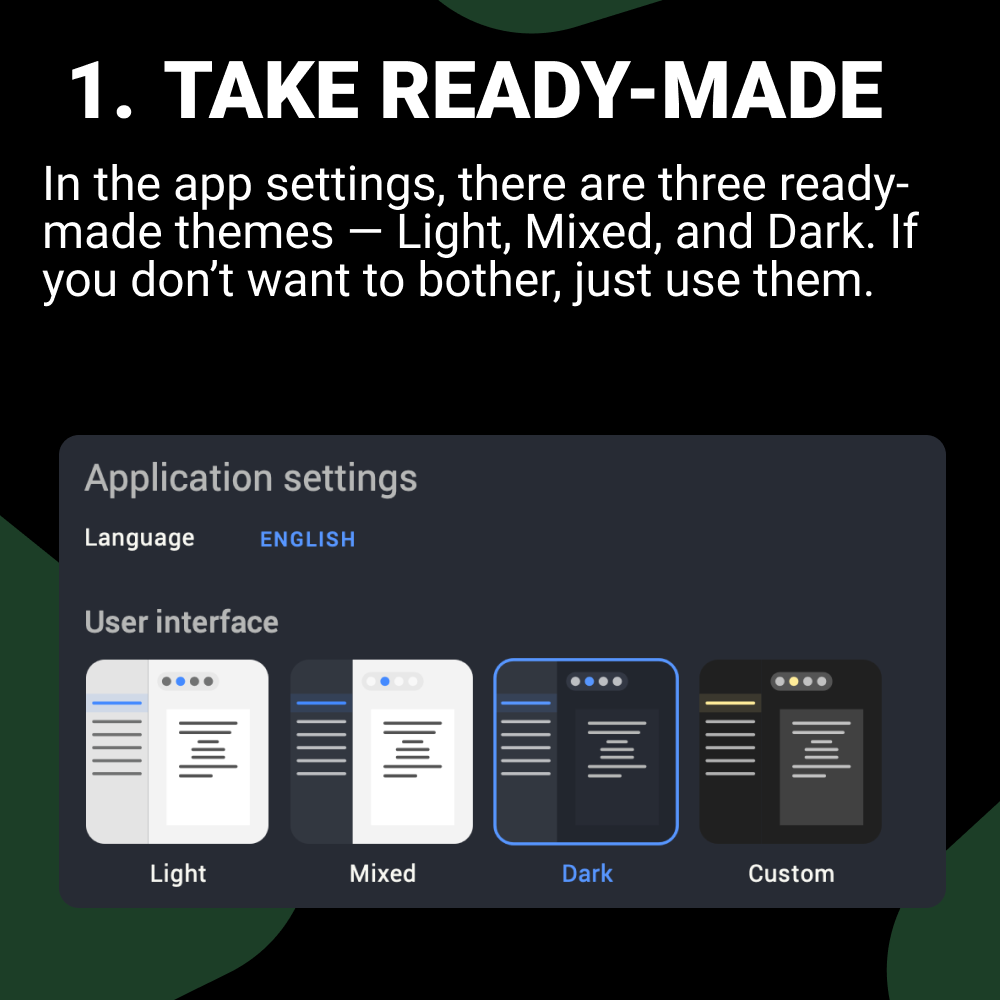
We’ll show you how to customize your workspace to get into the right writing mood 📝
The theme gallery is available via this link: https://t.co/oqSBmurMS0
To install a theme, copy its HASH (basically a unique theme ID) and paste it by clicking the tablet icon, as shown in the card.