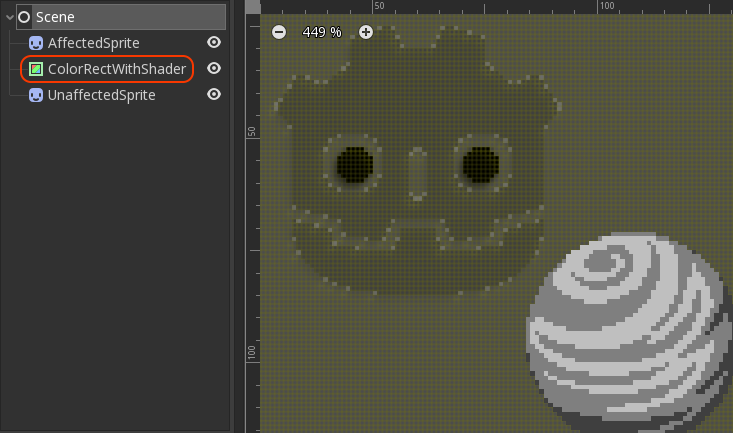
@StormbringerWFP Hey :) You'll have to use it on an overlaying node (I usually use a ColorRect for that). All nodes that lie below that will be affected by the shader. Also the "resolution" values in the shader should be updated to the size of your covering ColorRect.
So... does anyone need a dot matrix shader for their beautiful monochrome game to make it look more "portable"? I played around with the VSE in #GodotEngine and did this for a project, but it turned out so good (imo) that I want to share! Feel free to use it in your game. 1/2
@ubuntujavier Hi :)
There are two things I could think of:
1. If you use the window scale mode "Viewport", change it to "2D" or it won't work.
2. I see that you are using GLES2 and I'm not sure if it supports all the necessary shader nodes.
@mrpigma @reduzio Right? I was surprised myself when it was done. When I started I thought this would be super complicated, especially bc I don't know that much about shaders, but it turns out that the visual shader editor is a super useful tool to just understand what is happening.
@orestiskon But to answer your other question: My viewport is 256x224 (bc I also use this project for other tests), my demo graphic is 168x152 (160x144 + 8px for the border), the pixel mask texture is 16x16 and my window size is 1024x896.
@orestiskon The resolution doesn't matter. That's the cool part: As long as the pixel mask's UV multiplier is set to the same size as the area you want to cover with the node containing the shader, eveything just works! It also scales really well. I tried that by just resizing the window.
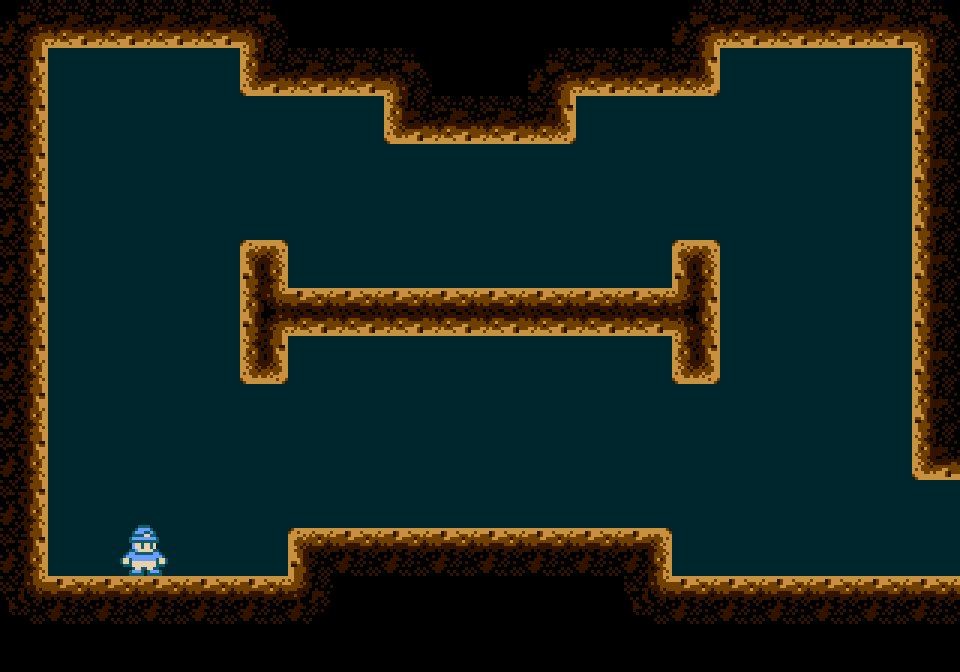
My final year project ✨ and here's the title screen, it was hella fun making everything happen!! Thank you @staticfruit for helping out with them codes and music !!! 🎵
I implemented a poor man's version of a state machine, but it does work and the code is much more flexible and readable now :D So many more problems to tackle though... #GodotEngine#gamedev