High still has some issues but not as bad. Too lazy to see what other mice I have that has the same sensor to test. Right now having my room lights and elgato light help reduce the issue.
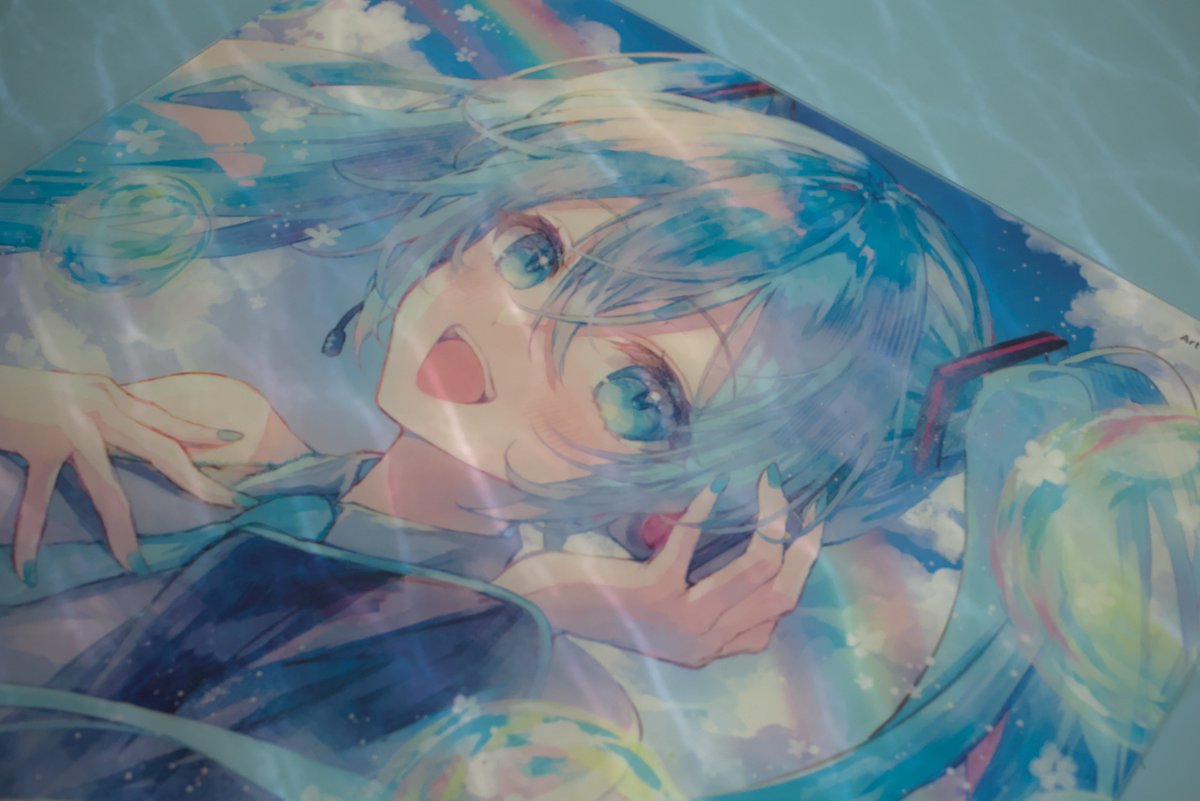
Just got the kin x from @TjExclusives and liking it so far but it does really like fingerprints/smudges. The gwolves fenrir however does not like the white outlines and area especially in darker lighting. Tested liftoff distance, low middle and high, low being the worst.
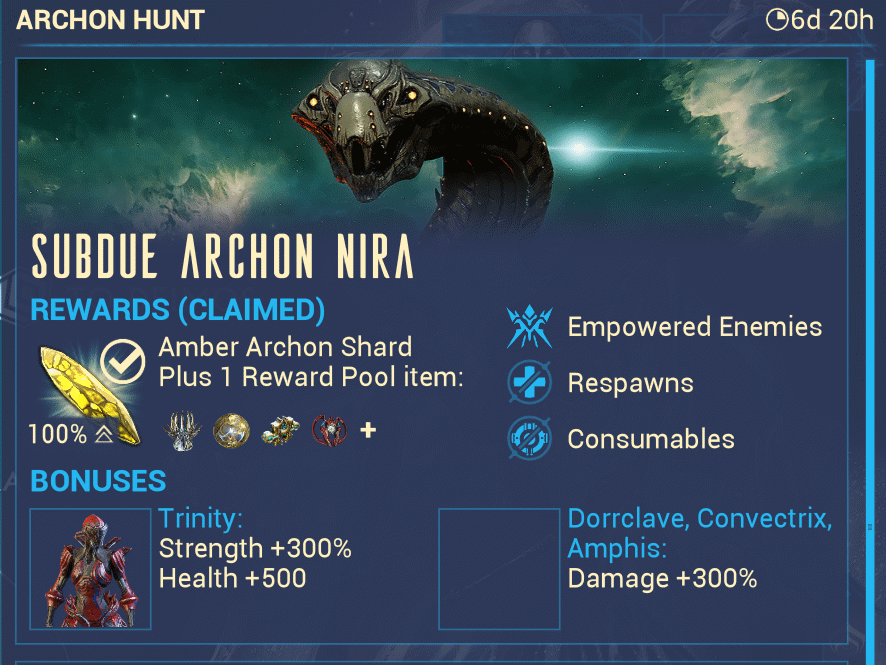
Great start to the weekly reset, did my archon hunt which had a 80% chance for me to get a tauforged shard, guess I'm just gonna have to wait until next time.
@frugalaimer@InfinityMiceco I realize now that I didn't take any pictures when it first came out except this one which is a terrible picture, but, I do like the gamesense sonar.
@Saboogus Im not sure if this was an interaction with vauban before since i didnt play him much, but his flechette orb gets benefits from weapon damage buffs such as arcane arachne. arcane hot shot also increases its critical chance. nourish also gives viral damage to his vortex.
Actual optimization update today, a lot better now even at all high settings. TSR offers lower performance but is a lot more stable in fps in comparison to all the DLSS presets that I have tried but definitely nice there's a decent amount of presets to choose. W update so far.
Messing with the new Highguard update and settings to see how performance is and what settings affects it and found this out 😂 Caught me off gaurd exiting the menu and seeing homie lookin like a ps2 character. Lowering "View Distance Quality" is what caused this.
On another good note, movement feels a lot smoother and slide bhopping reminds me of old apex a bit in a good way 👍 Some more optimizing still needs to happen unless I'm just cooked and need upgrade from my 3080 10GB and buy a new gpu every release.
Messing with the new Highguard update and settings to see how performance is and what settings affects it and found this out 😂 Caught me off gaurd exiting the menu and seeing homie lookin like a ps2 character. Lowering "View Distance Quality" is what caused this.
On another note, good to see they've fixed the lowering of resolution when Post Processing Quality is on a lower setting when Internal Resolution was set to 100%, fixing the blurry imaging whether on dlss or tsr. Though, why were so many settings missing upon launch?