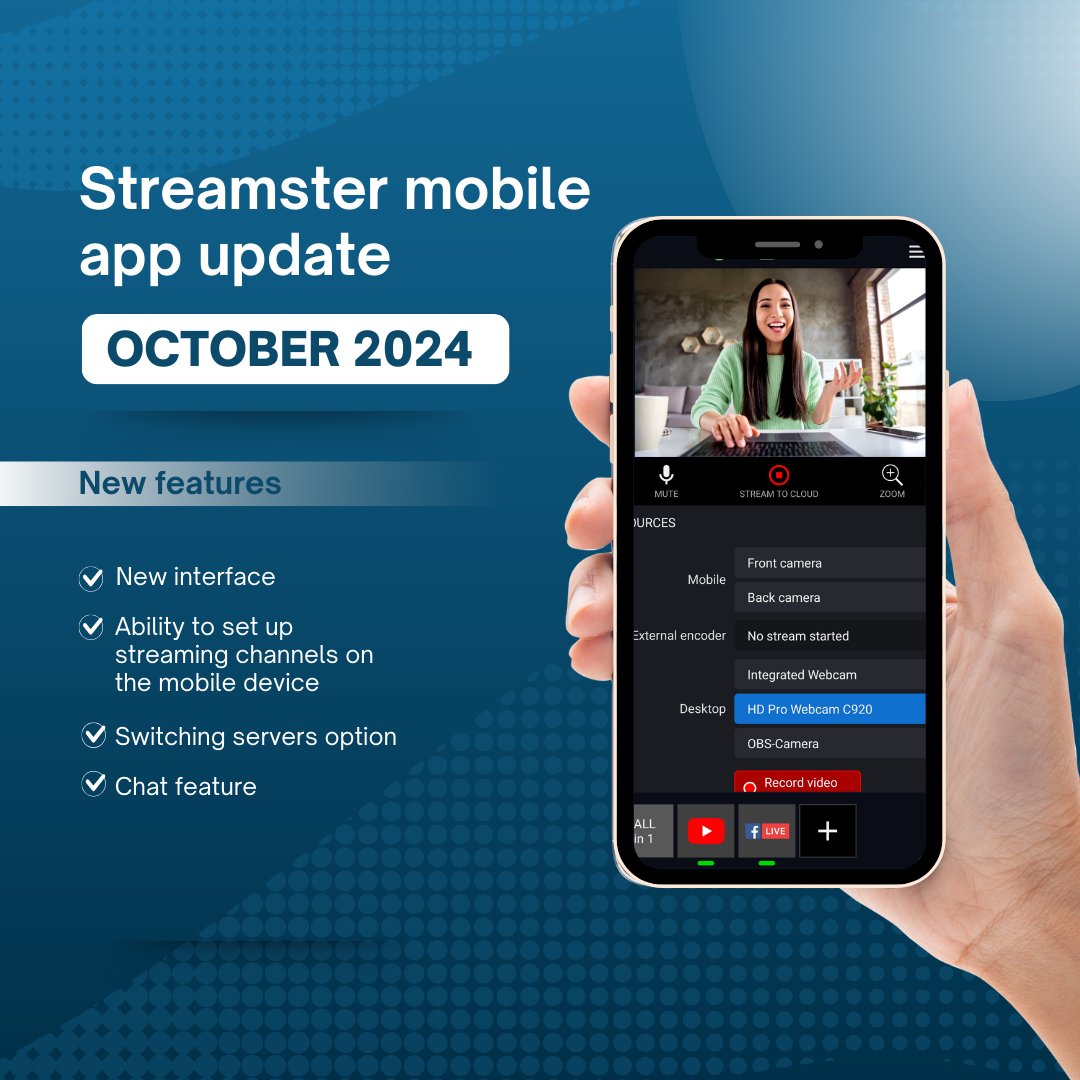
Streamster mobile app 2.0 has arrived!
Now, you can set up your streaming channels in the app and enjoy the built-in chats to communicate with your viewers across the platforms.
Available for Android and iOS:
https://t.co/Pv0hrp1srw
https://t.co/TE5kCYfnTA
Meet the new Streamster Overlays Editor: a FREE tool for easily customizing and adding custom overlays to your video or live stream! Overlays are compatible with various streaming software, including Streamster App and OBS Studio.
More details here: https://t.co/tjmsNAmMp8
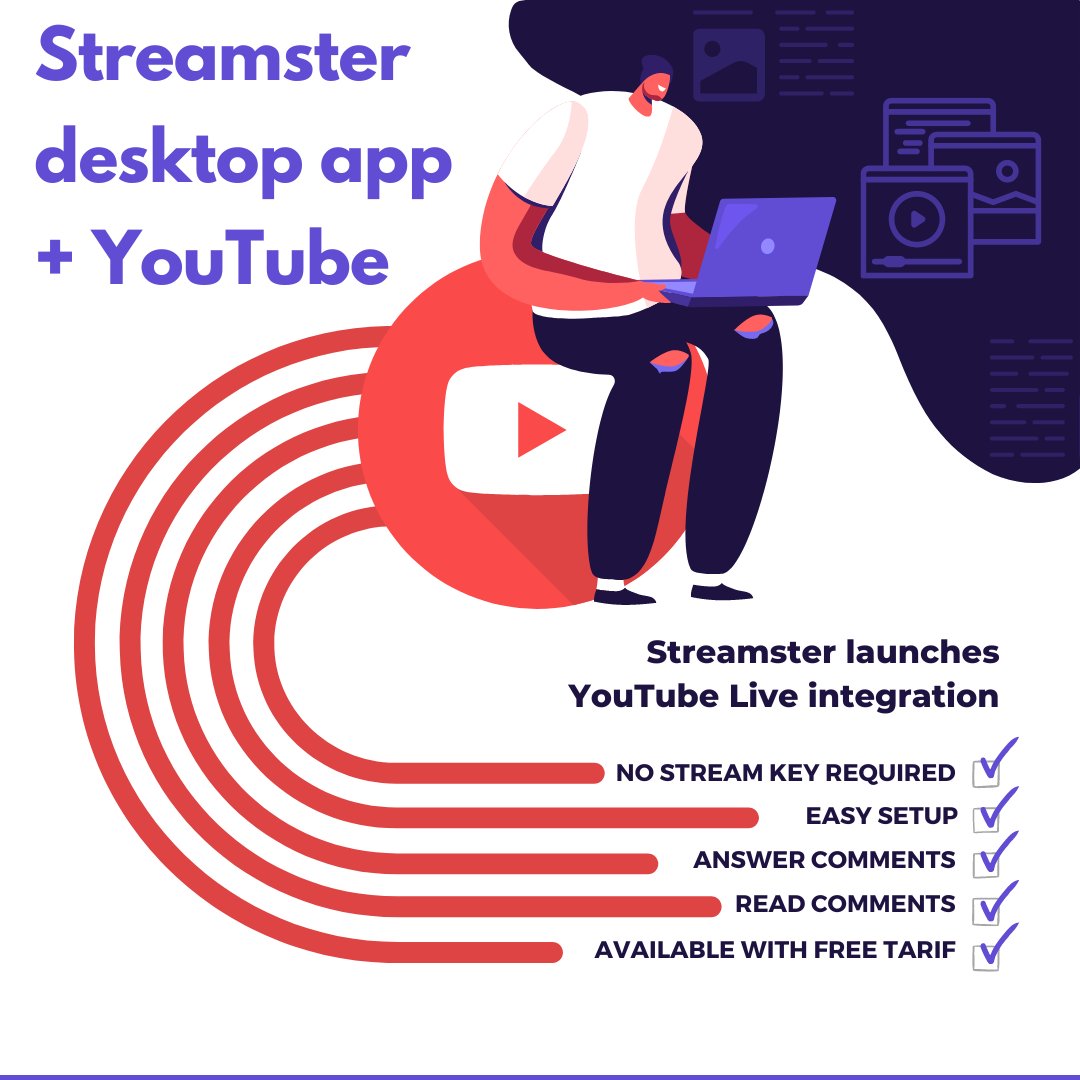
The integration between Streamster desktop app and YouTube allows content creators to livestream their video content directly to their YouTube channels. Now, Streamster can connect with YouTube through the YouTube Live platform.
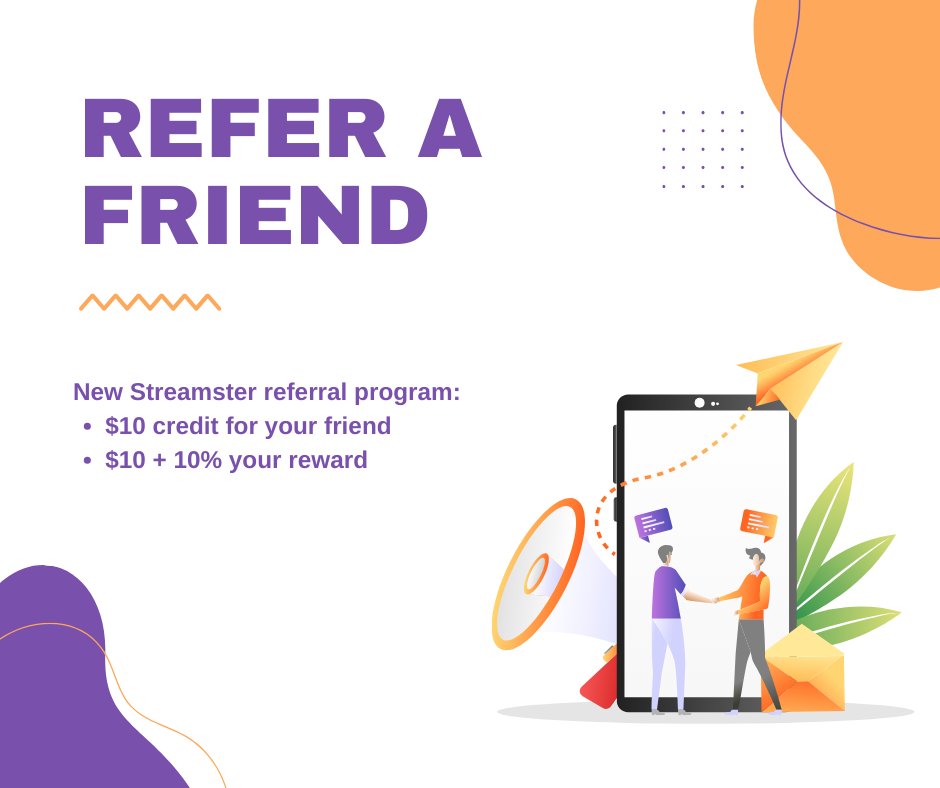
Great news. We launched a new referral program.
Let your friends get benefits when registering with Streamster and get paid when they upgrade. More info: https://t.co/vbOq144U3J
Streamster is proud to unveil its latest release: a Business Studio. It is a free web-based tool for livestreaming businesses. It was designed to operate multiple broadcasters’ live streams on a single dashboard in real-time and control the quality of the video content.
With Streamster, now you can share your live stream directly with a friend without needing to publish it on a streaming platform or while streaming to other destinations. Just generate your unique live stream link and share it with whoever you want.
The new Streamster mobile app is designed for multistreaming from a smartphone 📱
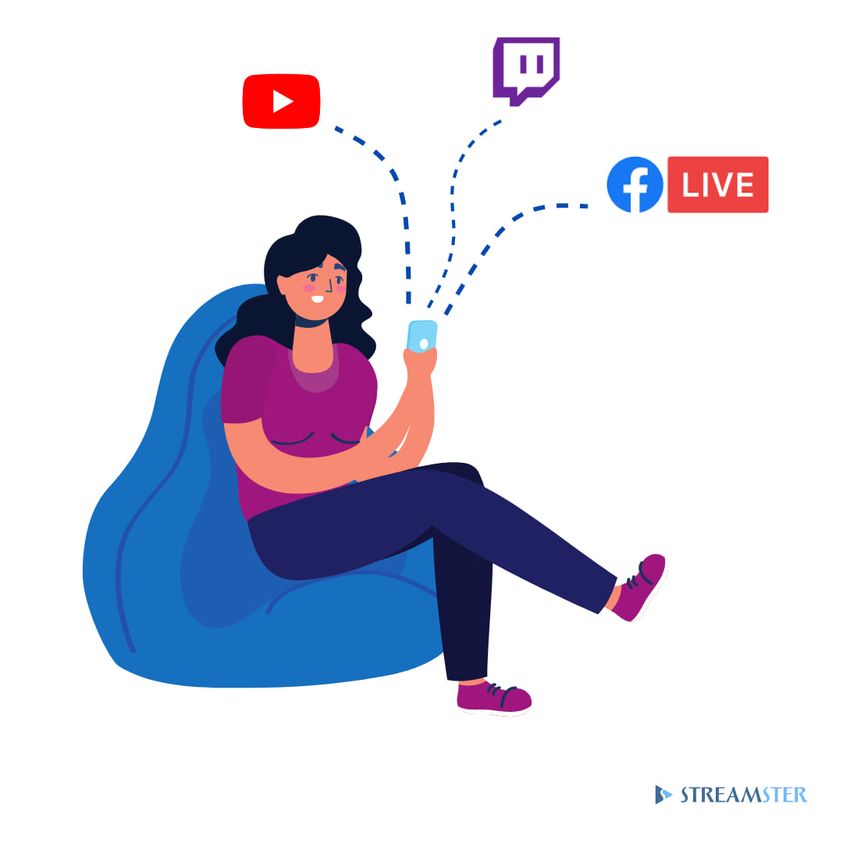
With the Streamster app for iOS and Android, you can stream from wherever you are and broadcast it to multiple platforms at the same time 🔥 Expand your audience thanks to multistreaming!
We're happy to announce that the new Streamster 4.9.0 was just released. The main new feature is the possibility of streaming to Streamster servers directly from various external encoders (OBS, Wirecast, etc.)
Meet the Streamster Mobile App - your live stream remote control! 💻📲 Use #Streamster Mobile App to
connect/disconnect streaming channels; zoom in/out your live video; switch web cameras during the live stream; change sound volume or mute audio; check your live stream health
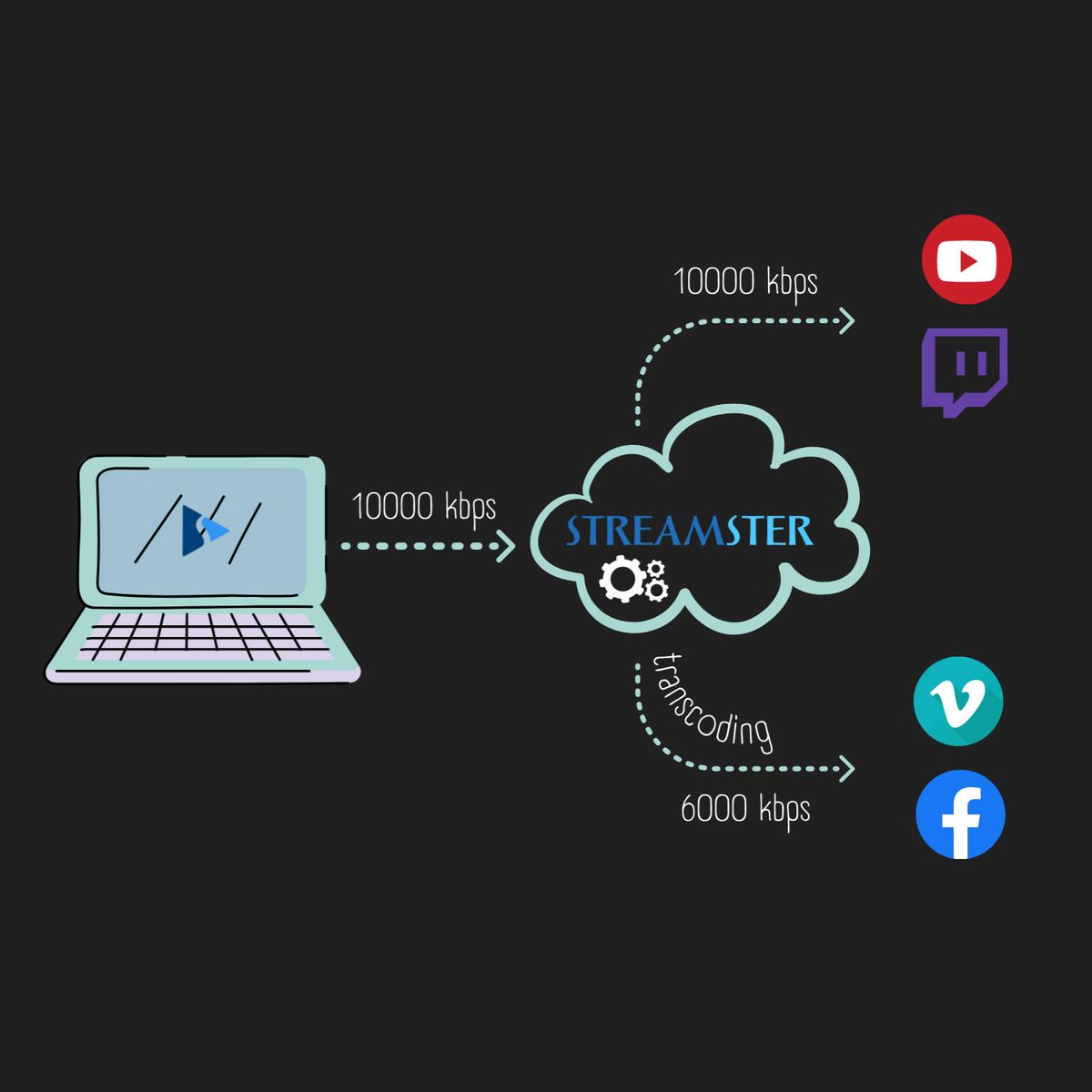
Streaming platforms may have different requirements for live streams, and #Streamster transcoding feature helps our users to meet all of them 👆 Users with Lite+ and Pro+ pricing plans are able to stream with 2 preference sets, including different Resolution, FPS, and Bitrate
There is no Streamster branding on your stream. Moreover you can put your own watermark using any subscription plan. Download Streamster for free and try it out ⬇
https://t.co/koh8AX66By
#streamster
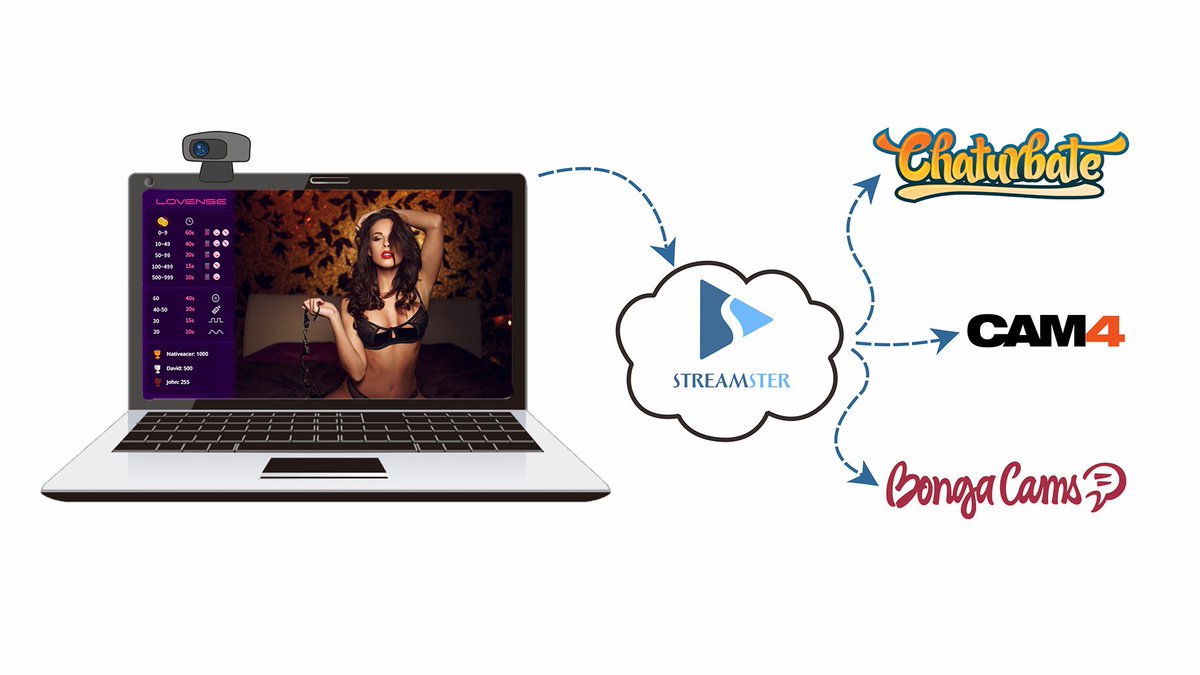
Streamster makes it easy to manage multiple streams at the touch of a button so you can increase your audience and get the exposure you’re looking for.
Try it out to evaluate all the advantages ➡ https://t.co/koh8AX66By
#streamster#multistream
Meet the new #Streamster 4.0! 🔥🔥🔥
✔️ Video-in-video;
✔️ Image overlays;
✔️ Mouse-controlled zoom;
✔️ Screen and window capture;
✔️ LUT filters;
✔️ Desktop audio, mute audio;
✔️ Web page as a video source;
✔️ NVidia and AMD hardware acceleration;
✔️ New application layouts
Do you need several PCs for your live streaming? No problem. Use as many as you want. Streamster allows you to manage your stream settings on any of the computers and switch between all the installed cameras in one click ➡️ https://t.co/KyFSvvIN7X
#streamster#multistream
Now the VPN function is integrated into the Streamster App. ➡️ It means you can establish a secured and encrypted connection to our servers from within the app. The VPN will protect ALL TRAFFIC from/to your computer ☝️
#streamster#multistreaming
New Streamster 3.0 is now live! 🥳 What’s new? ✔️ No registration required ✔️ Responsive design ✔️ Camera switch ✔️ Multiple computer connection ✔️ Number of indicators ✔️ New user interface
Try it here 👉 https://t.co/koh8AX66By
#streamster#multistream#livestream