Welcome to @studiotostagetv Twitter! To learn more visit: https://t.co/v1DP4CozRf. To start a free 7 day trial: https://t.co/i5Wb6Opw93. New tutorials posted every Friday!
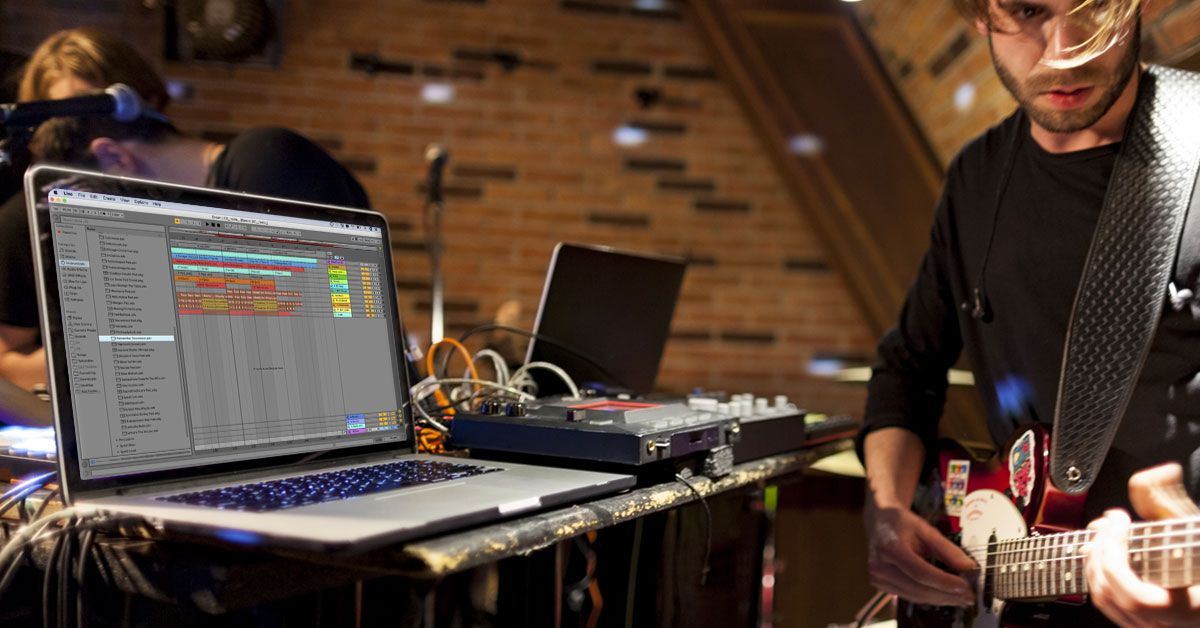
Learn how to use the PlayAudio 12 with Ableton Live. Whether you need a 10-12 output interface, an interface to share between two machines or a redundant audio interface, you'll learn how to do all that and more. Sign in or start a 7-day free trial : https://t.co/U7OsvdM6pV
LIMITED TIME OFFER: Purchase a Annual group subscription before the end of the year and get 2 months free and a free one on one session with me ($100 value). Check out the video below to… https://t.co/O9qwhH0bV7
What’s on your list of essential gear? I’ll be sharing some of mine over the next few weeks.
INTERFACES:
I couldn’t do anything I do without @iConnectMIDI interfaces. The Audio4+ is my… https://t.co/rYXFmT4snR
Sure.. TAB will switch you from arrangement to session, clip view to device view, but combine it with rename and quickly re-name your tracks. While re-naming a track, skip the return key, press TAB and start typing.
// STILL TIME TO REGISTER
For "Choosing the Right In-Ears" put on by our friends at @studiotostagetv . We’ll discuss what to look for in a pair of in-ears, and provide some criteria for choosing a great pair. We’ll answer all your questions and more! https://t.co/ZZOhF1d3XK
Want to get started with @Ableton Live, but not sure where to start? Here's 5 tips for Getting Started with Live. @SweetwaterSound
https://t.co/kCZJ31iAtf
I had a blast hanging out with my new pal @therichardscott today! It’s crazy-Richard is a From Studio to Stage member and I got a call from him about a week ago. We geeked out on Ableton… https://t.co/oqb33lnrgW
Today is the last chance to register for the Freedom when running tracks webinar! If you can't make it live, it will be recorded, but won't be available to purchase after tonight. Don't miss this: https://t.co/M5KQ7XxPfs
I just posted an unboxing video of my new @alclairaudio in-ears on my story. Go check it out! And while you’re at it head to the site and click on “live” to register for the FREE webinar… https://t.co/tm9btpaD4X
Clean up your set! Use the Group tracks shortcut to quickly group together similar tracks. Group all your automation tracks, tracks for your song and experiment with the audio routings to quickly save your audio routings.
Clicks belong in the studio! Real musicians don't use clicks! I debunk those myths and more in my first article for Sweetwater Sound, "Why you should use a metronome when playing live".
https://t.co/6NBnGxHUza
Imagine being able to use click and tracks and repeat any song section, jump anywhere in your arrangement, and truly be spontaneous and flow. Best of all-imagine being able to do all without any plugins, or hours of effort.
https://t.co/t6PUX6G1IS
LAST CALL-“Using Ableton Live for Multi-site Churches”
In a few hours, I'm starting the "Using Ableton Live for Multi-site churches" webinar.
If you want to learn how to best… https://t.co/zuW3avdHUF
What’s on your list of essential gear? I’ll be sharing some of mine over the next few weeks.
MIDI FOOT CONTROLLERS:
I’ve used the @Disaster_Area DMC-6D for over 5 years. I have a Gen 2… https://t.co/qLX6rNqNa3