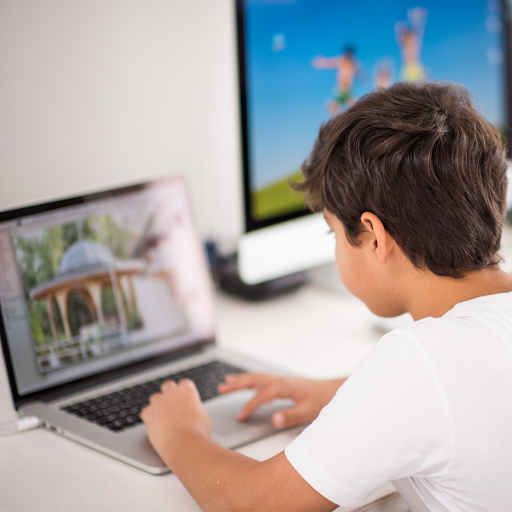
“This software keeps my kids accountable for their #school assignments and lesson plans, I never need to worry again about what my kids are doing! Studyltics is the #parents' best tool for keeping kids safe online.”
Learn more and get started on https://t.co/K1pJUC2OTd
Worried about filtering what your children see on the computer? Studlytics provides transparent feedback for teachers and parents, enabling more honest and constructive conservations.
Learn more about our software on https://t.co/K1pJUBLe1F
With Studlytics, teachers and parents can improve how their students' manage their study time. By creating a report that displays what students have been doing with their time, specific tasks, assignments, projects, or taking a break.
Learn more on https://t.co/K1pJUBLe1F
“As a teacher, I am always worried about #students cheating. Studlytics provides me accurate visibility into what my students are, I can set a time parameter for each task and understand their online study habits.”
Try #Studlytics for free on today on https://t.co/K1pJUC2OTd
With Studlytics, #parents can monitor their #childrens’ tasks, assignments, #homework, and projects on the computer effortlessly.
Learn more and get started on https://t.co/K1pJUC2OTd
#Teachers and #parents can download the Studlytics software on the student’s laptop and view the data on our website. Our software will show teachers and parents exactly how the student is working on assignments and projects.
Learn more and get started on https://t.co/K1pJUBLe1F
Are you wondering about your students keystrokes and mouse activity?
Track time usage, monitor applications and automatically record interval screenshots with https://t.co/K1pJUBLe1F