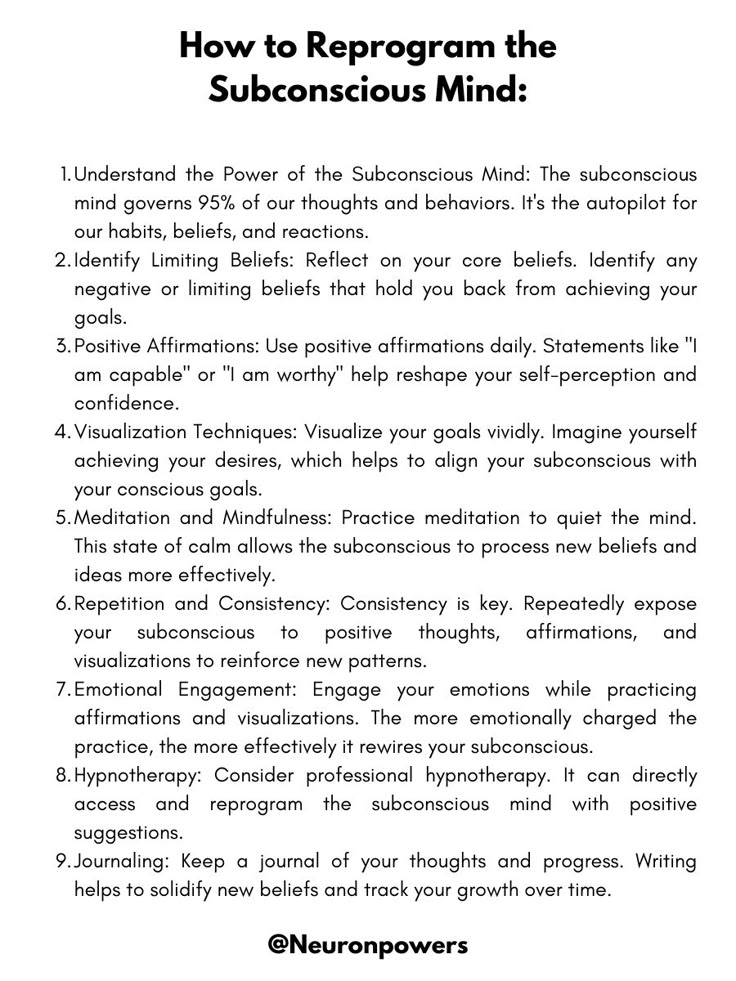
If you have been curious what Subliminize actually is, the cleanest answer is:
A private Windows desktop ritual for affirmation sessions, with optional binaural beats and a calmer visual environment.
https://t.co/CdiPXkY4g1
We rebuilt the Subliminize support page into something more useful.
It now covers:
- setup
- session types
- affirmations
- binaural beats
- Focus Journeys
- breathing guide
- restore steps
- troubleshooting
https://t.co/MyVOAJ65w7
Wellness software gets weird when every feature tries to be profound.
A calmer product usually wins:
- clearer interface
- shorter path to session
- less explanation
- less performance
Honest question:
When you try a wellness or mindset app for the first time, what makes you bounce fastest?
- confusing setup
- unclear value
- too much fluff
- pricing too early
- something else
Private desktop ritual still feels underrated.
Phones are where attention goes to get shredded.
A desktop can still feel like a deliberate place.
That difference is part of the whole point.
Subliminize is a Windows desktop app for private affirmation sessions.
Not a social feed.
Not a vague motivation app.
Not a generic audio loop.
It combines brief affirmation flashes, immersive color, optional binaural beats, and Focus Journeys.
Quick product question:
When you use a calm or focus tool, what matters more?
- guided breathing
- visual simplicity
- audio atmosphere
- stable layout / less interface movement
Curious what people actually notice first.
We also published a new page on different breathing strategies for focus, calm, and confidence.
Useful if you want the logic behind why one pace can feel grounding while another feels sharper or more energizing.
https://t.co/W5z3ALj9C7
One of the less flashy fixes in Subliminize 0.2.5:
Longer affirmations no longer push the session UI around.
The top bar stays put.
The bottom controls stay put.
The session feels a lot less fussy.
We just rebuilt the Subliminize support page into something more useful.
It now covers:
- setup
- session types
- affirmations
- binaural beats
- Focus Journeys
- breathing guide
- restore steps
- troubleshooting
- FAQs
https://t.co/MyVOAJ65w7
A support page should not feel like legal leftovers.
If someone lands there, they should actually learn:
- how to set up the app
- how sessions work
- what binaural beats do
- how affirmations fit in
- how to restore or troubleshoot
So we fixed ours.
The new breathing guide in Subliminize is optional by design.
It can be turned on in setup, shown or hidden during a session, and it follows the session intention instead of pretending one breathing pattern fits everything.
Subliminize 0.2.5 is now live.
What changed:
- optional breathing guide
- calmer breathing rhythm with a post-exhale pause
- live session layout stays stable even when affirmation length changes
Small release. Good release.
If you want a quieter Windows tool for affirmation sessions, focus rituals, or calm resets, Subliminize is live.
Microsoft Store for the smoother install:https://t.co/xxmzZpg9nK
Direct site:https://t.co/CdiPXkY4g1
Feedback is genuinely welcome.
A lot of mindset software still makes you choose between:
• fake guru energy
• sterile productivity robot energy
There is room in the middle.
Calm. Private. Clear. Not embarrassing.
Subliminize is a Windows desktop app for private affirmation sessions.
Brief affirmation flashes. Optional binaural beats. Immersive screen color.
Microsoft Store:https://t.co/xxmzZpg9nK
A lot of audio wellness products are basically:
press play and hope for the best.
We think structure matters more.
Beginning. Depth. Return.
Less floating audio wallpaper, more actual session design.