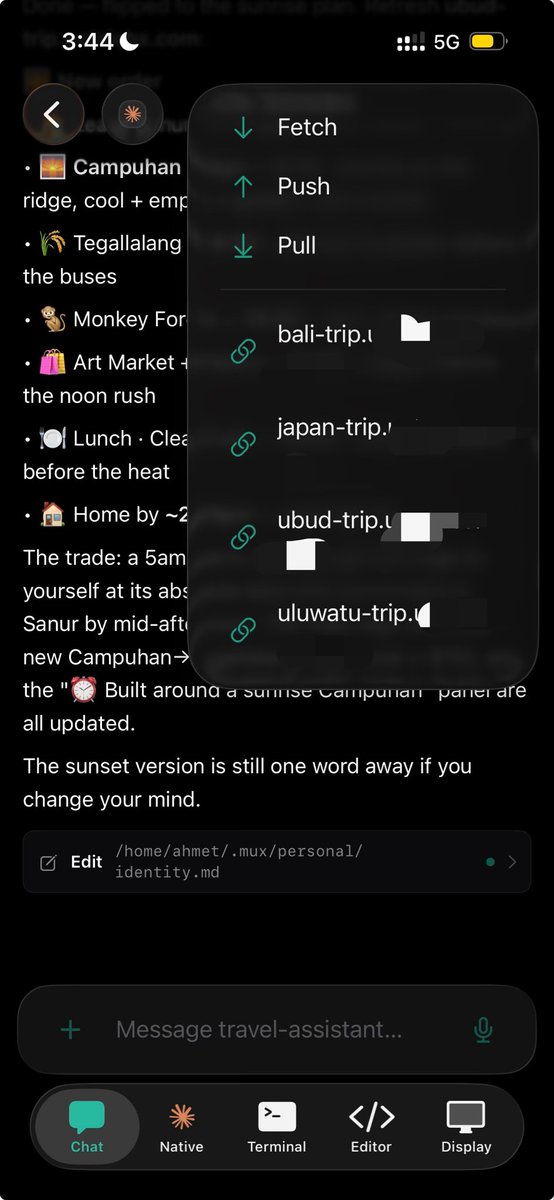
You don't need to worry about the local ports with Supermux. Ask your agent to expose ports as links so you can preview your apps on the go. In this video, we are building a simple react counter app and previewing it from a mobile phone.
You can customize the level of detail you get in sessions.
- Low: No tool calls.
- Medium: Tool calls are shown as small expandable titles
- High: See the file edits as diffs and view bash commands verbosely.
Which one do you prefer ?
Supermux is live on Product Hunt 🚀
Start a coding agent on your computer, leave your desk, and keep working from your phone.
Claude Code, Codex, and other agents stay running while you review changes, use the terminal, check files, and manage multiple sessions from anywhere.
We built Supermux because coding agents shouldn’t stop the moment you close your laptop.
Product Hunt link in the replies 👇
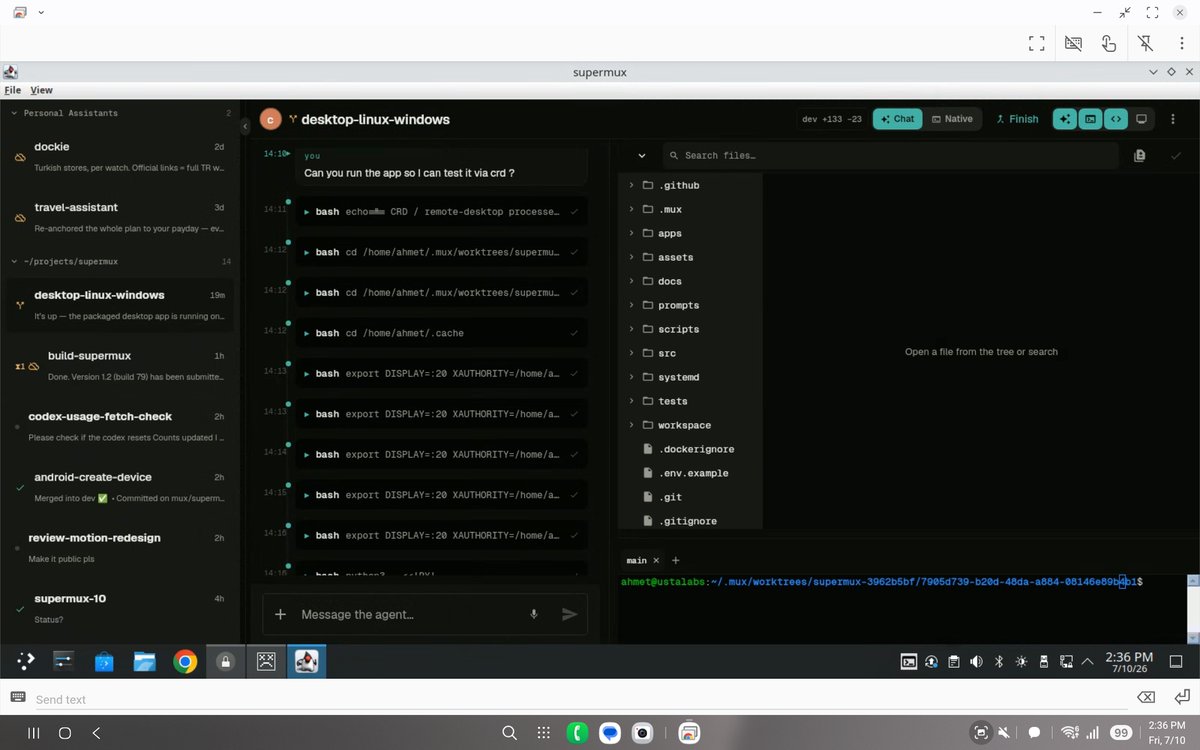
Linux, Windows and Mac clients for Supermux are on the way. You'll soon be able start a task from your Mac and pick up on your android phone on the go.
AFK. Still Shipping!
One supermux tip: Tell your agent to expose the result as a web page, I have been planning my trips this way and it is absolutely amazing.
By default it exposes the links privately so only you can see it, but if you want to share it with others, it can share it publicly as well.
Every feature in supermux is built out of necessity. I was gonna take a really long flight and checked that I had free wifi, but I could only access WhatsApp. So literally while waiting at the gate, I used the supermux mobile app to implement the WhatsApp channel and deployed it.
Then I kept shipping at 40,000 ft.