We don't think attribution breaks overnight.
But AI agents should probably be their own channel. Not a weird bucket inside direct traffic.
Worth watching if you care about CAC and ROAS.
Shopify stores are quietly becoming readable by AI agents.
Try /llms.txt or /agents.md after any store domain. If it loads, the store is exposing structured files for AI discovery 🧵
If a customer discovers a product through an AI agent, asks it questions, compares options, and buys through that flow:
Does the Meta pixel fire?
Does the UTM survive?
Does Shopify see one thing while your attribution stack sees "direct"?
Drop your ad exports into a Superworker, ask the right question, and get directional clarity on where every dollar actually goes.
Full breakdown here:
https://t.co/mk8nmkHO5N
Most Shopify teams screenshot their ROAS from Meta and Google every week. Nobody checks if those numbers match Shopify.
We ran the comparison for a DTC brand. They didn't match.
We're building Superworker for Shopify merchants and agencies.
One problem we keep hearing: Meta says one number, Shopify says another. The gap is anywhere from 10% to 2x.
One brand had 80 purchases in Meta. 42 real orders in Shopify.
The data to close this gap exists. It's just painful to connect manually. We're making that less painful.
If you deal with this, we'd love to chat.
Last week we launched our Google Sheets add-on.
But if you wanted to analyze Shopify data there, you still had to figure out what data to pull, download a bunch of CSVs from Shopify, and upload them into the sheet.
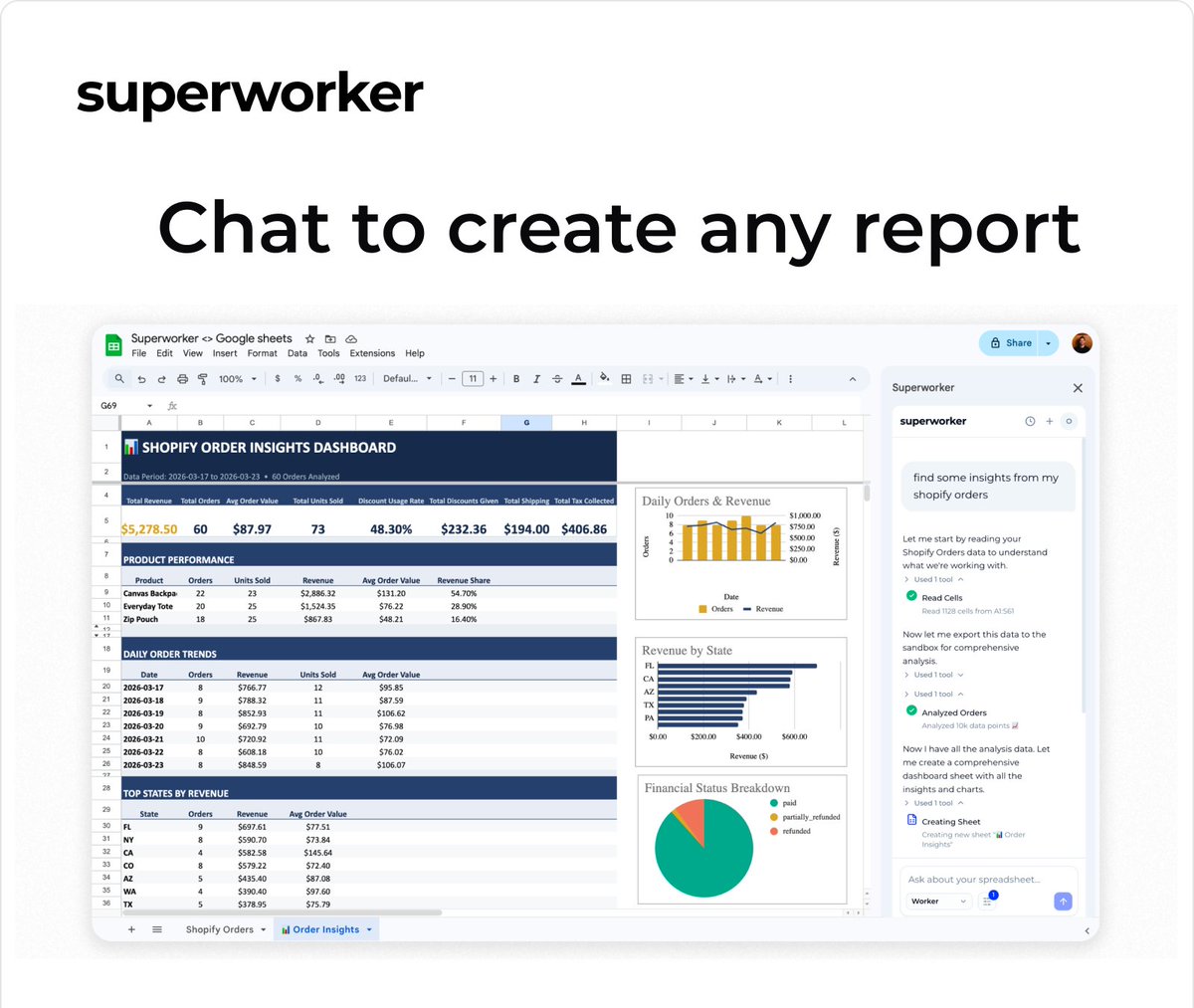
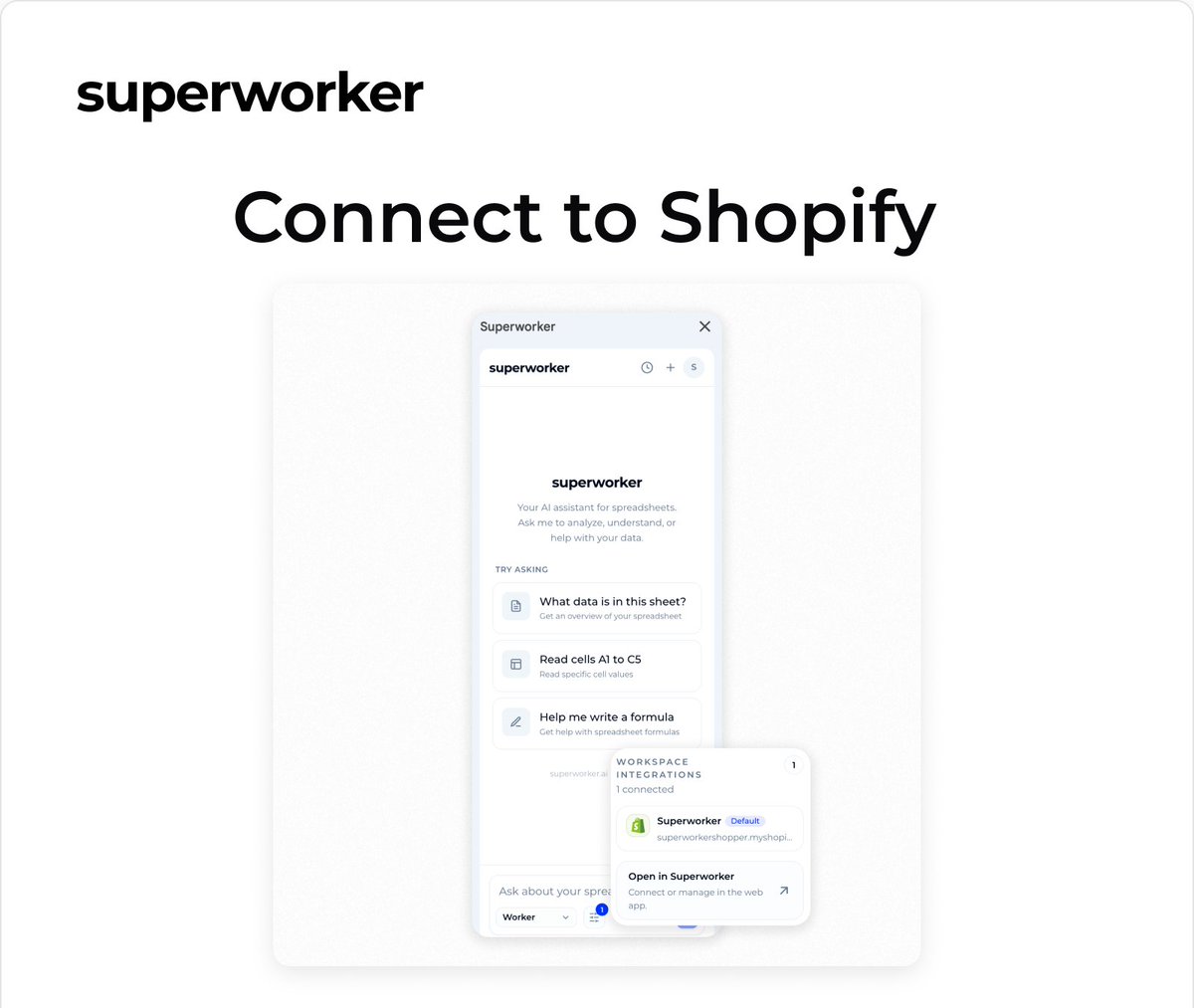
Now you can connect your Shopify store directly in Google Sheets with Superworker.
Your store data is pulled into the sheet for you, and from there you can ask for the analysis.
Now you can use Superworker directly in Google Sheets.
You can just ask for the analysis in plain English and it does the work in your sheet.
A lot of Shopify work already ends up there.
Even if exporting data is a pain, it’s still the easiest place to clean it, check it, and turn it into something usable.
So we built a Google Sheets add-on for @superworker_ai.
It cleans the data, runs the analysis, and leaves real formulas you can trace.
We’re opening the beta this week.
Already useful for a lot of workflows but still a work in progress.
If you try it, would love to hear what you think.
Link in comments.
Now you can use Superworker directly in Google Sheets.
You can just ask for the analysis in plain English and it does the work in your sheet.
A lot of Shopify work already ends up there.
Even if exporting data is a pain, it’s still the easiest place to clean it, check it, and turn it into something usable.
So we built a Google Sheets add-on for @superworker_ai.
It cleans the data, runs the analysis, and leaves real formulas you can trace.
We’re opening the beta this week.
Already useful for a lot of workflows but still a work in progress.
If you try it, would love to hear what you think.
Link in comments.
We connected a Shopify store to Superworker, uploaded their Klaviyo campaign export, one prompt to match recipients to buyers
four campaigns analyzed in seconds. you can see exactly which ones drove revenue and which ones didn't
works with any email platform. Klaviyo was just what this store was on