@Mecke_Dev Wow. Congrats on keeping it working for this long - that's a good innings. We'd love to know what the issues are and help provide some options for you. Please email us on [email protected] - Cheers, Swiftpoint Team.
@Thumb_culture Thank you for the written review. Great to learn about your use case and to see how you got on with the Z2. Any questions in the future you know where to find us.
If you want control and you’re willing to put in the time to unlock its potential, the @swiftpoint Z2 isn’t just a mouse, it’s a new way to work and play 🖱️
Read more in our full review 👉 https://t.co/uH3ftjKsmj
Splurged and bought a @swiftpoint z2 for mac productivity. Instantly fell in love as soon as I saw I could use left/right tilt as a layer (like Karabiner).
This may be the first product I ever write a long form review for. It simply aligns perfectly with my keyboard ninja brain.
@johnlindquist So good. Thank you for the feedback John. We love to hear it and we can't wait to see/read/watch your long form review. Be sure to tag us when you've created it.
We're excited to finally share a video that’s been a long time in the making...mostly because we’ve been a little nervous to let everyone know about the Auto Clicker abilities of the Swiftpoint Z2. But here we are!
https://t.co/HHXkl8Rn1T
We are beyond excited to announce the completion of our in-house video studio and can’t wait to bring you more frequent long-form YouTube content throughout 2025! The majority of our videos will focus on the incredible Swiftpoint Z2.
https://t.co/nqNjRdKGPv
@TroubleMagn3t Hi there. As mentioned before we are working on a wireless version as we speak but we have no set release date yet. We reworked the adhesive for the current Z2 on the thumb grips. Are you having problems?
Big shoutout to Designs By IFR over on YouTube for taking the Swiftpoint Z2 for a spin.
Be sure to head over, give it a watch, hit the thumbs up button, and drop your favorite feature of the Swiftpoint Z2 in the comments section.
https://t.co/TPKMKLx5oG
@cheezusdag@RocketJumpNinja@LinusTech We currently have no set timeline. We are still working on it as we speak. Stay tuned to our social media channels (mainly Instagram and Facebook), and or sign up to our email newsletter to receive updates on products and launches.
This ain't your average lightweight mouse. With the Z2, you're getting serious performance, precision, and yeah, a little extra heft for that perfect feel. Ready to feel the difference? Link in bio to grab secure yours now! 🔥
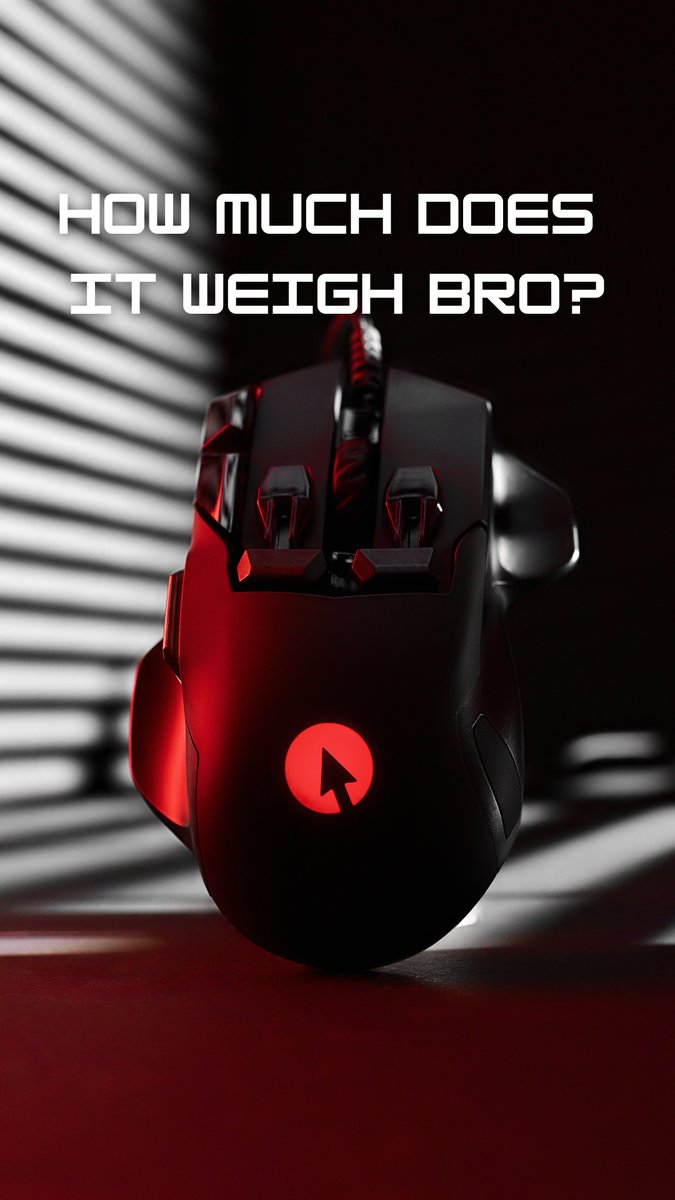
117g - Built Different 💪
One of the questions we get asked all the time is: What does it weigh though, bro?
You asked, and we’ve got the answer: The Swiftpoint Z2 tips the scales at 117g — that's solid! ⚖️
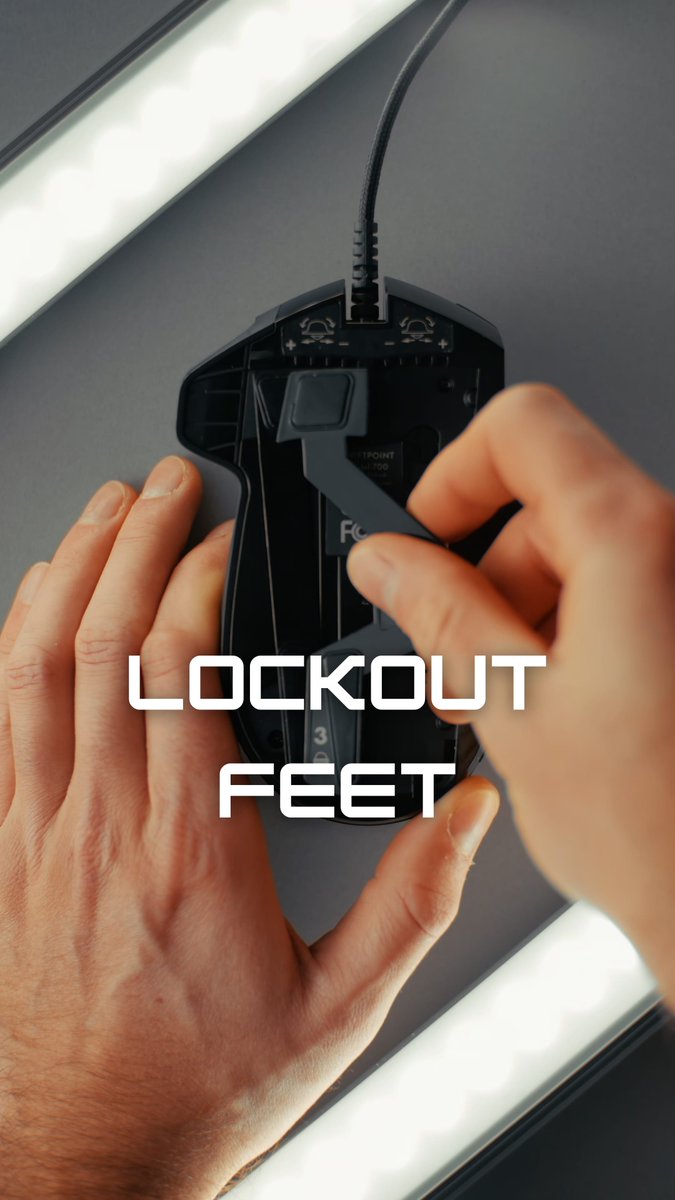
If you prefer a more stable experience or play games that don’t require tilt, simply swap out the magnetic tilt feet that come pre-installed on your Z2 and attach the magnetic lockout feet. This keeps the mouse planted flat and centred on your desk or mouse mat.
While everyone has been excited about the Swiftpoint Z2s tilt-enabled feet, we understand that tilt features aren’t for everyone or suited to every game. That’s where the Lockout Feet come in.
CREATOR Swappable Button Caps 🧢
CREATOR includes two sets of different-sized fingertip and trigger cap buttons, enabling you to tailor the mouse’s feel to your hand. ✋
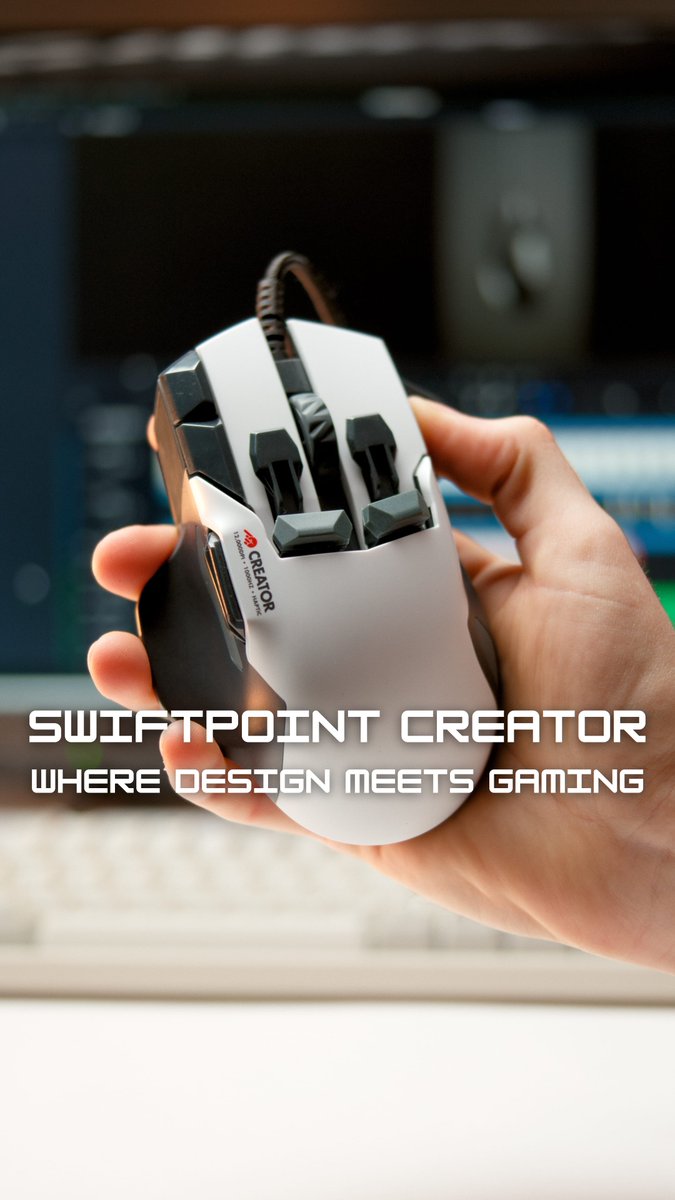
We invite you to experience the precision, comfort, and innovation that lets Creator elevate your creativity and gaming through ergonomic design and high performance features. 🔥
Creator is our classic-grip mouse that bridges professional design and gaming perfection. Trusted by Hollywood editing studios, Adobe, CAD, Blender, and Canva experts - and of course gamers - who want a stylish white gaming mouse with next-level features to elevate their setups.
With 13 fully customizable buttons and 2 deep click buttons, Creator gives you the flexibility to assign multiple actions per button, perfect for both productivity and gaming.