Tabox for Chrome and Edge lets you save your tabs and tab groups (in supported browsers) into collections that you can later reopen in a single click! Learn more and get Tabox for your browser --> https://t.co/5BBWpGEhJM
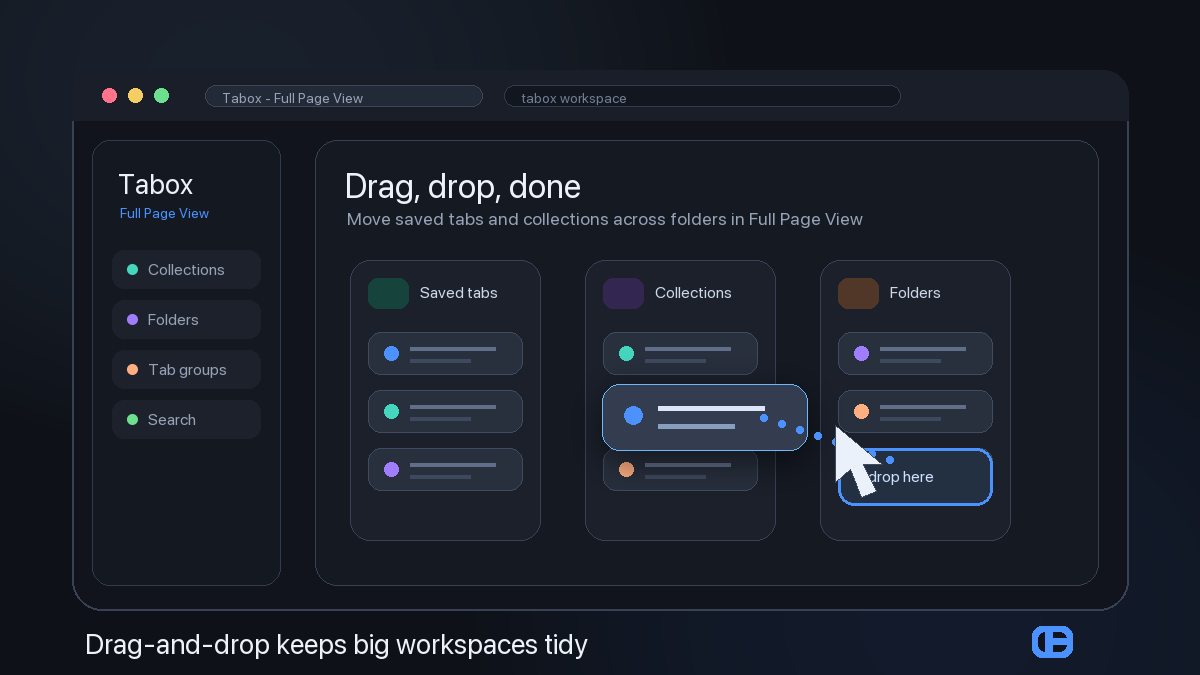
big tab collections are easier to tidy when you can move things visually.
In Tabox v4.1 Full Page View, drag and drop tabs, collections, and folders into place without fighting the popup.
what would you reorganize first?
#tabs#productivity
our popup saw your saved tabs and requested backup.
Tabox v4.1 adds Full Page View, so big collections can move into a full browser tab when they need more room.
#tabs#tabox
@PlugMonkeyXYZ@blakebha Hey! Sync is done via a secure section in Google Drive that is only available to the app that interacts with it - no one else can read or write to it.
Collection sharing is via exported files you can give to people to load.
@RyanOlunix Building Tabox - a way to manage your tabs, sync across devices and share your saved collections with others. Our focus is on privacy - no account needed, use your own Google Drive to sync. https://t.co/t6VHUT7Ocf
@JessePeplinski Hi👋 Building Tabox - a chrome extension for organizing your tabs, saving them for later and syncing across devices with focus on privacy.
Love to connect!
https://t.co/t6VHUT7Ocf
Tabox v4.1.1 is in Chrome Web Store review.
What changed:
- right-click menus + URL copying
- move/delete tabs from quick menus
- fixes for folder sync, deleted folders reappearing, special-character links, unloaded-tab placeholders, and redundant sync updates
rolling out soon.
new in Tabox v4.1: Command Palette.
Press Cmd+K to jump straight to actions, saved collections, and tab workflows inside Full Page View.
less hunting through menus. more getting back to the workspace.
#tabmanagement#chromeextension