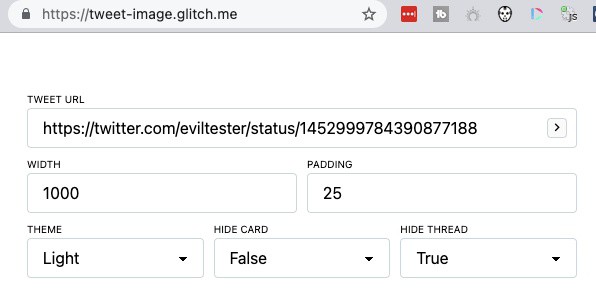
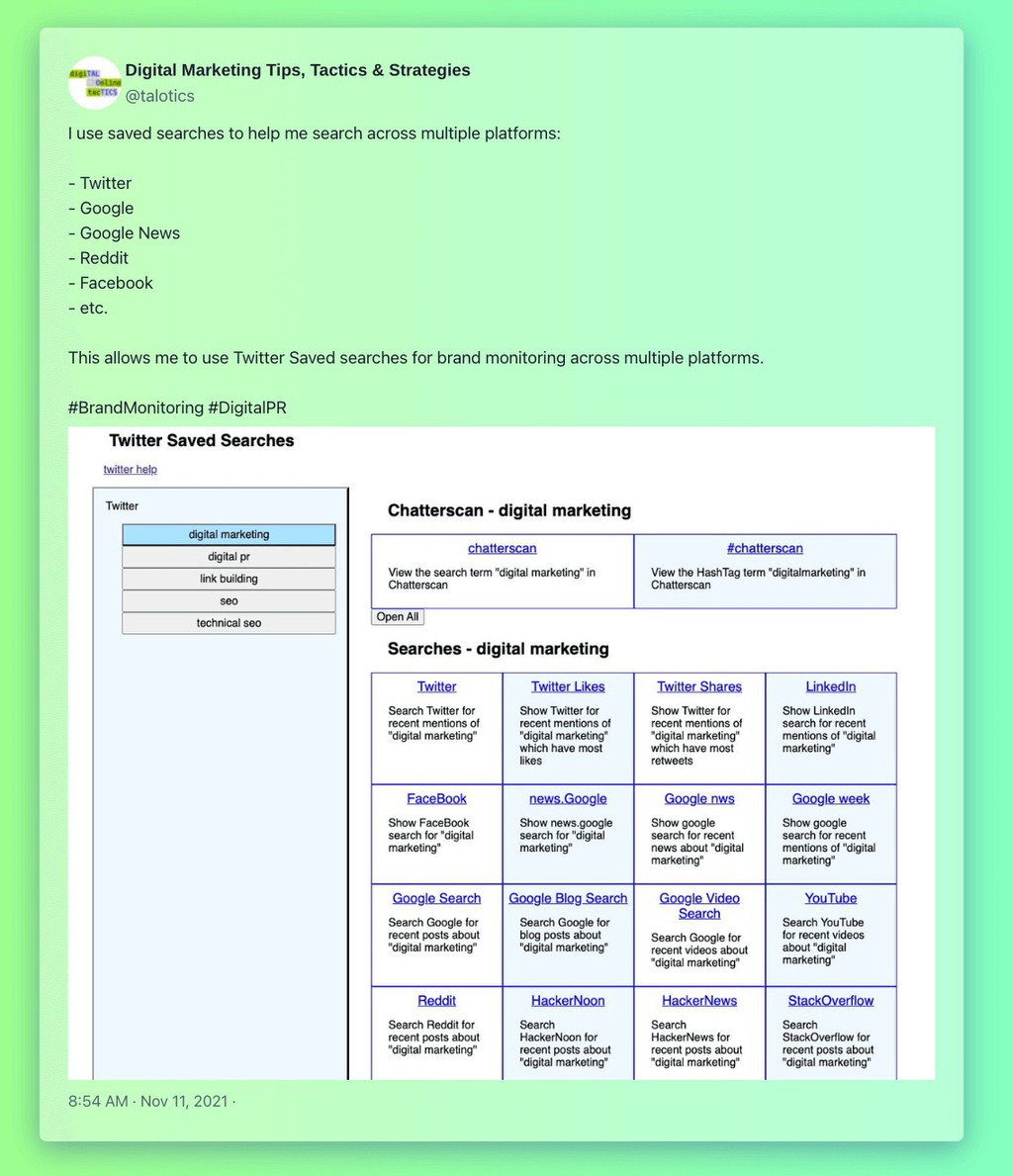
Paste in the URL of the tweet you want to convert, then configure the elements to show in the image: source, all the free tools in this roundup work the same way to make it easy to convert tweets to images.
Read more 👉 https://t.co/WkcSplwIb1
#contentmarketing
@trevoryoung Fortunately, the courses have now been restored. One course the videos were not backed up by Teachable, but I had a backup copy so they used that.
I've just created my own custom online course hosting system, but I know that option isn't open to everyone so I wrote a blog post describing options, how to evaluate providers and how to maintain your course.
https://t.co/Y4dKN8KUiS
@trevoryoung I found that the easiest way to 'hide' courses on Udemy and still provide coupons for free access is to make the Udemy courses 'password protected private' because the Udemy 'request access' functionality was a bit flaky.
@trevoryoung@teachable Most of my courses I also uploaded to Udemy at the same time. It was extra work to maintain two sets of courses but it means that I can give free coupons to people so they can take the course on Udemy even though they paid for it on Teachable.
@trevoryoung Lesson learned: create some sort of escrow course backup system which I am in full control of for all courses in the event of companies changing terms of conditions, or other issues.
The <img> element now supports lazy-loading, async decoding, Priority Hints and more. I wrote about some of them for the @StackOverflow blog: https://t.co/GPLHDyU36l. Helpful if optimizing UX & performance.
A Complete Technical #SEO Analysis with #Python for Sitemaps.
- Understand Indexing Signals for Search Engines
- Align Indexing Signals
- Audit Millions of URLs for Better Crawling and Indexation.
#seo#google
https://t.co/CUV3RTLmmR
via @sejournal