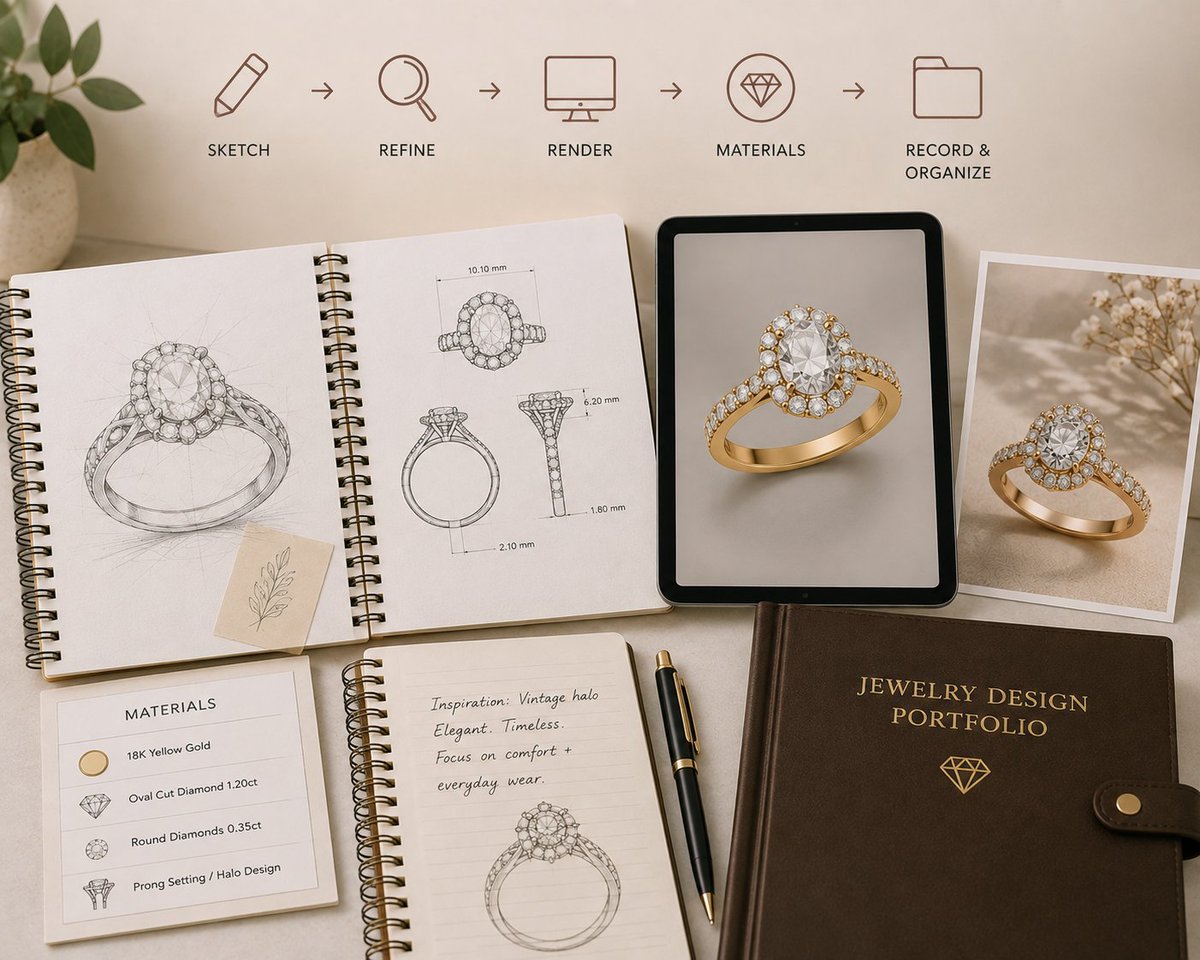
AI designed jewelry images are useful, but motion can make a design feel much more real.
With Video, jewelers can now take a design they already created and bring it to life without leaving Tashvi AI.
Introducing Video in Tashvi AI.
Turn your jewelry designs into short AI generated videos directly inside Tashvi.
Create the design, animate it, and bring it to life in one workflow.
Introducing Share in Tashvi AI.
You can now share your jewelry designs directly from the platform with clients, teammates, or anyone you are collaborating with.
Create, refine, and share without leaving your workflow.
At @tashviai , we’re focused on more than better looking designs.
We’re improving design quality, generation latency, and how users interact with the studio.
The metric we care about most: generation acceptance rate.
Did the studio create what the user actually wanted?
This is probably the biggest update we have added to @tashviai
We do not want to restrict creativity to one model or mode.
Now, jewelers can access leading AI models in one platform and choose the right one to create their best designs.
More choice. More control. Better designs.
Introducing Model Selection in Tashvi AI.
Choose between FLUX.2, Nano Banana, Banana Pro, and GPT Image 2 models based on the speed, detail, and quality you need.
Or leave Auto on and let Tashvi choose.
More choice. More control.
AI design should not only generate images. It should also help jewelers think through the design.
Ask brings that guidance directly into the same workflow.
Introducing Ask in Tashvi
Jewelers can now have a normal conversation with Tashvi while working on a design.
Ask questions like:
What setting would suit this stone?
Ask understands the design in your current thread and gives a written response without generating a new image
Small improvements like this make the design workflow much faster.
Users can now move a design from the Gallery directly into Canvas and continue refining it without starting over.
A faster way to refine your jewelry designs in Tashvi AI.
With our new Quick Edit shortcut, users can now move any design directly from the Gallery to Canvas for revisions and refinements.
No need to restart the design process. Open it, make changes, and continue creating.