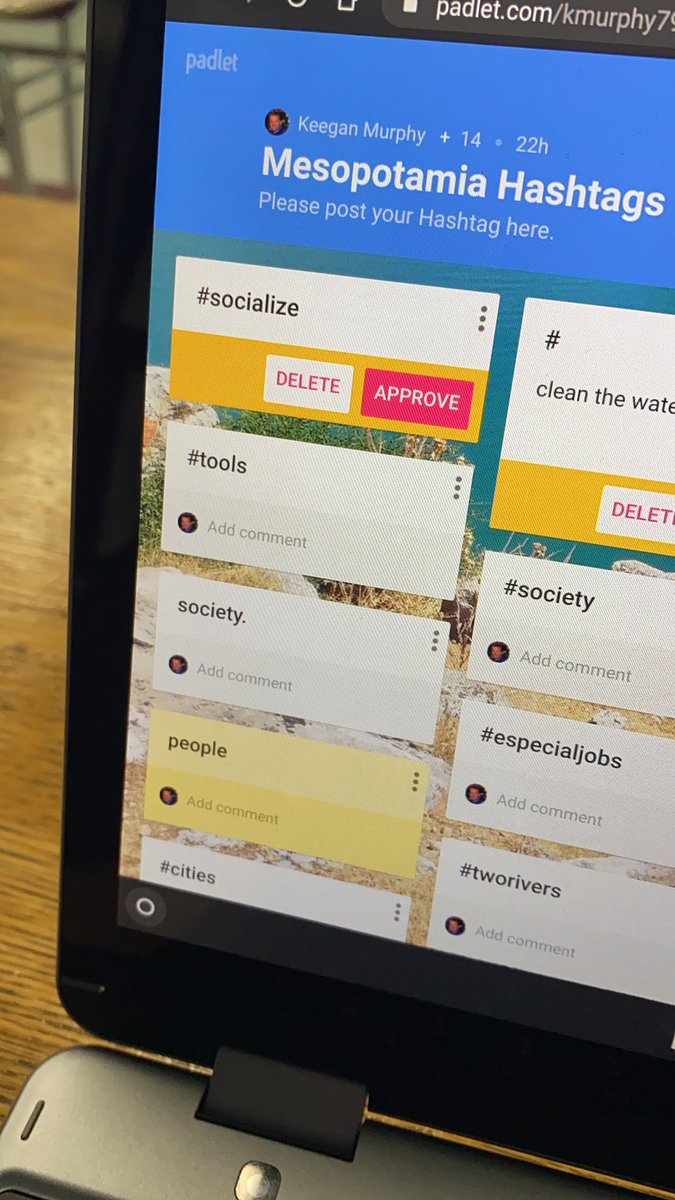
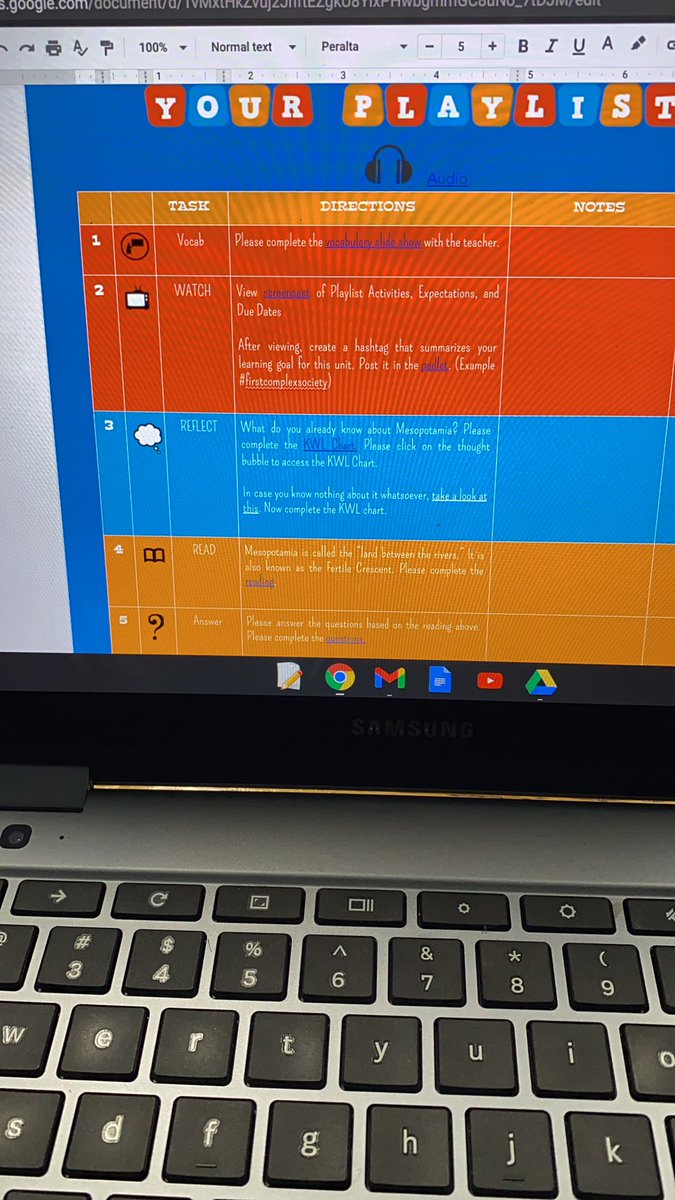
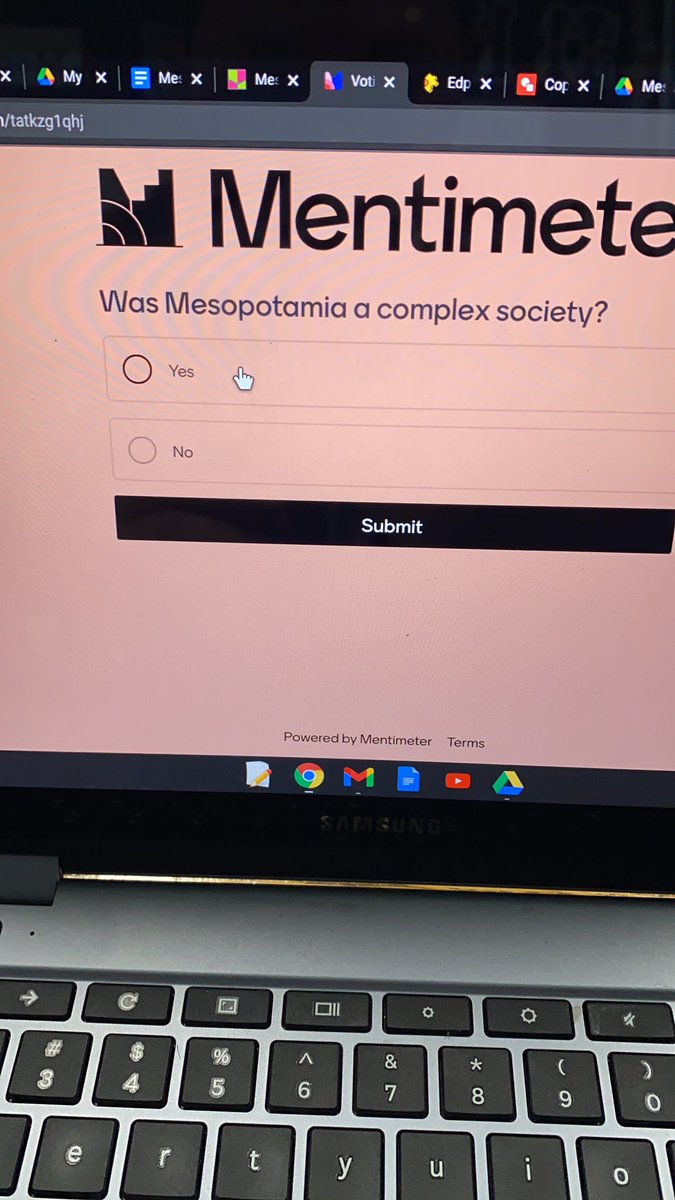
Just beginning the journey of empowering our teachers and students with powerful learning experiences and 1:1 devices and FREE WIFI, thanks to @dpvils.
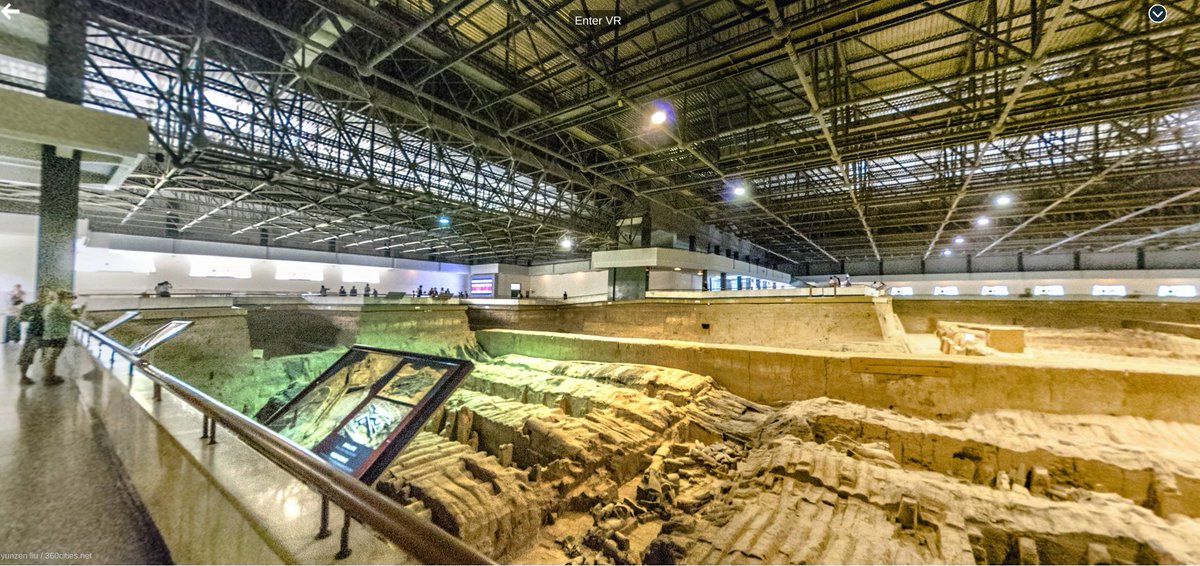
I am having so much fun attending @frps_Talbot remote classes. I got to play @nearpod Time to Climb in Mr. Casey's class, and then went a virtual field to see Emperor Qin Shi Huang's Terracotta Army.
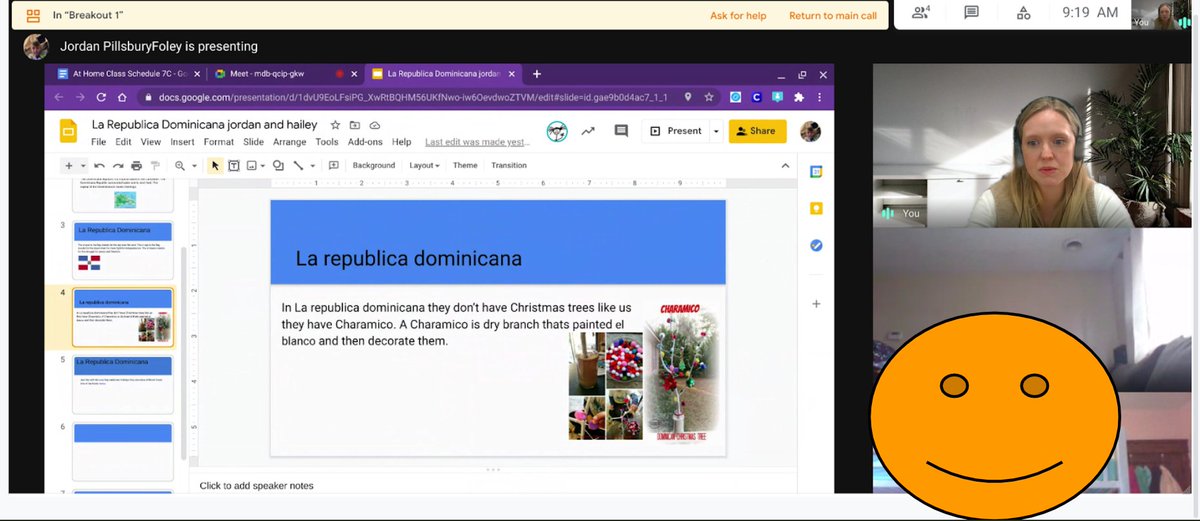
Who says we can't collaborate virtually? Ms. Matias' Spanish scholars welcomed me into their breakout room, shared their screen, and taught me all about Charamicos, handcrafted Dominican Christmas trees. @frps_Talbot@FRPSsupt@dpvils
@MsVecoli made Stations happen virtually using #breakoutrooms. She stayed in the main to answer questions from students working independently, Mr. Conboy ran a breakout room focused on embedding evidence, and another group explored Google Lit Trips! @frps_Talbot
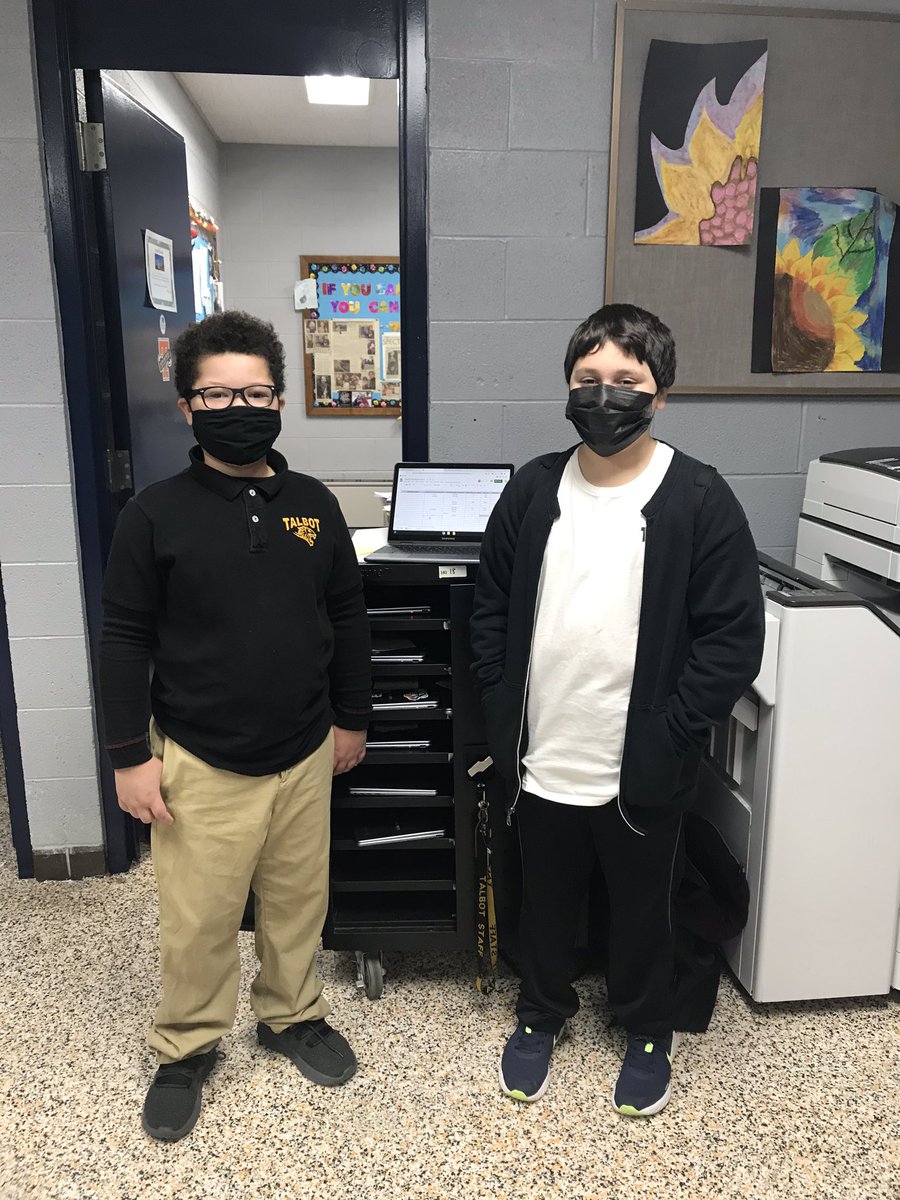
Thanks to @MrMurphy_frps for facilitating our @dpvils Student Tech Team. Our students are running the loaner stations, creating surveys and tutorials, and even repairing Chromebooks for our district. They are ready to help with next week's transition to remote learning!
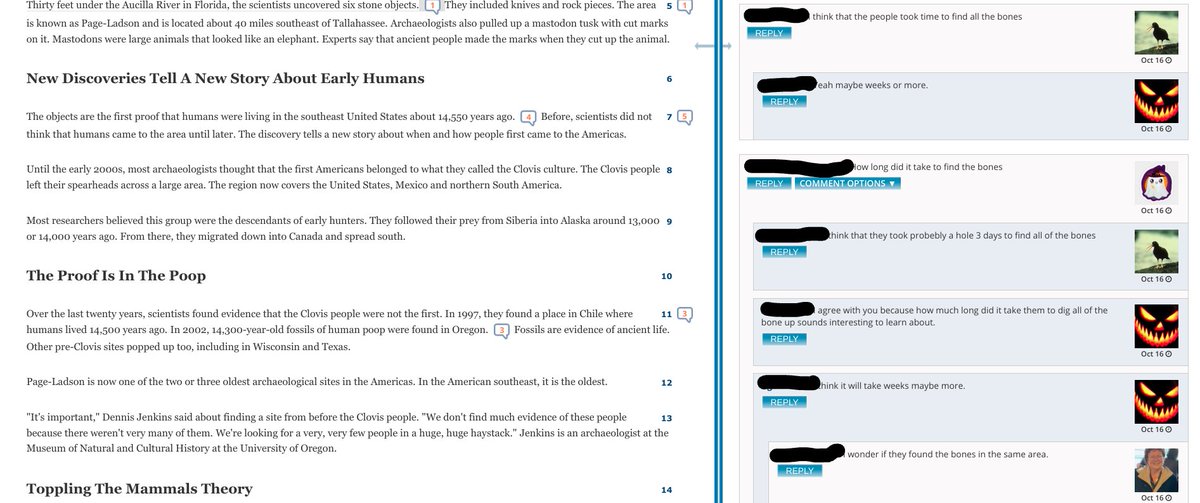
Have you heard of #socialannotation? All of @frps_Talbot
will be engaging this interactive reading strategy. Our 6th graders starting practicing with it using @NowComment
this week: discussing their first read of a text, from anywhere, in real time. @dpvils@FRPSsupt
@frps_Talbot: Our @dpvils goals center around digital annotation, assessment, and feedback. Today, @MsFoleySS' classes used the highlighting and commenting features in Google Docs to give each other specific, actionable feedback on their draft paragraph. #glows#grows@FRPSsupt
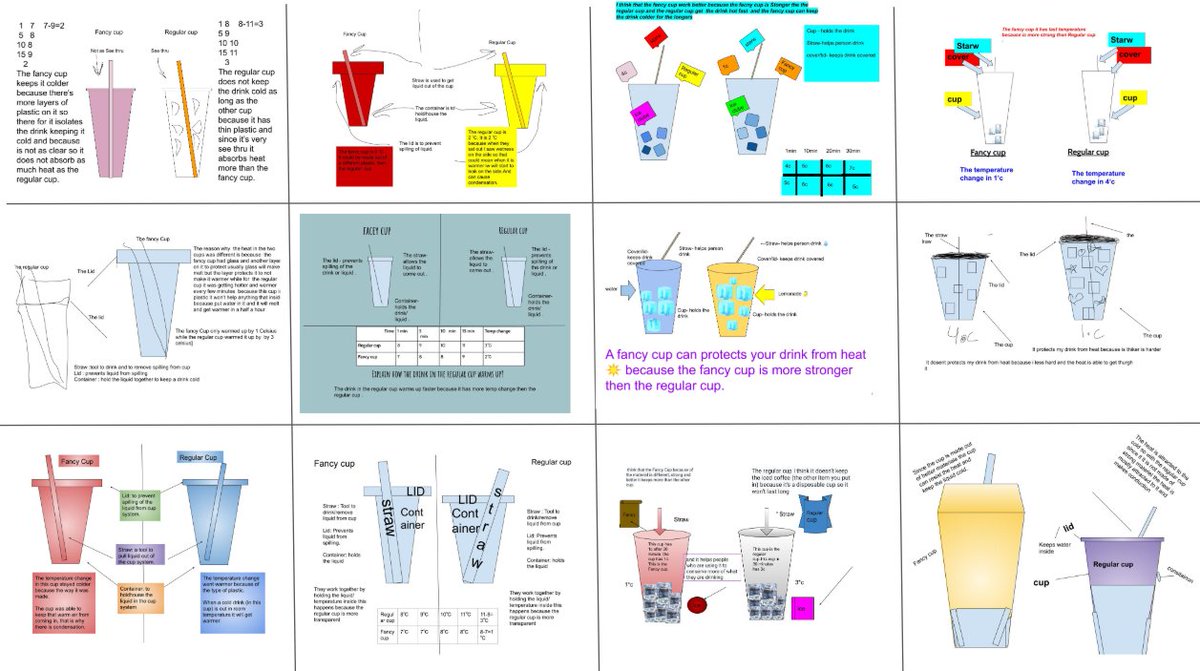
Bravo to our @frps_Talbot Grade 7 scientists for using their @dpvils Chromebooks to create their 1st initial models, and their teachers @pavao_lisa & Mrs. Dominov for using CBs to film and edit their demos! @StemTalbot @FRPSsupt@OpenSciEd@wevideo https://t.co/GFJCppMFso
#ICYMI: your students can stay on top of their classwork with improved to-do list functionality in #GoogleClassroom—accessible through their Classes page. They’ll know exactly what’s due, and when 🗓️. For more #GoogleEdu updates → https://t.co/NFFA2xSZk2
@FRPS_Talbot It's the first day of school, and we can't wait! Here's everything you need to know about 1st day back today in one spot: https://t.co/ul1KZKM3za #firstdayofschool@FRPSsupt
@frps_Talbot: Hybrid Students, At 7AM: Log in, Go to Google Classroom, join your Advisory Class, and follow directions to join your virtual meeting. Your advisor will connect your with the rest of your teachers from there!
@frps_Talbot
Fully Remote Students: At 7AM, Log in to clever, go to Google Classroom, join your Advisory class and meet up with your Talbot-based advisor. Then, watch this video:https://t.co/NanC8VP0pP and follow this to-do list: https://t.co/keKEUsrtQC
@frps_Talbot Technology FAQ's: Click here for answers to your most asked questions about logging in and getting ready to learn: https://t.co/fMYOxLG2Wk
@frps_Talbot Students: Having trouble logging in to your new chromebook? Request a new password: https://t.co/CJwEVniJb4. FYI: If you are an incoming 6th grade or transferring from a different school, be patient! We will share log-in information via email ASAP.