@CS56582359 Part of me thought this was one of those “situations” that people try and blow way out of proportion for engagement, etc.
But Apple acknowledging this kind of makes it an official issue I’d say. My phone is still crack-free 😅
Gotta be honest: I just…don’t want this at all?
Without Apple Pencil support, and without the ability for the screen to flip all the way around, what purpose does this serve?
@kalvintousant My girlfriend has a Surface too, and she uses the touchscreen 0% of the time. Laptops just aren’t optimized for touch, and I’m curious how MacOS apps will be updated to support it properly. This just feels like an after-thought or spec-padding feature
@sachinbahal I don’t doubt that the new screen probably looks great, but the addition of touch seems like a complete after-thought and not a core feature at all.
I’ve seen approximately eight thousand videos & tweets about the glowing Apple logo…
And like two videos of the actual touchscreen being used. 🤷
Guys, we’ve lost the plot here.
Close friends of mine literally didn't know Duo was released. Some didn't even know folding phones existed. Easy to remember us tech folks are in a whole different bubble.
iPhone Duo is definitely the most polarizing Apple product in a while. I've seen harsh takes from Apple purists, and high praise from people I never expected.
App compatibility, the screen "breaking," the pre-order experience, etc.
And 90% of the public doesn't know Duo exists
I’m a boomer and don’t know how to use X properly so this thread is all messed up, but my first few hours with the iPhone Duo have left me… confused and relatively disappointed 🤷♂️
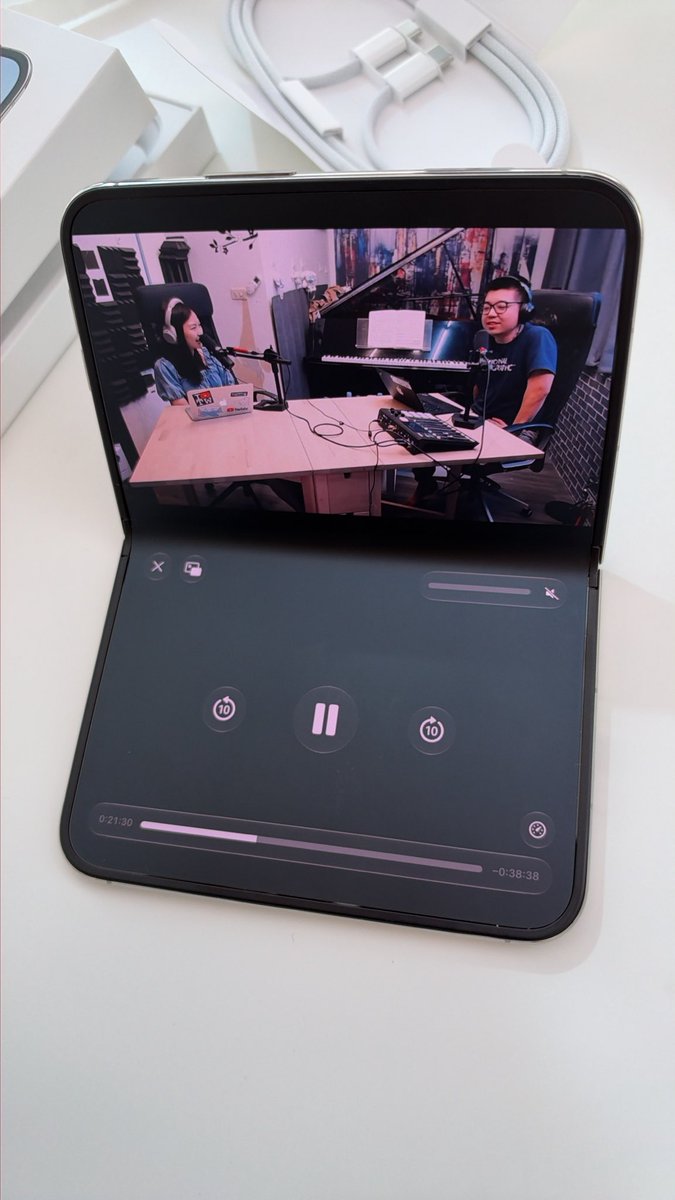
The iPhone Duo *really* doesn’t like being in a half-folded state, especially when you’re touching & swiping. Glitches, crashes, etc.
I also have no idea why you would want to use it like this because the apps aren’t formatted to work in a unique half-folded way?
You can’t open Split View multitasking from the multitasking / multi-window page. You have to be *in an app* first.
So Split View multitasking is always: Open App -> Enter Split View -> Open Second App
The camera app on iPhone Duo doesn’t have a consistent portrait vs. landscape layout.
In portrait, the layout is as-expected.
But in landscape, some of the icons, text, buttons are portrait, and some are landscape.
And they swipe conflicting portrait & landscape ways ???
There is no “resizing” of the apps in Split View multitasking with iPhone Duo. The apps retain the 50/50 size, or the app you pull over nearly full-screen just auto-opens full screen and closes the other app.
So many people show “resizing” and that’s just not a feature.
The “Portrait” Split View multitasking that’s been shown is just a floating video on top of an app, but it doesn’t function as Split View multitasking at all. It’s a unique 50/50ish Portait top/bottom layout, but it’s not the same feature as Split View
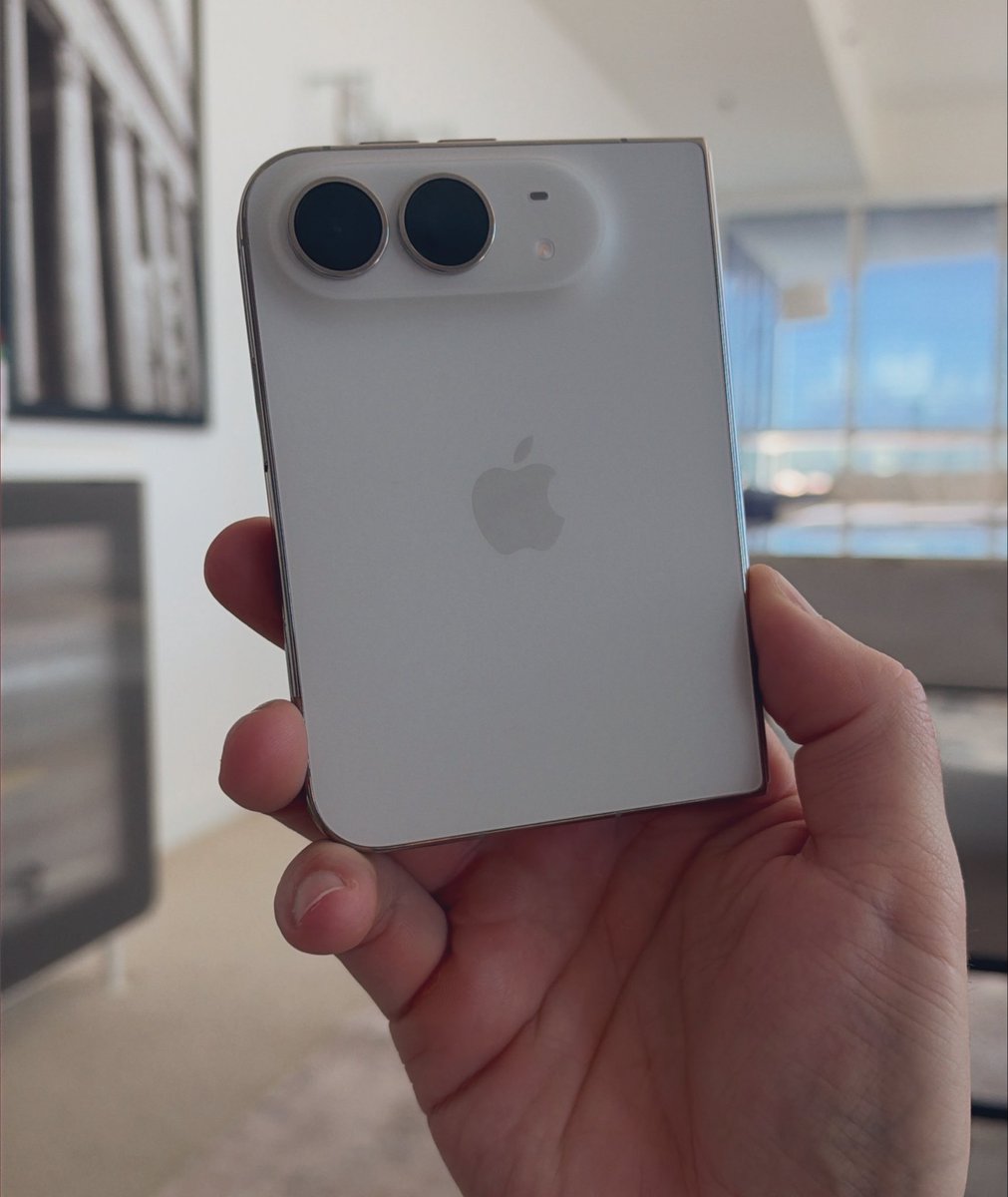
They said it couldn’t be done. Yet we remain undefeated 😤 iPhone Duo in-hand.
The 9am - 10am pick-up time had like 50 people in line when I left. Spread across the whole day, my store probably had 150+ in stock.
But as of now, they’re basically all claimed for reservations.
@CS56582359 Android is the answer if you want a foldable. Anything from the last 2-3 years.
Playing with the Duo feels like using a pre-production device right now