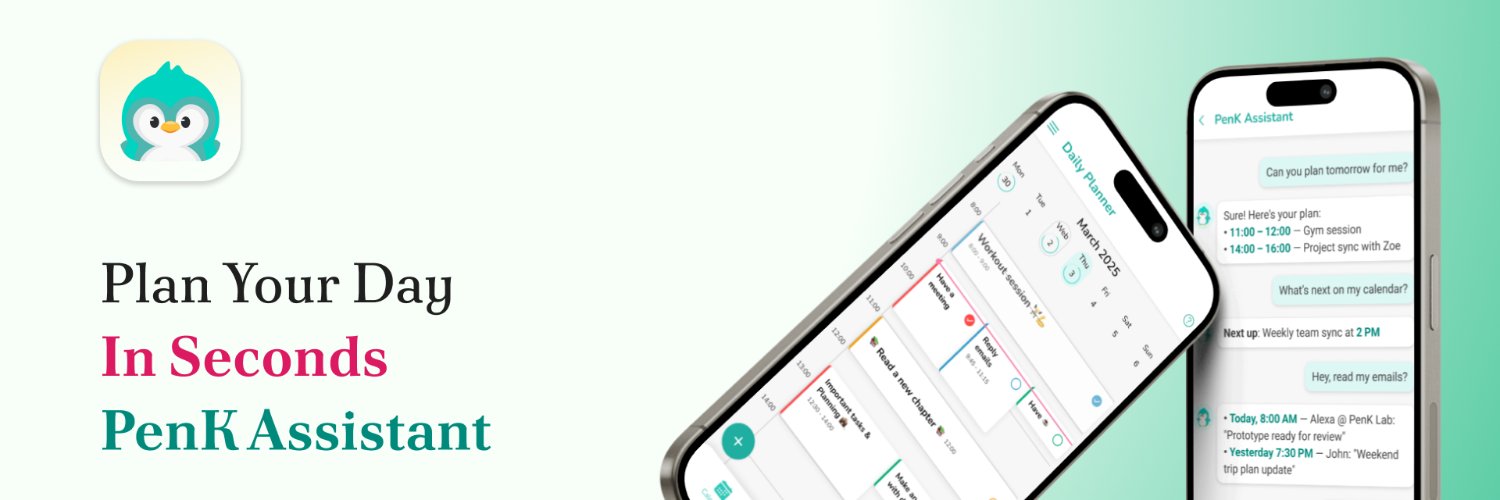
I created PenK (https://t.co/ietBPFT3JL), your friendly AI assistant, to make daily life simpler. It helps you effortlessly plan your entire day in seconds, syncing with Google Calendar. Say goodbye to mental clutter and get back to doing what truly brings you joy.
@deifosv@polar_sh@goon_nguyen I found the same issue when implementing Polar for my SaaS. The only way I can get it to work is to copy the code, paste it while my mouse is hovering over the 'Apply' button, and then click it during the 0.5-second blink. Fuck this shit xD
@ZaidSunasra Thanks for the suggestion, Zaid. Charging a subscription is definitely tempting, but my core desire for building Lockify is to get rid of them for personal use and for small teams. It's also a major competitive point for me.
Why build another password manager when there are so many good ones out there?
Simple: I hate subscriptions. And as far as I know, there are no PMs that offer a one-time purchase for small teams. For small businesses or self-funded startups, maintaining those recurring subscriptions can be a nightmare and a burden.
So, what if I can offer a password manager with nearly the same core security features (SRP, safe sharing, autofill, TOTP) for a really reasonable one-time purchase price—like only $50 for a team of 10 forever, instead of ~ $960 / year if using 1Password?
That's the niche Lockify is coming for.
For a more detailed comparison, please visit: https://t.co/FEGva2NnVr
If you see Lockify could be your solution, please sign up for the waitlist!
@ZaidSunasra To create a workspace for your team, you must first be a Lockify Pro user, which is a one-time purchase of $29.
Then, for every workspace you want to create, the cost is a one-time fee of $20 for 4 slots, with an additional $5 for each slot after that.
@goon_nguyen What if instead of a keyboard, we combined an LLM with presets of popular commands?
You could select an 'intention' like 'list files' or 'run test,' add some context, and the LLM would generate a few cmd options.
Not sure about the UX.
My 2 products:
- A "mature" app: 3 months in, 136 landing page visitors.
- A simple landing page without an actual product: 3 days old, 548 visitors, 4 waitlist sign-ups.
You can build a great product, but if the market isn't there, it doesn't matter.
As a developer, have you ever looked at a tool you use daily and thought, 'I could just rebuild this myself'?
I'm definitely having that syndrome right now with my password manager... 😅
Day 3 of landing page-only marketing:
- 548 visitors
- 2 waitlist sign-ups
Honestly, I doubted this approach. But seeing 2 real emails proves: if your idea truly fits, people will wait for your solution.
FYI: I'm building a one-time purchase password manager for small teams.
@jonathan_builds Definitely aiming for the best UX I can. I use password managers a ton myself, so I hope my taste on this one is good haha!
Btw, I'm also thinking of integrating 2FA like Authy directly into Lockify for extra convenience.
Revenue isn't predictable with one-time payments. To maintain the app, I'll try converting users to open new workspaces for their small teams/businesses. One new workspace costs $10 for 4 slots, and $5 for an additional slot. After all, I'm focusing on attracting that small biz niche.
Thanks so much for checking out Lockify and for your kind words.
Lockify is designed as a zero-knowledge system with client-side end-to-end encryption. Your data is encrypted with a key derived from your master password using SRP and Argon2id before it leaves your device. The server never stores or sees your actual password or plaintext data; it only handles encrypted blobs.
For syncing across clients (browser, web, desktop, mobile), the server acts as a secure relay for these encrypted blobs. When sharing, the item's key is re-encrypted with the recipient's RSA public key, ensuring only they can decrypt it.
I'll consider supporting self-hosting if users want to use their own cloud.