PSA: Plaid and 3 Performance owners with creaky sports seats
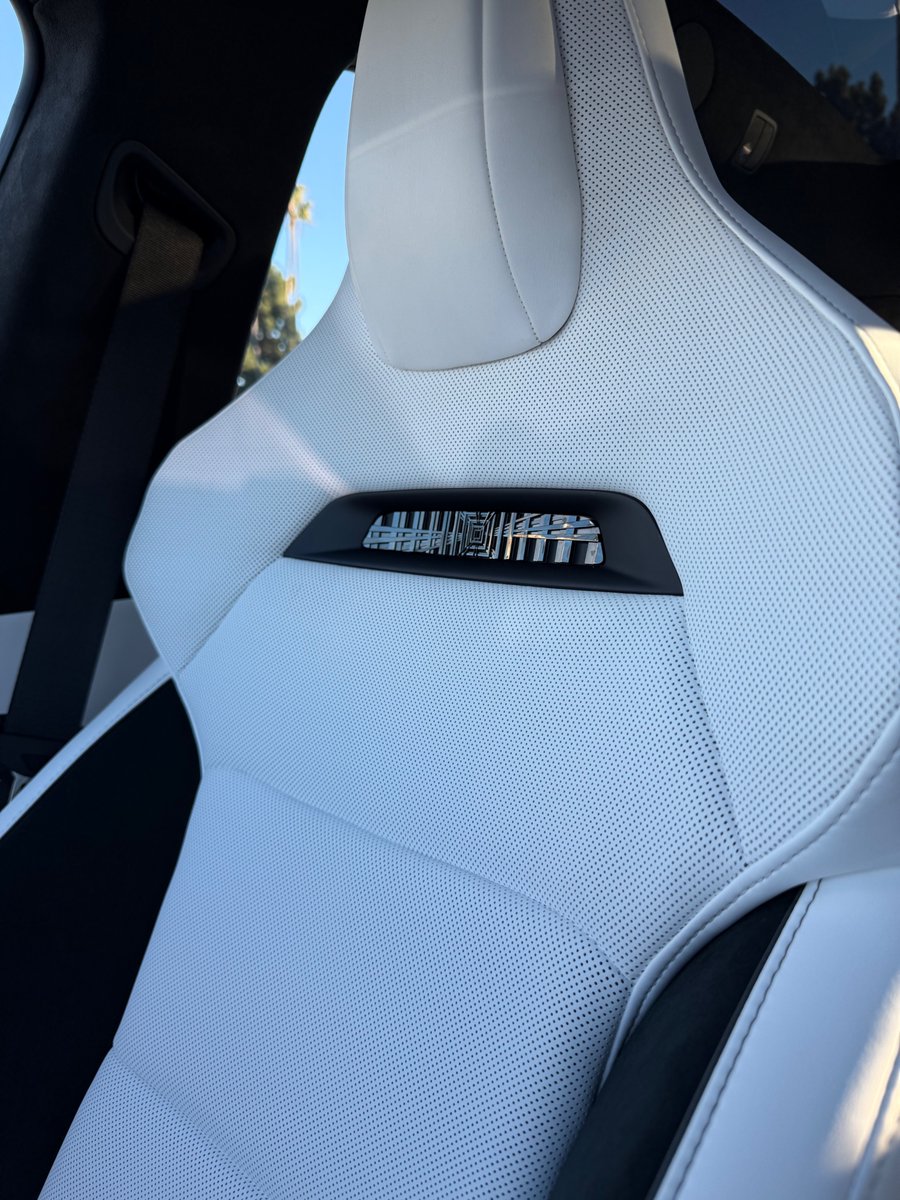
the seats are comfortable but highly creaky as you get in/out or as your weight shits around.
Tesla couldn't fix mine and replaced it, but it slowly started happening on the new one.
There's an easy fix 🧵
PSA: Plaid and 3 Performance owners with creaky sports seats
the seats are comfortable but highly creaky as you get in/out or as your weight shits around.
Tesla couldn't fix mine and replaced it, but it slowly started happening on the new one.
There's an easy fix 🧵
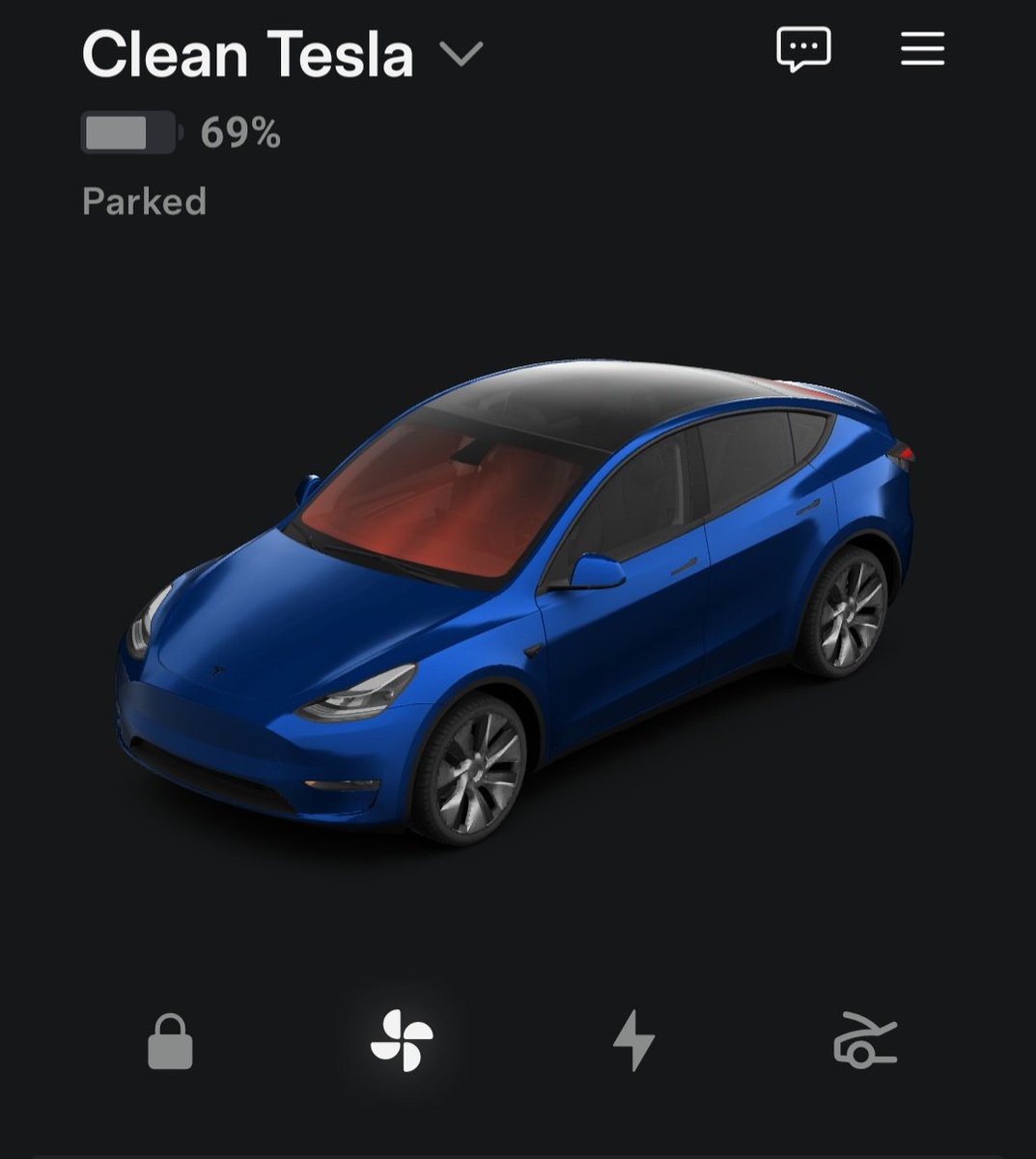
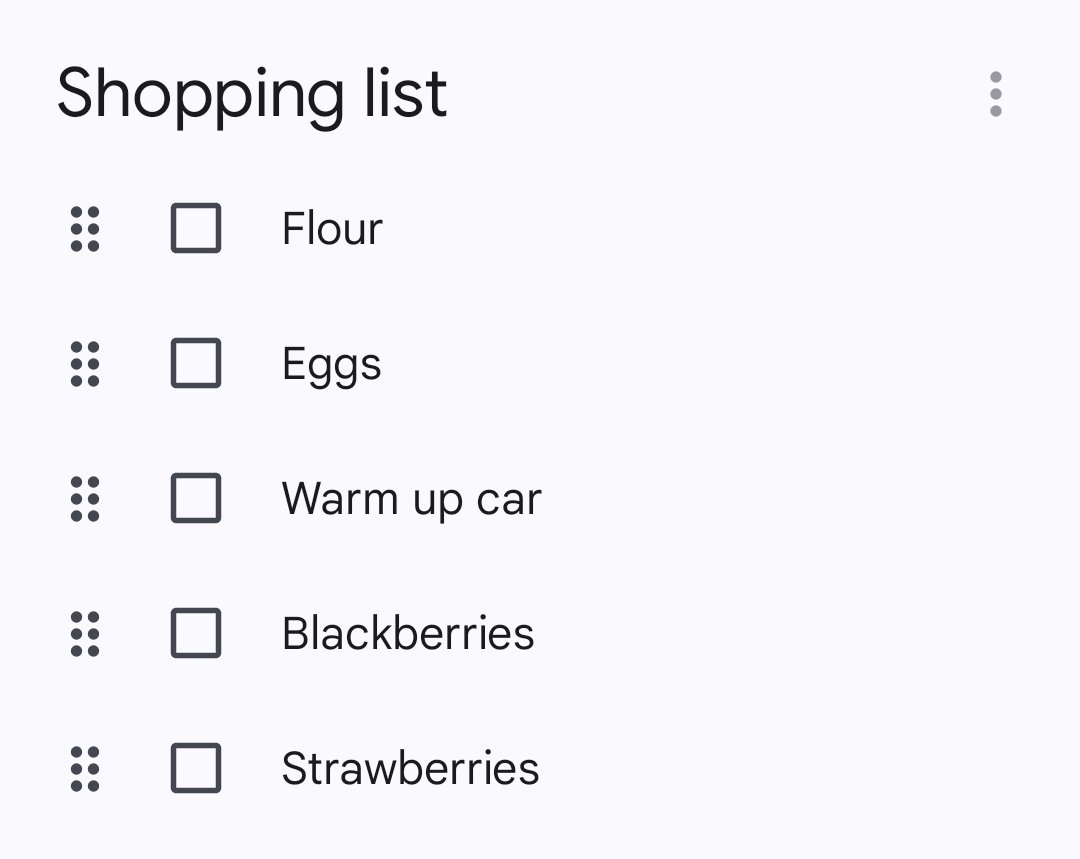
When I go grocery shopping in the winter, I add "warm up car" near the end of my list. By the time I check out and get to my car, it's toasty warm for me. Being able to adjust the climate of the car from anywhere is one of the best things.
A modern electric car with a heat pump only requires about 2 kW of heating power even at -25°C.
With typical 60-100 kWh batteries, this means you can remain stationary in a traffic jam for about 30-50 hours (at -25°C).
At the temperatures typically seen in Germany, it would last significantly longer.
A combustion engine, consuming ~1 liter per hour, would last around 35-50 hours with a 35-50 liter fuel tank.
Crucial EV winter #Teslahack:
When stuck in a snow storm, don’t nav to Superchargers. Your Tesla will heat the battery unnecessarily during standstill.
The heating energy ♨️ is there - just let the car chill (pun intended) ❄️☃️🌨️🚗
thanks @csanyi_andras 💫
I got into a standing snow storm last winter. I stood there for 3-4 hours, and the battery was below 50%. When I got out finally it was in the low 30%.
There is a rule however. Don’t give a supercharger as a destination. Battery heating takes a lot of energy and the car isn’t aware of that you’ll stand there for hours, so it can’t optimize consumption.
A lot of people complained about the new Tesla Model 3's blinker buttons replacing traditional stalks. I need to tell you: you're doing it wrong!
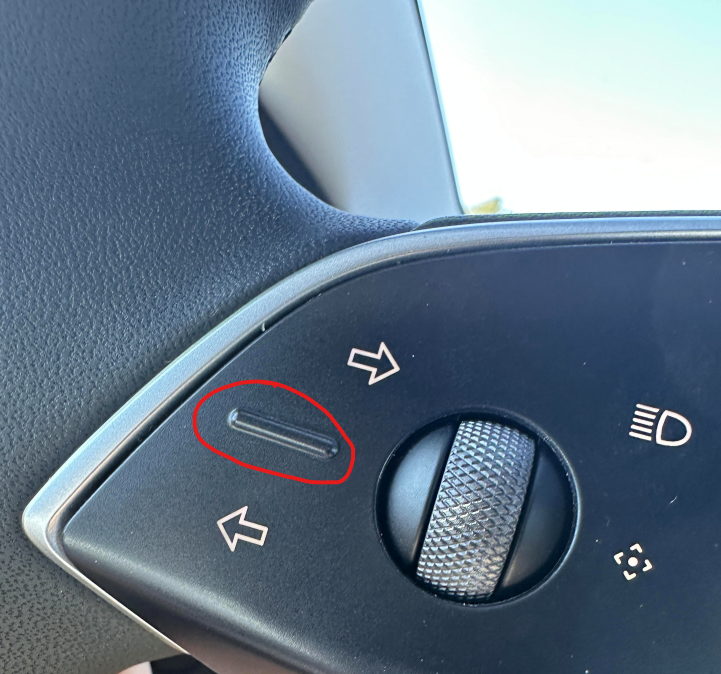
The blinker application becomes immediately intuitive the moment you start to put your thumb on the little ridge which you can see in the picture.
As soon as you do this, you can 'feel' the correct blinker button since the blinker application turns into: thumb up press 'right turn' and thumb down press 'left turn'. This also works well in roundabouts since the blinker application never changes: it's always the same thumb movement regardless of the orientation of the wheel/hands! Thumb up or down. That's all.
A lot of people complained about the new Tesla Model 3's blinker buttons replacing traditional stalks. I need to tell you: you're doing it wrong!
The blinker application becomes immediately intuitive the moment you start to put your thumb on the little ridge which you can see in the picture.
As soon as you do this, you can 'feel' the correct blinker button since the blinker application turns into: thumb up press 'right turn' and thumb down press 'left turn'. This also works well in roundabouts since the blinker application never changes: it's always the same thumb movement regardless of the orientation of the wheel/hands! Thumb up or down. That's all.
enable insane mode while driving:
press down the left control button for a couple seconds
then press left
then scroll to Acceleration Mode and click button.
🚘 🚀
#teslahacks
What are some features in your Tesla that you can’t live without?
When you are a Tesla owner it’s impossible to go back into something else and feel comfortable.
I'll start:
1) don't leave sentry mode ON without the charging cable connected;
2) at least 30% SoC (everything off)
3) don't keep "waking" the truck with your mobile phone if you haven't left the charging cable connected.
I'll start:
1) don't leave sentry mode ON without the charging cable connected;
2) at least 30% SoC (everything off)
3) don't keep "waking" the truck with your mobile phone if you haven't left the charging cable connected.
Your Tesla gets better while you sleep
Highlights from our upcoming Spring Release below
—
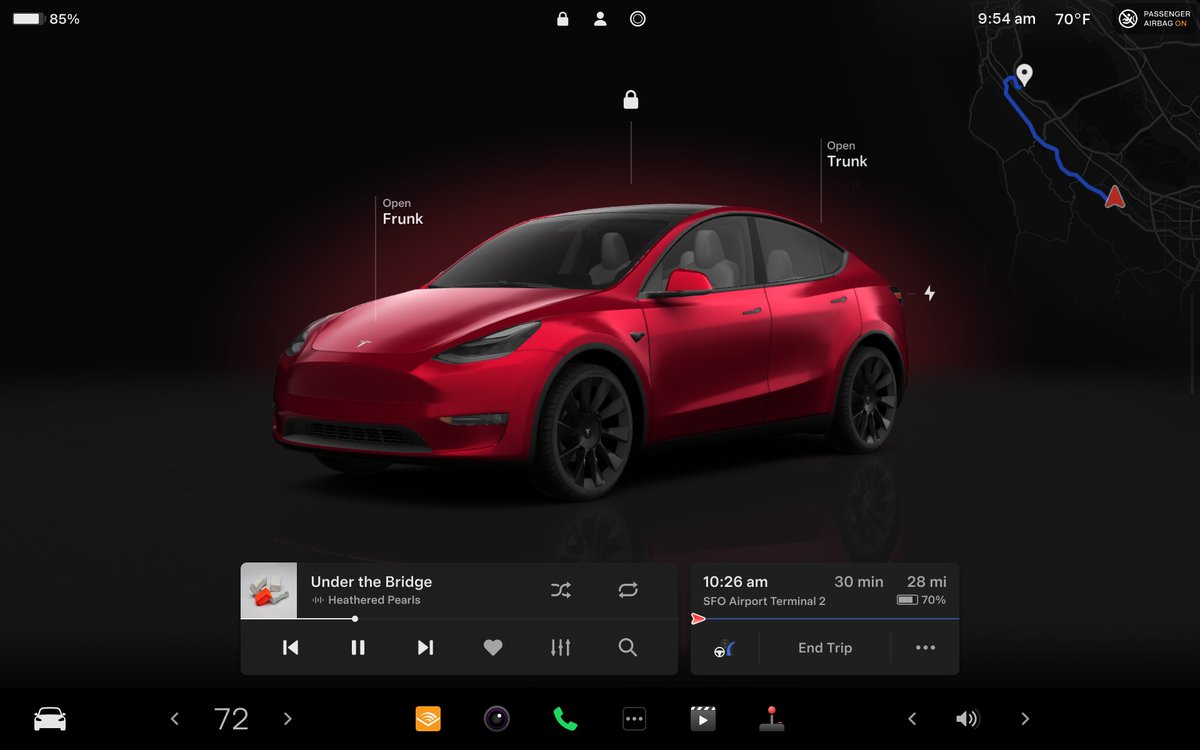
Visual updates (Model 3/Y with AMD chip)
– Immersive full-screen vehicle controls when parked
– Large playback controls & quick access to Recents, Favorites & Up Next in media player
– Expandable Autopilot driving visualizations, with a smaller map in the top right for trip guidance
Auto Shift Beta (Model S/X 2021 & later)
Auto Shift (Beta) can now also shift between Drive (D) & Reverse (R) based on your surroundings, in addition to shifting out of Park (P).
Vehicle settings > Pedals & Steering > Auto Shift (Beta)
Audible
@audible_com is now available as a native media app.
Spotify queue & playback speed
You can now sync your @Spotify queue across vehicles & devices & adjust playback speed.
Hands-Free Trunk (Model S/X 2021 & later, upgraded Model 3)
Stand still behind your trunk with Phone Key & the trunk will open on its own.
Vehicle settings > Locks > Hands-Free Trunk
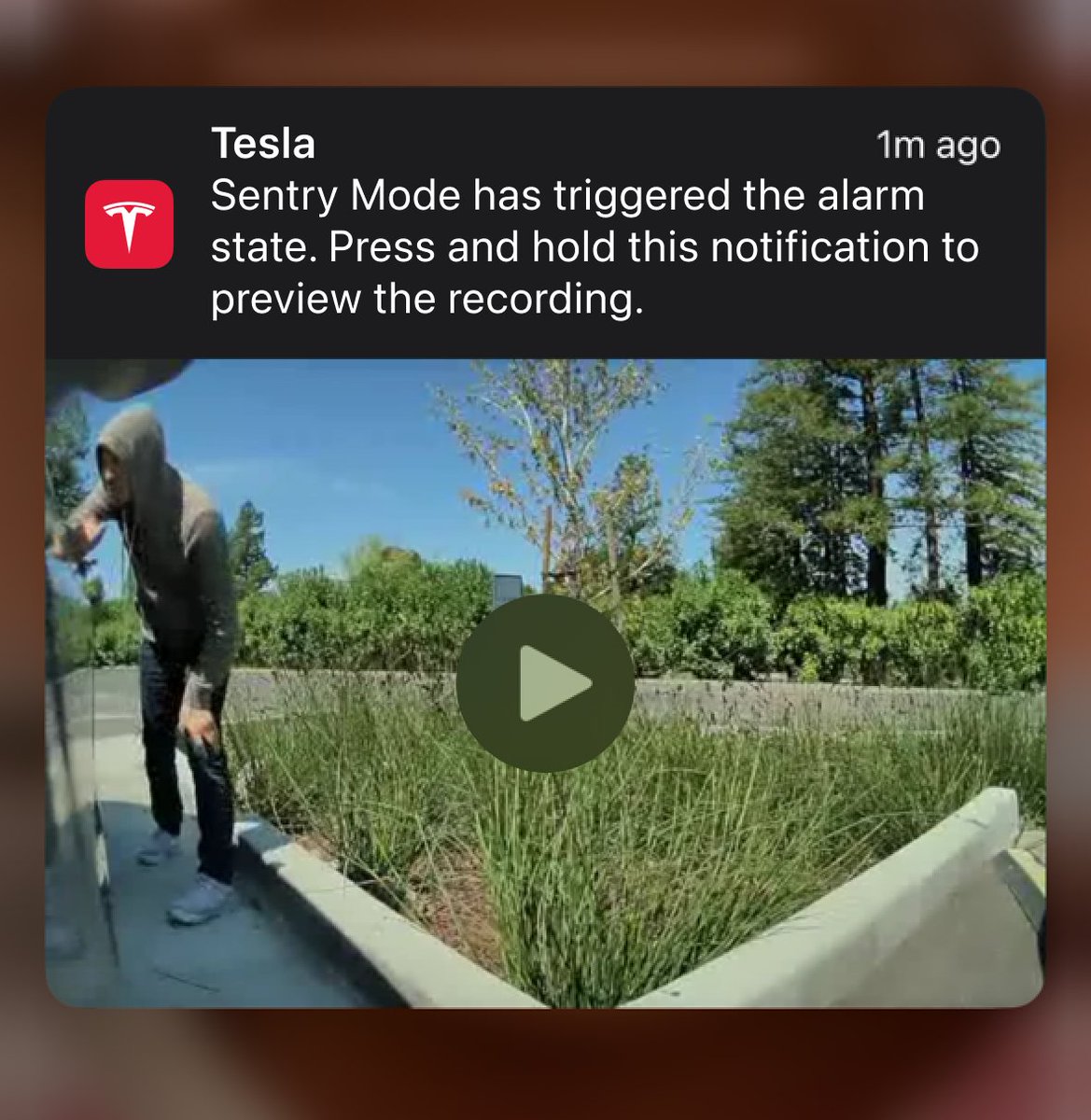
Preview of Sentry Mode Recordings (select countries)
Preview a brief clip of Sentry Mode recording on your phone if alarm is triggered by pressing & holding notification.
Increased Regenerative Braking on Highway (Model S/X 2021 & later)
At high speeds, your vehicle now allows for more regenerative braking, meaning more energy can return to the battery.
Are we there yet??
Rear passengers can now see current trip details, time & temperature at the top of the rear touchscreen 👀
I've seen a bunch of videos complaining about the new driver monitoring system, but every driver seems to mess it up. Here are a few tips to avoid getting a strike and not getting beeped:
Keep your hands on the wheel and apply gentle torque in one direction. Keep your eyes on the road. Do this IMMEDIATELY after activating Autopilot. The monitoring is most strict in the first seconds after activation.
Don't wiggle the steering wheel like a lunatic.
Don't activate Autopilot while holding a phone in your hand.
Look at the road every few seconds when you're using the screen.
If you follow that from the start, just gently applying torque during the drive is enough, and you can even shoot a video without getting beeped:
@cybrtrkguy@TKlun1@shmkane@SawyerMerritt Good idea. We’ll get on that. In the meantime, know we label all Tesla designed tires whether from Michelin, Goodyear, Hankook, Conti, Pirelli, etc with a T# marking and that can be seen at any tire store. get the T0, T1, T2 and know it’s from us.
Tip of the day: You can use the App to remotely make your Tesla fart while your wife is driving. The car plays a random fart sound on the driver's side 💨
I've seen a bunch of videos complaining about the new driver monitoring system, but every driver seems to mess it up. Here are a few tips to avoid getting a strike and not getting beeped:
Keep your hands on the wheel and apply gentle torque in one direction. Keep your eyes on the road. Do this IMMEDIATELY after activating Autopilot. The monitoring is most strict in the first seconds after activation.
Don't wiggle the steering wheel like a lunatic.
Don't activate Autopilot while holding a phone in your hand.
Look at the road every few seconds when you're using the screen.
If you follow that from the start, just gently applying torque during the drive is enough, and you can even shoot a video without getting beeped: