$TESSYN is live on @RobinhoodApp.
CA :
0x066141bb21ef5a6c754825c05617ac59c5c55f75
Give Tessyn a task in plain language. It plans the steps, conducts research, builds pages, analyzes data, and delivers finished results — all through one platform.
From instruction to execution.
Explore → https://t.co/w7AtV4q1HP
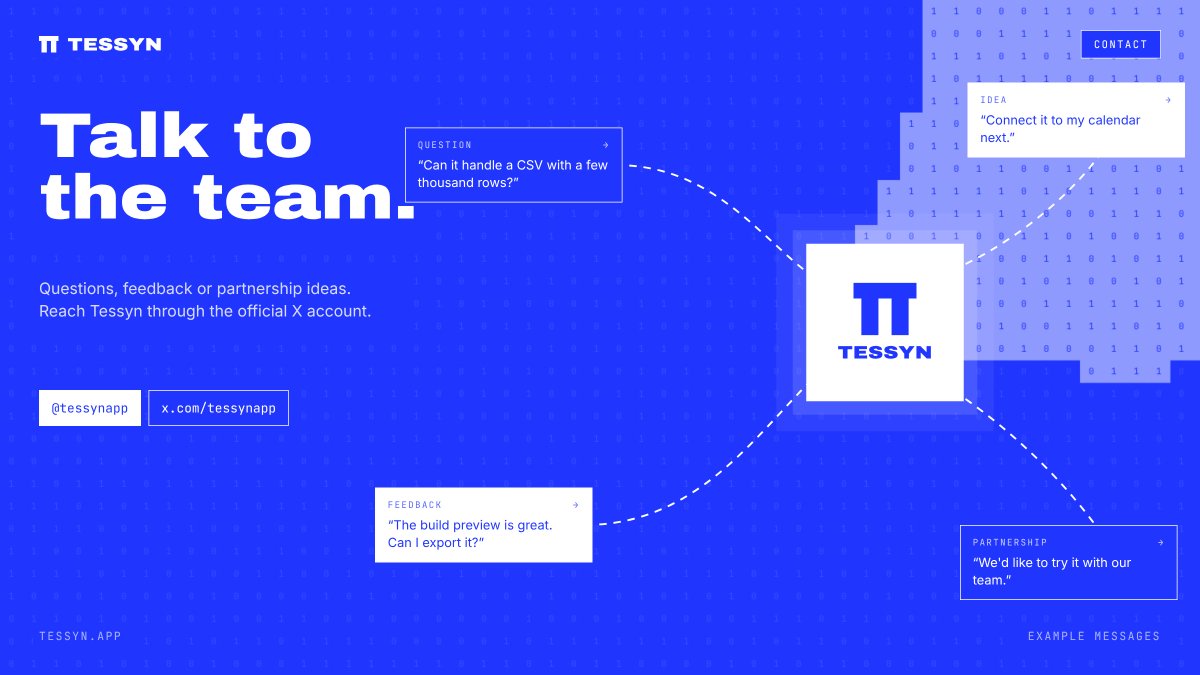
Questions, feedback or a partnership idea? We want to hear it.
Tell us what you tried, what worked and what you wish Tessyn could do next. Your ideas help shape what Tessyn builds next.
Reply here or reach us at
Not sure what to type? Start in the Playground.
Tap one of the examples and watch Tessyn take it apart: task received, instructions analyzed, workflow planned, steps executed, result delivered.
A market brief, a coffee page or a project board, one tap each.
A quick tour of the console.
Task history keeps every run in your own browser. The objective box takes plain language, up to 8,000 characters. Modes stay on auto or you pick one. The run inspector shows status and stages live.
Open it from Launch app.
Press ⌘K or Ctrl+K anywhere on https://t.co/T8qeSoqdoD.
Type a few letters and jump straight into a task: run research, build a landing page, analyze your data. Switch the field style or the motion from the same box.
Everything, one shortcut away.
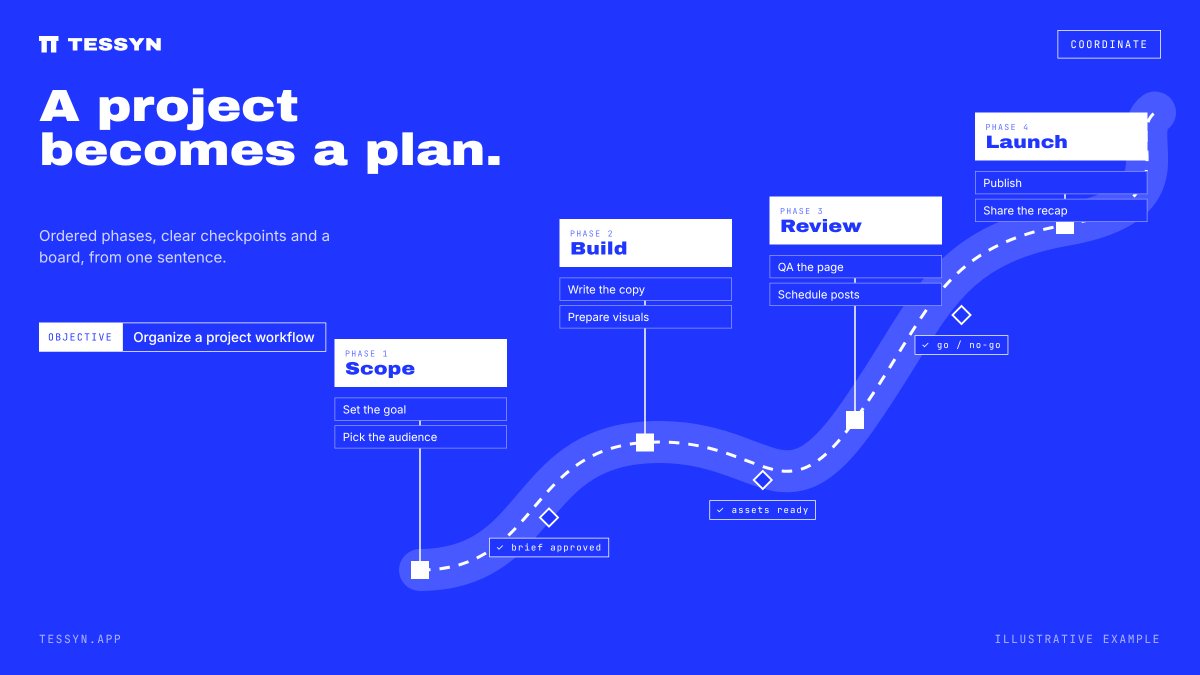
A project becomes a plan.
Type "Organize a project workflow" and Tessyn lays the road out for you: ordered phases, the tasks inside each one, and a checkpoint before you move on.
You always know where you are and what comes next.
Twelve tabs, three notes, a PDF, a spreadsheet and an email thread. Sound familiar?
Give Tessyn the question instead. It pulls everything into one brief: scope, sources and next steps, in the right order.
From scattered to structured.
Three workspaces, one agent.
Research it: a brief with every source linked.
Build it: a working page with a live preview.
Hand over the workflow: steps planned and tracked to the end.
The task changes. The intelligence stays.
https://t.co/T8qeSoqdoD
Every cell on https://t.co/T8qeSoqdoD shows one of two signs. Click the field and a wave runs through it.
Pick your alphabet: 0/1, +/- or >/<. Prefer less movement? Switch Motion to Calm.
A small detail, built with care. Go send a wave of your own.
A chatbot answers. Tessyn works through the task.
It reads the objective, breaks it into steps, runs them and hands back a structured result you can refine, copy or reuse.
No long back and forth. Just less talking and more finished work.
https://t.co/T8qeSoqdoD
Give Tessyn a task and it breaks it into steps, runs them one by one and hands back a clear handover.
Here it runs seven launch checks on a page: links, fonts, sections, labels and more. Every step ticked off, every result written down.
Hand it the task. Get the handover.
This website is the first public piece of Tessyn. Research, build, plan, automate and analyze already run in your browser today.
Next: a hosted agent that connects to the tools you already use. Follow along for updates.
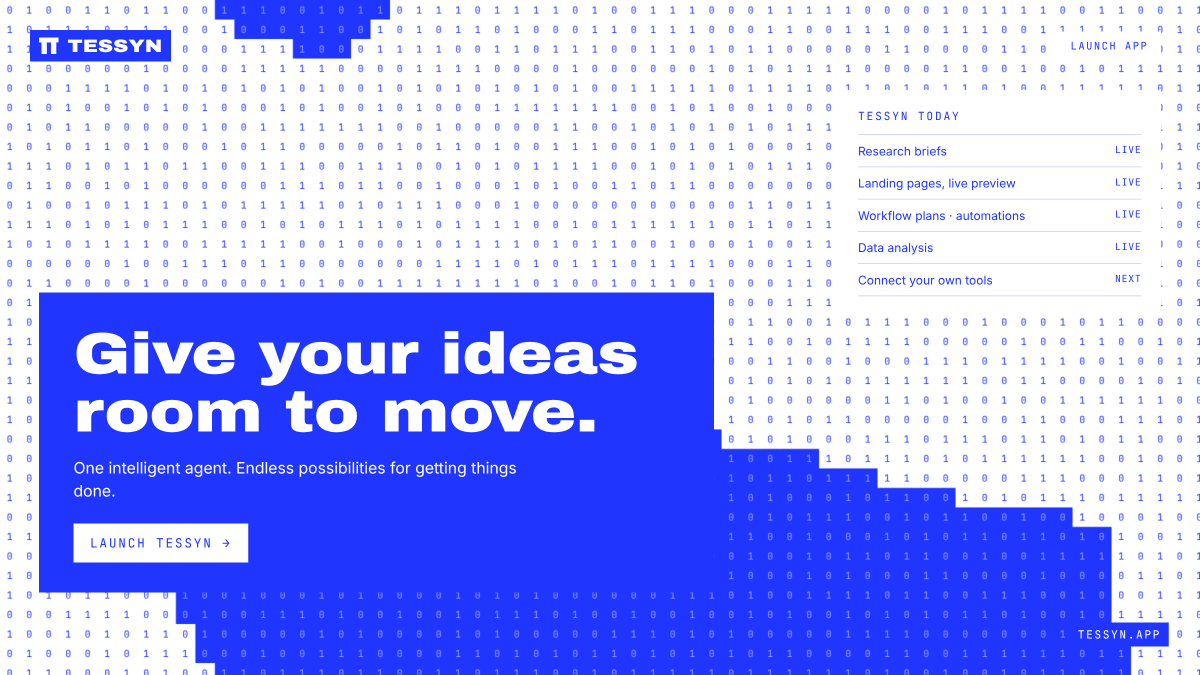
Give your ideas room to move. https://t.co/T8qeSoqdoD
A brief, a page or a plan: every objective goes through the same five parts.
- Task understanding
- Planning engine
- Tool orchestration
- Execution monitoring
- Result delivery
Each step is watched and checked before the result reaches you. The work changes. The system doesn't.
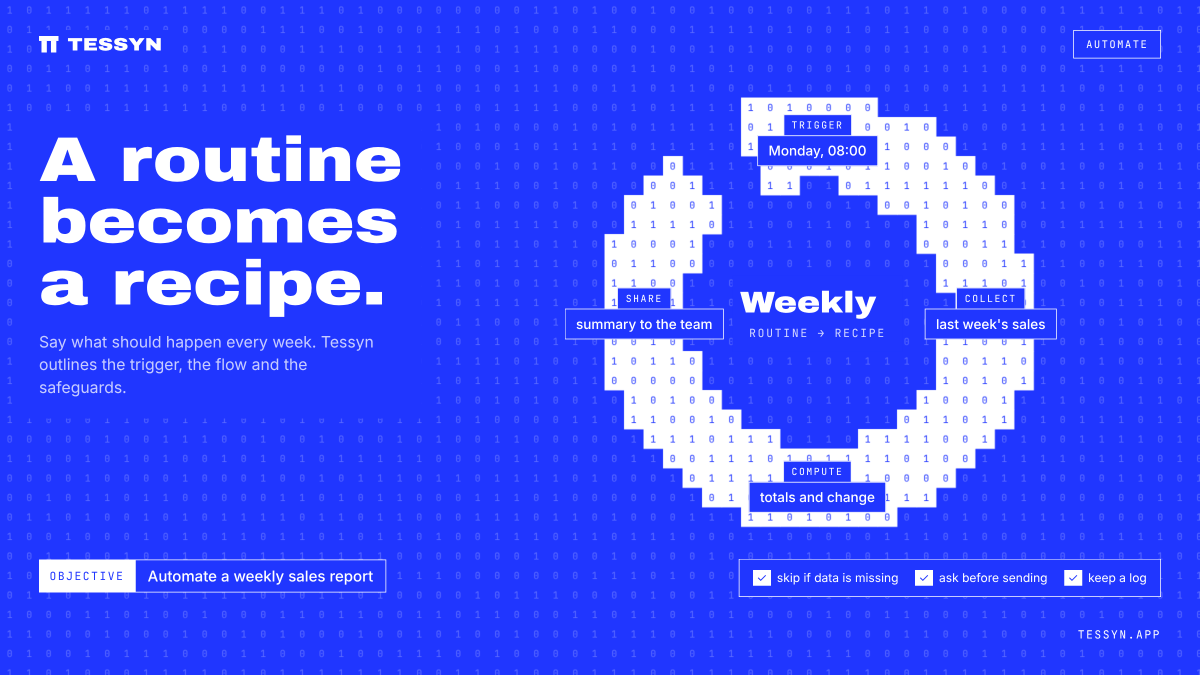
A routine becomes a recipe.
Type "Automate a weekly sales report" and Tessyn outlines the whole thing: the trigger, the flow step by step, and the safeguards that keep it from going wrong.
A clear plan you can review before anything runs.
Paste rows under one line of instruction.
Tessyn works out min, max, mean and median for every numeric column, then points to the one with the widest range.
No formulas, no setup. Paste rows or attach a CSV.
The data in this video is a sample.
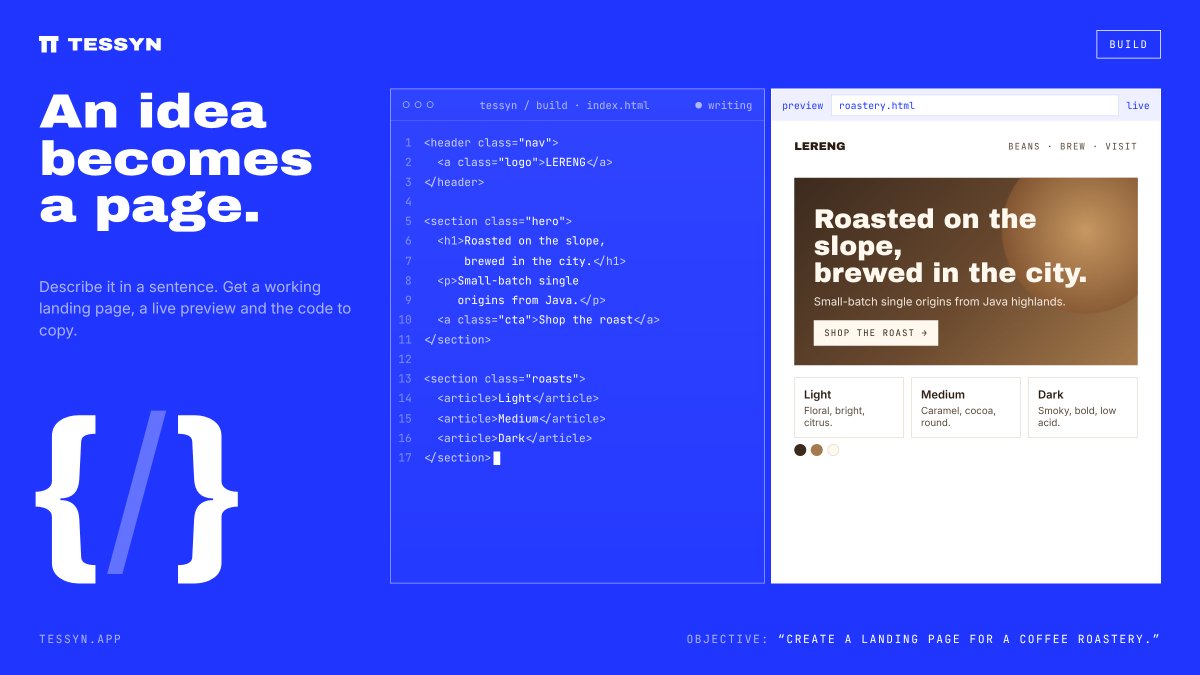
From one sentence to a working page.
"Create a landing page for a coffee roastery" gets you the page, a live preview and the HTML to copy. Take the code and drop it straight into your own project.
Lereng is a sample brand we made for this post.