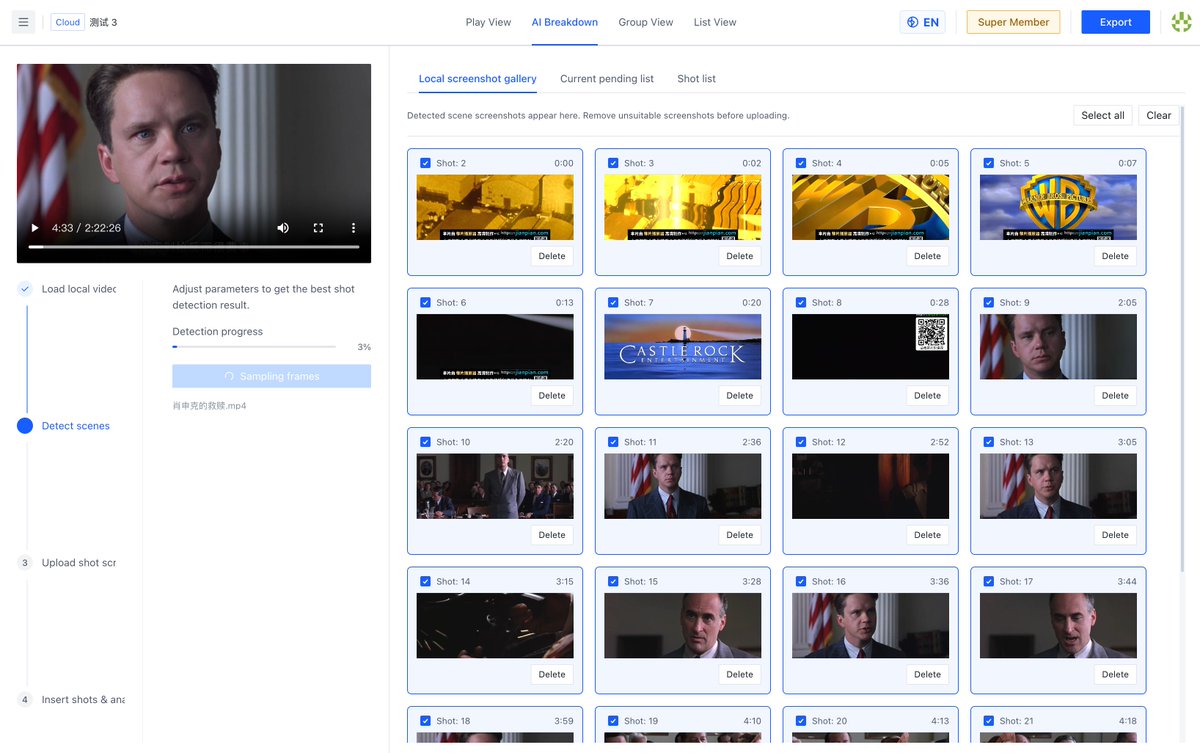
The fastest way to improve your Vlogs? It's not buying a new camera.
It's doing a shot breakdown of your favorite creators. 📈 Figure out their A-Roll to B-Roll ratio.
Here is exactly how to do it: https://t.co/NUUS5ecdWx
#YouTuber#ContentCreator
"Can you change the shot at 01:24:05?"
Remote editing feedback is broken.
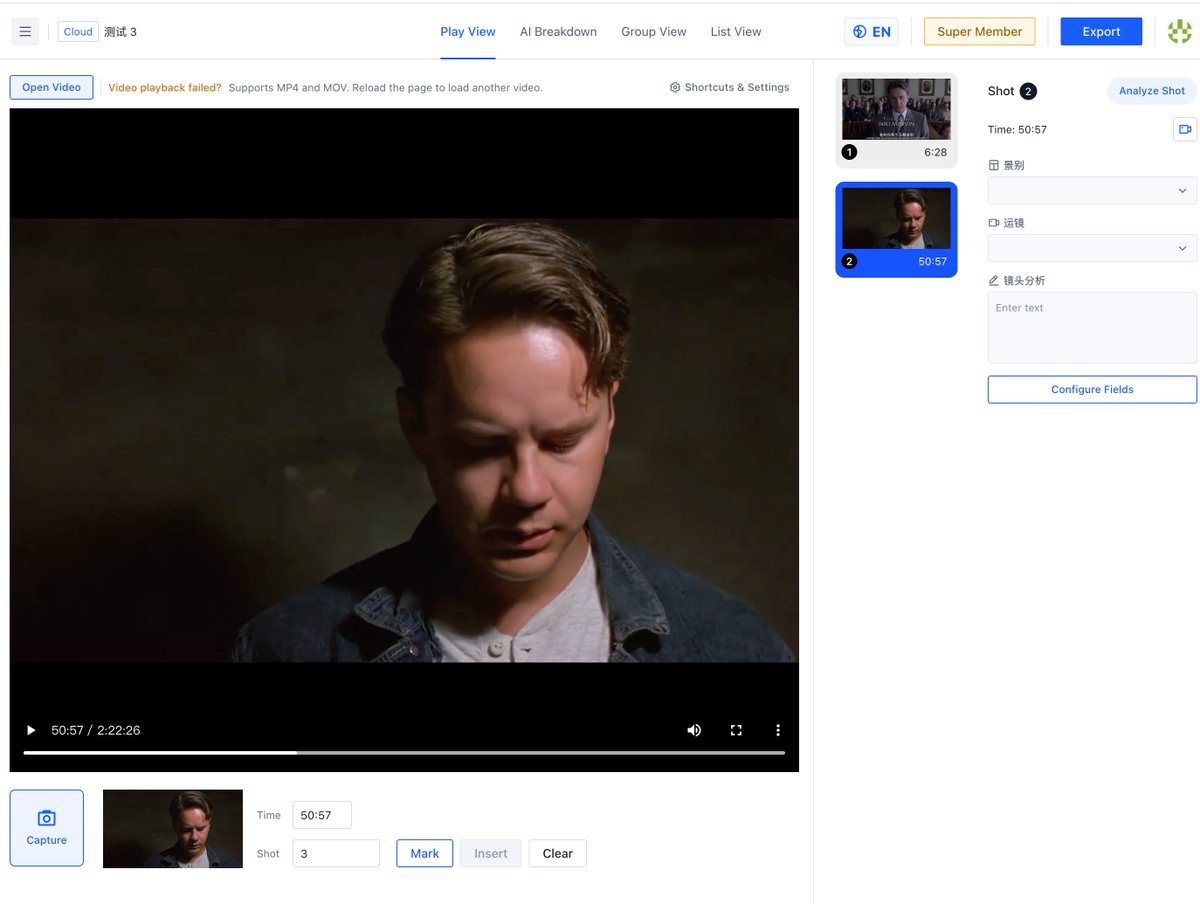
Stop sending timecodes in Slack. Share a cloud link, let them annotate directly on the frame, and export the notes.
☁️🤝 Read the guide: https://t.co/NUUS5ecdWx
#RemoteWork#PostProduction
Stop using NLEs (Premiere/Resolve) just to review footage!
They are too heavy and you can't easily export metadata.
Use a dedicated Shot Analysis tool for your initial pass. Here is why it changes everything: https://t.co/NUUS5ecdWx
#VideoEditing#Filmmaker
Editing is 80% finding the right shot, 20% cutting. Let AI do the 80%.
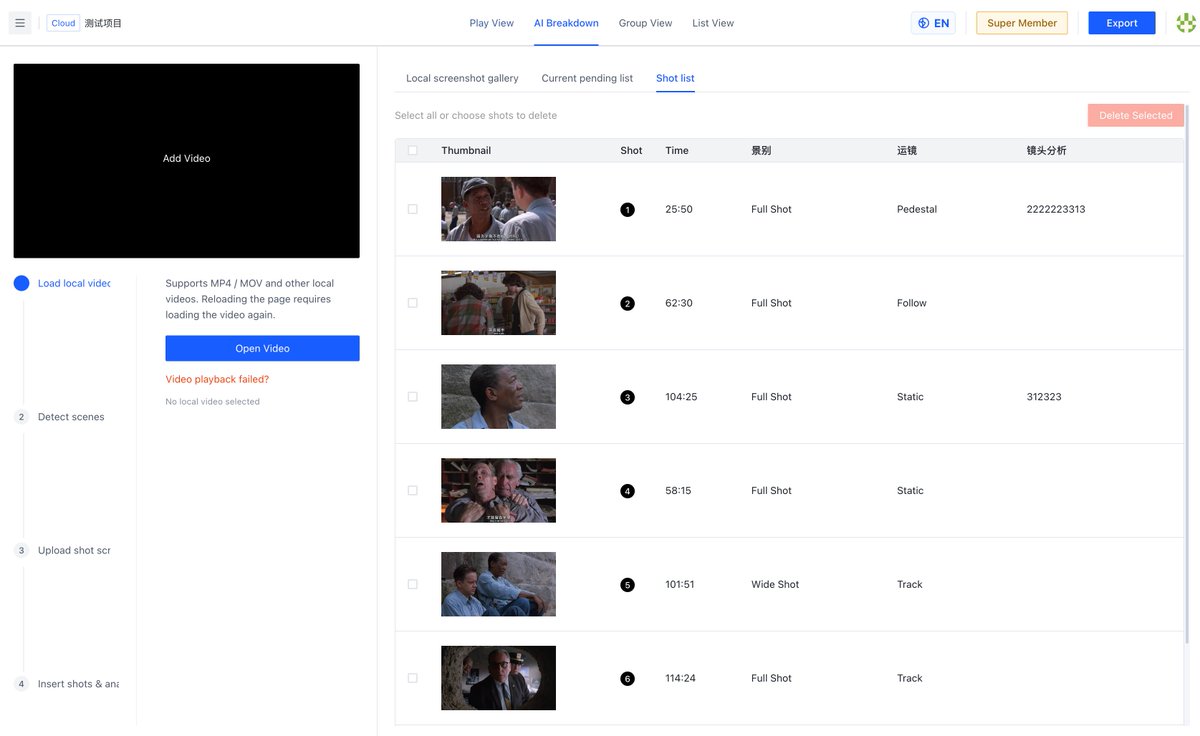
🤖✂️ Our new AI auto-detects cuts, categorizes shot sizes, and gives you content suggestions.
Work smarter, not harder: https://t.co/NUUS5ecdWx
#AIEditing#PremierePro
Editors: Facing 500GB of raw B-roll and no metadata? 💀 Don't panic.
Discover how to tag massive amounts of footage visually before you even open Premiere or DaVinci Resolve.
The ultimate tagging guide: https://t.co/NUUS5ecdWx #VideoEditor#PostProduction
Tarantino, Nolan, Fincher...
they all have distinct visual rhythms. The best way to learn? Break down their shots frame-by-frame.
Here is the ultimate guide on how to do a professional movie shot breakdown: https://t.co/NUUS5ecdWx
#FilmTwitter#Nolan
Communicating with the Art and Grip departments just got easier. Stop sending messy Google Docs.
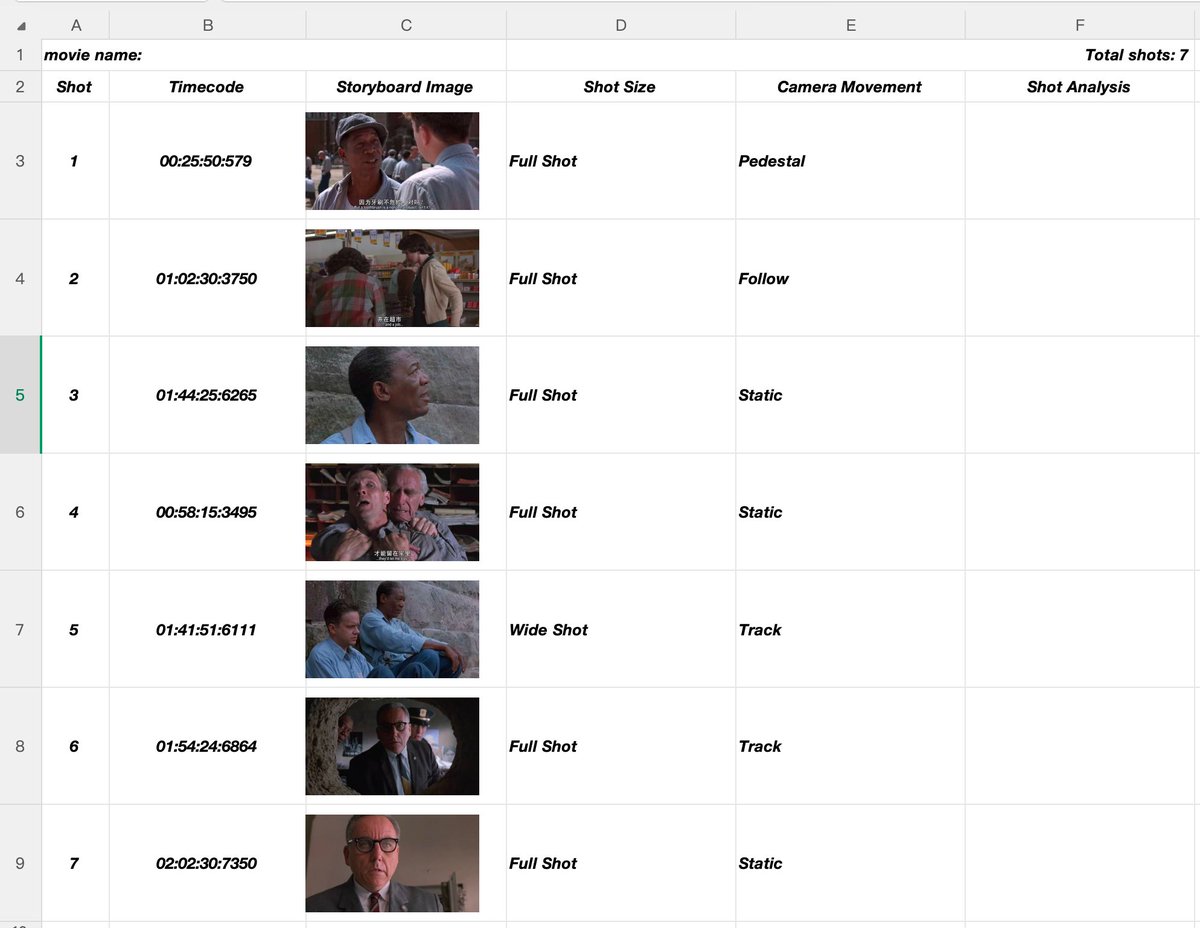
Export your visual references as a clean, annotated PDF storyboard straight from your browser.
📄✨ Check it out: https://t.co/NUUS5ecdWx
#PreProduction#SetLife
Ever tried to reverse-engineer a master DP's lighting setup? 💡 You need more than a screenshot;
you need context. Learn how to build a searchable, tagged database of your favorite lighting setups using our List View. https://t.co/NUUS5ecdWx
#Cinematographer#DP
A director’s vision isn't magic; it's visual logic. 🧠 Do you know how to track pacing through shot lengths?
We broke down the math behind narrative pacing and how to visualize it without spreadsheets.
Dive deep here: https://t.co/NUUS5ecdWx
#Director#Screenwriting
Film majors: What's the worst part of your visual analysis assignments?
A) Finding timestamps
B) Taking screenshots
C) Formatting the Excel sheet
UniStory automates all three.
See it in action: https://t.co/5BLzn5hSv2
#FilmTwitter
Want to impress your film professor? Don't just write an essay—hand in a meticulously tagged, frame-by-frame visual breakdown.
See how UniStory helps you export professional storyboard PDFs in seconds.
https://t.co/5BLzn5hSv2
#Cinematography#Filmmaking
Still switching between VLC and Excel for your shot analysis homework? 🤦♂️
Stop doing data entry and start analyzing. I built a tool that lets you tag shots while playing and auto-exports to Excel. From 4 hours to 1 hour.
https://t.co/5BLzn5hSv2
#FilmStudent#FilmSchool
AI automates tedious movie shot analysis!
UniStory AI auto detects scene cuts, identifies shot types & generates color palettes. Skip manual frame checking—just tweak AI outputs. Cut your editing workload drastically.
https://t.co/wrjt1FoWba
Film students: Slash your 4-hour movie shot analysis to just 1 hour!
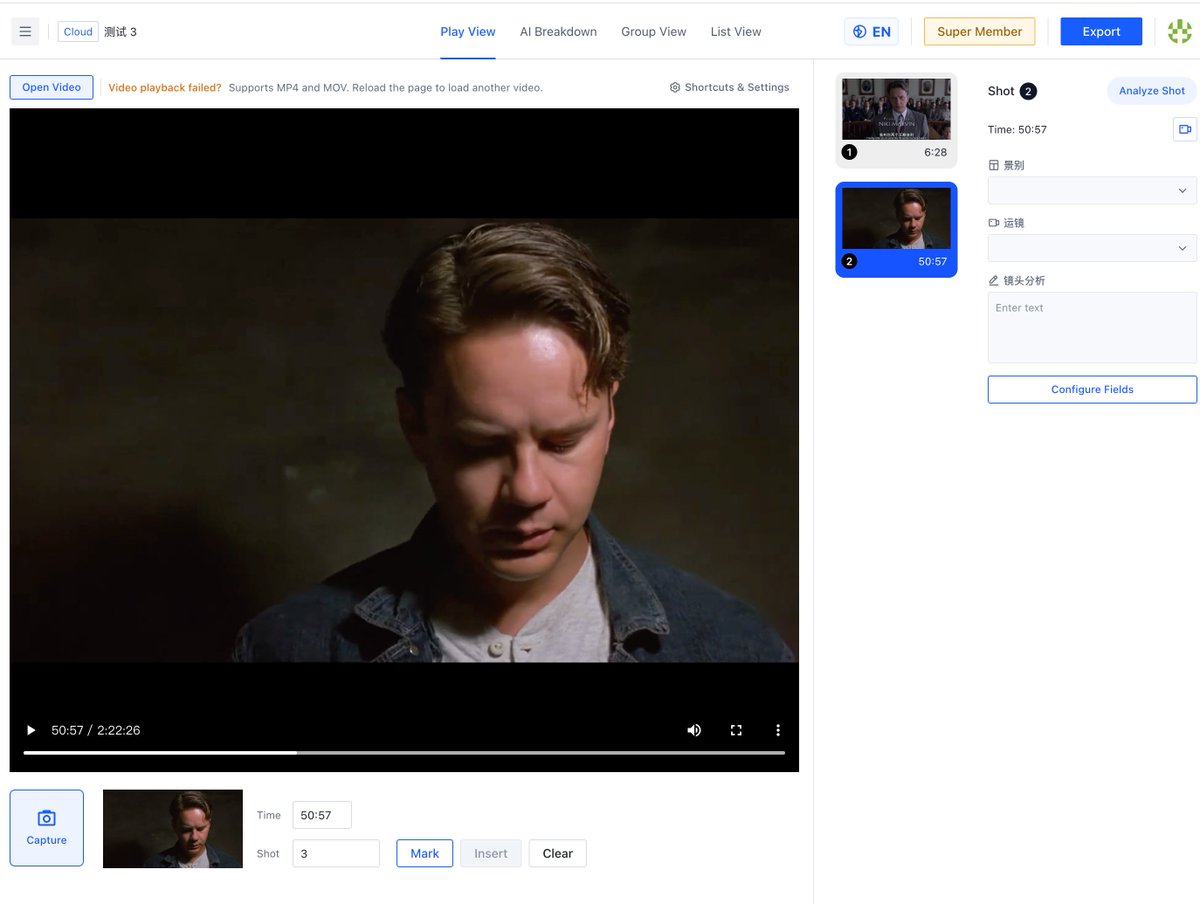
No more toggling between video players & Excel. UniStory lets you log shot metadata & capture frames straight in the video player.
https://t.co/wrjt1FoWba