We have improved the app so that you can now pin task lists to the left sidebar.
You can pin only the task lists you use frequently and want to keep fixed. Please give it a try!
We have further improved the app's performance.
By unifying the process for checking purchase status and reducing screen redrawing, the overall experience is now smoother and more responsive.
In a recent update, I added a Contact Us option to the settings.
Please reach out if you have any issues, requests, or feature suggestions.
I read and reply to all inquiries.
ToDo for Google is available as an iOS and Android app. In a recent update, we made a fix to show an animated loading bar in the footer while all tasks are being retrieved.
ToDo for GoogleにはiOS/Androidアプリもありますが、最近のアップデートで全てのタスクを取得中にフッターにローディング中を示すバーをアニメーションさせる修正をしました。
目立たせると邪魔になってしまうので、とても細かい改善ですが、タスクを同期しているタイミングが分かるので良いです。
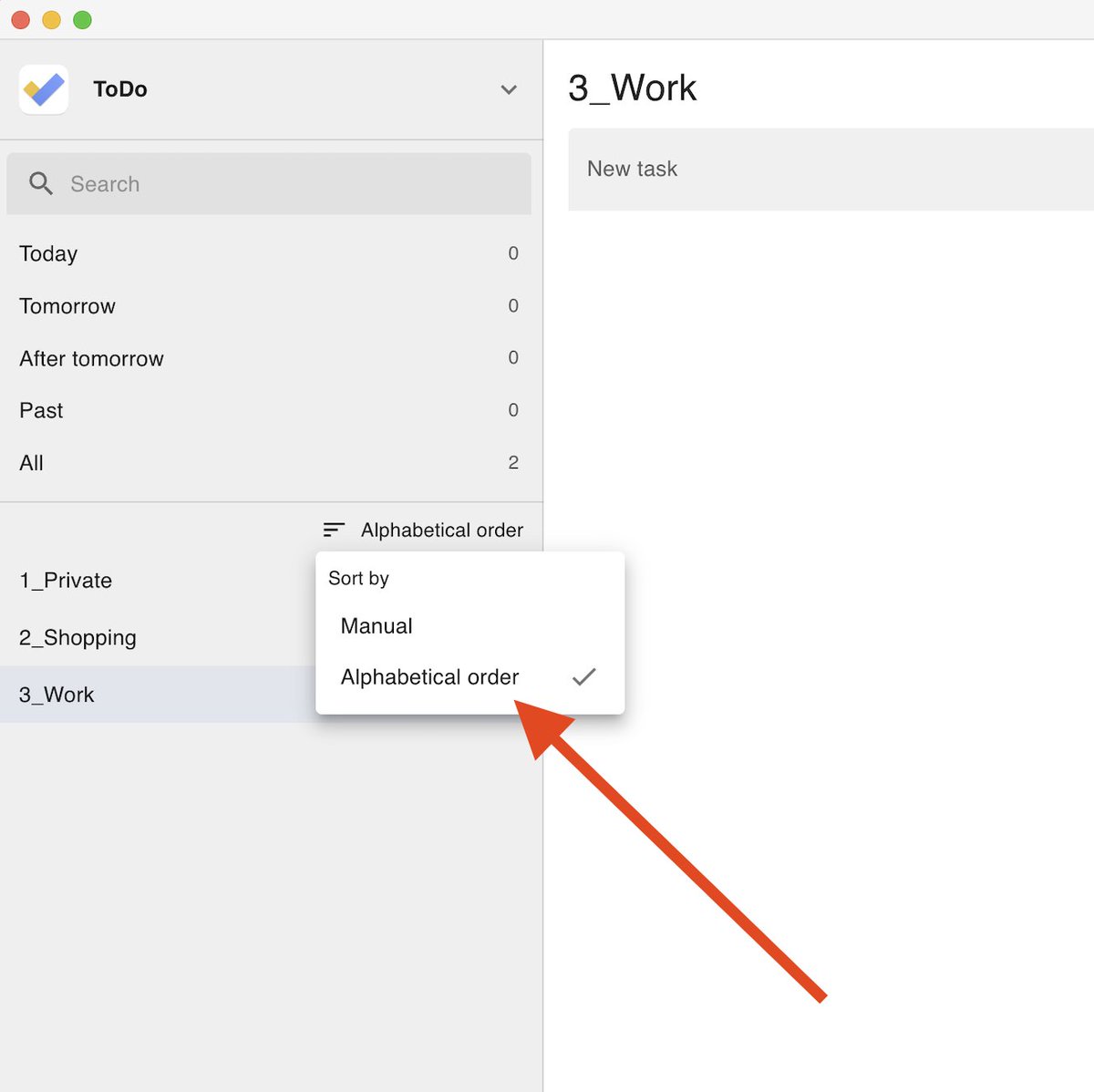
The ability to sort task lists in alphabetical order is a useful feature that even the official Google Tasks does not have.
Steps:
- Add numbers to the beginning of your task list names, such as 1_Private or 2_Shopping.
- Select sort by alphabetical order.
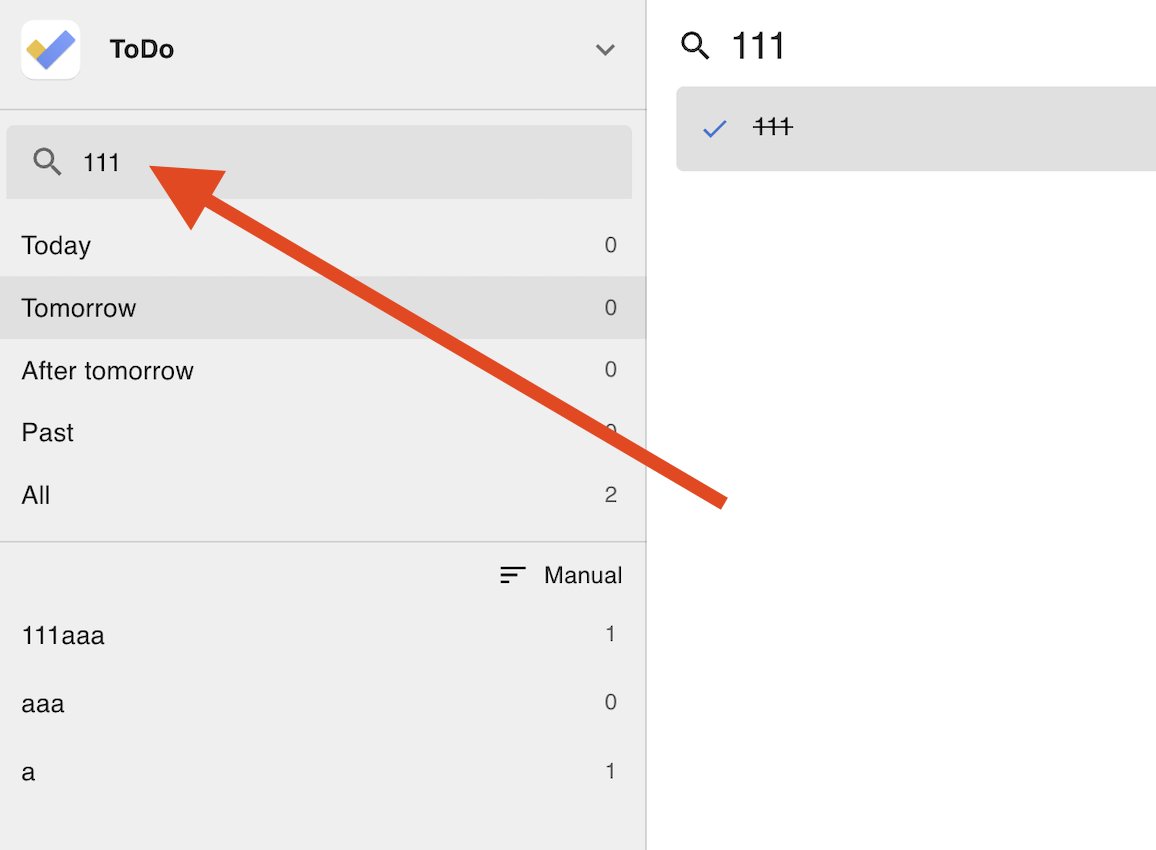
Search is a powerful but often overlooked feature.
Unlike standard Google Tasks, ToDo for Google supports fuzzy search, letting you find tasks across all lists—including completed ones.
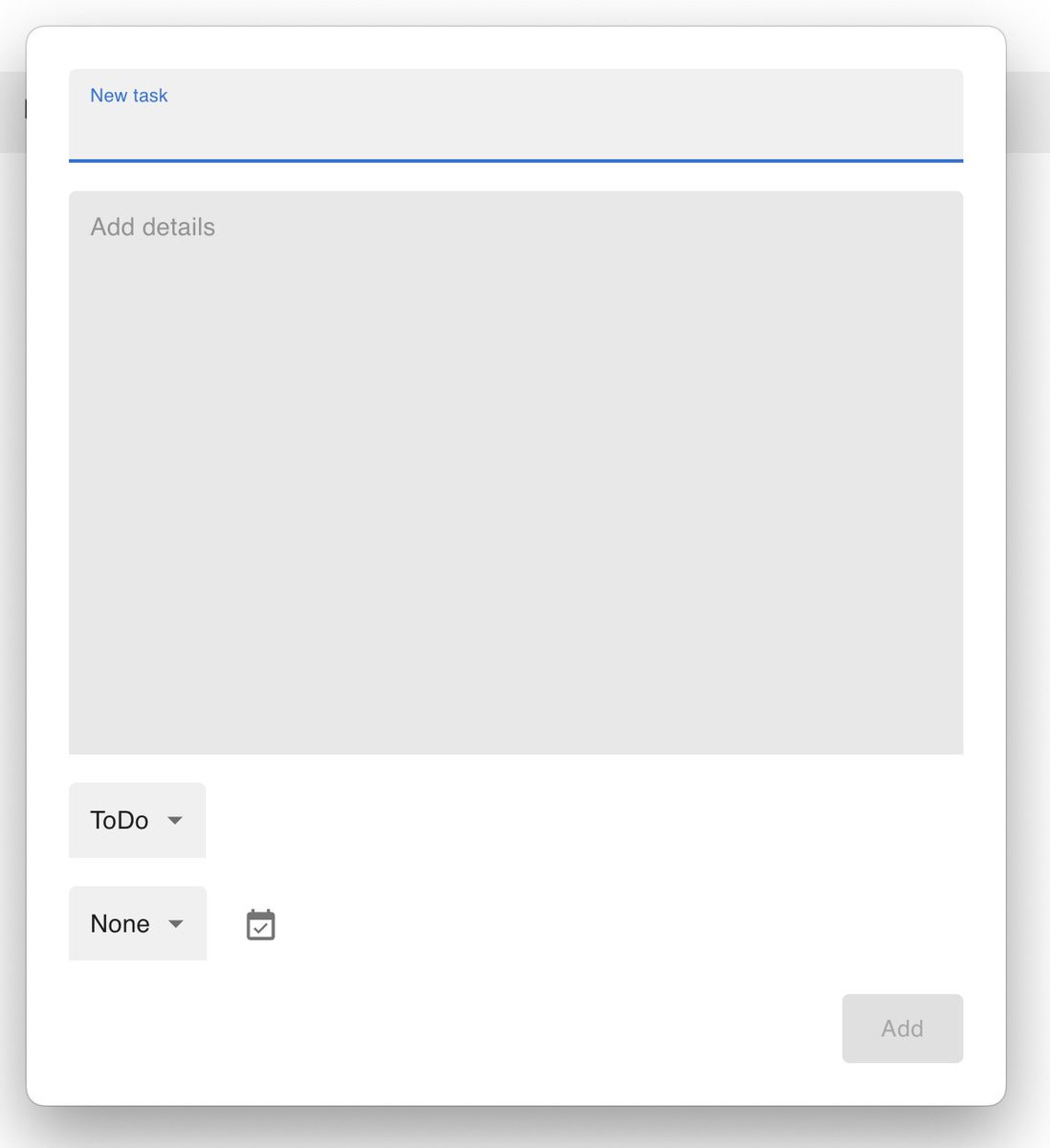
The global shortcut for adding tasks allows you to customize the shortcut keys freely.
If you are experiencing conflicts with shortcuts in other applications, please try reassigning it to a different key combination.
Fixed a bug where the task addition modal would remain stuck on a loading screen when using a global shortcut after closing the main window with Command + W on Mac.
Please update to v3.92.0 and try it out.
We will continue to make further improvements.
Do you want to manage your Google Tasks quickly using shortcut keys?
ToDo for Google supports a wide variety of shortcut keys.
Using shortcuts is much faster than using a mouse, so it is highly recommended.
Once you start typing, your body will naturally memorize the shortcuts.