Built a completely free iOS and Apple Watch app for the Magic Work Cycle productivity technique mentioned above. Hopefully others find it useful too
https://t.co/rGWGUP25Ce
When you're pair-programming with AI all day, the limiting factor isn't the model's context window. It's yours.
The most important tool for AI-assisted coding isn't an agent framework. It's a timer that forces you to take regular breaks and touch grass.
https://t.co/Tz8Bl7n08R
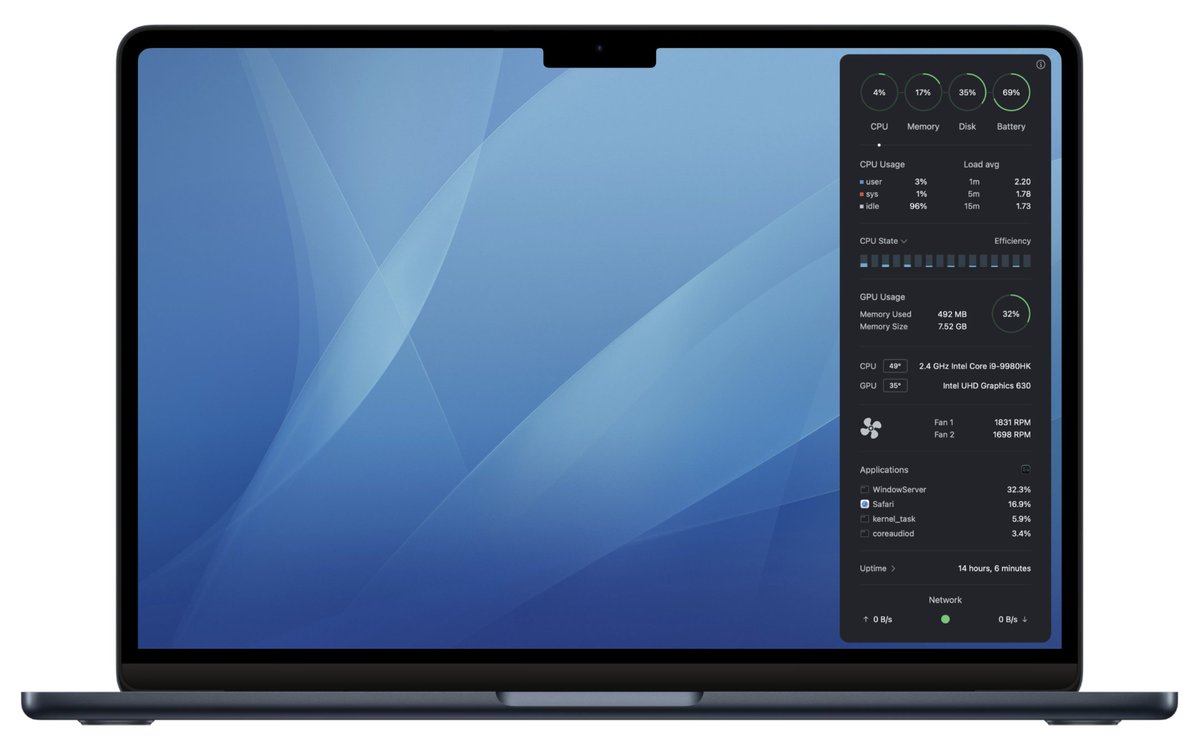
Monit Widget updated for macOS 26. Liquid Glass feels futuristic and looks great. According to Hollywood, a fully transparent UI is the future. Though things that look good in movies are not always a good idea in practice.
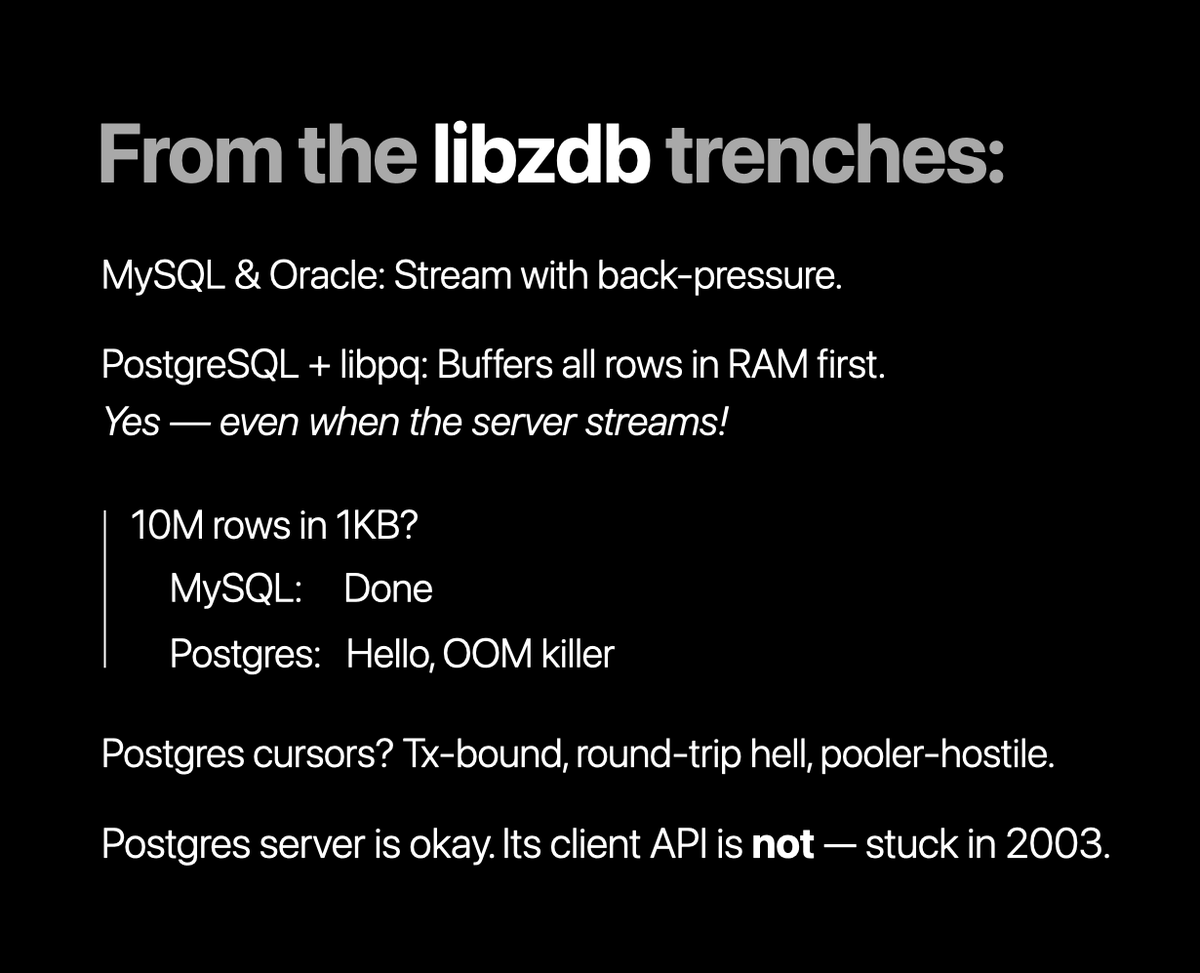
Did you know that we have created a small, easy to use Open Source Database Connection Pool Library for C and C++? Check it out https://t.co/gJWdrIc4DJ
@C34H32N4O4Fe Read about color coding for network and battery here https://t.co/C5JG3eM0PG The menubar icon follows this. If either network or battery change status it's reflected in the icon. I.e. critical condition or warning takes precedence over success.
1/ The Monit Widget is basically a rewrite from scratch ("thanks" Apple): There might be some minor issues here and there, such as details panels not expanding correctly. Restarting Monit usually resolves the problem. If issues persist contact us so we can fix them.
3/ I'd love to hear what you think of the new Monit Widget! Share your feedback, or just let us know how you're using it. Here for example I'm testing a local LLM and monitor GPU and Memory usage.
2/ Unlike many system monitors that call resource-heavy command-line tools and scrape the output, Monit uses proper system APIs and builds a process table so we can aggregate CPU, MEM, Disk I/O etc. Accurate process information without adding to your system load.
We've made Monit Widget completely free for everyone! Since our return, we want to make Monit accessible to all. No ads, no in-app purchases — just efficient macOS system monitoring: https://t.co/QmMzCNQfs0
#macOS#Apple#MacApps
..But seriously, don't use memory cleaner apps. They force-purge memory that macOS intentionally uses for caching and performance. MacOS will just rebuild these caches later anyway.
Big Sur has basically axed Notification Center and made Widgets much less useful and more static. It’s nigh impossible to recreate the old user experience. A temp solution is to make it a menu bar app or its own window, to be invoked with a shortcut key, like Alfred. Thoughts?
@ddickison Exactly. The UI has to be rewritten in SwiftUI. The Widget should also support three different sizes and layouts. The old Monit Widget is AppKit based and only the lower system level parts can be reused. It is a lot of work. 😓
@watarunabe I've not seen this before. Try turning on font smoothing in preferences. You could also be looking at snapshot image of the widget and not the actual widget. The notification center takes a snapshot picture of widgets to give the illusion of faster startup.