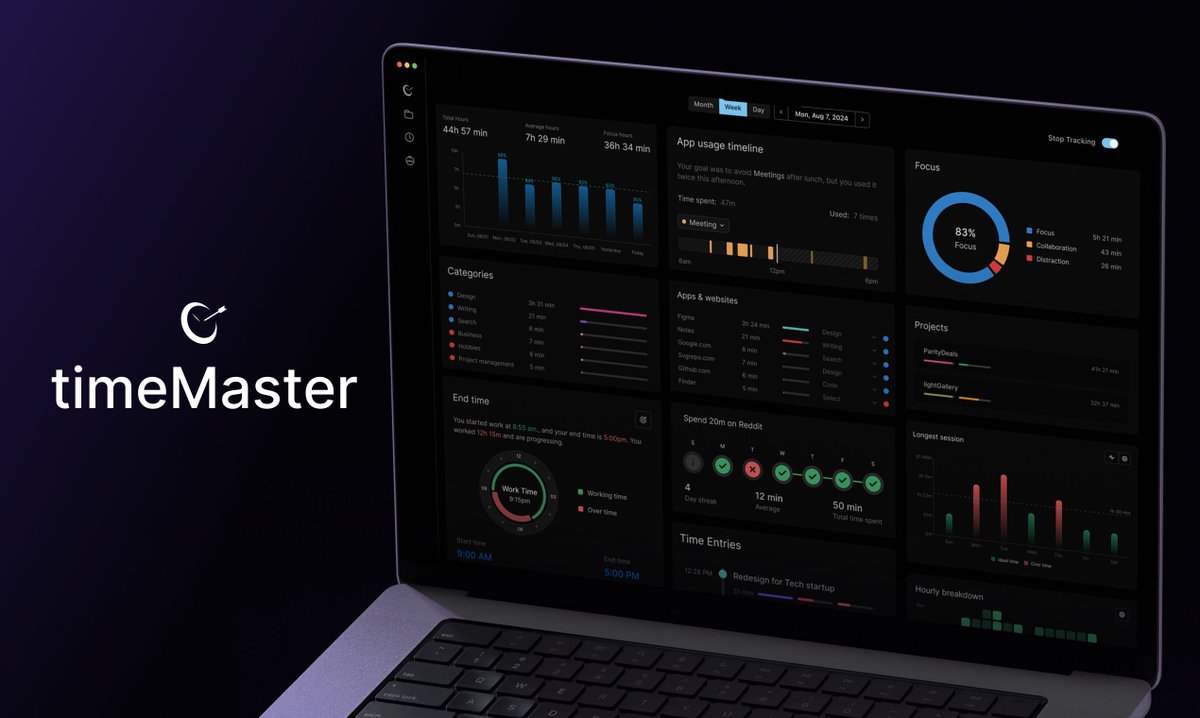
Meet timeMaster - Enhance focus & productivity with automated, privacy-first time tracking! 🚀🚀
Try it for free - https://t.co/XmRUUjCkLT
TimeMaster runs quietly in the background, automatically tracks and categorizes your activities, and shows you precisely how your time is spent.
It tags projects, creates time logs, and provides insights to boost your focus and productivity.
Below are some of the key features of timeMaster:
⏱️ Fully automatic time logs: Automatically records all activities from the moment your computer turns on to when it shuts down. It recognizes the projects you work on in tools like VS Code, Figma, and Sublime Text, tags projects with the session, and generates detailed time logs for you.
🔒Privacy first: Your data is encrypted and stored locally on your device, ensuring that your personal information remains secure and private.
🎯 Improve focus and productivity: By providing a detailed analysis of your work patterns, timeMaster helps you identify and minimize distractions, refine your focus, and foster more productive work habits.
🏆 Achieve Your Productivity Goals: Set and track personalized productivity goals with timeMaster. Whether it's starting your day at a specific time, achieving hours of focused work, or limiting distractions, timeMaster assists in monitoring your progress. Celebrate your achievements with alerts and maintain a disciplined schedule with customizable features like "No meetings on Wednesdays" to boost your productivity.
💪 Build better work habits: timeMaster helps you build better work habits with functionalities such as starting your day with organized task planning and concluding with a reflective brain dump, tracking your work hours, providing alerts for potential overworking and distractions, and monitoring your longest focus sessions, among other features.
🍅Pomodoro Timer: Prefer structured work sprints? The Pomodoro timer option lets you work in focused bursts, providing summaries of each session, your focus score, and potential distractions.
📊 Menu Bar Overview: Quick and easy access to your daily productivity stats directly from your menu bar, keeping you informed without needing to disrupt your workflow.
📈Automatic Project Overview: Provides a broad view of your time allocation across different tasks, highlighting areas for efficiency improvements and helping you better manage your project commitments.
📅Regular Reporting: timeMaster compiles detailed weekly and monthly reports, summarizing your progress and offering actionable insights to continually enhance your productivity.
At the moment, timeMaster is available only on macOS.
We'd love to hear what you think! ♥️
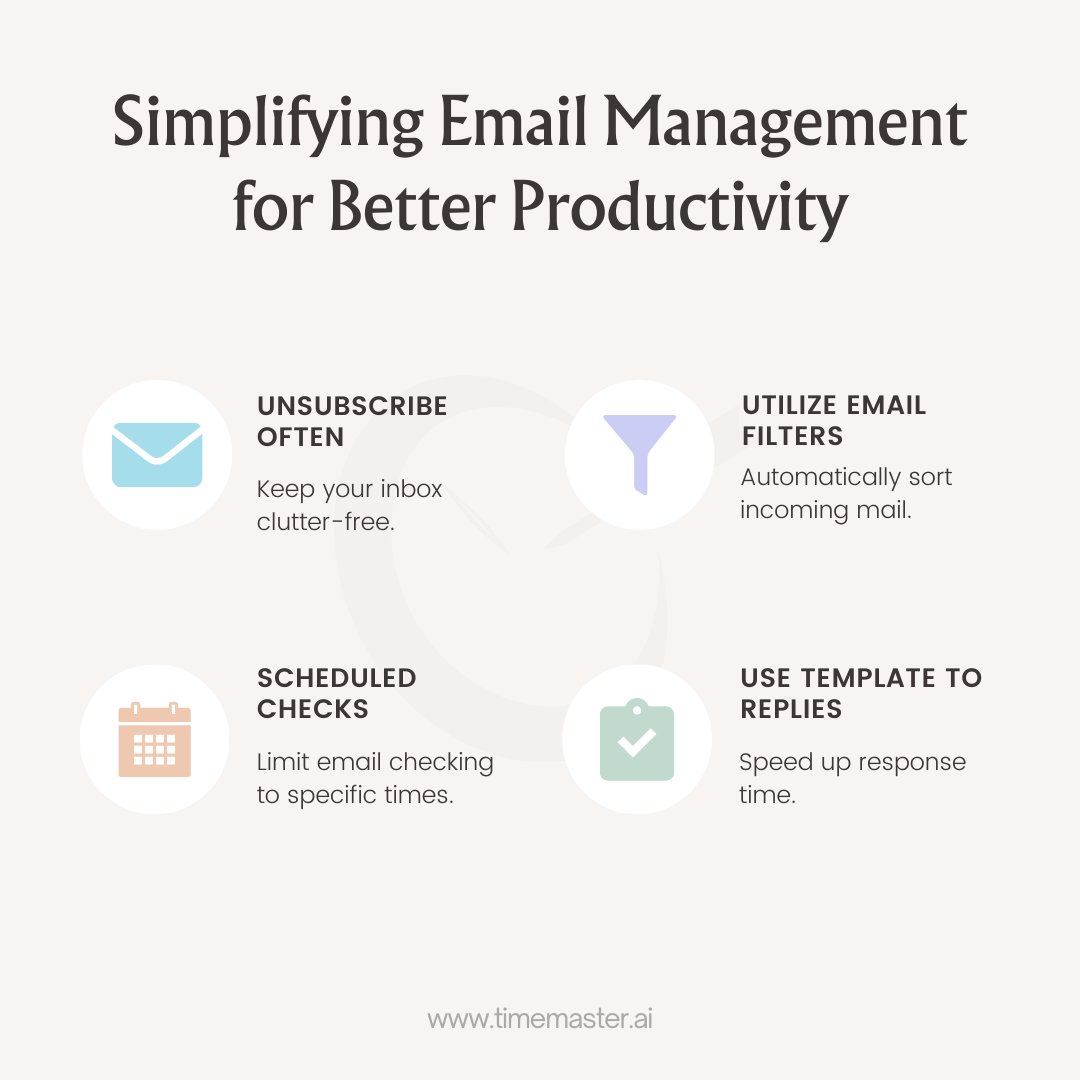
🌟 Master your inbox with these simple strategies! 🌟
✅ Unsubscribe from unnecessary emails
✅ Use filters to manage your inbox
✅ Schedule specific times for checking emails
✅ Employ templates for faster replies