Timery is on Mastodon where I’ll be sharing updates, announcements, and tips: https://t.co/DWo1XAOLpa
If you have a question or feedback, please send me a toot there or a support email from the app.
Happy time tracking!
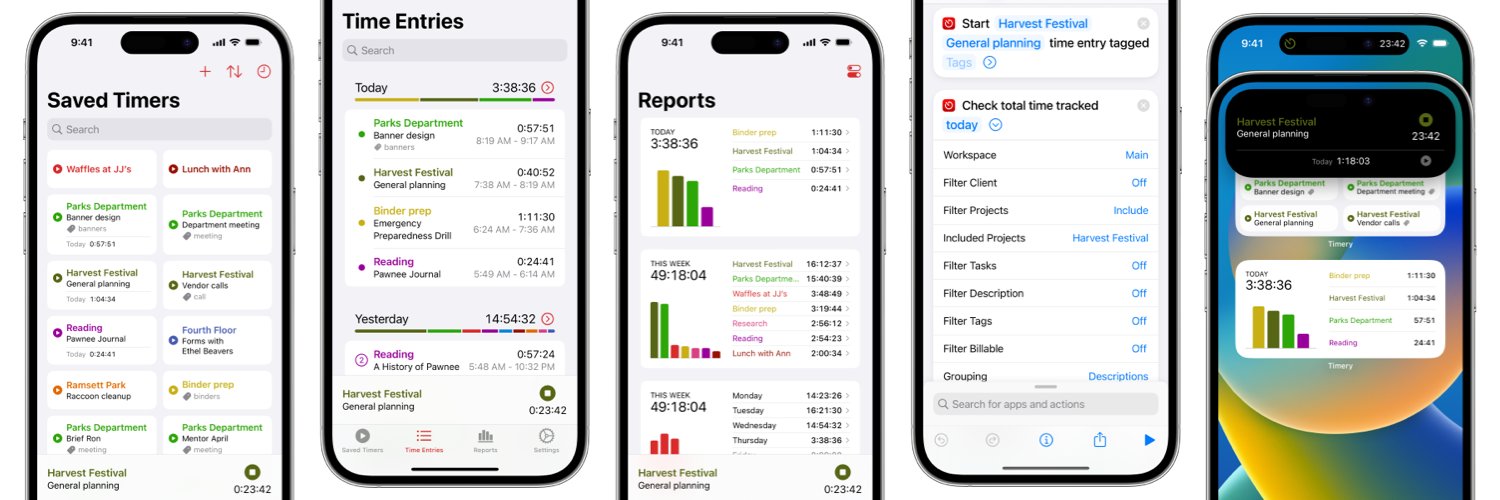
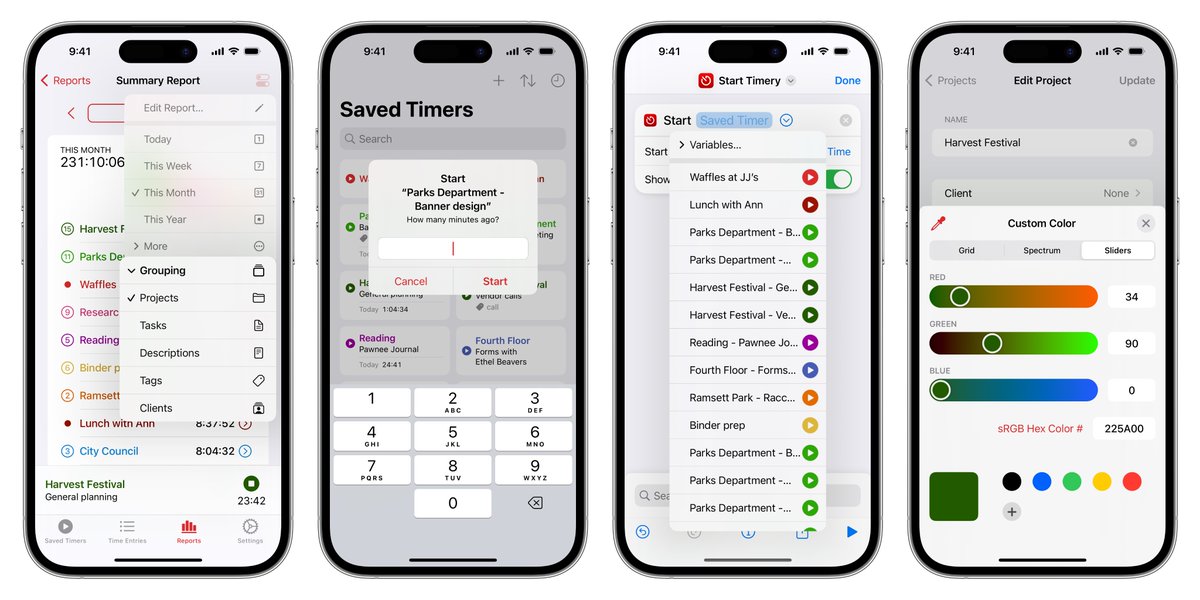
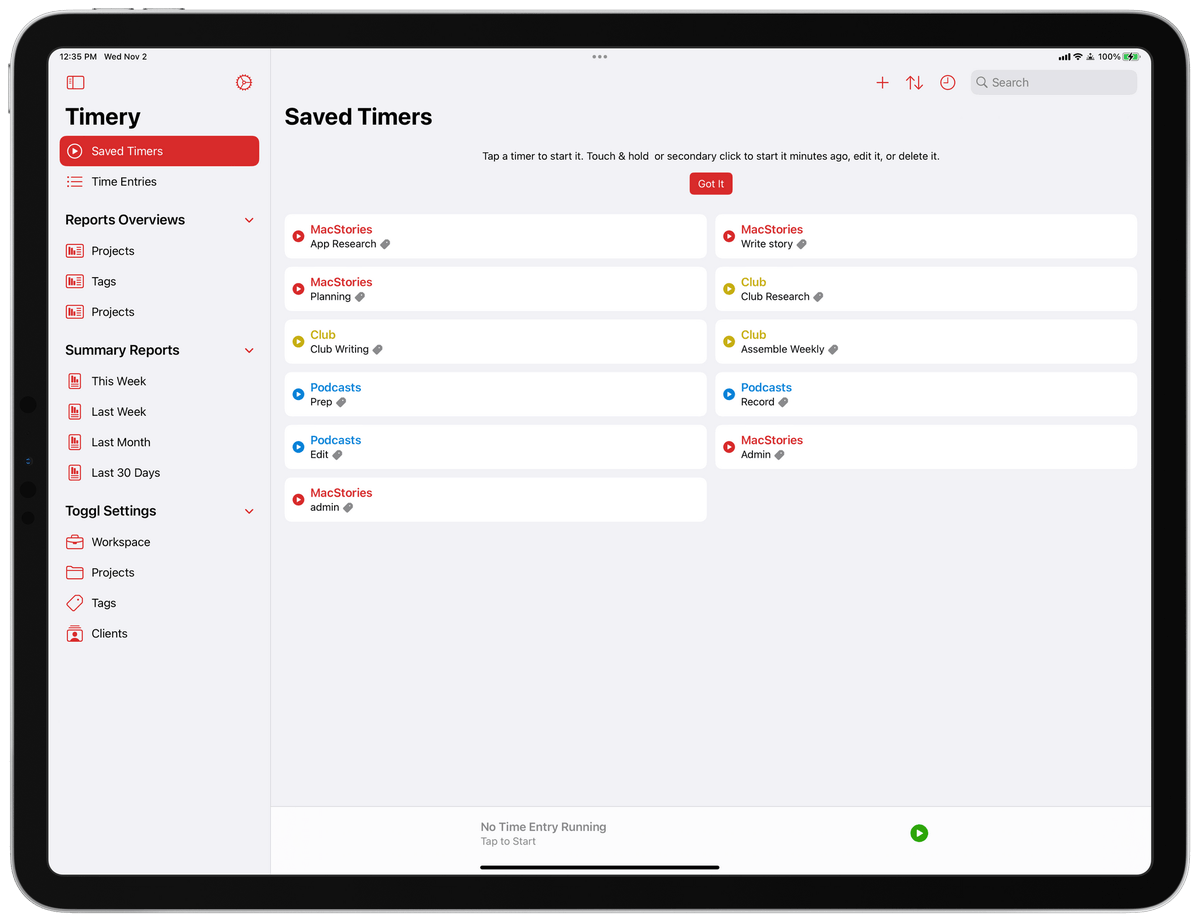
Timery 1.5 is available on the App Store! It’s perhaps the biggest update yet. Just about every part of the app has something new or improved!
https://t.co/g2OntsIxTX
Here is some of what’s new:
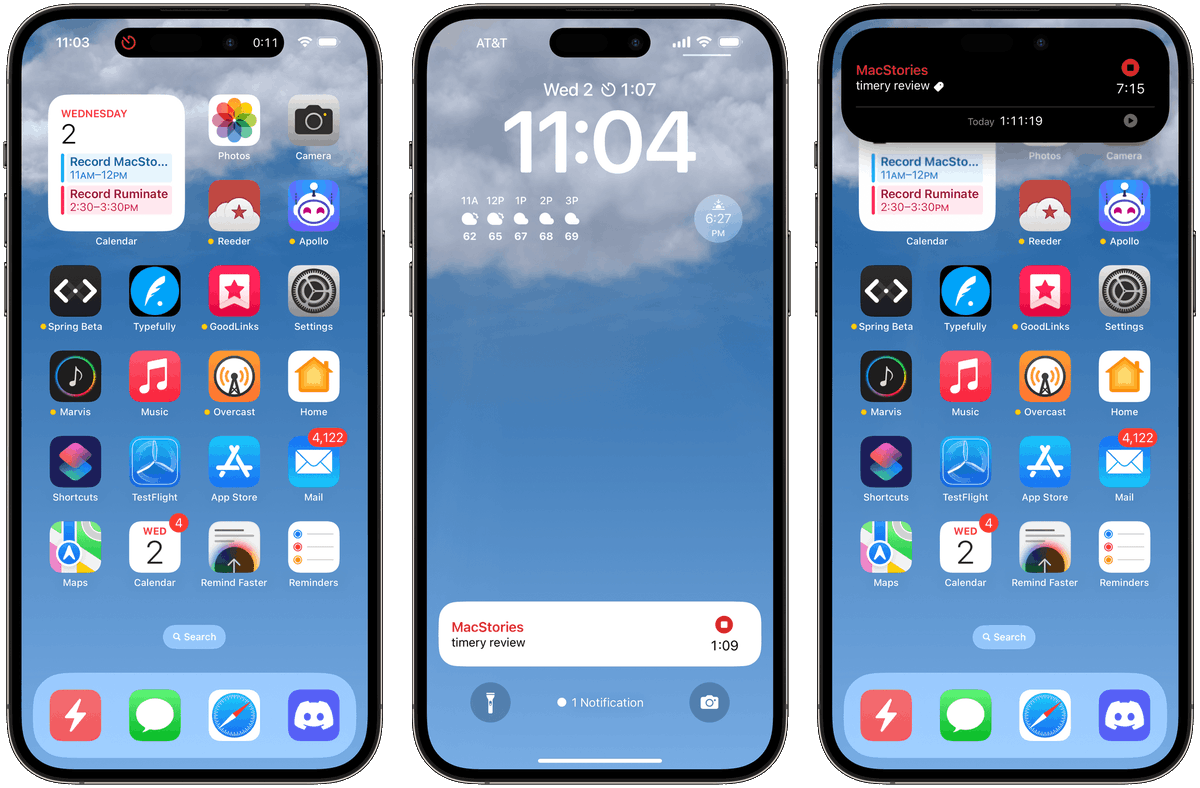
It's remarkable how @joehribar keeps improving Timery. With Live Activities, grid view for saved timers, Lock Screen widgets, and better Shortcuts actions, version 1.5 is truly an impressive update.
Best time-tracking app on Apple platforms hands down: https://t.co/VsOga1CSvA
@irace They should “just work”. Occasionally, though, even though the app tries to start an activity, it doesn’t. Returning to the app sometimes gets it to work, but if it doesn’t, touch & hold on the current-time-entry view, turn off “Show on Lock Screen”, and turn it back on.
My sincere thanks to everyone who is part of the Timery Club. Your support makes continued work on the app—especially big updates like this—possible. Thank you. 🙏
A lot went into this, and I’m pleased (and relieved!) it’s out now. I hope you enjoy it! Happy time tracking! 🥳
Check the release notes for even more details!
Thank you for using and supporting Timery! I really appreciate all the support and the feedback. 🙏
I hope you enjoy these updates and they’re useful for you. Happy time tracking!
https://t.co/g2OntsIxTX
And more!
• Reports widgets have a new option to use a saved report instead of the widget’s filters.
• View saved reports with keyboard shortcuts.
• Touch & hold on the Reports tab in the tab bar for a context menu with saved reports.
• More alternate app icons.