💡 SyncTasks tip
Instead of staring at your entire to-do list, pick just a few tasks and bring them into a Focus Session.
Seeing one task at a time makes it much easier to get started, and keeps you from constantly switching between tasks.
SyncTasks v2.6 is here 🎉
This new update brings much better drag-and-drop support, smoother interactions, and major performance boost 🚀
A lot of the work happened behind the scenes, but it all adds up to make SyncTasks feel noticeably faster, smoother, and more reliable!
@4khildev Though on iOS 26, there’s an added benefit. It can use the on-device foundation model as a fallback, which helps make suggestions more reliable right from the start.
One of the coolest features I’ve built in SyncSpend: Smart Suggestions
Just make payment, it auto-fills the Category and Payment Method for you. No extra input needed.
Even better, it learns from your past expenses, so it gets smarter over time.
And, it’s all on-device.
@4khildev Hey! Great question 🙌
I’m assuming you’re referring to Automation + Smart Suggestions for auto-filling.
Smart Suggestions itself is a multi-layered system and works even on older iPhones / iOS versions (before iOS 26)
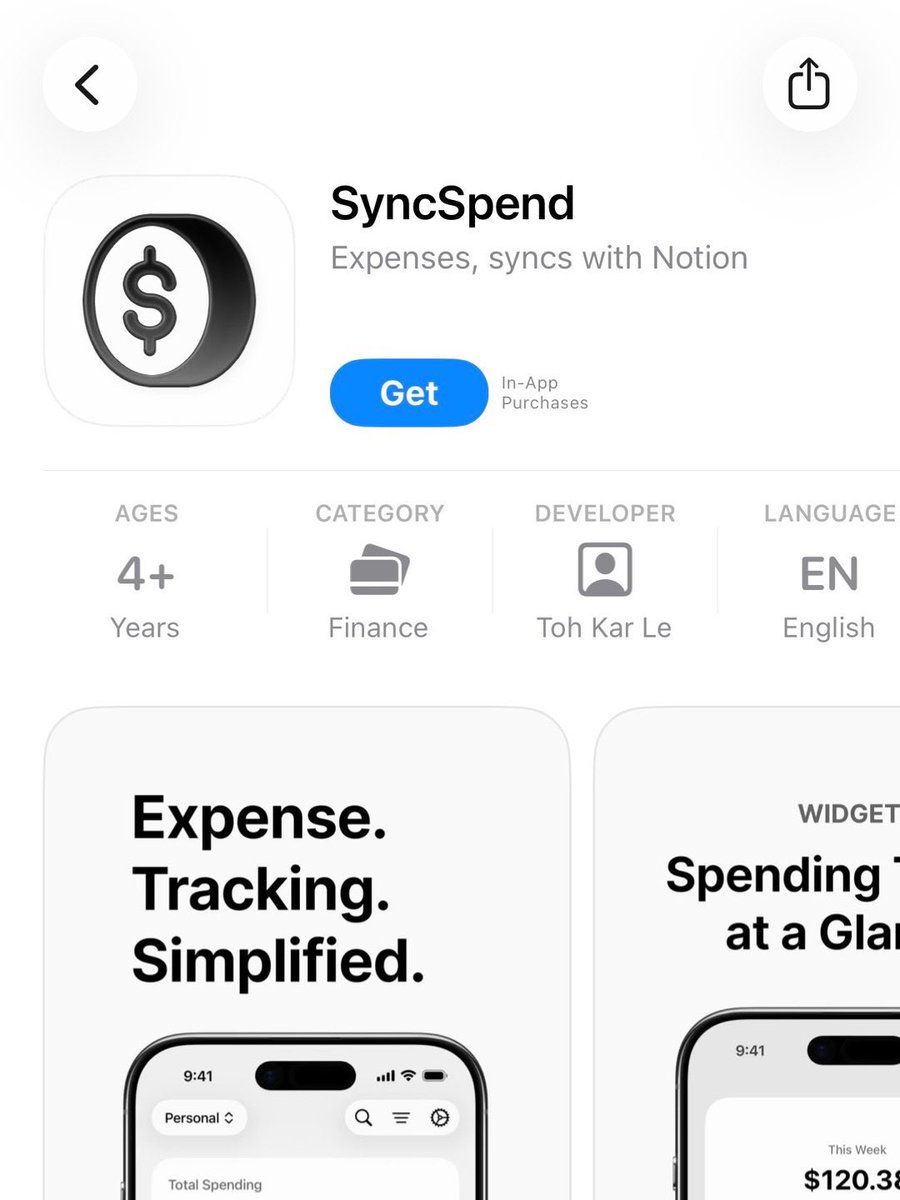
If you’ve been tracking your expenses in Notion, you’ve got to try SyncSpend.
It offers seamless two-way sync with your Notion database.
A home screen widget to let you quickly glance at your spending.
And more.
No sign-in required. No data collected. No ads. No tracking.
@TheSwistu@soamjena Was there any error showing when the automation was triggered? Or did it not trigger at all? If you’ve already set it up but it’s not triggering, try restarting your device and see if that helps. Let me know how it goes!
@soamjena Thanks for supporting SyncSpend and getting Pro 🙏
This doesn’t happen automatically, you’ll need to set up the Apple Wallet automation first. Here’s a quick setup guide to get it working:
https://t.co/0OsDfcGxQi
Let me know if you get stuck!
Been tracking my expenses in Notion for the past 3 years. My only complaint? Not being able to quickly see how much I’ve spent.
So I built SyncSpend.
A simple expense tracker, syncs with Notion, and comes with a home screen widget so you can glance at your spending anytime.
@Ivangrisa@heyeaslo Thanks for reporting this! We’ve just submitted a fix, currently waiting for Apple’s review. The fix should be available very soon.
In Focus Session, you’ll see the task you’re working on in bold, clear view. The timer is there, but tucked neatly in the bottom-right corner.
This way, you’re reminded constantly what you’re doing, not just how long you’ve been doing it.