A helicopter ride with @boredhomieph
buti nalang nakaalalay lang sya sa bawat gusto kung gawin habang nakaibabaw ako sa kanya😈💦 Ang sarap sa feeling sa loob 😋
subscribe now
https://t.co/gY3QTMH4xt on telegram 🔑
499 lifetime access to my premium channel
quality poppers pm @Pinoy_Poppers
You're going to scream my name tonight. @Yoursarif4 Tonight is going to be about pleasure and pain.💦
Maxxman & poppers @IniUragon
retweet and follow for more!
Subscribe for full video!
Telegram➡️https://t.co/KBovlsCzQe
how to run claude code with gemma 4 completely free (beginner's guide):
this guide shows you how to use claude code completely free with gemma 4, no subscriptions &no api keys.
just your laptop + 15 mins setup.
this lets you run open-source models (like google’s gemma) locally, meaning:
— no costs
— full privacy
what you need before starting, make sure you have:
vs code installed
— node.js (version 18+)
— stable internet (for one-time model download)
_____________
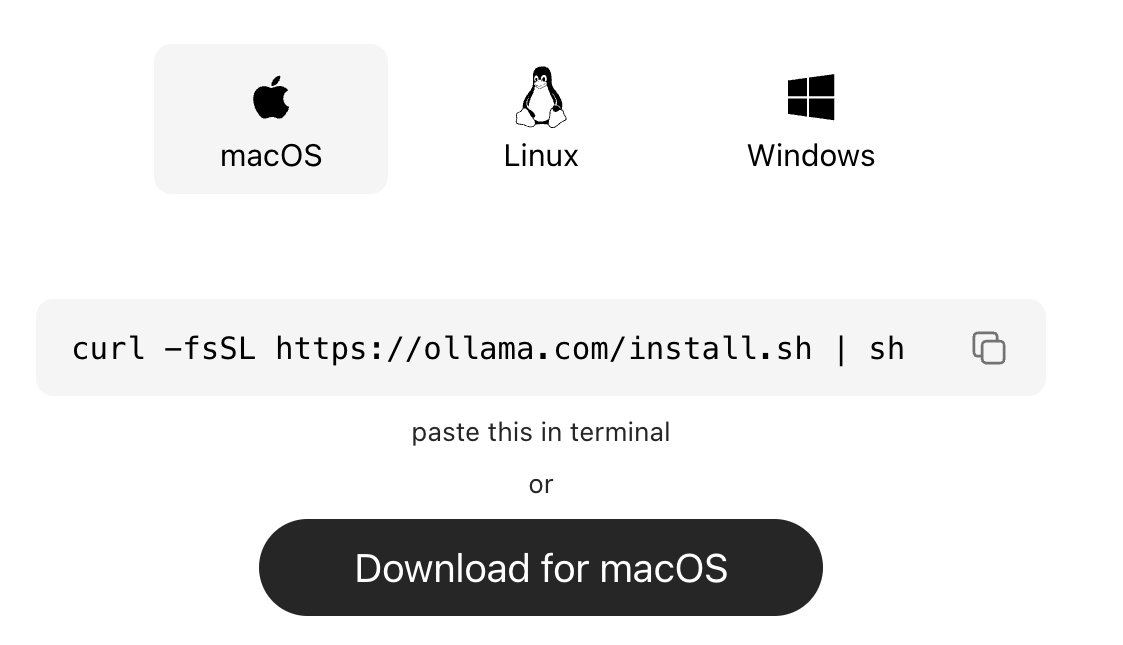
step 1: install ollama (the engine)
ollama is what runs ai models locally on your machine.
→ mac:
go to https://t.co/vbZUmD9sfj
click download for mac, open the file and install like any normal app. no terminal needed.
→ windows:
go to https://t.co/vbZUmD9sfj, click download and install
→ linux:
curl -fsSL https://t.co/KMqYYHJnZ0 | sh
check it worked:
ollama --version
_____________
step 2: download gemma 4
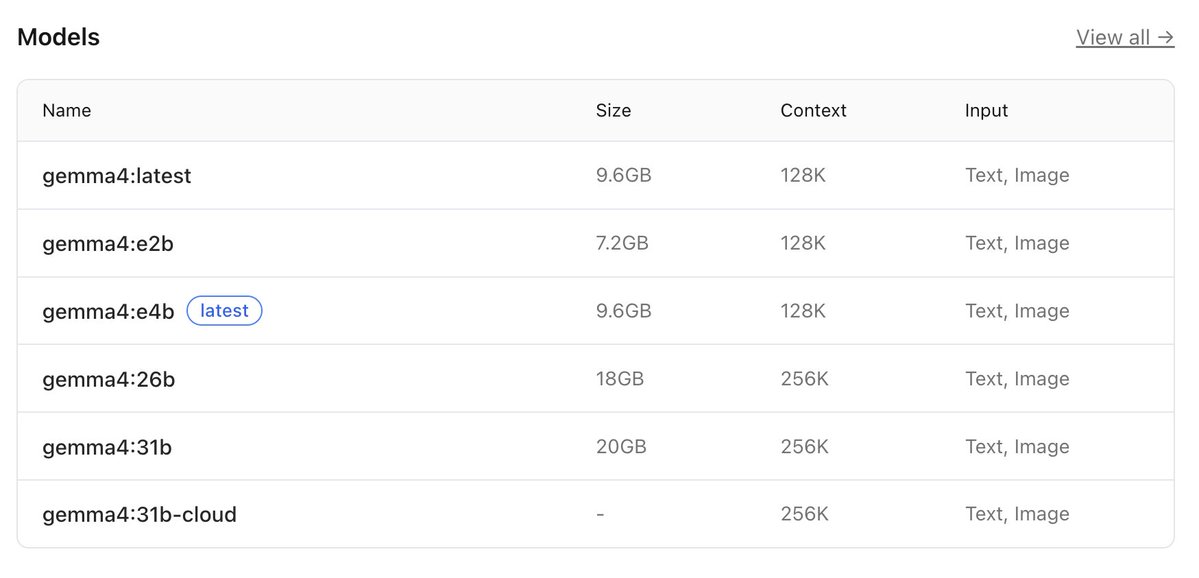
this is the ai model you’ll run locally, pick based on your system:
→ low-end (8gb ram):
ollama pull gemma4:e2b
→ recommended (16gb ram):
ollama pull gemma4:e4b
→ high-end (32gb ram):
ollama pull gemma4:26b
⚠️ it’s a big download (7gb–18gb), so give it time.
after download is completed, verify with the command:
ollama list
_____________
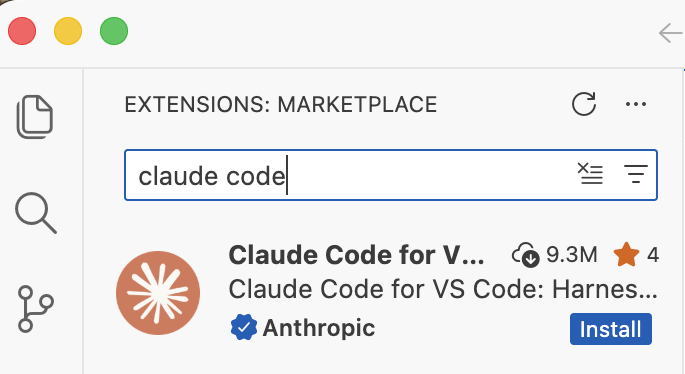
step 3: install claude code in VS code or any other IDE
this is your interface.
— open vs code
— press ctrl + shift + x
— search claude code
install the one by anthropic
after install → you’ll see a ⚡ icon in sidebar
_____________
step 4: connect claude code to ollama
by default, claude connects to the cloud. we’re redirecting it to your local machine.
so do this:
— press ctrl + shift + p
— search: open user settings (json)
— then paste this inside:
"claude-code.env": {
"ANTHROPIC_BASE_URL": "http://localhost:11434",
"ANTHROPIC_API_KEY": "",
"ANTHROPIC_AUTH_TOKEN": "ollama"
}
what this does:
— it routes everything to your local ollama server.
— nothing leaves your device.
_____________
step 5: run everything
1. start ollama with this command:
ollama serve
leave this running.
2. open claude code in vs code
click ⚡ icon
3. select your model
type:
gemma4:e4b
(or whichever you downloaded)
you’re done
_____________
you now have:
— claude code running
— powered by gemma 4
— fully local
completely free
try:
“explain this file”
“write a function”
“refactor this code”
_____________
common issues (quick fixes)
“unable to connect”
run:
ollama serve
asked to sign in
your json config is wrong
check for missing commas/brackets
very slow responses
your model is too big
switch to:
gemma4:e2b
model not found
run:
ollama list
copy exact name
quick recap
you just built:
a free claude setup
powered by local ai
no api costs
Follow for more AI contents like this!!!
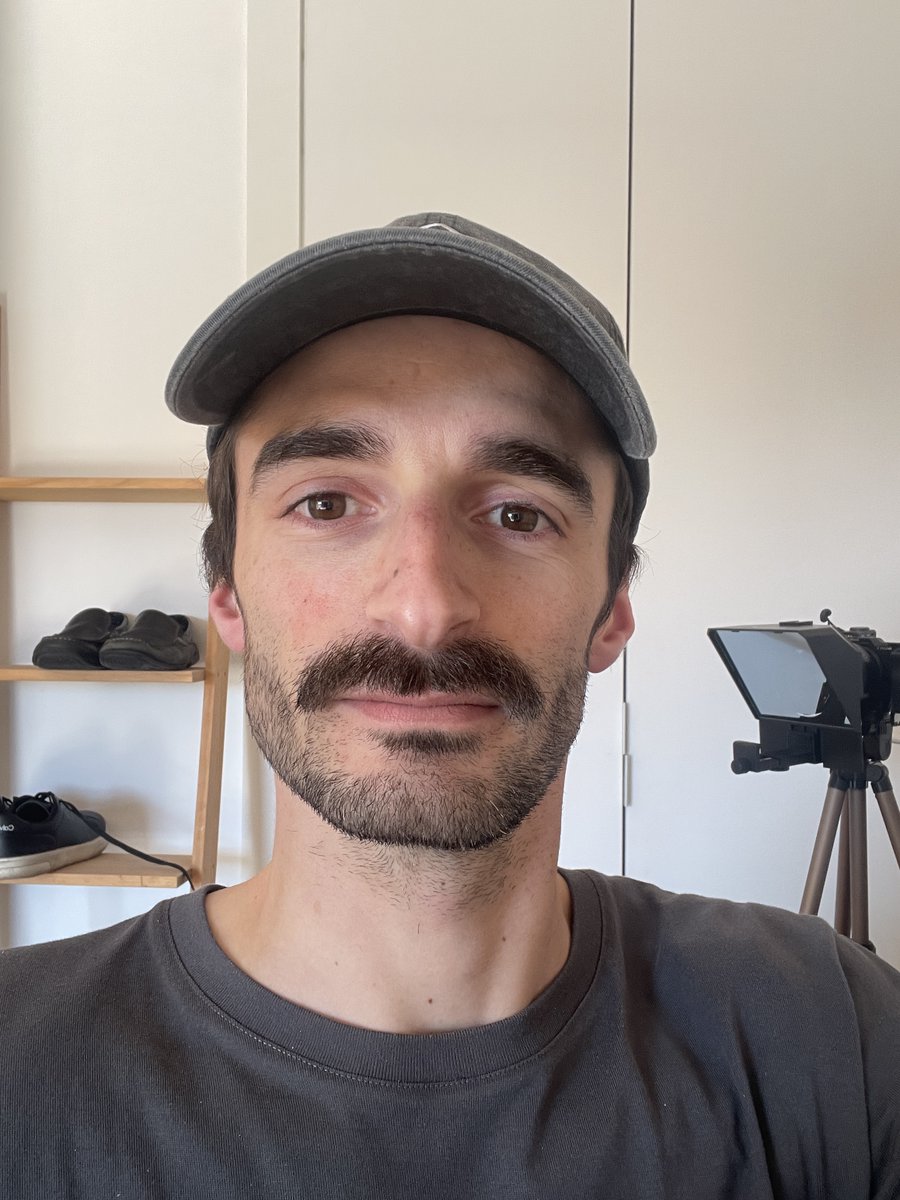
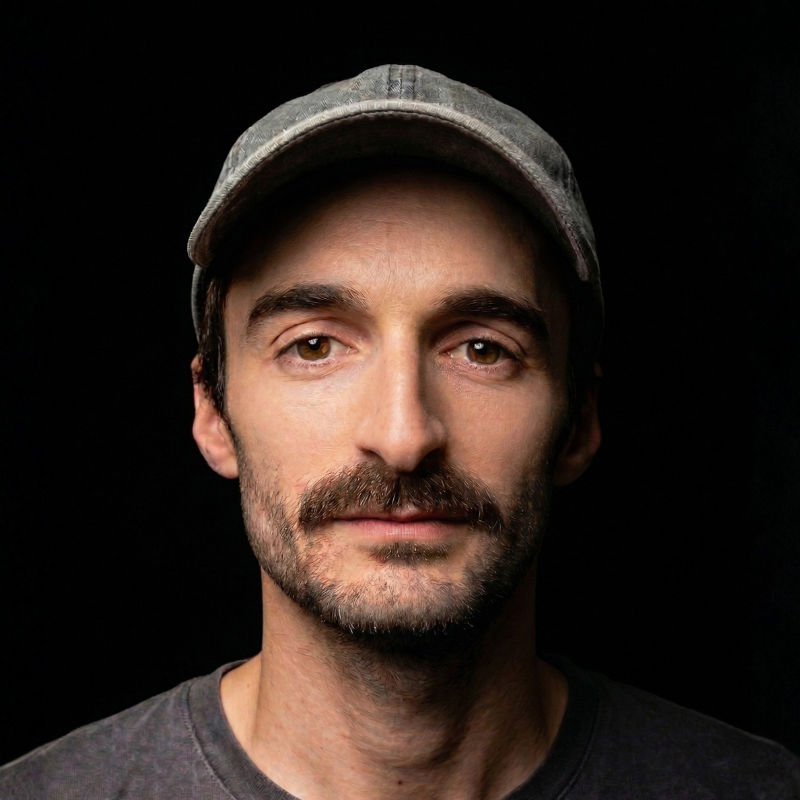
Pasé de la imagen 1 a la imagen 2 con este prompt:
(Úsalo para cambiar tu vieja foto de perfil)
1. Hazte un selfie con buena iluminación
2. Abre Gemini y activa Nano Banana 2
3. Carga tu selfie y usa este prompt:
"Toma la imagen que te adjunto como referencia facial exacta y crea un retrato editorial hiperrealista estilo estudio profesional.
– Iluminación de estudio suave con key light lateral y light fill tenue.
– Claroscuro lateral sutil para separar del fondo.
– Fondo negro uniforme sin textura.
– Plano medio (cabeza y hombros), mirada directa.
– Piel natural con detalle realista, sin efecto plástico.
– Corrección de color neutra.
– Nitidez alta en los ojos.
– Profundidad de campo corta.
– Estilo fotografía de retrato contemporánea.
– Óptica equivalente a 85 mm.
– Alta resolución.
– Proporción 4:5.
Prompt negativo (importante):
– No caricatura.
– No estilo pintura.
– No piel falsa.
– No deformaciones.
– No brillo artificial.
– No fondos visibles.
– No sonrisa exagerada."
4. Ajusta hasta obtener la luz deseada
Pruébalo y vuelve para enseñarme los resultados.
¿Te atreves a compartir en los comentarios la imagen que has conseguido?
10 free websites that feel like cheat codes for life.
You used to pay for half of these. Bookmark them before you forget.
1. Photopea
A free Photoshop that runs inside your browser. Opens PSD files.
Site → https://t.co/Ca9FHLI3XA
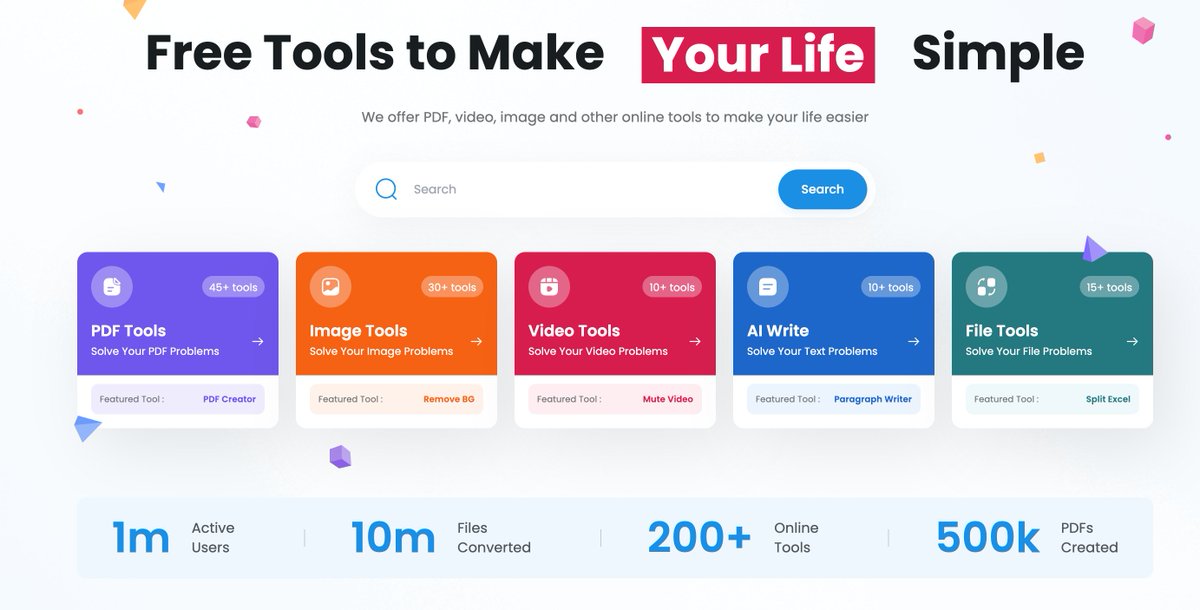
2. TinyWow
100+ free tools in one place. No signup. No watermarks.
Site → https://t.co/mEhQaaVdkF
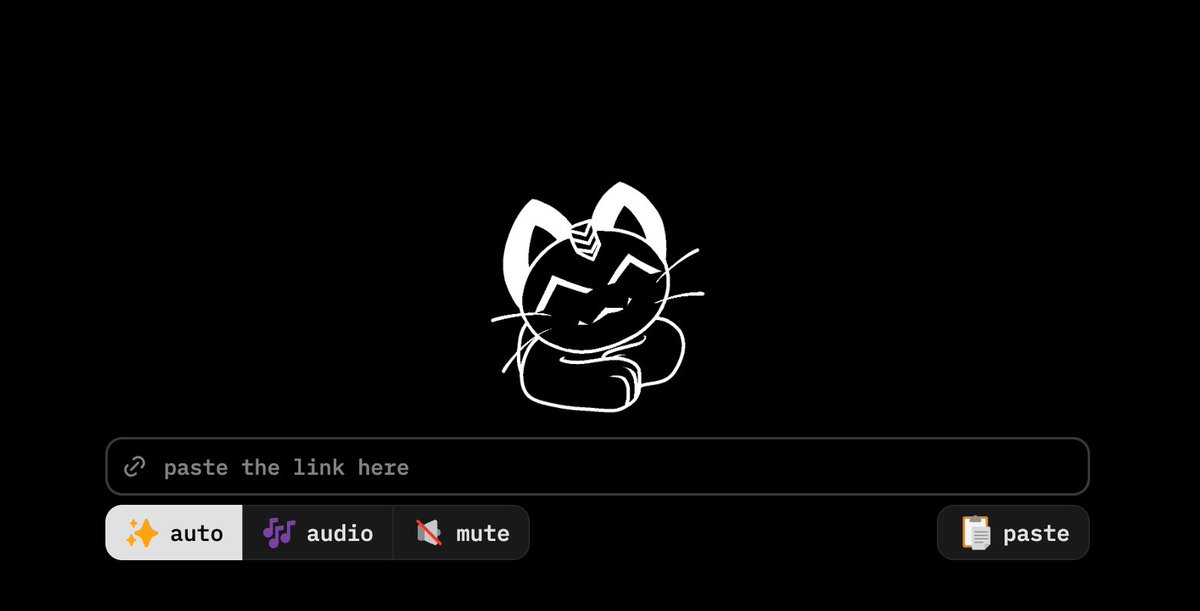
3. Cobalt. tools
Paste any video link. Get the video. No ads. No tracking.
Site → https://t.co/gSrMs9kTbA
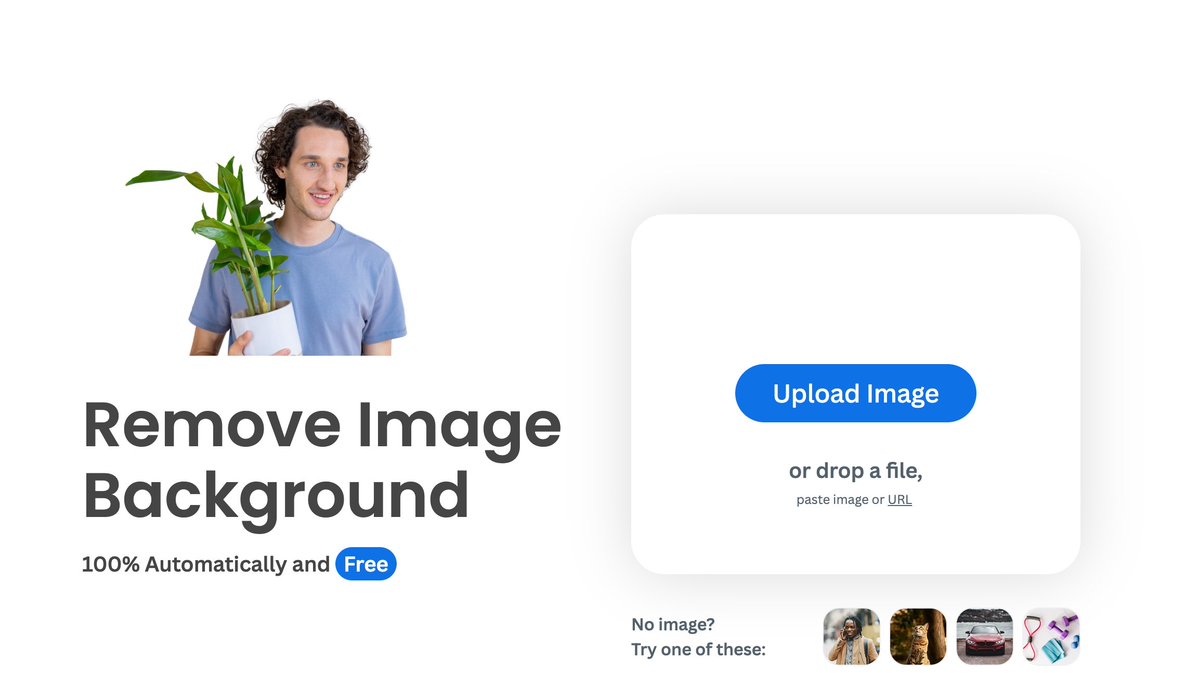
4. Remove .bg
Removes the background from any photo in five seconds.
Site → https://t.co/nqr6K2F6mA
5. Hemingway Editor
Paste your writing. It highlights everything weak, wordy, and unclear.
Site → https://t.co/623MGBrGWV
6. WolframAlpha
Solves any math or science problem and shows the steps.
Site → https://t.co/Ti4sC26NVT
7. Squoosh
A free image compressor built by Google. Shrinks photos to a fraction of their size with no quality loss.
Site → https://t.co/PBBv1AU6Vi
8. Internet Archive
Free access to 35 million books, films, and the entire history of the web.
Site → https://t.co/cU1bkJTFnD
9. Crash Course
Full college-level courses on history, science, philosophy, and economics. 100% free on YouTube.
Site → https://t.co/k1Z65WOQgD
10. Excalidraw
A free whiteboard for diagrams, flowcharts, and wireframes that actually look professional.
Site → https://t.co/Vxb1OkOn5P
Here's the wildest part:
If you replaced these with paid alternatives, you would spend $200 to $500 every single month.
All of them. Free. Forever. No accounts. No subscriptions.
The internet has secret rooms most people never enter.
These 10 are the doors.
Save this before you forget.
100% free. Forever.