Want to edit PDF files online for free? 📄✏️ Use Toolszu’s free PDF Editor to edit PDFs on your Android, iPhone, laptop, or PC—right from your browser, with no software installation needed!
🔗 https://t.co/7yADr9ipxC
#PDFEditor#Toolszu
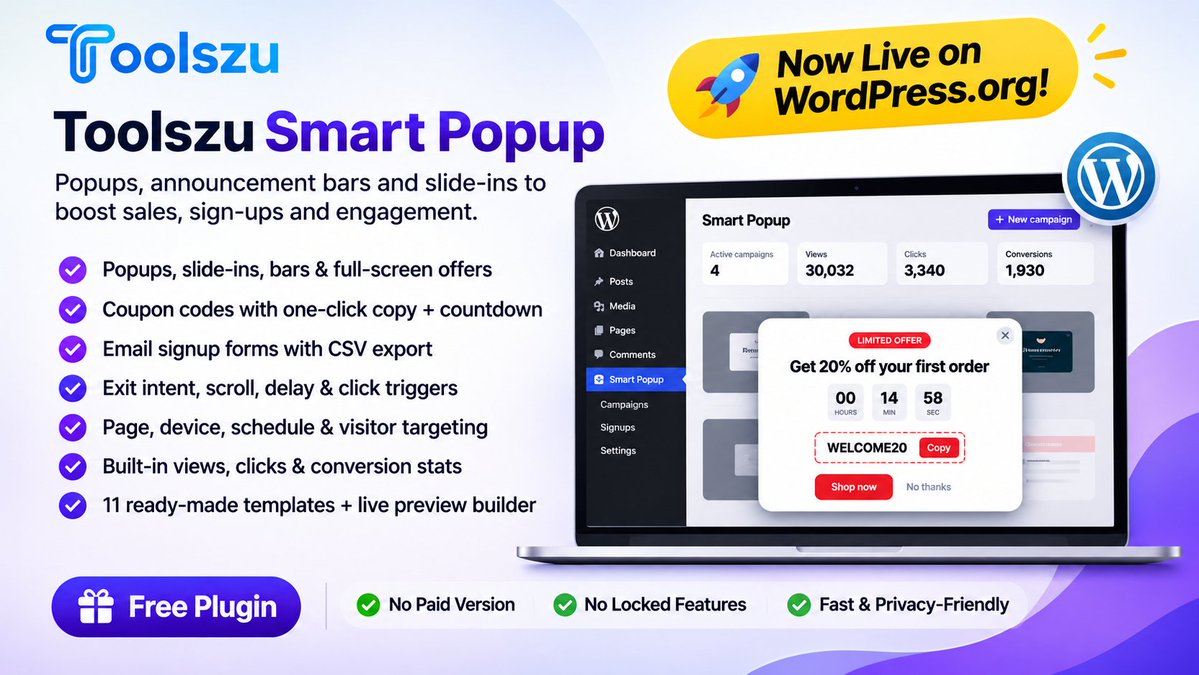
New on https://t.co/5VSSkjyT5Y: Toolszu Smart Popup 🎉
Popups, announcement bars and slide-ins with coupon codes, countdown timers, email signup and exit intent. Built-in stats, no coding, 100% free.
https://t.co/5NzucthoJD
#WordPress#WordPressPlugin#WooCommerce
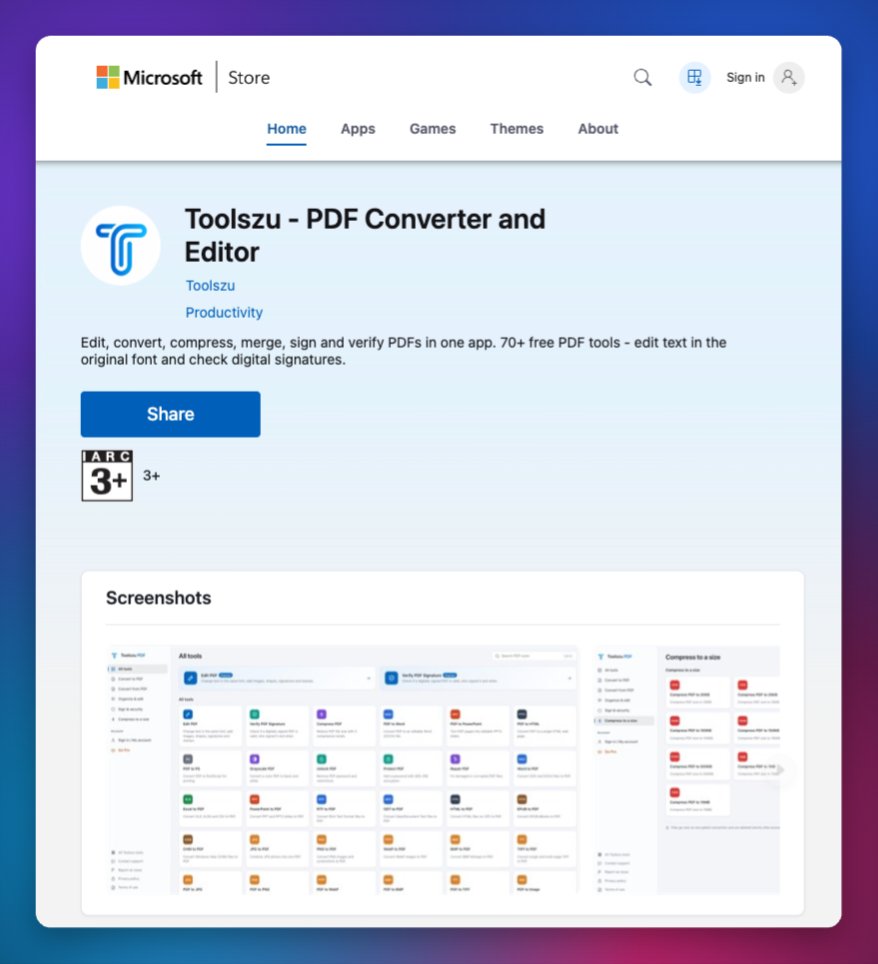
Happy to announce that Toolszu is now available on the Microsoft Store! 😍
You can now install Toolszu Image & PDF Converter directly on your Windows desktop or laptop.
Another milestone achieved! 🎉
Thank you for your continued support. ❤️
#MicrosoftStore#toolszu#PDFTools
🚀 Upgrade to Toolszu Pro & get 20% OFF with code TLZU20 🎁
✨ Ad-free experience
📁 Files up to 100 MB & 500 pages
⚡ Higher daily limits
👑 New Pro tools as they launch
Every tool stays free. Pro just removes the limits!
https://t.co/omCfYrZzsr
#Toolszu#PDFTools#free
Edit photos online for free with Toolszu! ✨ Edit images directly in your browser—no software installation needed. Perfect for social media, blogs, websites & everyday photo editing.
🔗 https://t.co/wmPUuurbap
#PhotoEditor#Toolszu
Need to edit a PDF for free? 📄 Use Toolszu’s Free PDF Editor to edit PDF files online from your Android, iPhone, laptop, or PC—no software installation required!
🔗 Try it now: https://t.co/7yADr9ipxC
#PDFEditor#EditPDF#PDFTools#Toolszu
Reduce image file size without sacrificing quality! 🖼️
Compress JPG, JPEG, PNG & more with Toolszu—perfect for websites, social media, email, documents & faster uploads.
🔗 https://t.co/lyG97I9SaQ
#ImageCompressor#Toolszu#ImageOptimization
Create a professional, modern & ATS-friendly resume for free with Toolszu! 📄💼
Build a job-ready CV with your skills, education, experience & achievements—perfect for freshers and professionals.
🔗 https://t.co/Ba7pwvLVhU
#resumebuilder#toolszu
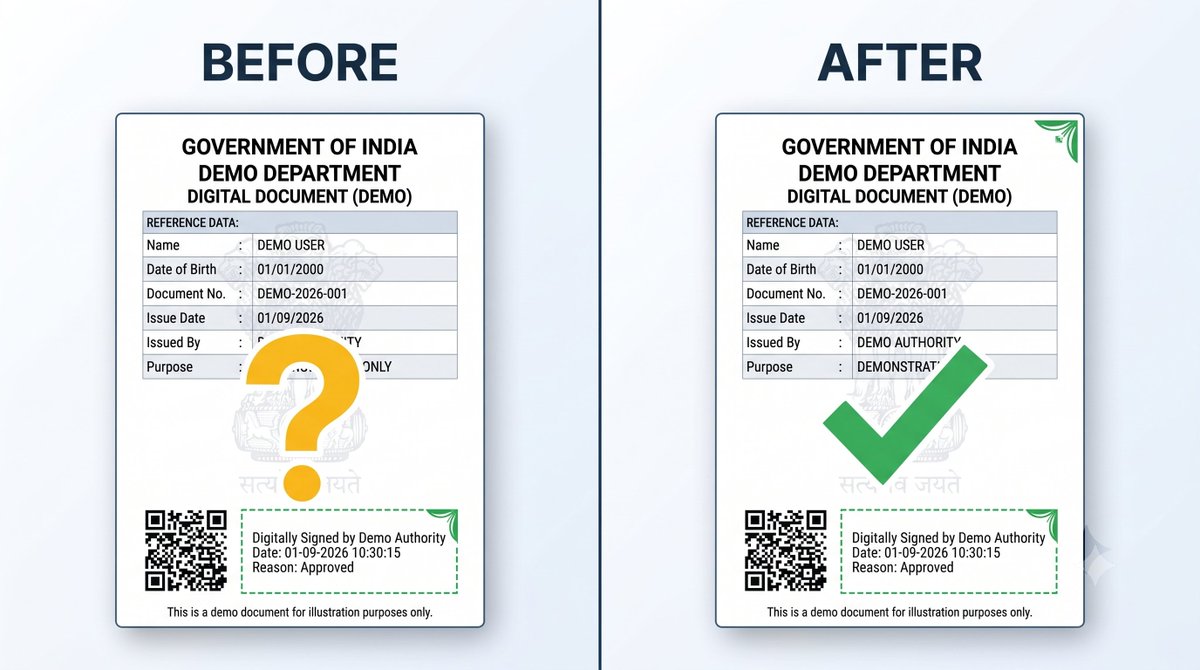
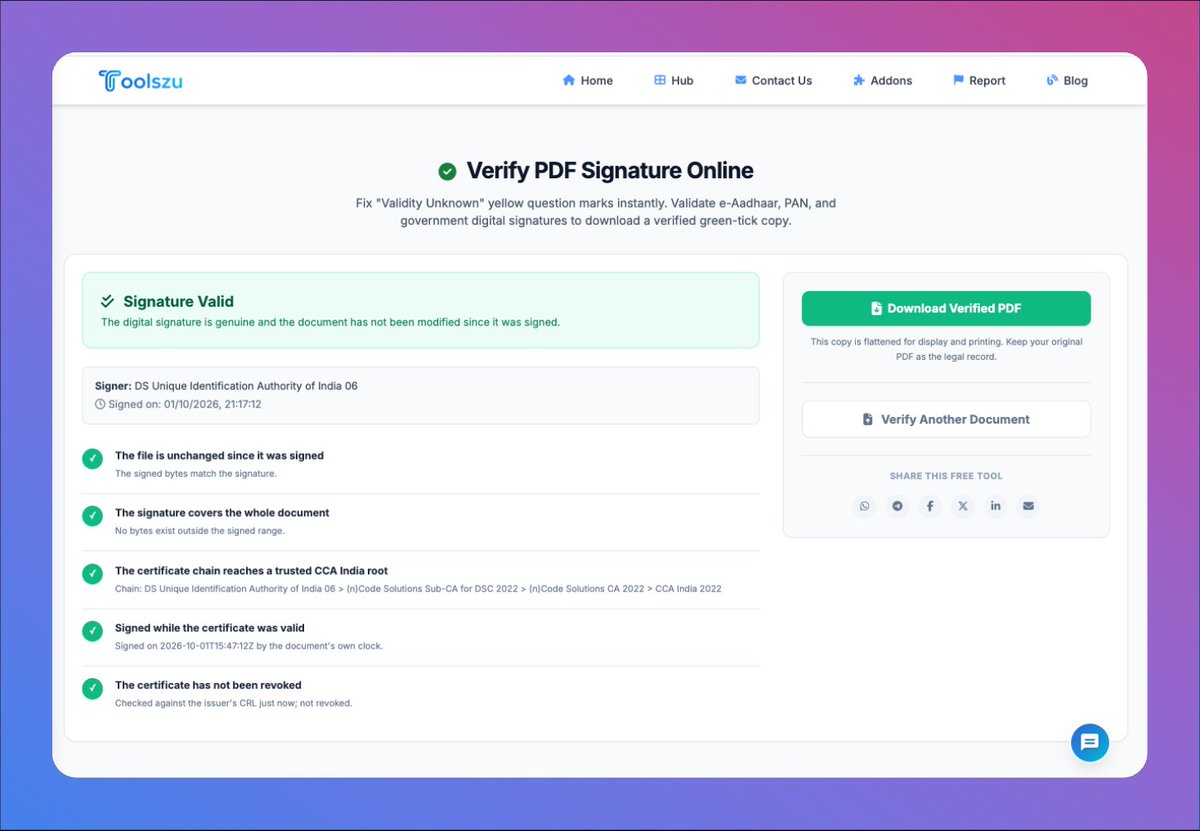
Is your PDF digital signature showing “Validity Unknown” or “Signature Not Verified”? 🔐
Learn how to validate and verify digital signatures in PDF documents directly on your mobile for free with Toolszu.
#toolszu#pdfsignvalidate
🔐 Not Verified? Don’t worry!
Validate digitally signed PDFs online with Toolszu PDF Sign Validation — even digitally signed Aadhaar documents (UIDAI). 📄✅
Try it free: https://t.co/xqxLZESG5l
#PDFTools#DigitalSignature#toolszu
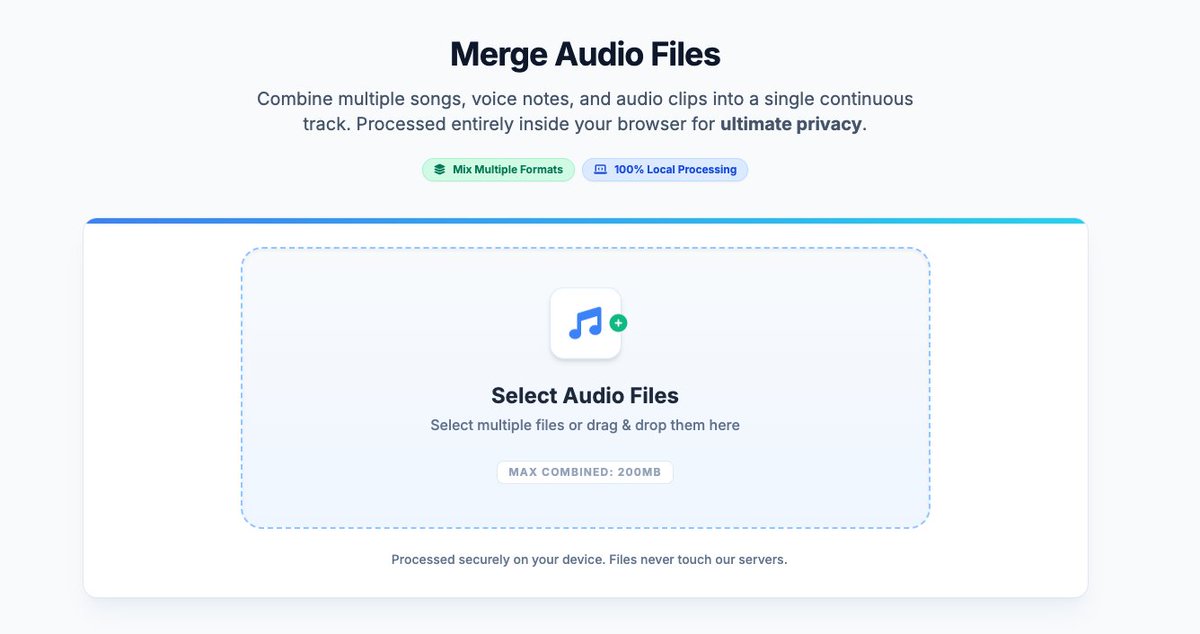
🎧 New Audio Tools are LIVE on Toolszu!
We’ve just launched a new suite of free, browser-based audio tools — from MP4 to MP3 conversion and audio cutting to volume boosting, merging, compression, and more.
Try them out and let us know your honest feedback.
Cheers,
Toolszu 💙
🚀 19 New PDF Compression Tools Are Live on Toolszu!
Compress your PDF to a specific size — from 20KB to 10MB. 📄✨
100% Free • No Signup • Fast & Easy
Explore the latest Toolszu updates:
https://t.co/CVmbp6oObu
#PDFTools#PDFCompressor#Productivity#toolszu
🚀 New on Toolszu: Advanced PDF Watermark
Add text or image watermarks with a true live preview. Drag, resize, rotate & watermark specific pages with ease.
🆓 Free • 🔒 Private
https://t.co/2zAJwll7Xa
#PDFTools#WatermarkPDF#Toolszu
🚀 Toolszu Insights just got a fresh new look! A cleaner, modern way to discover helpful guides, tutorials, SEO tips & online tool insights. 📝✨
Explore. Learn. Grow. 💙
#Toolszu#ToolszuInsights
🚀 We just shipped a bunch of AI tools — and they’re FREE! 🤖✨
Write, rewrite, humanize, generate ideas, create SEO content, product descriptions, quizzes, lesson plans & more — all in one place. 🔥
👉 Try them free: https://t.co/5uRrGy3ttg
#AITools#FreeAITools#Toolszu
Remove image backgrounds instantly with Toolszu’s free AI background remover. Create clean, transparent PNG or WebP images for people, products, and more—no software required.
🔗 Try now : https://t.co/mCFnwHpnNj
#BackgroundRemover#AIImageTools#Toolszu
Need to reduce a PDF file size without making it blurry?
Learn how to compress PDF without losing quality for free — with simple tips and a quick online method.
🔗 Read the guide: https://t.co/AaCQKG3Pfd
#PDF#PDFTools#Productivity#Toolszu