Day 11: building a project tracker with no coding experience
added a notes widget so you can jot things down and check them off while tracking time ✅
feels almost ready to graduate from v0 to Cursor, just aiming for good enough and then keep revising as i go on
answering my earlier tweet:
speaking it out = clearer thoughts.
turns out the mic is faster for complex prompts even if you type fast.
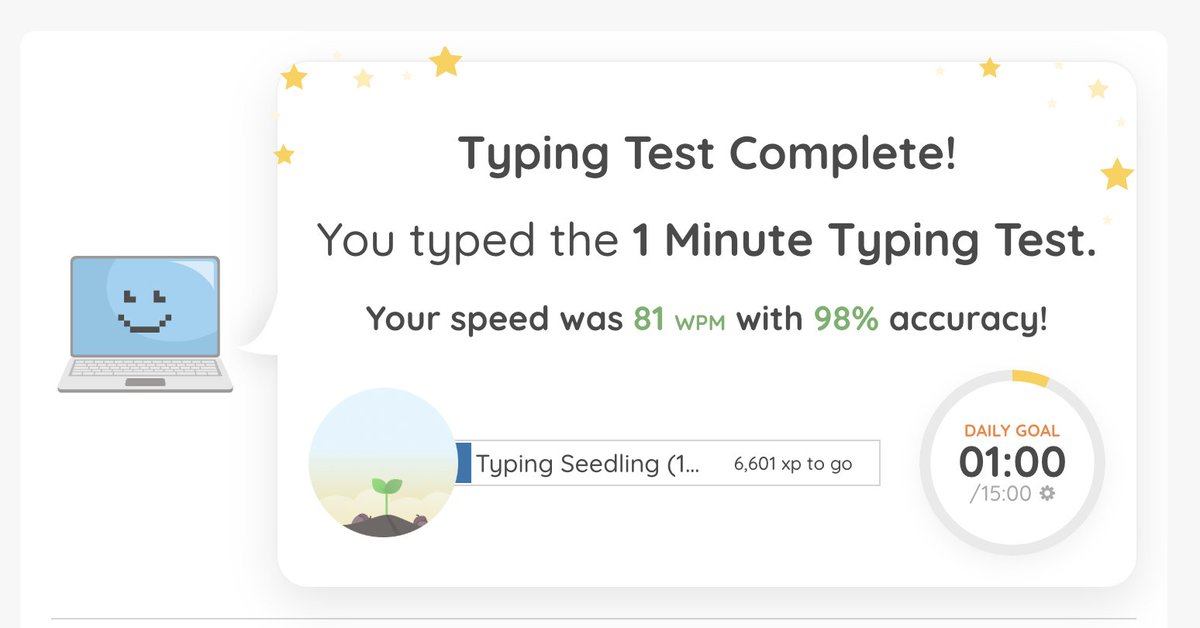
also for fun took a typing test while waiting, just to make sure i wasn't delusional. guess computer class in middle school paid off lol
Day 10 of building a simple project tracker to learn vibe coding.. it's taking longer than I thought. i have seen that a lot of people are literally using the mic to talk instead of type which makes it faster.. will try it tomorrow
so yesterday on this "journey" learning to vibe code a project tracker, I found this website exactly what I had in mind: https://t.co/kkc791Uzvo
I thought i was going to give up but knew from day 1 this wasn’t some revolutionary app, i’m building to learn! @focuskeeper
Day 9: building a simple project tracker no coding experience
-learned that when your not specific enough about certain things, the default doesn't match at all
ex: all the default hover colors on the buttons are a blue that don't match the aesthetic
Day 8: still building my little project tracker publicly (no coding experience)
🛠️ still in v0
🔧 fixing UI bits & making everything actually work together
⏳ definitely taking longer than i thought
😅 not totally vibing with the design yet, but here’s what i’ve got so far:
hmm today is about figuring out this message in v0.. also I’m on the pro version and I didn’t ask it to do anything except for me dragging a screenshot. Googling it and asking Chatgpt for but if anyone has suggestions would appreciate!
Day 7: building a project tracker, 0 coding experience
was frustrated with the choices out there because they were very complex. I just wanted something simple plus I wanted to see how far vibe coding could get me
- the little widgets can also move
- added a music part
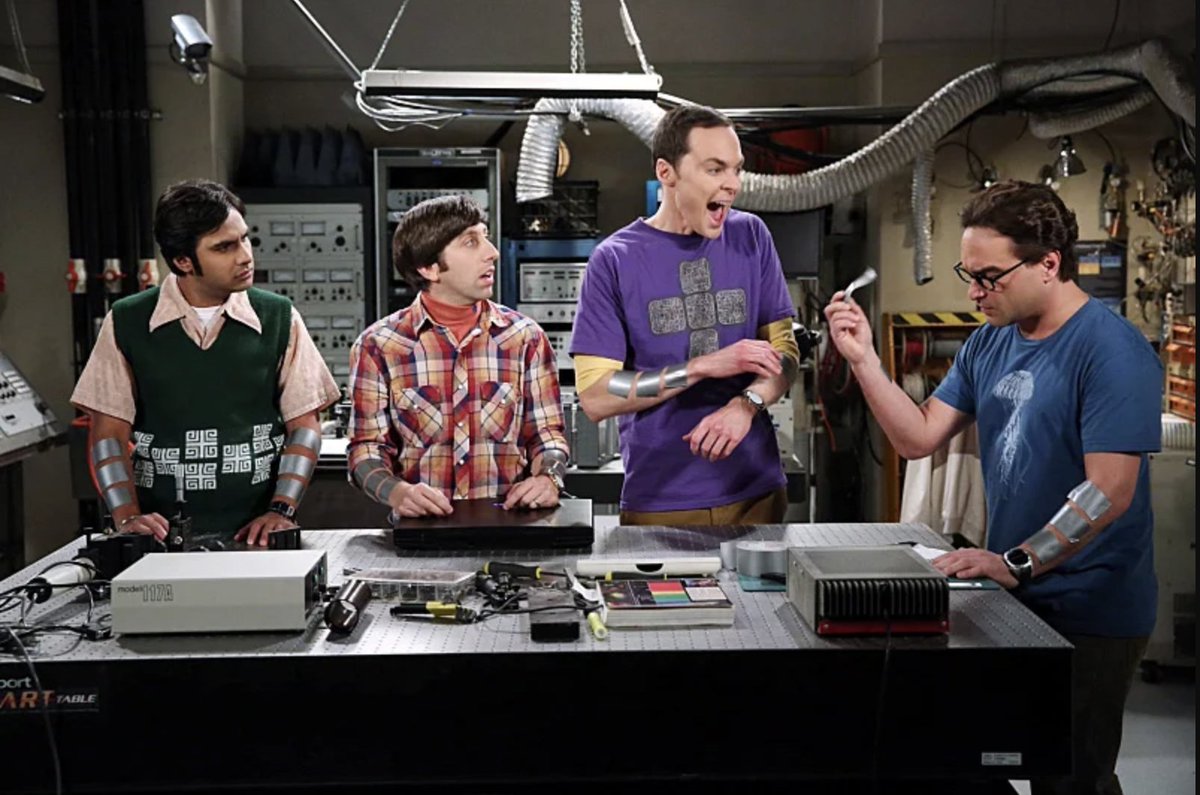
rewatching the episode where the 4 guys in big bang theory try to work on a project together but end up procrastinating felt like watching my brain play out in sitcom form
https://t.co/zfgMmrQ5wl
Day 6: slowly vibe coding a progress tracker with no coding experience
so i started it out wanting it to be simple.. but today i thought that if I'm going to use it, it should look more appealing
-redid the UI, focusing on the clock image
-added more colors (def not final)
Day 5: fell into a rabbit hole about progress bars
-visual chunking helps things feel less overwhelming
-goal gradient effect: apparently, the closer we feel to the finish line, the more motivated we get but getting started is still the hard part. its why visualization is‼️
so i get the hate with vibe coders. maybe it's sorta like a guitar hero player calling themself a guitarist
and it cheapens the grind. but hey, if it gets more people curious, maybe it’s worth it
violin hero, anyone? 🤷🏻♀️🤷🏻♀️
Day 3: vibe coding a project tracker as a non-tech person
today on my commute I found this inspiring tweet so I'm going to give it a shot and start over.
✅ Wrote a scrappy PRD
🛠️ Rebuilt the UI in v0 (which was so much easier after writing the PRD!) still working on it
vibe-coded the first version of https://t.co/UZRO46DLAw in 3 hours.
it got us into an accelerator that invested $275K.
here’s the exact stack 👇
1. chatgpt (customGPT) - wrote PRD, broke features down atomically
2. v0 - dragged in each atomic feature to build the UI
3. cursor - wired up core functionality + called claude for API integration
4. supabase - backend
5. vercel - deploy
in today's world, you can just do things
Day 1: I’m building a simple project tracker. spent about 2 hours
Didn’t do much “vibe coding” yet, mostly figuring out what I actually want this thing to look like.
-Made rough sketch
-Figma
-Forgot how to use Figma
-Googled everything + asked ChattyG for help