QR code based process tracking made simple. Forms (including pictures, GPS, signatures, etc.), transition and validation rules, dashboards, alerts, etc.
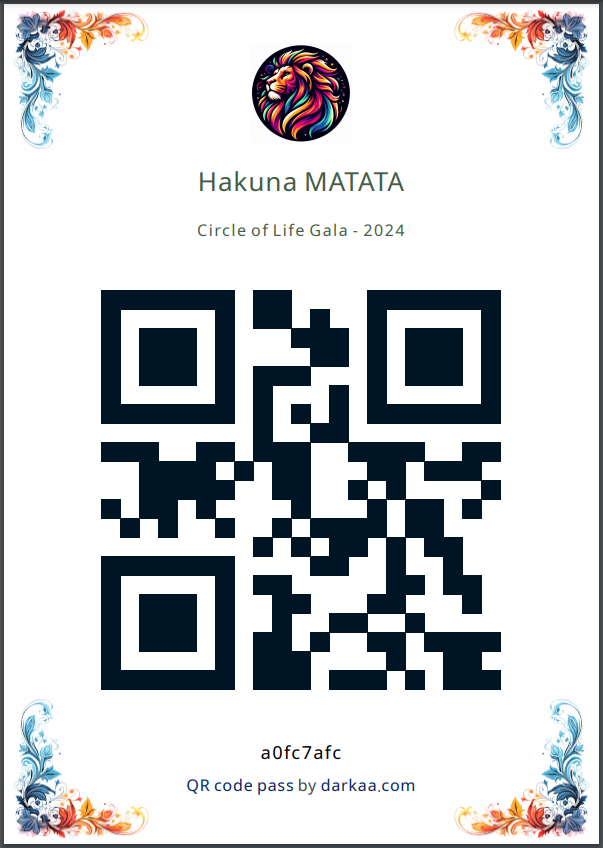
🚀 Simplify your event check-ins with our QR Code Ticket Add-On for Google Forms!
📲 Generate secure, unique QR tickets for every attendee and streamline your attendance tracking. Watch the tutorial now! 🎥👇
Need to transparently keep track of customer vouchers? Paper ledgers aren’t going to cut it, as your customers can't see them.
Use our QR Code Loyalty Cards Google Forms™ addon to generate customer loyalty cards. Adding a voucher or recording spending is a QR scan away 🔥
@alldwaybright@UIsnazz@oluwadaprof@fawas_ola @robogeek95 This can be done today using this Google Forms add-on: https://t.co/TTIOA8eFvq
Students are registered once and get QR code cards. They show it in class to the teacher, who scans in bulk.
@ArcticPhrog With this attendance tracker, students don't need to scan a code or fill forms. Students just show a card with a QR code, and the teacher scans it.
https://t.co/TTIOA8eFvq
@YoraJanai Tell your teacher to user this attendance tracker, and students will never need to scan a code or fill a form in class. Students simply show a QR that the teacher scans:
https://t.co/TTIOA8eFvq
@redclayscholar You can also have students fill a form once, and receive by email a QR code they can reuse. You take attendance by batch-scanning their QR codes.
Try it here for Google Forms: https://t.co/TTIOA8eFvq
@jaykosai@czarify Did you publish the app?
Checkout a similar attendance tracking app we made. You register students by filling a Google Form, and check then in by batch-scanning their QR codes:
https://t.co/TTIOA8eFvq
@VoyageVers66035@CeoNanded@Minal_IAS@InfoNanded@girishdmahajan True, QR codes are not necessarily the best choice for monitoring, especially when you're in a low-trust environment, where even the audit trail of who scanned whom is not enough. Those situations usually call for completely passive (and sometimes secret) data collection.
@allthisreid Confira também este complemento do Formulários Google para gerar um ticket de código QR para cada respondedor de formulário:
https://t.co/xb5djyYugW