Creativity meets technology at Powhatan Elementary! 🖥️🎨 The 4th & 5th grade TAG students have been hard at work learning the ins and outs of Canva video—building awesome design and storytelling skills along the way. Keep creating!
@OhioValleyESC#SERVE@swissohiok12
💯Behind the scenes with Monroe Central Yearbook! Student designers tried out their photo editing skills during an "Edit Images Like a Pro" Canva workshop. Can't wait to see how they make every photo in this year's book shines! Super class!
@OhioValleyESC#SERVE@mchs_seminoles
🖼️Tired of HEIC images not opening on Windows or non-Apple devices? HEICGlide lets you convert Apple HEIC photos to JPG instantly in your browser—no signup required. https://t.co/dn5raOMZ6B
@OhioValleyESC#SERVE
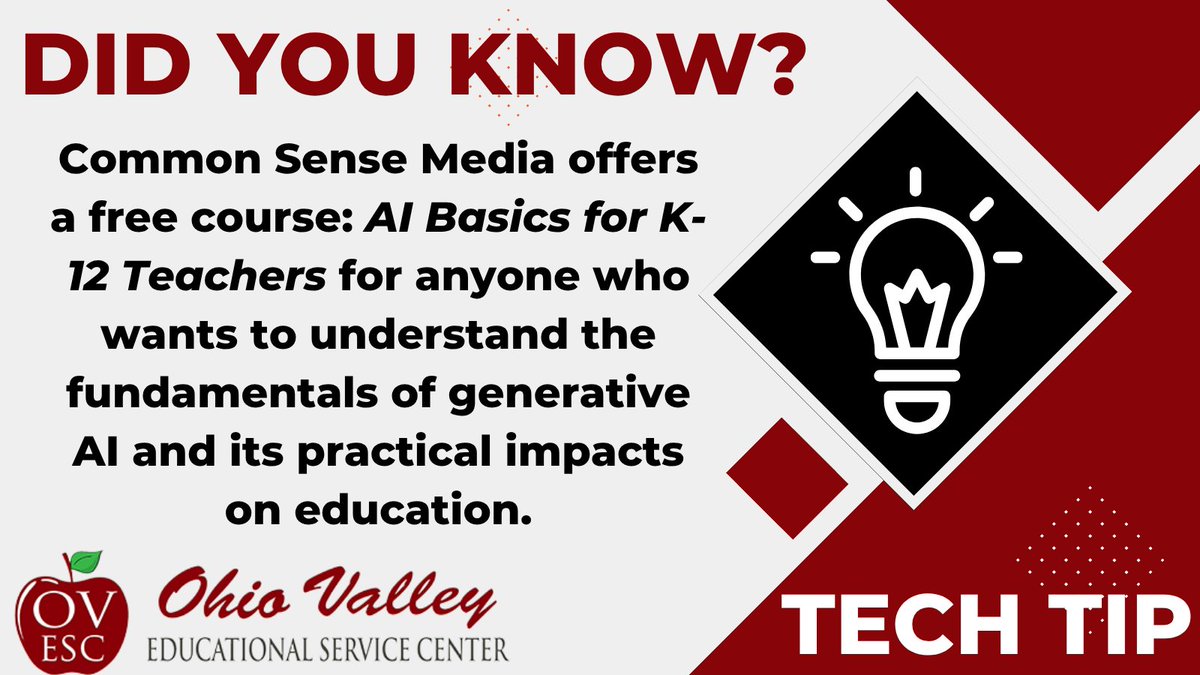
AI Basics for K–12 Teachers course covers essential AI literacy, key safety/privacy considerations, & ethical impacts in the classroom. Highly recommend for any educator looking to navigate generative AI thoughtfully! https://t.co/mxFBfEK21i
@OhioValleyESC#SERVE@CommonSense
📢Educators - big news! You can now generate @CanvaEdu materials directly from @BriskTeaching! Create presentations, docs, images, videos, & more in Brisk, and watch them generate right inside your Canva account, ready to edit. https://t.co/Aje8CRE3B7
@OhioValleyESC#SERVE
👏Excited to highlight the Powhatan Elementary gifted students! They are hard at work designing impressive Google Sites and creating amazing videos in Canva. Way to show off your creativity and tech skills!
@OhioValleyESC#SERVE@swissohiok12
Lights, camera, action! 🎬 MCHS Public Speaking students explored video creation techniques in Google Vids today as they prepare to build their upcoming documentaries. Excited to see their stories come to life!
@OhioValleyESC#SERVE@swissohiok12
💯Spending a Friday afternoon in a Google PD session—at the end of the nine weeks, on a beautiful sunny day, with a 2-hour early dismissal and Friday night football ahead—takes serious dedication. River HS Staff rocks!
@OhioValleyESC#SERVE@swissohiok12@Pilot_the_Ship
We’ve all been there—several tabs open, and you accidentally close the exact one you were using. 🤨Keyboard shortcuts to the rescue! 😀
@OhioValleyESC#SERVE
💯So impressed with the gifted students at Beallsville today! They tackled Google Sites to build website and Canva to craft awesome videos. Love their hard work!
@OhioValleyESC#SERVE@swissohiok12
Shout out to the gifted students at Powhatan Elementary School! They are learning new website and video creation techniques as they prepare for their competition in March! 💻🎬 Can’t wait to see their creativity shine!
@OhioValleyESC#SERVE@swissohiok12
📽️Turn your Google Slides into an editable Google Vids draft in 3 easy steps!
1️⃣ In Slides, Go to File > Turn into Video
2️⃣ Select Your Slides
3️⃣ Edit & Customize Your Video Draft (script, voiceover, music & animations)
@OhioValleyESC#SERVE
Short on time? You can still master AI in education!
With the free Google AI Educator Series, complete self-paced 10-to-45-minute sessions to:
✅ Learn practical @GeminiApp uses
✅ Streamline admin tasks
✅ Earn recognized badges
https://t.co/l51HYnkYlq
@OhioValleyESC#SERVE
💯Another great training session at Swiss Hills today! Inspiring to see the staff hard at work adopting technology, Google skills and AI to enhance the student learning experience.
@OhioValleyESC#SERVE@swissohiok12@HillsSwiss
💡Quick Slides Tip: How to record a presentation in Google Slides:
➡️ Click Record on the right side
➡️ Choose Camera & Screen or Audio
➡️ Choose the Tab & Record
➡️ Finish
➡️ Edit (Google Vids)
➡️ Save & Share
https://t.co/ZoMm1dxB7R
@OhioValleyESC#SERVE
👏 Great job to the Swiss Hills staff for investing in their Google skills today and exploring ways to make Google Drive work smarter for them! 💻✨
What a bonus to see how they’re already using Gemini Notebook in their CTE programs! 🚀
@OhioValleyESC#SERVE@swissohiok12
🧮Manual calculation in Google Sheets prevents spreadsheet lag when importing large data sets. All users should have access by October 6th! Once available, turn it on by going to File>Settings>Calculation Settings.
@OhioValleyESC#SERVE
No more downloading, printing, and scanning just to sign a document ✍️
Here’s how:
1️⃣ Open any PDF in Chrome & Click Annotations
2️⃣ Choose your Pen or Highlighter Style and Color
3️⃣ Draw your Signature or Annotations & Hit Save
@OhioValleyESC#SERVE