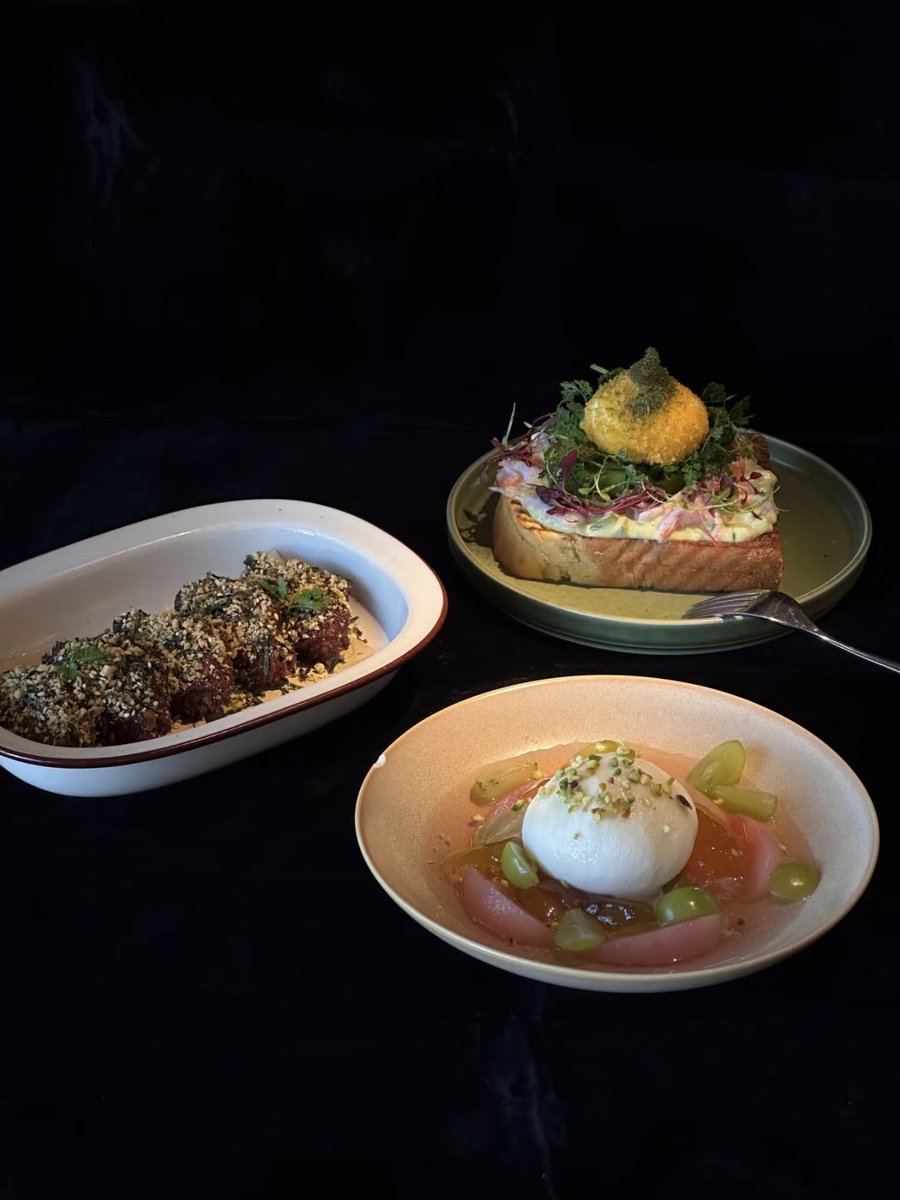
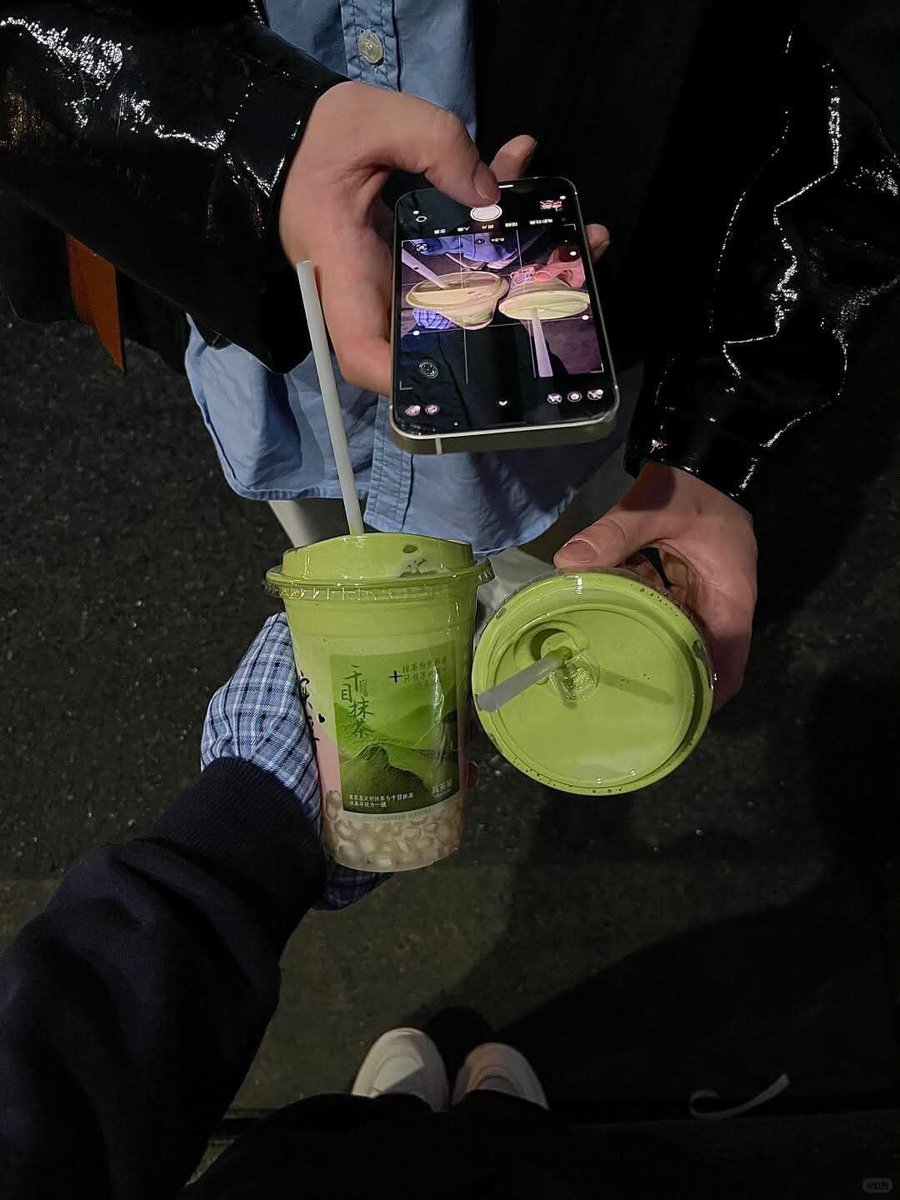
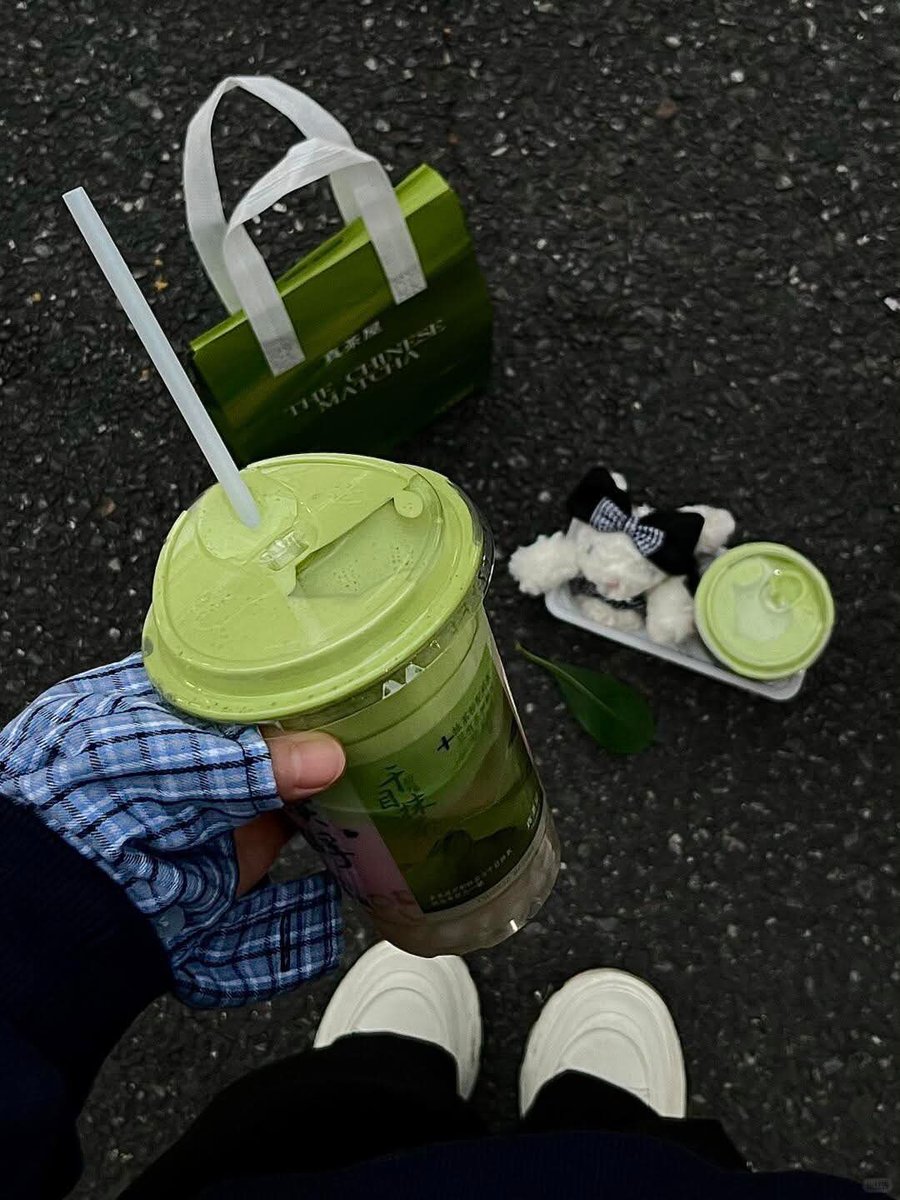
style is basically: Low Exposure + Low Saturation + High Sharpening.
📱Editing Settings:
Brightness: -25
Brilliance: -40
Highlights: -20
Shadows: -15
Contrast: +15
Sharpness: +50
Warmth: -15
Definition: +15
☑️ Shooting Tips:
1. Manually Lower Exposure
Long press to lock focus and drag down to lower exposure manually. This step is literally the soul of the dark tone look.
2. Clean Composition
Turn on your grid lines; place your subject on the thirds or right in the center. Zoom in 1.5-2x when shooting-it makes the frame look way cleaner.
3. Dark Backgrounds are Key
Try to pick darker backgrounds. Dark tables, asphalt roads, or shadowed walls all work perfectly with this vibe.
Finally figured out how to get this "foodie shop" filter look!!
📱iPhone Original Camera
Exposure -2
Brilliance +10
Highlights -10
Shadows -10
Contrast +5
Brightness +5
Black Point +10
Saturation +5
Vibrance +15
Warmth +10
Tint +20
Sharpness +35
Definition +10