Introducing: Pairing Studio 💃🏼🕺🏾
Elevate your designs with font pairings that synergize.
This new update allows you to rapidly try different font combinations and discover what works well together.
https://t.co/MJnA1obGz9
Zero AI — only your creativity 🦊 Enjoy!
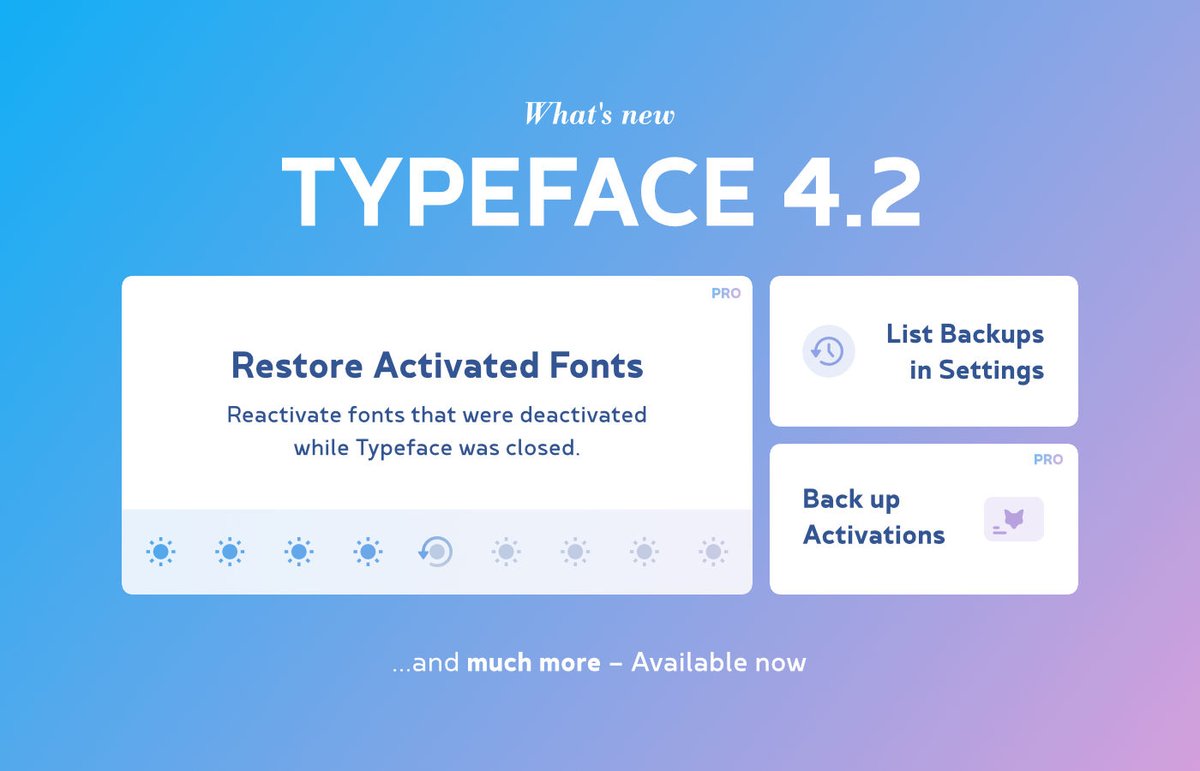
Ready for macOS Tahoe?
Prepare by getting Typeface 4.2, which can automatically restore your activated fonts after macOS updates. Or reactivate fonts from a backup — auto backups are now easily accessible from Settings.
See what’s new:
https://t.co/e3n3clWGiJ
Enjoy! 🦊
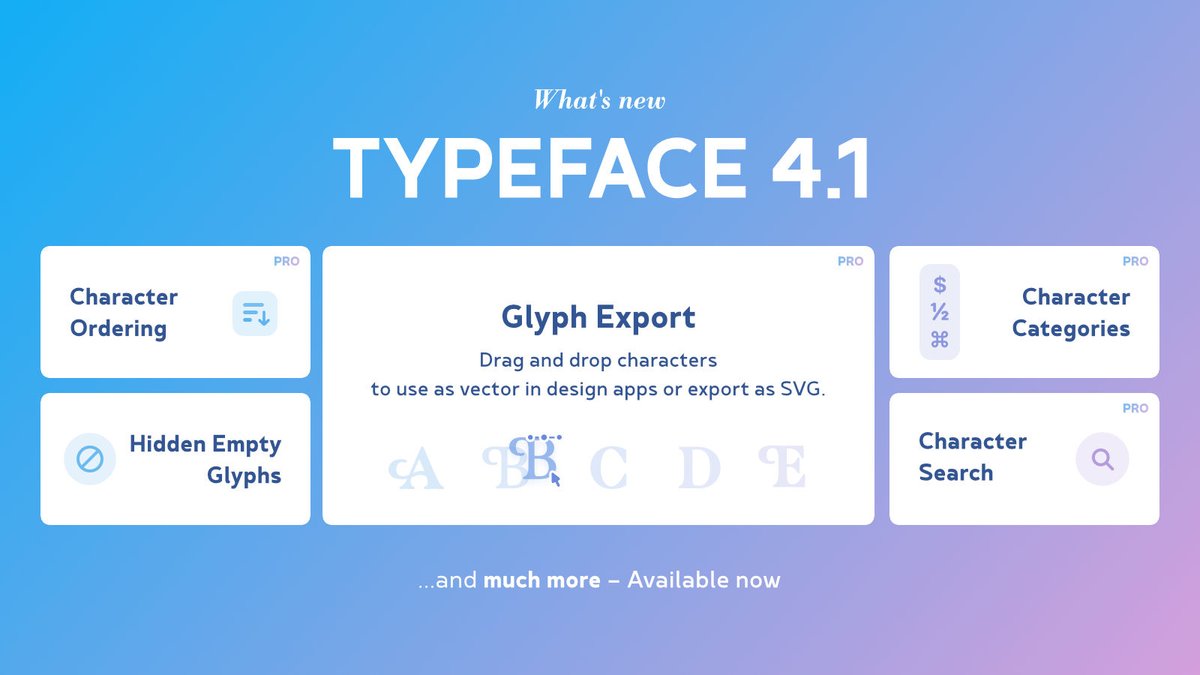
Typeface 4.1 is all about characters! 🦊
Find the character you need using the new character categories, character search and character ordering.
Then drag and drop glyphs to export them as editable vector in your design or as SVG.
Available now: https://t.co/ASWErUOcZr
Enjoy!
NEW in Typeface 4.0: List View 🤓
Get a detailed metadata overview of your fonts and use new sorting options to find the exact font you need.
Full release notes: https://t.co/VZZaQHIrbV
Enjoy! 🦊
@Gary_Freemantle Hey Gary — yes you can import your fonts and collections directly from other font managers. Steps for Suitcase are available here: https://t.co/ux7aquv11w
You can use the free trial from the website to test this out. If you have any questions feel free to send me a mail :)
Introducing a colorful new Typeface update:
🌈 Customize preview colors
🎨 Preview color font palettes
🔆 High contrast themes
And more: https://t.co/4xgE6Q9h26
Enjoy!
@rodrigomorbey Yes this was changed in Sequoia. I'll try to improve it in a future app update. However, the app should not close after a while — it should stay available in the menu bar. Is that not the case for you?
@rodrigomorbey Do you have Background Mode enabled? You can open the app using the fox icon in the menu bar. Or choose Window › Typeface from the main menu.
New: randomly sort your fonts to get a fresh view of your library — perhaps you’ll discover some new favorites!
Or get a quick look at Latin character support and view multiple font sizes at once with the new Text layouts: Characters & Waterfall
Enjoy 🦊
https://t.co/vpGlZHUAUo
@maxbrunelle It's definitely cool tech, but I'm not sure if it's really useful? I mean the automatic pairing part: "Font pairing is a subjective practice with infinite possibilities." Being able to quickly preview/pair fonts is nice of course!
@Caliintzz Typeface can keep tags for moved fonts, when the folders/files stay on the same disk. Transferring to a separate disk/NAS is a file copy, in which case they're new files and do not automatically keep their tags. They're considered new fonts.
@Caliintzz Note that "hotconv" is just a tool from the Adobe Font Development Kit for OpenType (AFDKO) — it's information about how the font was created, but may give many results in your library.
@Caliintzz Searching for version info is currently not available — I'll add it to the wish list. You can view version numbers in the List Styles details tab and the Find Duplicates panel. Full version info is available in the Info detail tab.
Stay in charge of your font library: in Typeface v3.13 you can view your custom subfolder structure from Finder directly in the sidebar.
Expand your imported locations to browse through subfolders and find the fonts you need.
More info: https://t.co/x55CNG7BFc
Enjoy 🦊
@nacho Thanks for your feedback, I'll add it to the wish list. Could you give some more info about your use case? Fonts are sorted alphabetically and you can type "b" to jump to fonts starting with a B etc. Does that help?
@xacir The app is also available on the Mac App Store and Setapp, perhaps they allow payment without VPN. Send me a message next year and I'll check what the options are.