Hey! I kind of gave up on Twitter a while back, but I'm even more uncomfortable with the way it seems to be going. So, I'm not monitoring this account these days. You can find me on the @roboFontEditor Slack if you need help with code or whatever.
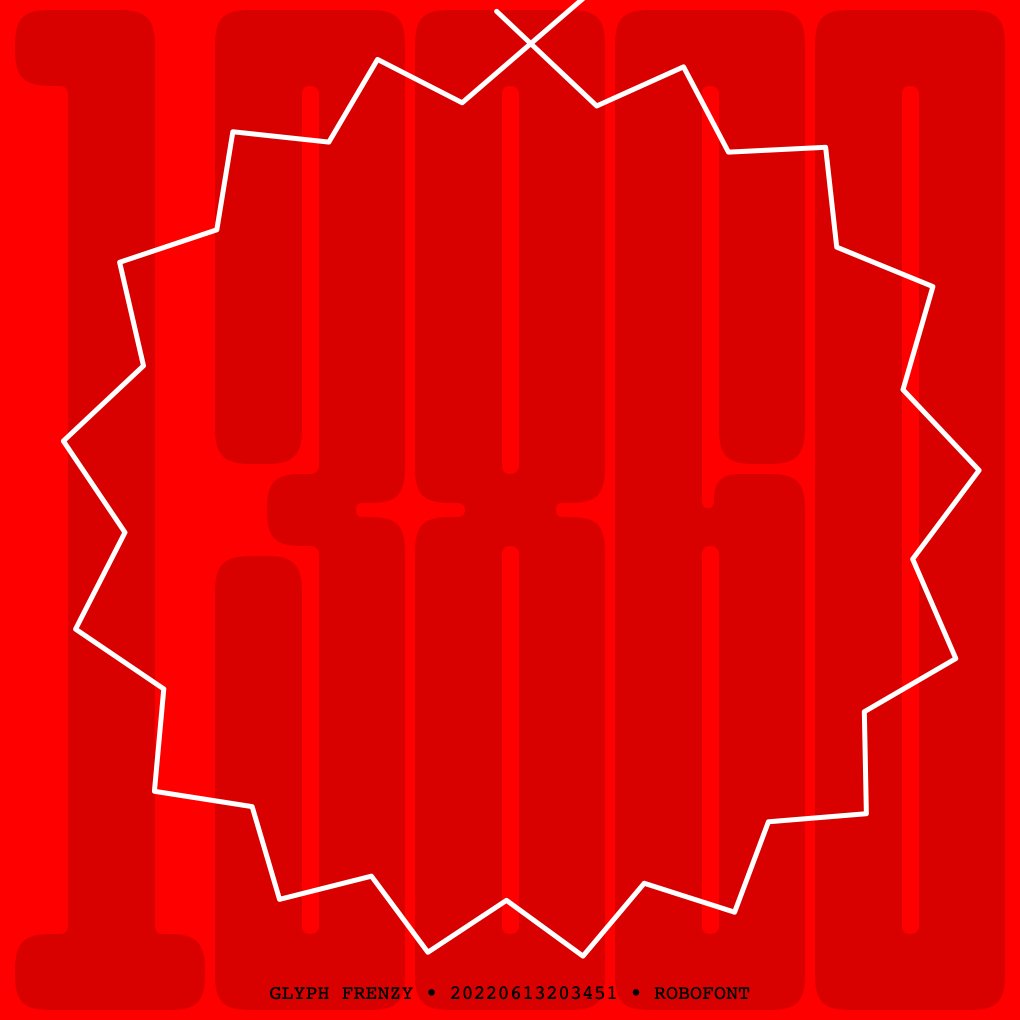
@DrReinhold@roboFontEditor On curve points become portals when hit directly. The first on curve point in each contour has a larger hit zone, so it is activated frequently. The yellow spiral indicates that a portal has been activated.
Yes. I did spend waaaaaaaaaaaaaaaaaay too much time thinking about this.
(Maybe I'll make a formal announcement at some point? Until then: Hey, there's a new extension on the @roboFontEditor extension store called Glyph Frenzy. It costs $10. It's a game. This game.)
I have been using this tool in my workflow for years. It will automatically update fonts that are "test installed" after you edit them in RF. It also lets you "test install" UFOs that aren't open in RF which is really handy when you are working on a big family.
I love this quote:
"Automation isn’t so much about letting all users script apps, because we all know most users aren’t scripters. But automation lets the users who are scripters provide solutions for the whole community of users." — @gruber
https://t.co/JOCBPVMlSL
Need a script? Check here before you write it!
Have a script? Link to it here!
This is going to be extraordinarily helpful. Way easier than trying to remember "where did I see someone…"
There’s a ton of useful @roboFontEditor scripts out there that aren’t extensions on @RFMechanic , so as a first step, I’ve put together a little database where people can submit their scripts.
Google form (submit!):
https://t.co/PNE3lZ9ETZ
Responses:
https://t.co/RZDrgauETZ
*Okay. There is one major thing still missing: split view. I have been working on this for months, sometimes during all of my working time for multiple days in a row. NSSplitView + auto-layout is the most frustrating and befuddling API I've ever had to deal with.
If you are using @roboFontEditor 4.2, you can start using ezui. The documentation has been rewritten to reflect my "You know what? I just want a Markdown-like block of text for building interfaces." idea.
https://t.co/HNJ2mIqFff
I'm happy with the API design and text syntax so I think those are locked. All* of the major controls and views are there. At this point I'm just fixing bugs and adding "I always wanted to be able to … in vanilla." stuff.
My Laser Measure extension for @roboFontEditor 4.2+ is now available via @RFMechanic. I added a lot of features after drawing with it for a while. Named values, anchors, selected points (like the old days!), segment match highlighting, etc.