❓What can Shasta help you with?
✔ Academic deadlines
✔ Financial Aid questions
✔ Billing support
✔ And more — 24/7!
Say 👋 to the new Shasta chatbot and get your questions answered fast:
👉 https://t.co/jR7t1UseZM
🔗 @UHouston@uhit#UniversityofHouston#GoCoogs
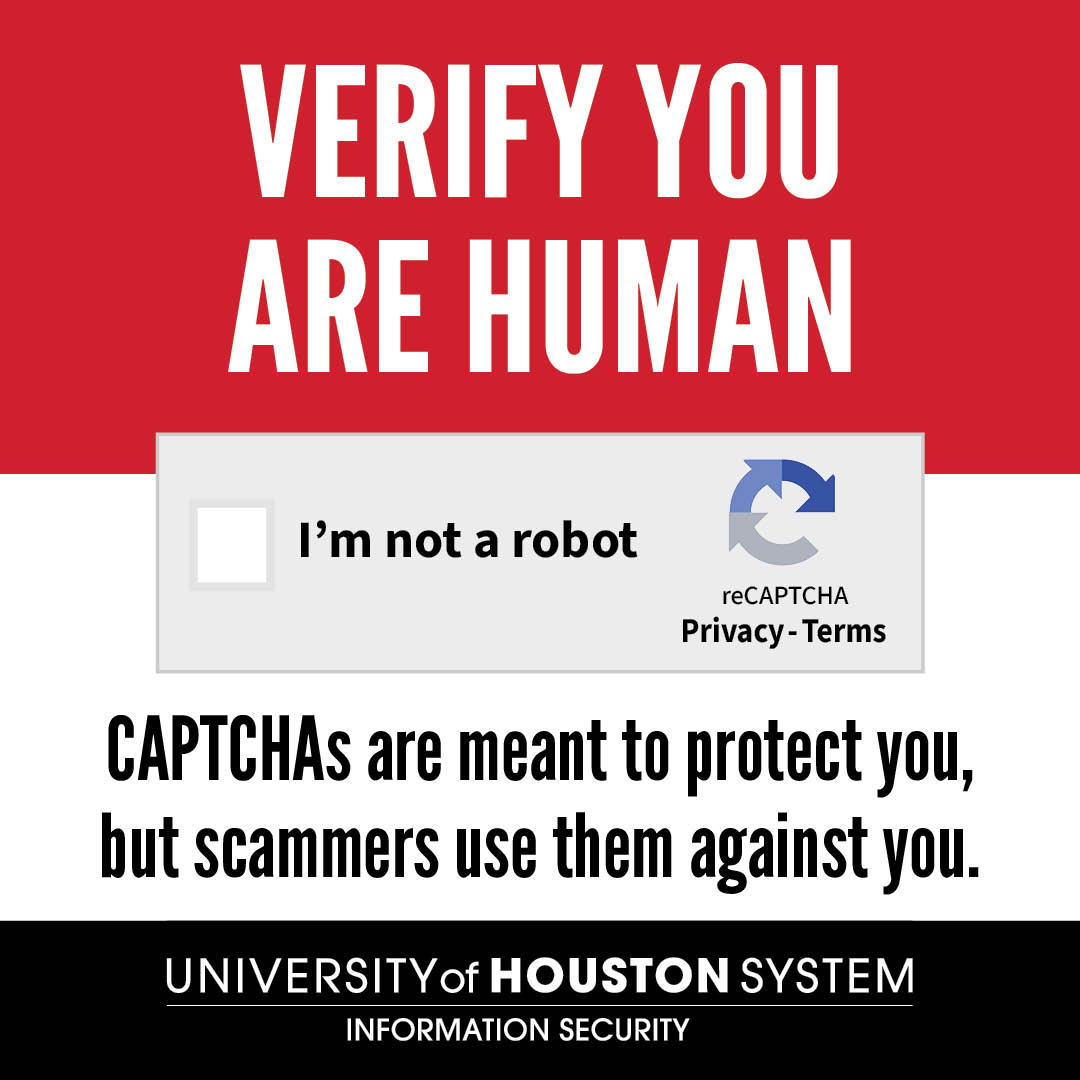
Beware of fake CAPTCHA scams. Cybercriminals are using fake “Verify your human” prompts to trick users into running malicious code. One click could expose passwords, browser cookies, financial information, and other data. To learn more: https://t.co/fns1npWaYy
As part of the University’s ongoing efforts to protect accounts and personal information, the University will be transitioning our multi-factor authentication (MFA) service from Duo to Microsoft Authenticator.
Learn more: https://t.co/EEVhSKxvqf
Job scams are on the rise. Scammers often pose as recruiters to steal your personal information or money. Before you respond, ask yourself: Did I apply for this job? Are they pushing for an urgent response? Does it seem too good to be true? Learn more: https://t.co/uEDpnZRR3B
UIT invites all students to our annual town hall event on Wednesday, April 8 from 6 p.m. to 7:30 p.m. in the Student Center South Skyline Room. Join us for pizza and prizes! Bring your questions, concerns, and frustrations!
Visit https://t.co/U7rjN5pxAn for more information.
Tax-related identity theft has increased over 45% in the past five years.
Protect yourself and your money. Learn how to spot and avoid tax-time phishing scams here:
https://t.co/DRLMDPR6xA
Phishing attacks have entered a dangerous phase. AI-generated emails now mimic writing styles making scams harder to spot. Staying alert and informed about phishing tactics is critical. Report any suspicious emails to [email protected]. For more info, visit: https://t.co/WbG0Glp6dV
Before getting rid of old electronics, make sure your personal data stays protected. Back up your data, remove external storage, and perform a factory reset. For more info, visit:
New Year | New Devices - https://t.co/ulo8t7jdMw
Online holiday shopping is a prime time for cybercriminals to strike.
Protect your personal information by following a few simple cybersecurity habits.
For more tips visit:
Safe Online Shopping | University of Houston System https://t.co/ARzeV0CIbp
#StayCybersmart
Threat actors are out there trying to break into your digital systems.
Don’t make it easy for them! Strengthen your defenses with
good cyber habits. Need backup? Email [email protected].
#BeCyberSmart
Cybercriminals are getting crafty by sending emails that
look legitimate but are designed to steal your information.
Trust your instincts, stay alert, and report phishing emails
using the Outlook “Report Phish” button.
Your quick action helps protect others.
#ThinkBeforeYouClick
Scammers love to bait you with links promising
free software, amazing job offer, or gift cards.
Too good to be true? It probably is.
Report bogus emails to [email protected]#BeCyberSmart
Didn’t request a Duo prompt? Deny it immediately!
Someone may be trying to access your account.
Change your password right away and report the incident
to the UHS Information Security Team at [email protected].
#BeCyberSmart
UH uses the Duo Mobile app for multifactor authentication.
Download the Duo Mobile app to your smartphone
and select “Push” for the fastest, easiest,
and most secure way to verify your identity.
Double up your security with Duo.
#BeCyberSmart
Strong passwords are long, unique, and complex.
Use a different one for each account,
or try a passphrase—a mix of words, numbers,
and symbols that’s easy to remember, hard to hack.
#CyberSafeHabits
Did you know 95% of cybersecurity
breaches result from human error?
That means you are the first line of defense.
Staying informed helps prevent threats before they strike.
Stay tuned this month for tips on how to strengthen your cyber defenses,
#BeCyberSmart
Most software updates contain security patches.
If you connect it - protect it - regularly install updates
and always make sure they come from a trusted source.
#CyberSafeHabits
This October, the University of Houston is joining the global celebration
of Cybersecurity Awareness Month. All month long, you’ll receive tips,
and practical advice to help you stay safe and secure online.
Stay tuned to learn more.
#BeCyberSmart
Protect your data—pause before clicking links or downloading attachments. If an email sounds urgent, too good to be true, or asks for personal info, it may be a scam. Click "Report Suspicious Email" in Outlook to notify UHS Information Security, then delete it. #PhishingAwareness
Protect your data! 🛡️
Recognize: Check if the email looks suspicious.
Report: Click “Report Phish” in Outlook to alert UHS Info Security.
Delete: Don’t click—just delete!
#PhishingAwareness