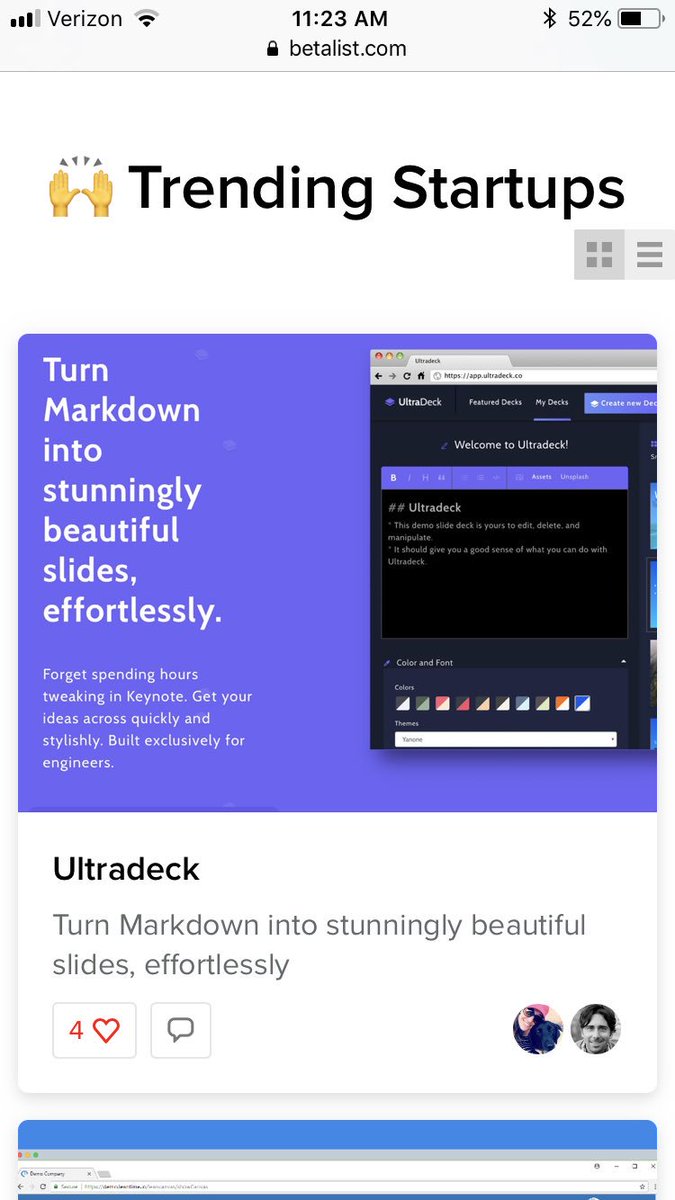
By default, all #UltraDecks are private, but now you can easily create a share link to share your public decks out into the world. Sign up and see for yourself! https://t.co/FtoPwu2ohM
Today's https://t.co/yYiNWx9R3q update - The biggest request I have had so far is PDF export, and I shipped that this AM! You can click on the PDF button above a deck to print it as a PDF.
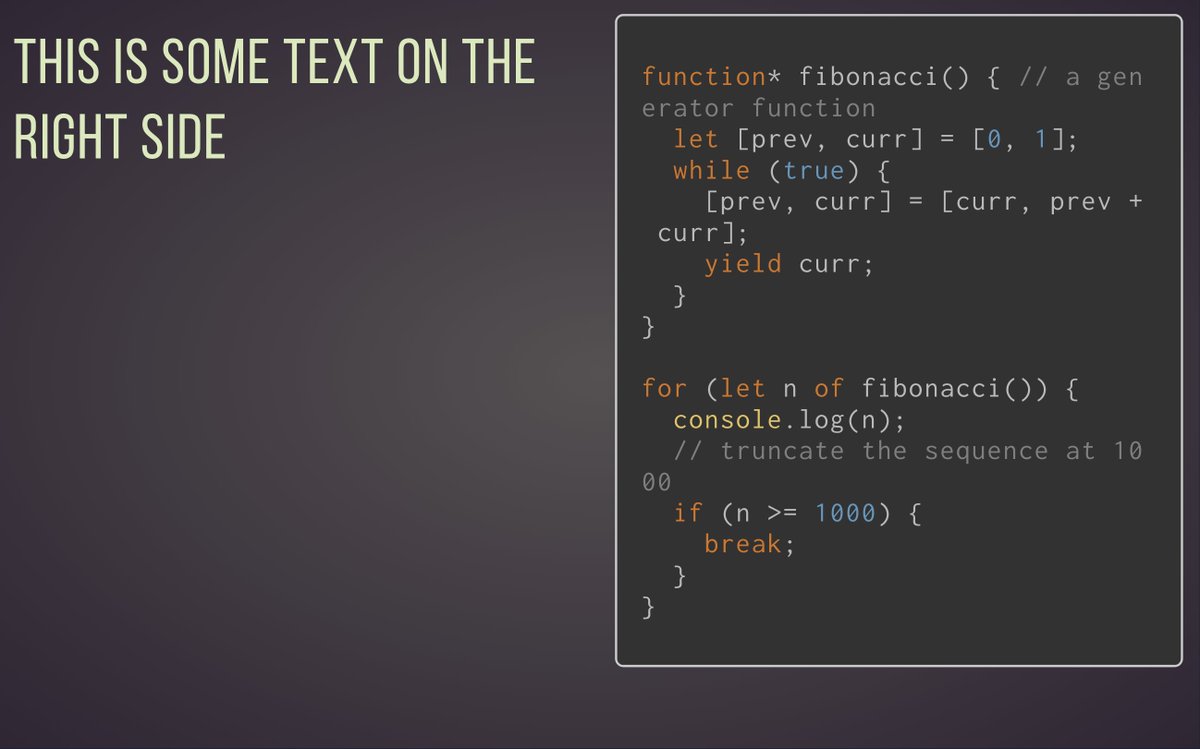
Today's Ultradeck updates: Split mode! Split your slides horizontally so you can have content on the left and right. So, for example, a code sample on the left, and explanation on the right.
Today's Ultradeck updates:
- Added coupon code to payment page
- Export deck PDF about 80% done
- Support touch events for advancing slides AND clicking links in slides
Want to try Ultradeck? Sign up at https://t.co/BJZyxWjELY to join the beta!
@SkankinPenguin And one other thing, I fixed the problem with presenting in safari. You should no longer get dings when advancing slides when presenting ;)
@SkankinPenguin I pushed a few updates this morning:
- You can click links in decks now, and they open in new tab
- Copy buttons now work for sharing / embedding
- Looking into embedding audio, I have a couple potential solutions.
Today's Ultradeck updates:
- Bugfix for clicking on links in decks
- Brand new default deck that ships for new accounts (https://t.co/rEfYWKl2cg)
- Copy embed link button now works
Today's Ultradeck updates:
1. You can now delete and duplicate decks
2. Bugfixes with multiple tabs
3. First batch of 100 private beta invites are out
Want to participate? Sign up at https://t.co/AnMByYqEuN!
Today's Ultradeck updates:
- Made login/signup page responsive
- Better mobile experience for deck profile and present view
Private beta invites sent out to another 200 peeps.
Want in on the private beta? Join at https://t.co/BJZyxWjELY!