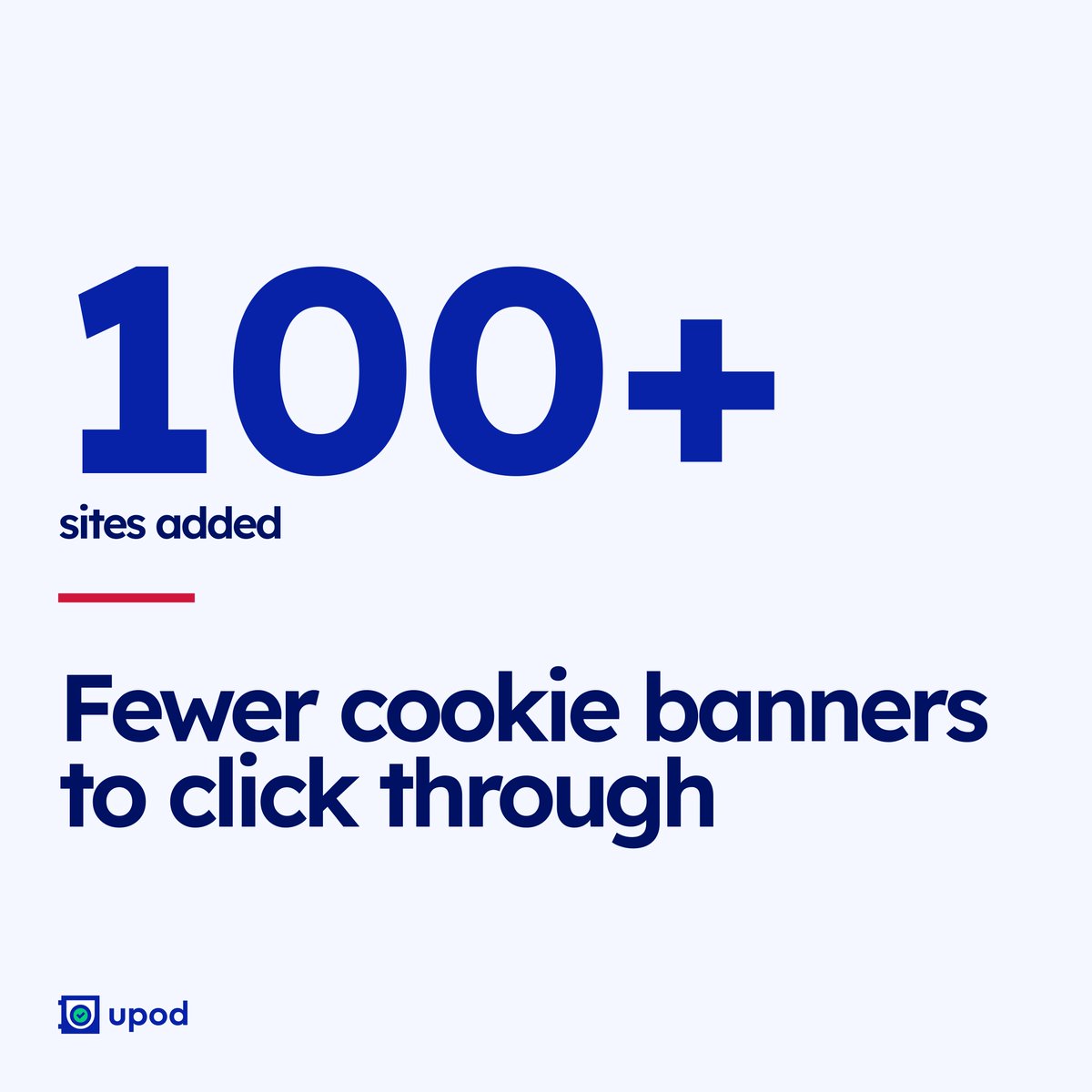
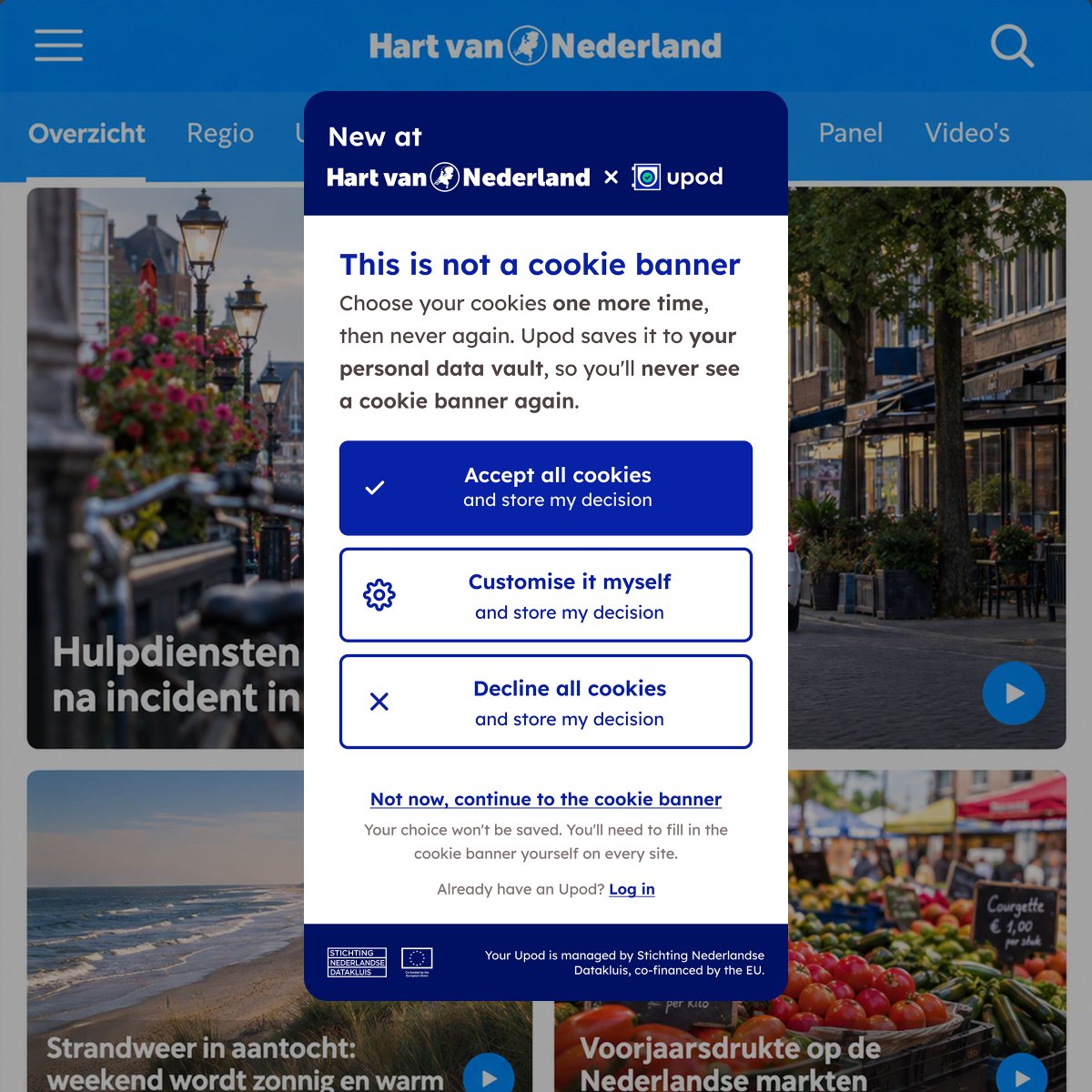
With Upod, you decide what others get to know about you online. Starting point: no more cookie banners. Set your preferences once, Upod applies them everywhere.
No extension yet? Then it only works on sites connected to Upod. Get the Upod browser extension:
Chrome: https://t.co/TQafVRNRfb
Firefox: https://t.co/o3h3jOwYK0
Edge: https://t.co/KMFWCcNuDw
Safari: https://t.co/NC7zgJnEsm
Basic profile, Cookie preferences and Shopping profile, all in your Upod. The Upod browser extension fills in cookie banners for you on every site. Fill in yours: https://t.co/DZaMteFZ9F
Your gender, age range and city. Your cookie choices. Your sizes.
Three cards in your Upod, set by you instead of guessed. Your profiles are seen only by the sites you allow, and you can change them anytime.
Filled in all three yet?
We’re looking for Upod testers.
Help us improve what’s there and shape what’s next, starting with shopping and health. One short test, no expertise needed.
Testers can win one of three €100 gift cards. Sign-up link in the reply.
Same size. New webshop. Set all the filters again.
Not with your Shopping profile in Upod: set it once, and online shops connected to Upod can use it. Filled in yours yet?
Get it for Safari: https://t.co/PbiEz7oPGv
Using another browser?
Chrome: https://t.co/TQafVRNRfb
Firefox: https://t.co/o3h3jOwYK0
Edge: https://t.co/KMFWCcNuDw
Safari users, your turn. The Upod browser extension now works on iPhone, iPad and Mac. Get the Upod app from the App Store, switch it on, and it handles cookie banners for you based on the choices in your Upod.
New to Upod? Start at https://t.co/DZaMteFZ9F
With the Upod browser extension it works on every website. Without it, only on connected websites: now Shownieuws and Hart van Nederland, more soon.
Get the Upod browser extension:
Chrome: https://t.co/TQafVRNRfb
Firefox: https://t.co/o3h3jOwYK0
Edge: https://t.co/KMFWCcNuDw
Cookie banners: same question, every website, every time.
Your cookie profile in Upod turns it into one answer. Reject all, accept all or customize, set once and change whenever you like.
Set up yours yet?
Create your Upod: https://t.co/D5RG0VJPto
Get your Upod browser extension:
Chrome: https://t.co/TQafVRNRfb
Firefox: https://t.co/o3h3jOwYK0
Edge: https://t.co/KMFWCcNuDw
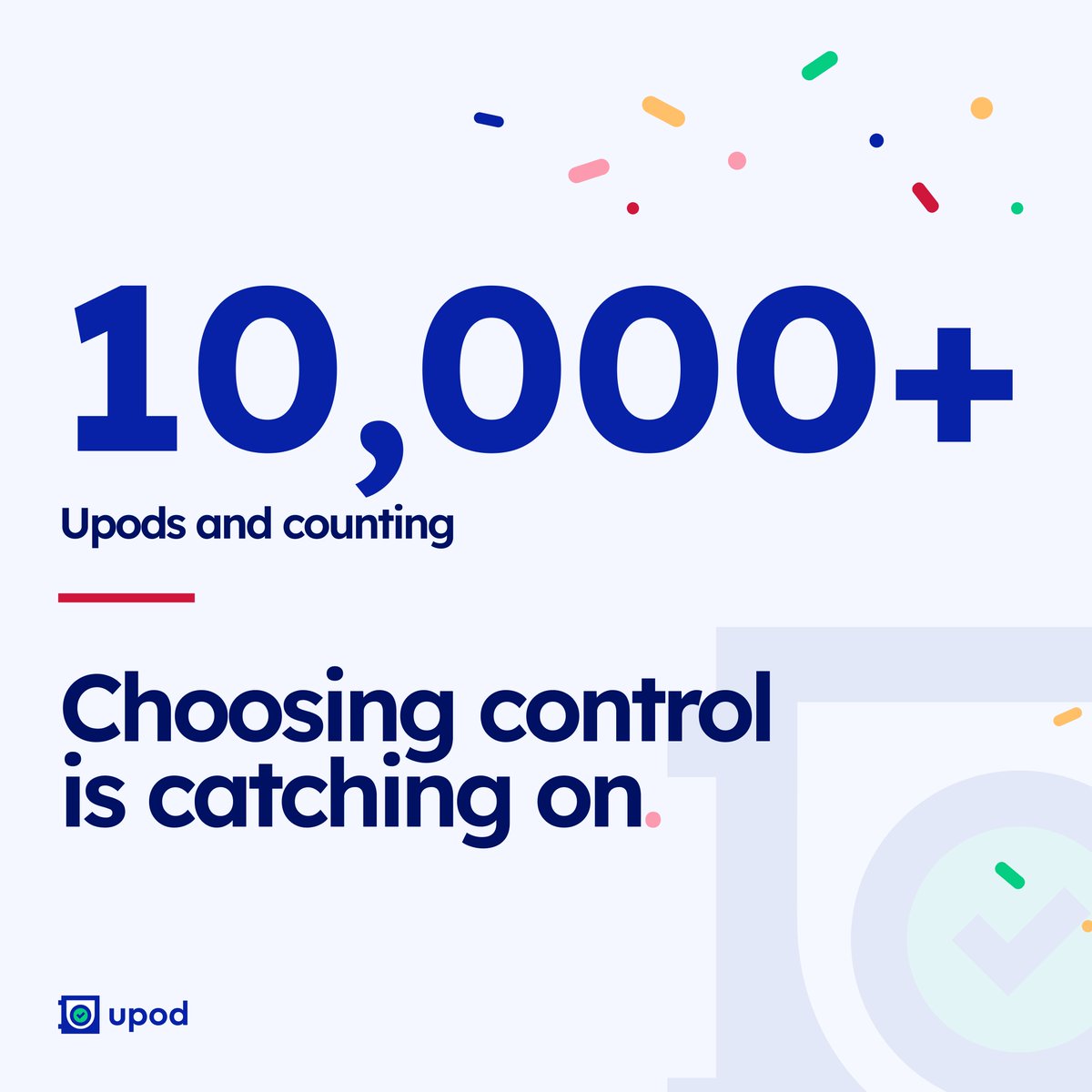
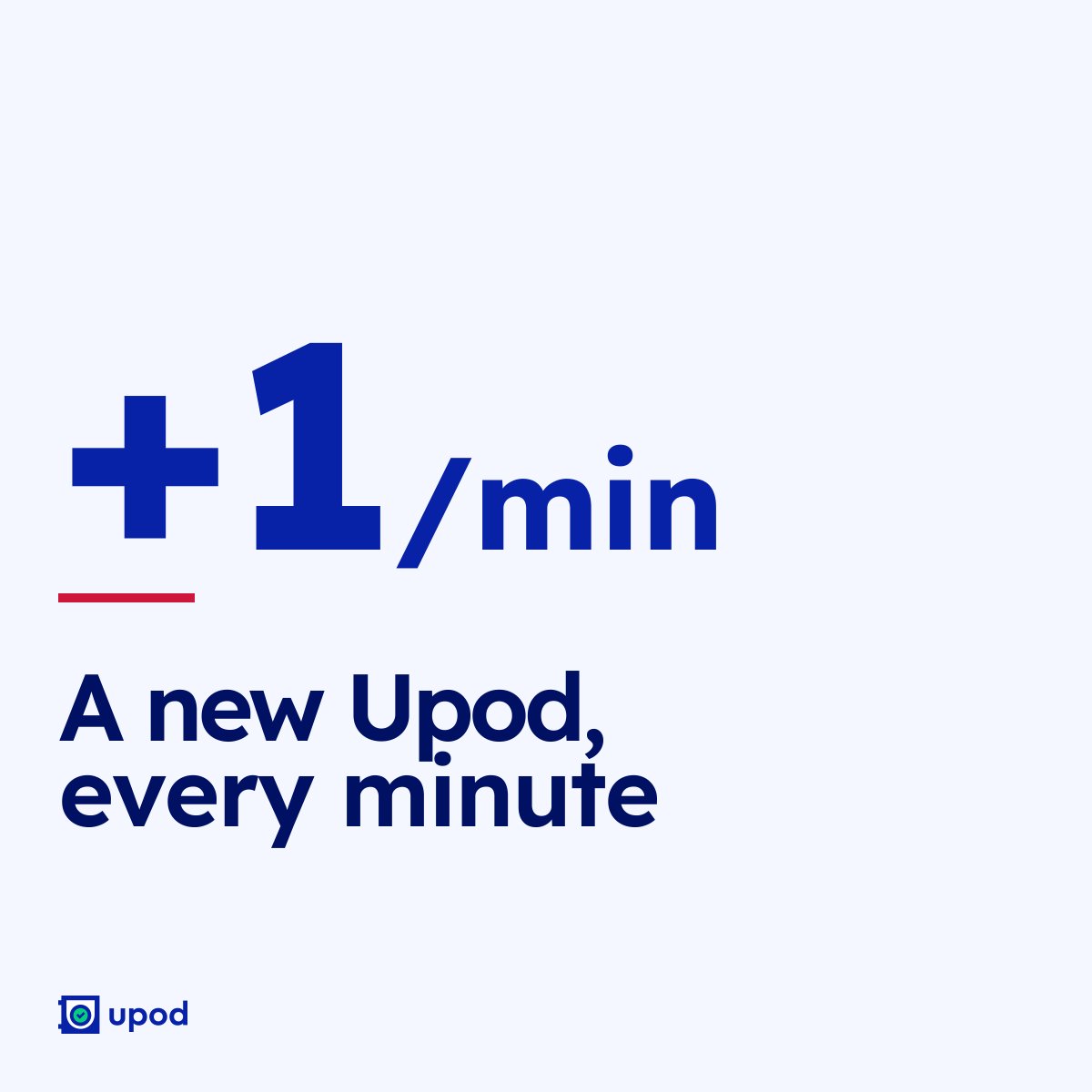
Milestone reached: a new Upod every minute. 🎉
Behind each one is someone who wants a say in what sites do with their data. Set your cookie preferences once in your Upod, and the Upod browser extension fills in every banner based on your choices.
Spotted Upod on Hart van Nederland or Shownieuws? 👀
Store your cookie preferences in your Upod once and neither site shows you a cookie banner again.
Want that on every website you visit? The Upod browser extension handles cookie banners for you, based on your preferences.