💻 MacAdmin’s Keep Awake now works with the lid closed.
Start a long job, shut your MacBook, and your AI agents keep working. It switches back to normal sleep when Keep Awake ends.
https://t.co/zTPmKFiSRo
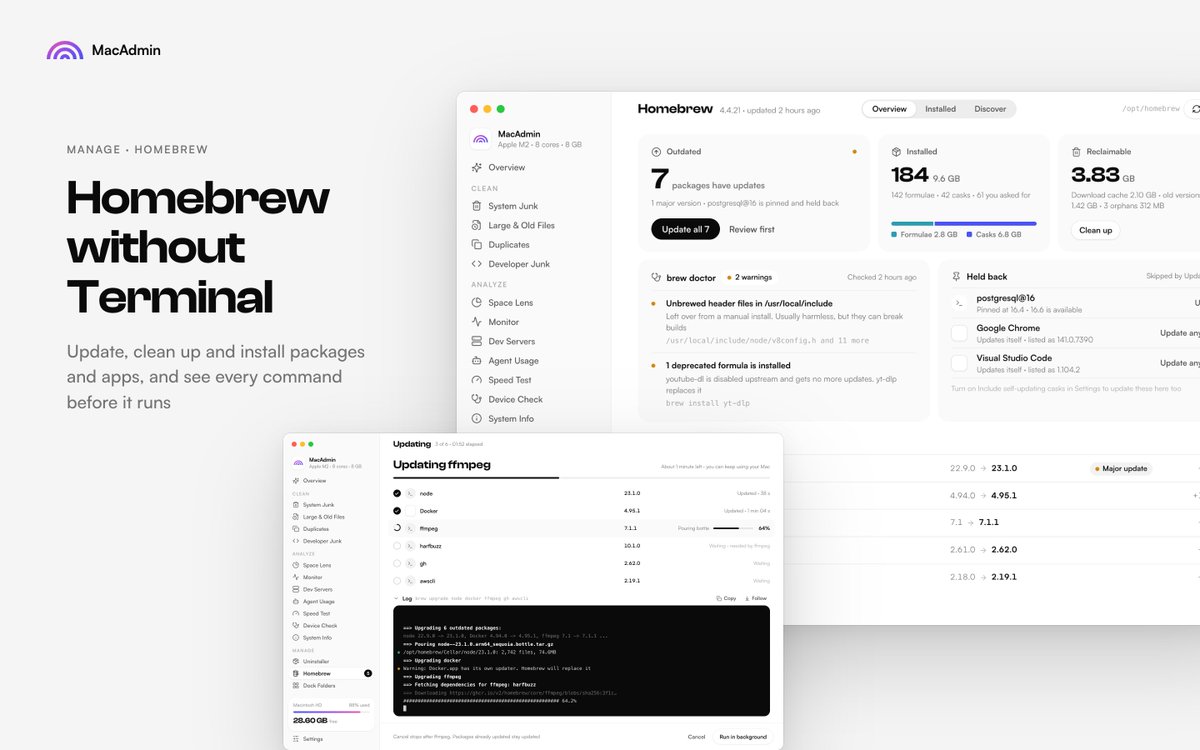
🍺 MacAdmin now manages Homebrew, no Terminal needed.
See what's outdated (with a warning before major jumps), update everything or just what you pick, free space from old versions and caches, and discover and install new tools in one click.
$15 once with 7 days free trail → https://t.co/rizfe1cBy8
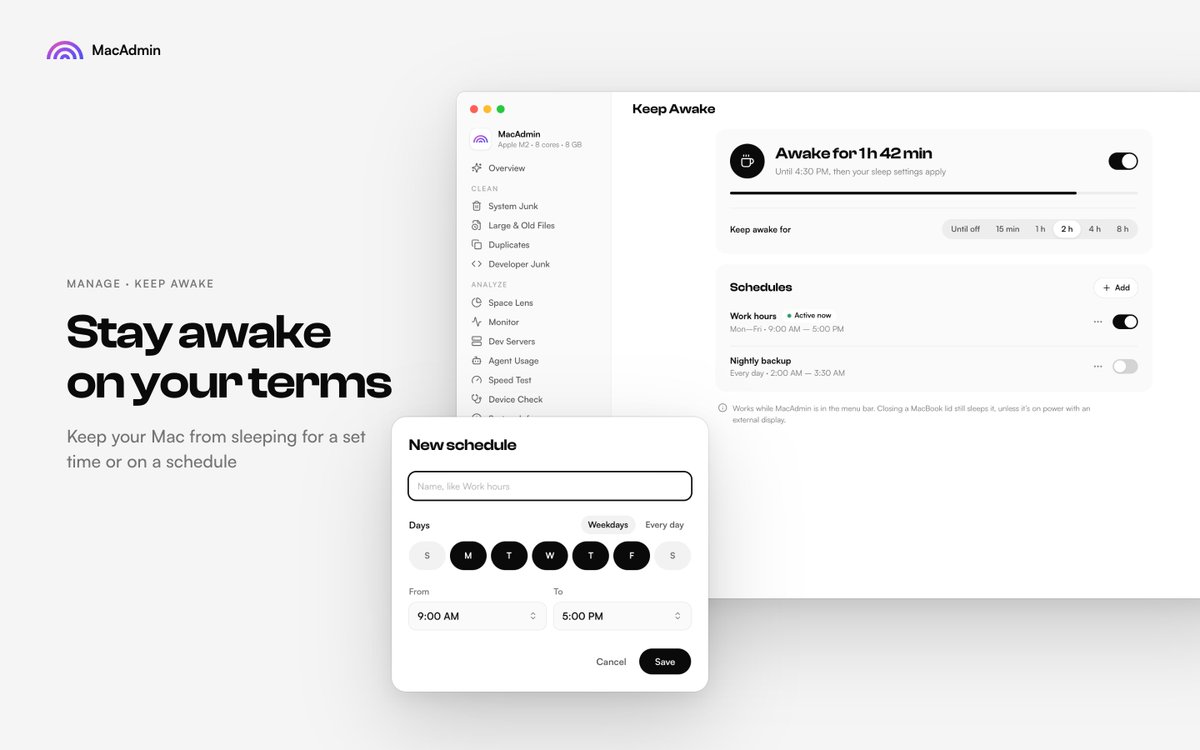
New in MacAdmin: Keep Awake.
Stop your Mac from sleeping for 15 min, 1h, 2h, 4h, 8h, or until you turn it off, with a live countdown. Or set a schedule, like work hours on weekdays or a nightly backup.
https://t.co/zTPmKFiSRo
My first scan found 5.9 GB of junk on my Mac. So I built a fix, and kept going.
Introducing MacAdmin: 17 tools in one native app. Cleaner, Disk Explorer, Uninstaller, System Monitor, Menu Bar Stats, and more.
$15 once with 7 days free trail → https://t.co/nuqXilwkTa
@m_0_r_g_a_n_ We don’t track which tools people use, so we can’t say which one gets used most. Our guess would be Smart Scan, since it’s the first screen and the one-click clean. What do you use it for? We’ll tell you which tools cover it.