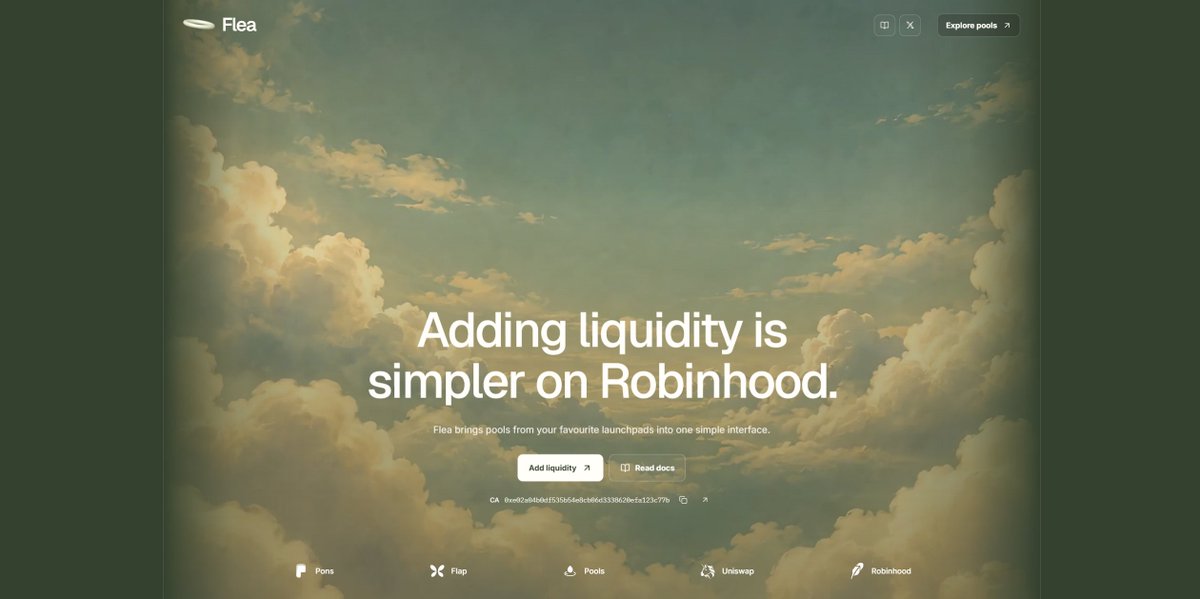
Introducing Flea, a simpler way to add liquidity on Robinhood.
Launchpads make creating and trading tokens easy, but supporting their liquidity after launch is still harder than it should be. Each platform builds around its own launches, leaving communities to find the right pools, understand different pool versions and navigate separate interfaces just to add liquidity.
We built Flea to bring that process together.
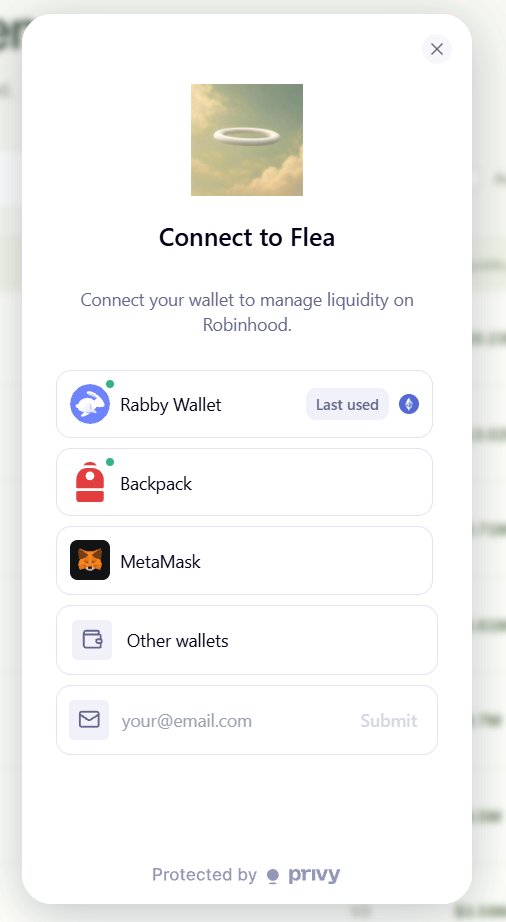
Paste a token address, compare its available pools and add liquidity through one simple interface, with the required assets, approvals and position details explained before you sign. You can then manage your positions, collect available fees and withdraw from the same place.
Our focus is making liquidity easier for communities across Robinhood, wherever their tokens were launched.
CA: 0xe02a04b0df535b54e8cb06d3338620efa123c77b
Explore Flea: https://t.co/d4m5WlDznp
@HyodouGoku We'll push an update to allow adding liquidity to coins that are in the bonding curve. Expect it to happen soon, so then we'll put a part of the creator fees to constantly add liquidity into our main pool.
@HyodouGoku We'll push an update to allow adding liquidity to coins that are in the bonding curve. Expect it to happen soon, so then we'll put a part of the creator fees to constantly add liquidity into our main pool.
Trading bots can react to a token in seconds, but adding liquidity still takes a separate integration for each supported pool version.
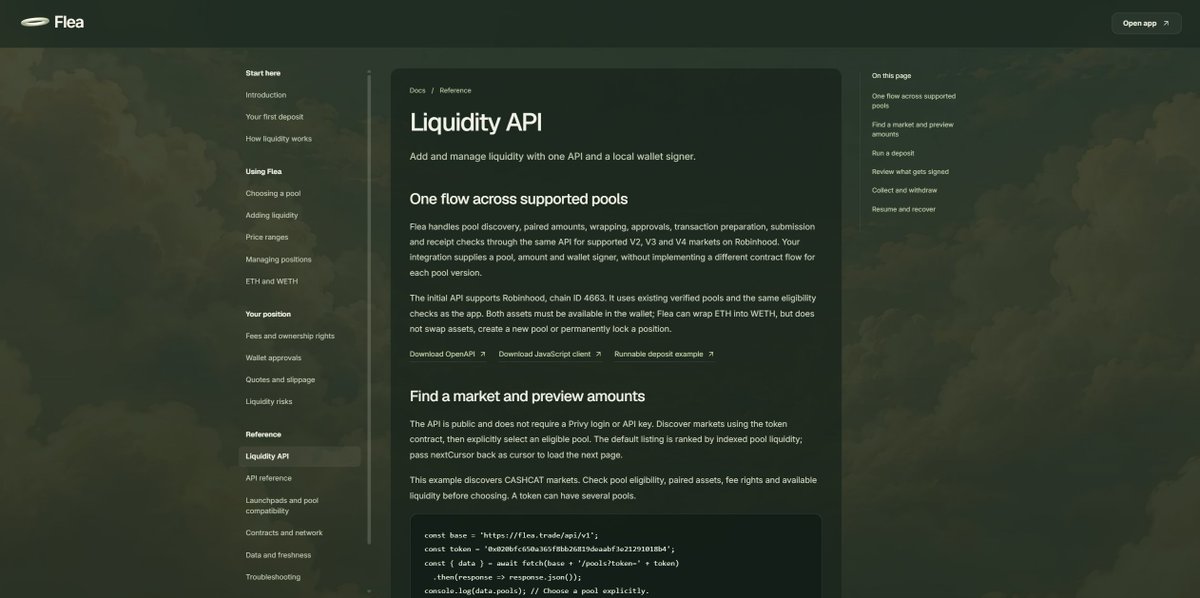
The Flea API lets developers build liquidity actions directly into their apps: a token dashboard with an “Add liquidity” button, a bot that prepares a deposit when your conditions are met, or a portfolio app that lets you withdraw a position.
Flea handles the supported pool’s transaction flow while your wallet signs and owns the position, making liquidity easier to build into the apps people already use on Robinhood.
https://t.co/6KoEb5sjQH
If you’re building a bot or an app, your users shouldn’t need a different liquidity integration for every pool they choose.
Take a coin you deployed as an example. Your app asks Flea which pools are available, chooses one and enters a specific amount. Flea calculates the paired asset required and prepares the wrapping, approvals and deposit transactions for your wallet to sign.
Your wallet needs both assets, plus ETH for gas. Flea handles the pool-specific transaction flow and tracks confirmation, while the liquidity position stays in your wallet.
That same integration can then collect available fees or withdraw liquidity across supported pools on Robinhood. If a request is interrupted, it can resume the existing operation without blindly starting another deposit.
The point is to let developers build around what their users want to do, without rebuilding the contract integration for every supported pool version.
The Flea API is live.
Adding liquidity programmatically usually means handling different contracts, approvals and transaction flows for each protocol and pool version. Flea brings that work into one simple API.
For example, your app can find CASHCAT’s supported pools, calculate the assets needed, prepare approvals, add liquidity and track the resulting position. You can then collect fees or withdraw through the same API, with transactions signed by your own wallet.
Available for supported V2, V3 and V4 pools on Robinhood, with a JavaScript client, runnable example and API reference to get started.
https://t.co/6KoEb5sjQH
The Flea API is live.
Adding liquidity programmatically usually means handling different contracts, approvals and transaction flows for each protocol and pool version. Flea brings that work into one simple API.
For example, your app can find CASHCAT’s supported pools, calculate the assets needed, prepare approvals, add liquidity and track the resulting position. You can then collect fees or withdraw through the same API, with transactions signed by your own wallet.
Available for supported V2, V3 and V4 pools on Robinhood, with a JavaScript client, runnable example and API reference to get started.
https://t.co/6KoEb5sjQH
We’re working on an API update that will let developers, bots and agents add liquidity to tokens entirely through one simple API.
Flea will handle the differences between supported protocols and pool versions, so developers won’t need to build and maintain separate contract integrations for each liquidity route.
The goal is to make adding liquidity as straightforward to automate as it is to use through our interface on Robinhood.
https://t.co/d4m5WlDznp
Introducing Flea, a simpler way to add liquidity on Robinhood.
Launchpads make creating and trading tokens easy, but supporting their liquidity after launch is still harder than it should be. Each platform builds around its own launches, leaving communities to find the right pools, understand different pool versions and navigate separate interfaces just to add liquidity.
We built Flea to bring that process together.
Paste a token address, compare its available pools and add liquidity through one simple interface, with the required assets, approvals and position details explained before you sign. You can then manage your positions, collect available fees and withdraw from the same place.
Our focus is making liquidity easier for communities across Robinhood, wherever their tokens were launched.
CA: 0xe02a04b0df535b54e8cb06d3338620efa123c77b
Explore Flea: https://t.co/d4m5WlDznp
A token can have an active community and still have a thin market, where relatively small trades cause large price swings.
That gives communities a reason to care about liquidity long after launch, but contributing to it should be easier than figuring out a different platform for every token.
Flea gives holders one place to find their token’s pools, compare liquidity and make a deposit on Robinhood, whether they’re supporting CASHCAT, PONS or another token with a compatible pool.
We’re building around the tokens communities already care about.
Approving a token and adding liquidity are separate actions, which is why a successful wallet confirmation doesn’t always mean your position has been created.
Flea shows the steps your deposit needs, including wrapping ETH or approving token spending where required, then refreshes the pool and simulates the deposit before asking for the final signature.
If you stop midway, completed approvals and wrapping remain in place, so you can check what finished before continuing.
The goal is simple: make it clear what your wallet is signing and when your liquidity has actually been added.
The same token can have several pools on Robinhood, each with a different paired asset, fee or pool version.
Flea brings those options into one interface so you can compare liquidity, check which pools accept deposits and understand their terms before choosing where your tokens go.
A pool’s trading fee also doesn’t automatically tell you what your position earns, especially when a hook changes how fees are distributed.
Making liquidity simple means making these differences easier to understand before you sign.
0xe02a04b0df535b54e8cb06d3338620efa123c77b
Let's say you want to add 10,000 CASHCAT to a CASHCAT / ETH pool on Robinhood.
Paste CASHCAT’s contract address into Flea, compare its pools and choose an available CASHCAT / ETH market.
Enter 10,000 CASHCAT and Flea calculates the ETH needed alongside it, shows the required approvals and simulates the deposit before you sign. You’ll need both assets in your wallet, plus ETH for gas.
Once confirmed, the position belongs to your wallet, and you can manage it through Flea to collect available fees or withdraw your liquidity.
This also works with any migrated pool on Robinhood, as soon as it's supported (so most Uniswap V2/V3/V4 pools)
Try it: https://t.co/3aR9hFFoxY
We’re adding Flea’s contract address to the site, and the app is already open for anyone to explore pools and try adding liquidity on Robinhood.
https://t.co/dFFHiEL4Z6