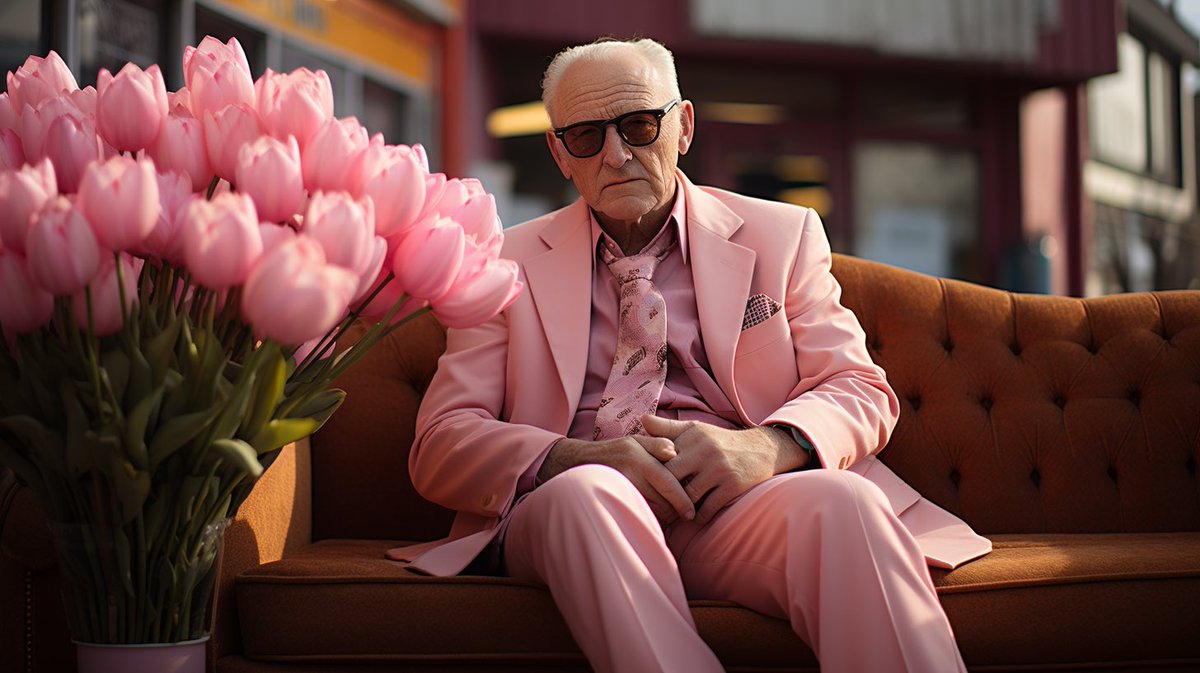
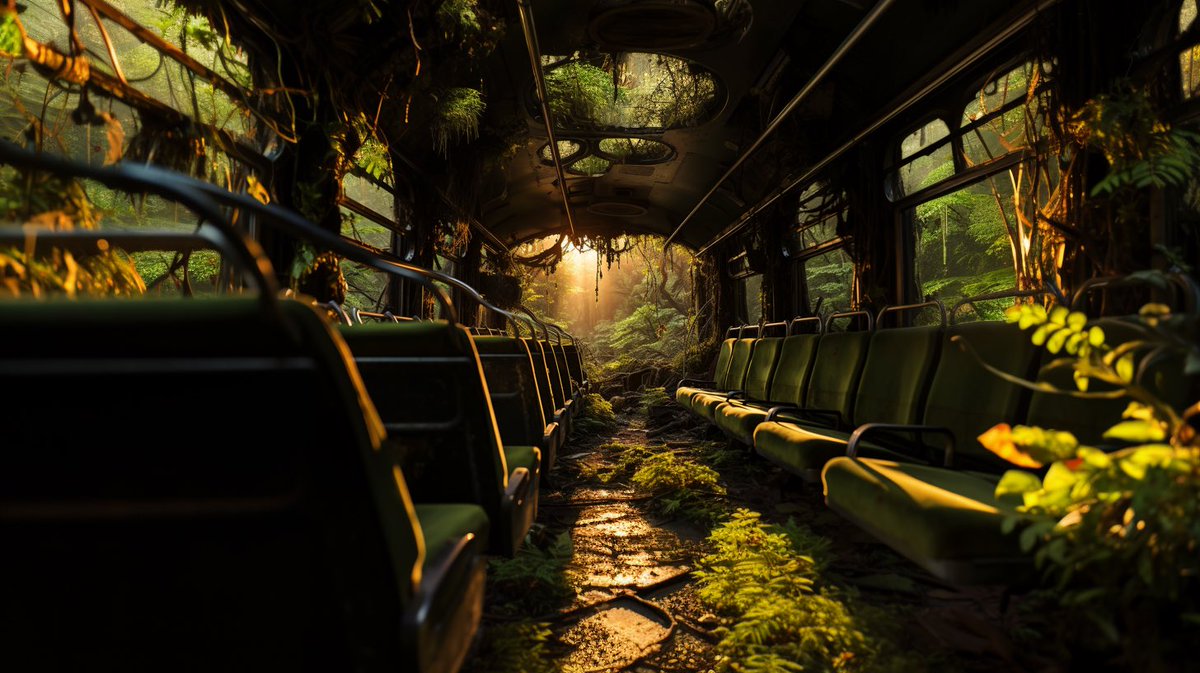
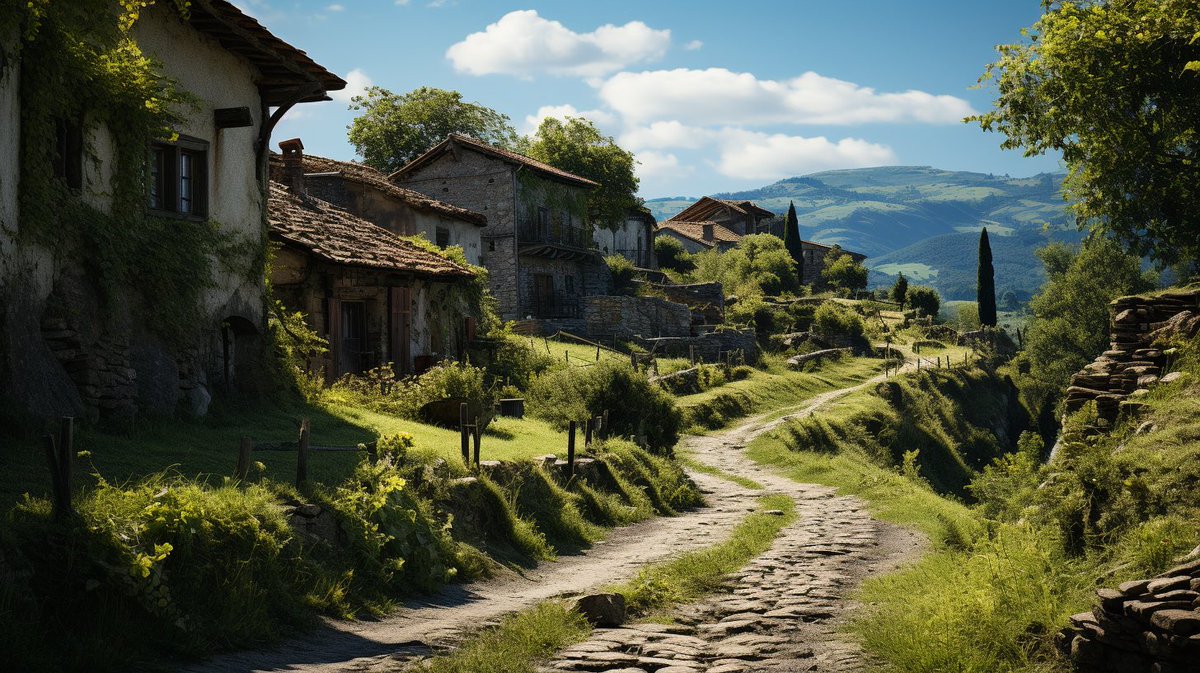
@BrettStebbins I just uploaded this picture and press Generate. To be honest I did a couple video only and that’s all, unfortunately I have no time for Runway now))
"Reviving" my generations from #MidjourneyV52, I particularly enjoyed how #RunwayGen2 works with less realistic images. But I'm sure that in 1-2 years, we'll be playing the game "Guess where the real video is" since the boundary between real and generated video will be blurred.
@Kairos_Creative 2/2 And after that just added this picture to Runway and it's done) To be honest I had only a few generations made in Runway, but this is like another world, it's fantastic what's in store for the future!
@Kairos_Creative 1/2 Thank you! So, first I created a picture in MJ, this the prompt:
realistic photography of old woman drinking coffe and smiling, bright dress, flowers, typical south small town of the US of 1970s, color palette of Richard Misrach's photographs, Velvia --s 750 --v 5
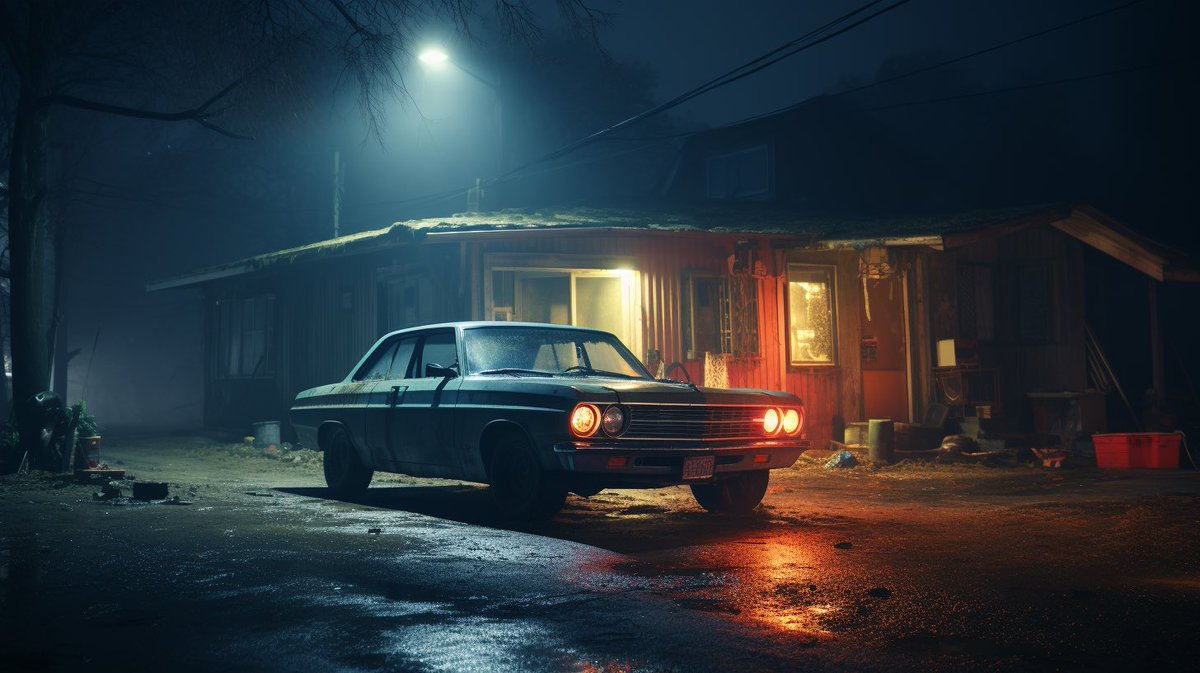
🌌 Night Photography Template
As promised, here is the ✨magic prompt template✨ that I use to generate stunning night photographies with #Midjourney
🧪 Template:
artistic environment photography of [subject], haze, out of focus, night photography, red and dark-blue color grading, shot on Kodak disposable camera
Now let's break it down 👇🏻
First we have artistic environment photography, this prompt seems to work best with anything but "animated" subjects (humans, animals,...).
The out of focus token doesn't have a big impact, but sometimes you might have one generation that's just above, and it's usually when the out of focus kicks in!
We then move on to the color grading, I choose red and dark-blue because it looks best, but it's up to you to experiment with other color combinations.
And finally, the camera setup, same as the out of focus, the effect is very subtle, but with luck it can lead to stunning generations!
💡 You can also add the word halation to your prompt, it does not have a strong impact but can sometimes creates a nice halo around bright sources of lights!
For the parameters (those little -- that you add after the prompt) I usually go with 5.2 in raw mode, and 2:3 aspect ratio or 16:9.
Experiment with the --stylize parameter, I did not go above 250 as it dilutes the desired look.
There you have it! Have fun ✌🏻
Share here what you've created with this prompt and don't hesitate to tag me if you'd like my opinion on your work.


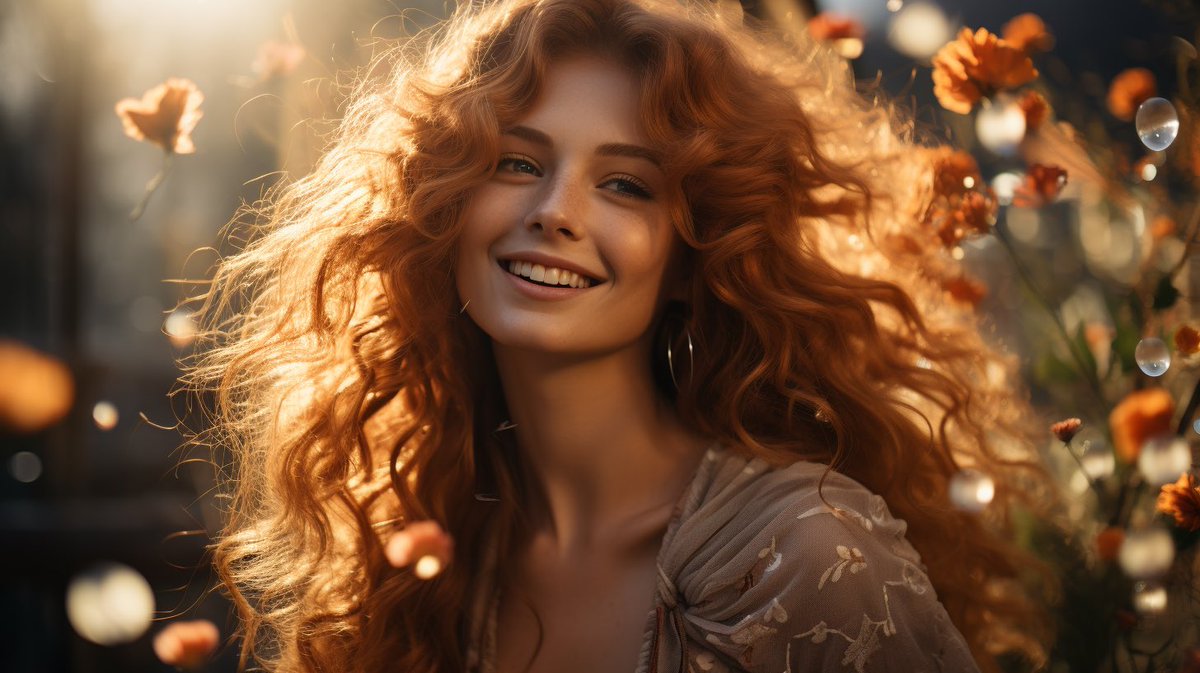




![hugovntr's tweet photo. 🌌 Night Photography Template
As promised, here is the ✨magic prompt template✨ that I use to generate stunning night photographies with #Midjourney
🧪 Template:
artistic environment photography of [subject], haze, out of focus, night photography, red and dark-blue color grading, shot on Kodak disposable camera
Now let's break it down 👇🏻
First we have artistic environment photography, this prompt seems to work best with anything but "animated" subjects (humans, animals,...).
The out of focus token doesn't have a big impact, but sometimes you might have one generation that's just above, and it's usually when the out of focus kicks in!
We then move on to the color grading, I choose red and dark-blue because it looks best, but it's up to you to experiment with other color combinations.
And finally, the camera setup, same as the out of focus, the effect is very subtle, but with luck it can lead to stunning generations!
💡 You can also add the word halation to your prompt, it does not have a strong impact but can sometimes creates a nice halo around bright sources of lights!
For the parameters (those little -- that you add after the prompt) I usually go with 5.2 in raw mode, and 2:3 aspect ratio or 16:9.
Experiment with the --stylize parameter, I did not go above 250 as it dilutes the desired look.
There you have it! Have fun ✌🏻
Share here what you've created with this prompt and don't hesitate to tag me if you'd like my opinion on your work.](https://pbs.twimg.com/media/F1vWccuWwAAR9pv.jpg)