Hey, X! I’m Hope, an aspiring Virtual Assistant diving into the world of remote work. I’ll be sharing my journey, learnings, and tips as I build my VA business from scratch. I haven’t chosen a niche yet, but as I explore, I’ll keep posting about my progress.
Let’s connect 🎇
- Added products with details like pricing, images, and inventory
- Customized my store theme and homepage layout
- Explored settings for payment, shipping, and taxes
Check it out: https://t.co/qQUPNnpAlN
#VAJourney#30DaysOfVATools#Shopify#VirtualAssistant#Ecommerce
Day 26/30: Shopify
Today, I explored Shopify — an e-commerce platform that helps individuals and businesses create and manage their own online store.
- Created my account and set up a basic Shopify store
- Navigated the dashboard to understand the layout and tools
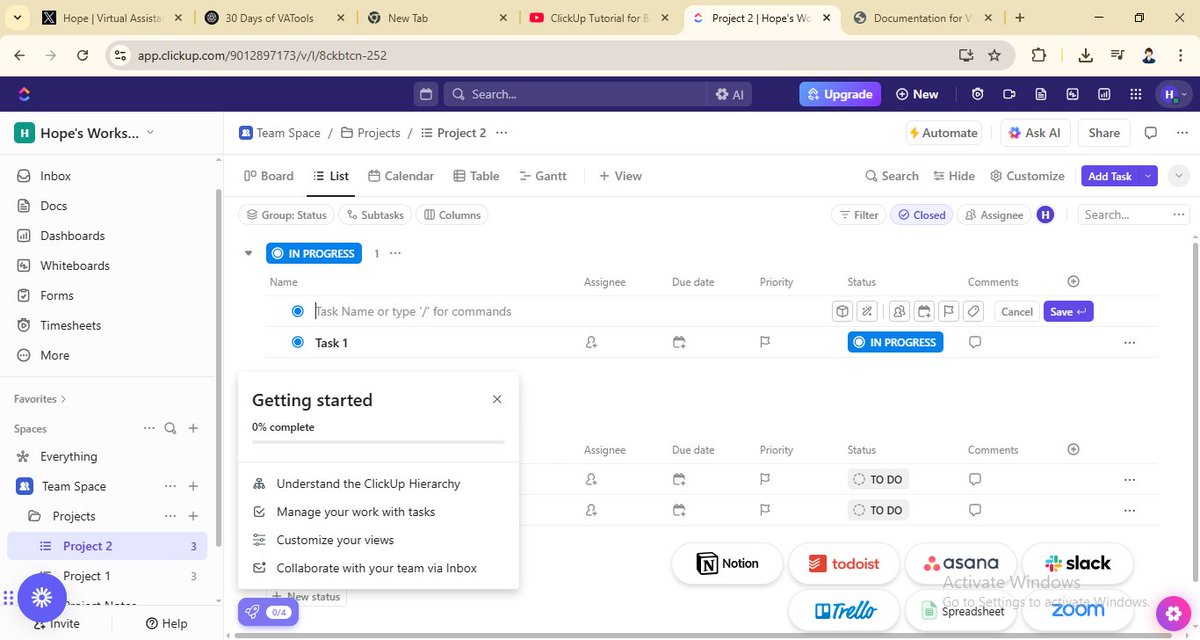
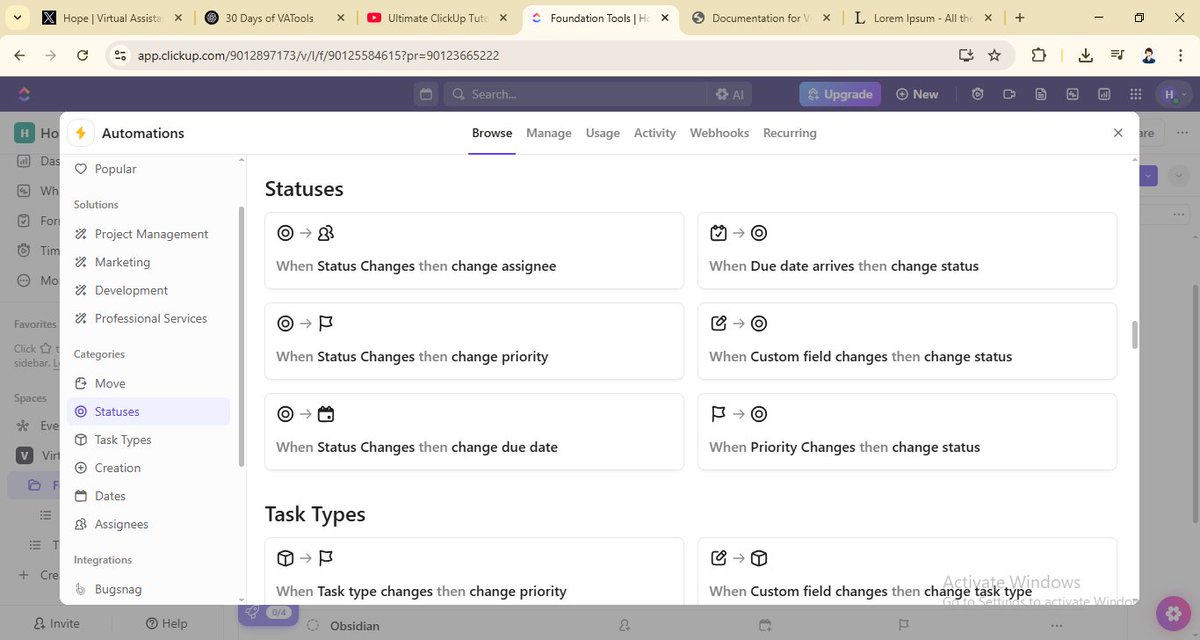
- Learned how to create Lists, Tasks, and Subtasks for better task organization
- Explored different views like List, Board, and Calendar
- Discovered how to use Automations
Check it out: https://t.co/KD1xgqboPn
#VAJourney#30DaysOfVATools#ClickUp#VirtualAssistant
Day 25/30: ClickUp
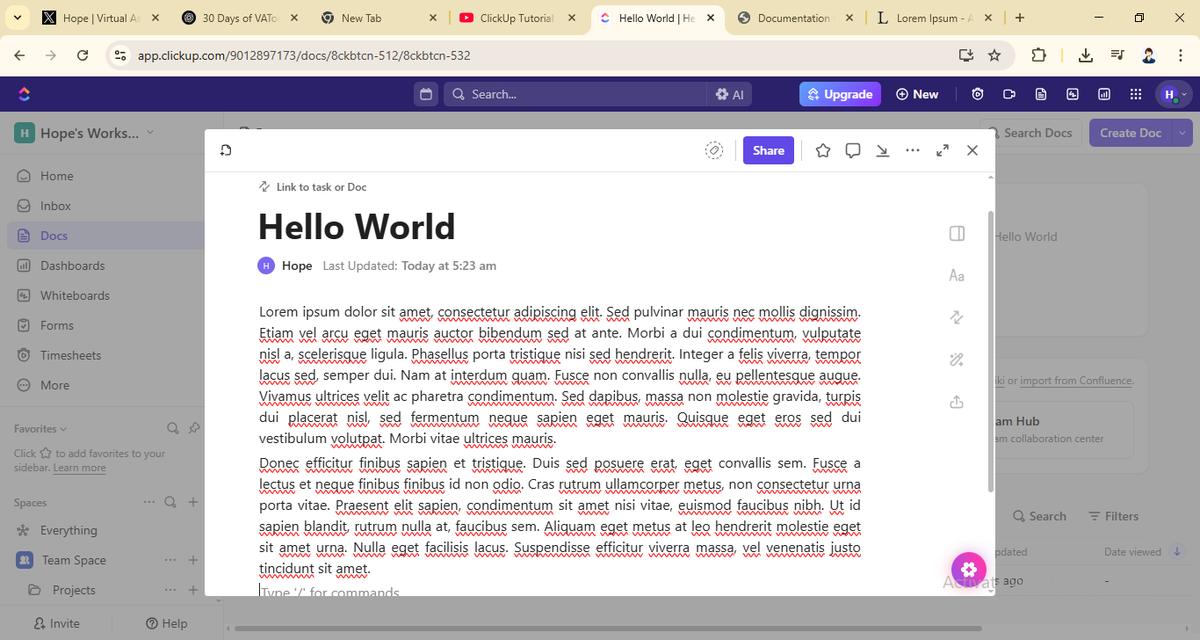
Today, I explored ClickUp — a powerful project management tool that helps teams and individuals plan, track, and manage work all in one place.
- Created my account and set up my first Workspace
- Navigated the dashboard to understand the layout and features
- Built a signup form to collect subscriber information
- Created segments to target specific groups within my audience
Check them out:
https://t.co/2qpE8GyGKN
https://t.co/1Tz7QotU0N
#VAJourney#30DaysOfVATools#Mailchimp#VirtualAssistant
Day 24/30: Mailchimp
Today, I explored Mailchimp — an email marketing tool that helps businesses create, automate, and track email campaigns easily.
-Created my account and set up my dashboard
- Learned how to import contacts from the audience segment
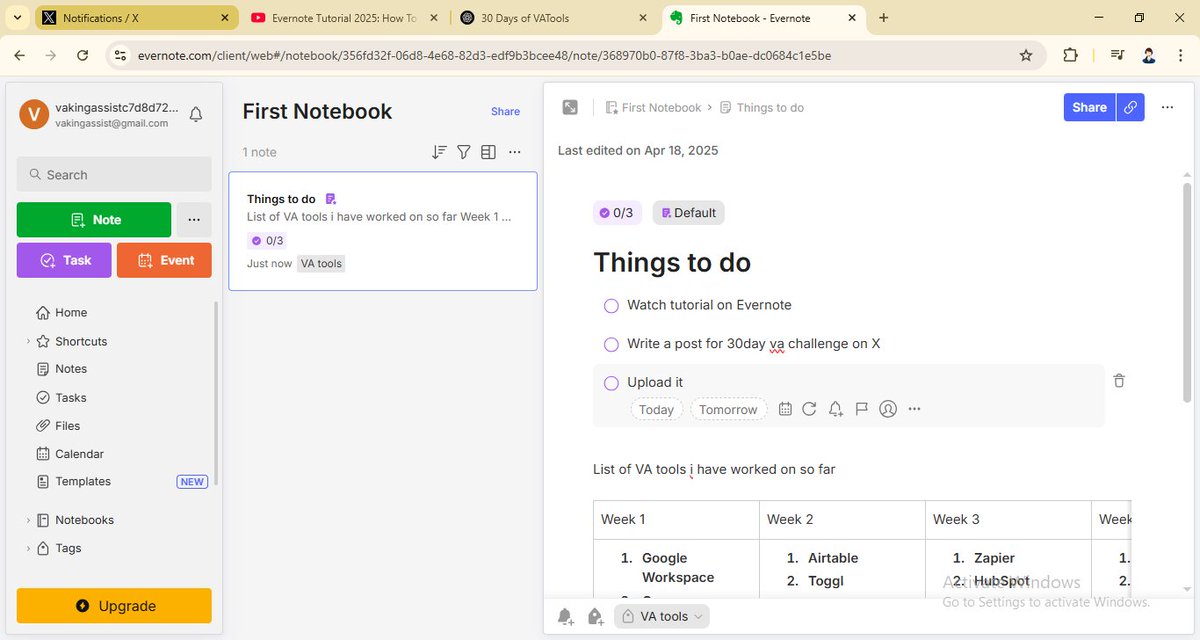
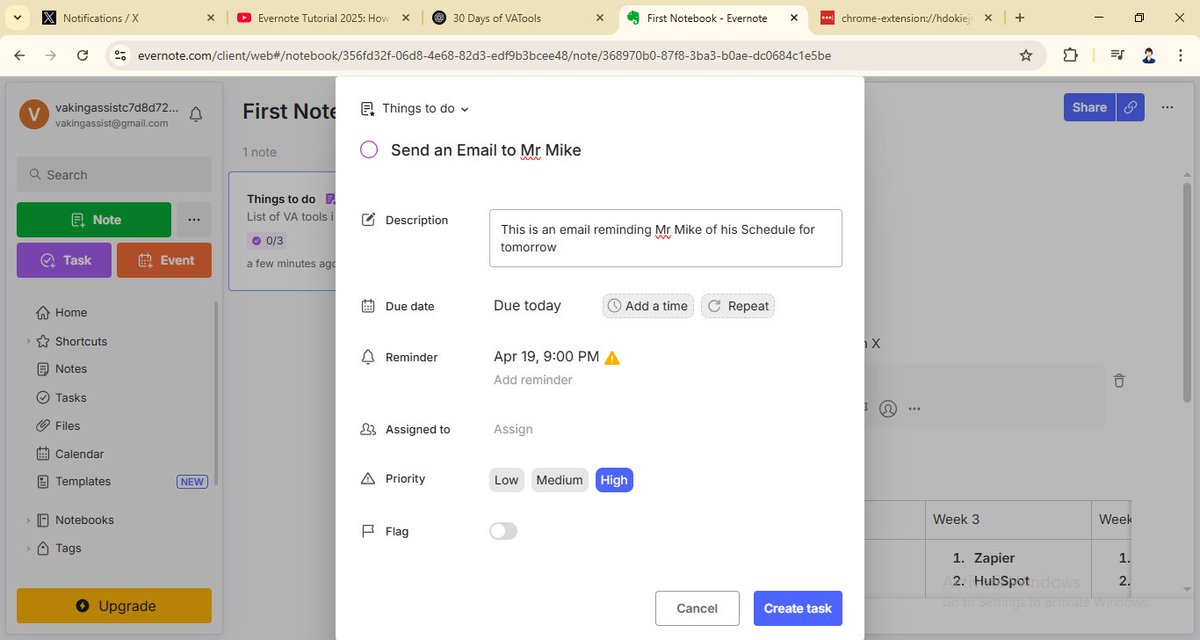
- Added checklists, images, and attachments to notes
- Used tags to keep everything easy to find
- Connected my Google Calendar to manage tasks and events
Check it out: https://t.co/4YtLtP2f9y
#VAJourney#30DaysOfVATools#Evernote#VirtualAssistant
Day 23/30: Evernote
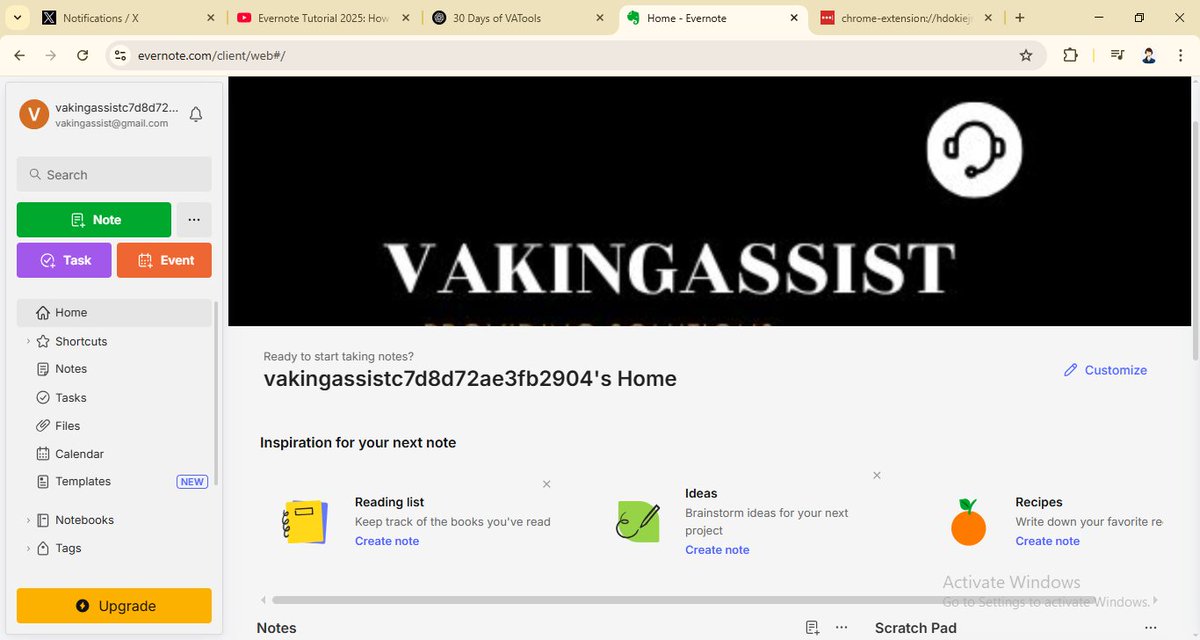
Today, I explored Evernote — a note-taking and organization tool that helps you capture ideas, tasks, and important info all in one place.
- Created my account and set up my workspace
- Created notes and organized them into notebooks
- Explored the graph view to visualize note connections
- Organized notes using folders and tags
- Discovered markdown formatting and useful plugins to boost productivity
Check it out: https://t.co/BeqNJZSBRj
#VAJourney#30DaysOfVATools#Obsidian#VirtualAssistant
Day 22/30: Obsidian
Today, I explored Obsidian — a powerful note-taking and knowledge management tool that helps you organize your thoughts using a network of linked notes.
- Set up my vault and created my first notes
- Learned how to create internal links between notes
@gamesover@freshdesk Didn’t know Freshdesk was ending the free tier—thanks for the heads up!
I haven’t tried any self-hosted options yet, but Zammad, FreeScout, and osTicket sound interesting. Open to recommendations!
Day 21/30: Freshdesk
Today, I explored Freshdesk — a customer support platform that helps manage conversations, tickets, and service tasks all in one place.
- Set up my account and explored the dashboard
- Learned how to create, assign, and manage support tickets
- Customized ticket fields and set up ticket views
- Learned to create canned forms and canned responses
- Explored automation and reporting features for better support tracking
Check it out: https://t.co/xsKyNF36x3
#VAJourney#30DaysOfVATools#Freshdesk#virtualassistant
- How to create projects, tasks, and assigned time entries
- Explored the dashboard to view reports and tracked hours
- Customized settings and integrated with other tools
Check it out: https://t.co/FzyZWzIWLR
#VAJourney#30DaysOfVATools#Clockify#VirtualAssistant
Day 20/30: Clockify
Today, I explored Clockify — a time tracking tool that helps monitor work hours, track productivity, and manage projects efficiently.
- Learned how to set up my account and created a workspace
- Learned how to track time manually and with the timer
- Organized notes with labels and color codes
- Pinned important notes
- Set reminders and learned how to collaborate on notes with others
Check it out: https://t.co/S6Wg1lR2TC
#VAJourney#30DaysOfVATools#GoogleKeep#VirtualAssistant
Day 19/30: Google Keep
Today, I explored Google Keep — a note-taking tool that helps you quickly jot down ideas, to-dos, and reminders across all your devices.
- Set up my account and synced it with my Google account
- Created notes, checklists, and voice memos