Beyond thrilled to have the opportunity to create & contribute thousands of unique pieces of copy for @Microsoft’s two newest products to hit the market: #MicrosoftCreate & #MicrosoftDesigner! Create your own design from scratch or utilize one of thousands of curated templates!
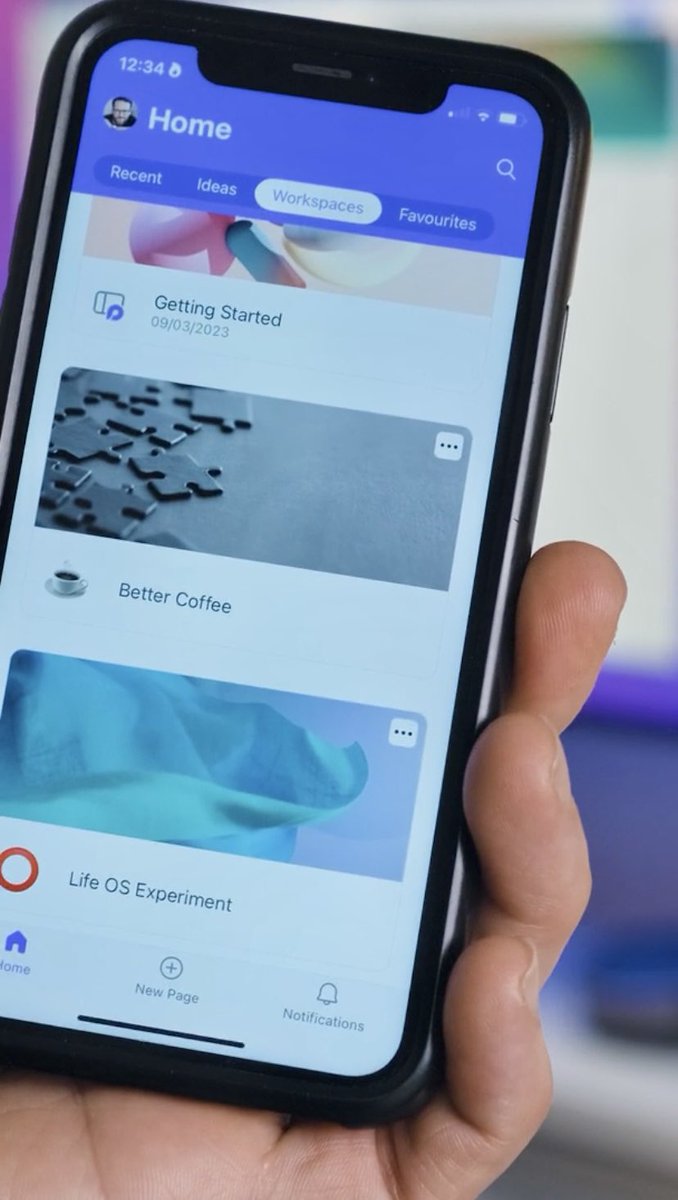
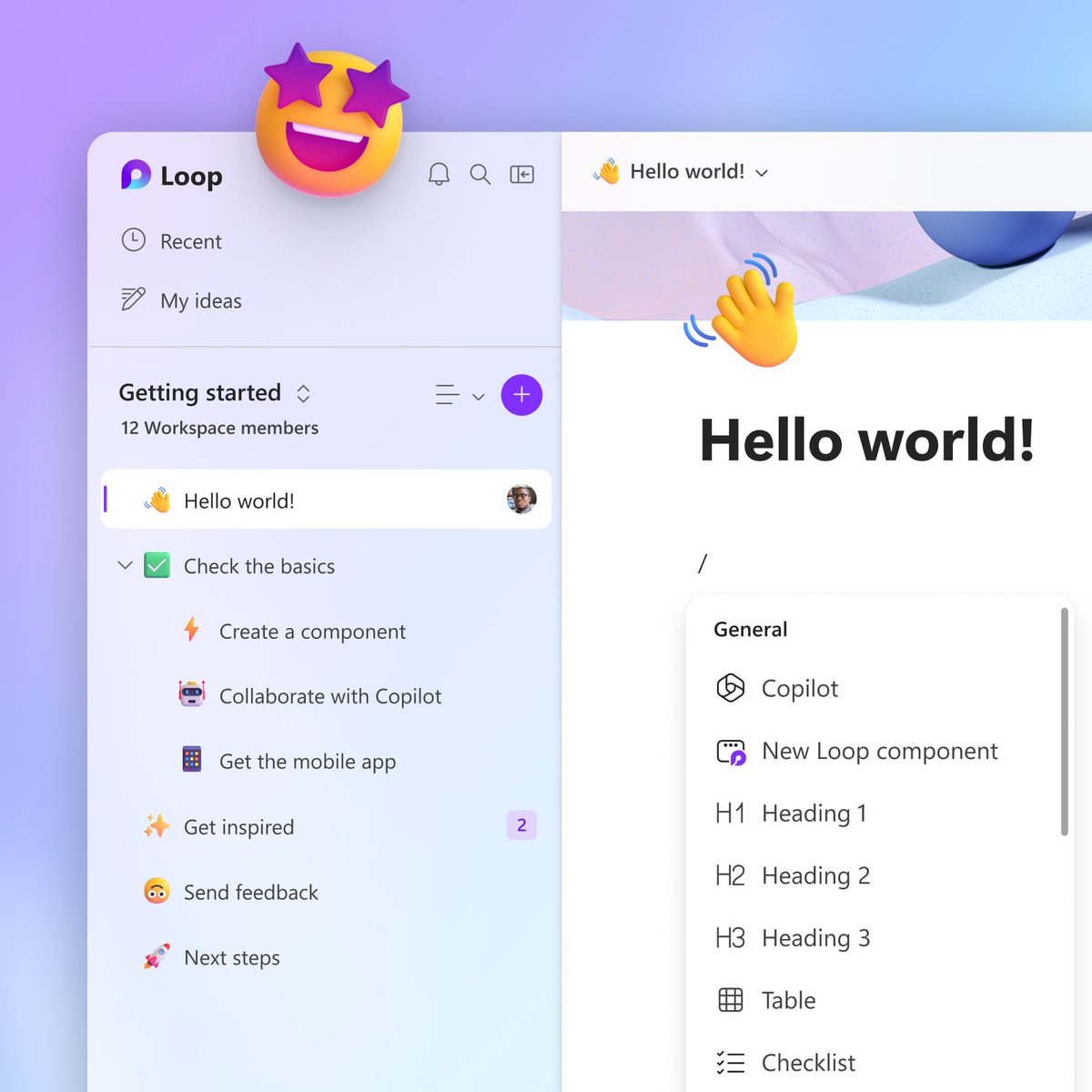
#NewinLoop ✨ We just added 14 fresh new templates to the template gallery designed to help you master your projects. Dive into Kanban boards, tinker with Code Blocks, & sync with Planner—plus more! All in one place. We'd love to know which one is the most useful to you?
@MSFT365Designer Prompt: An Out of Office post to share on Twitter. A fresh and fun day at the beach with my girlfriends. (Copy edited and added design elements). Took 3 minutes from start to finish :)
Designer is now readily available in preview! No more waitlist 🎉🎉
See how it can help you unleash your creative superpowers. Try it today: https://t.co/g2KLBpvLC5 #MicrosoftDesigner https://t.co/lBgDZt5iQV
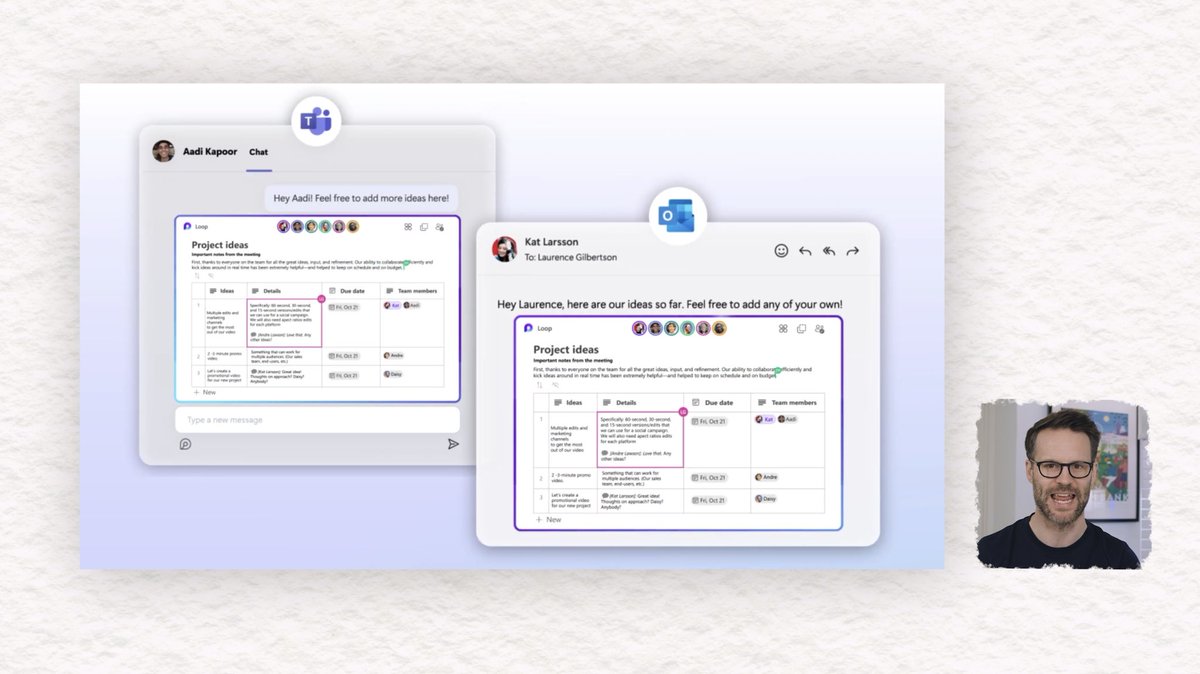
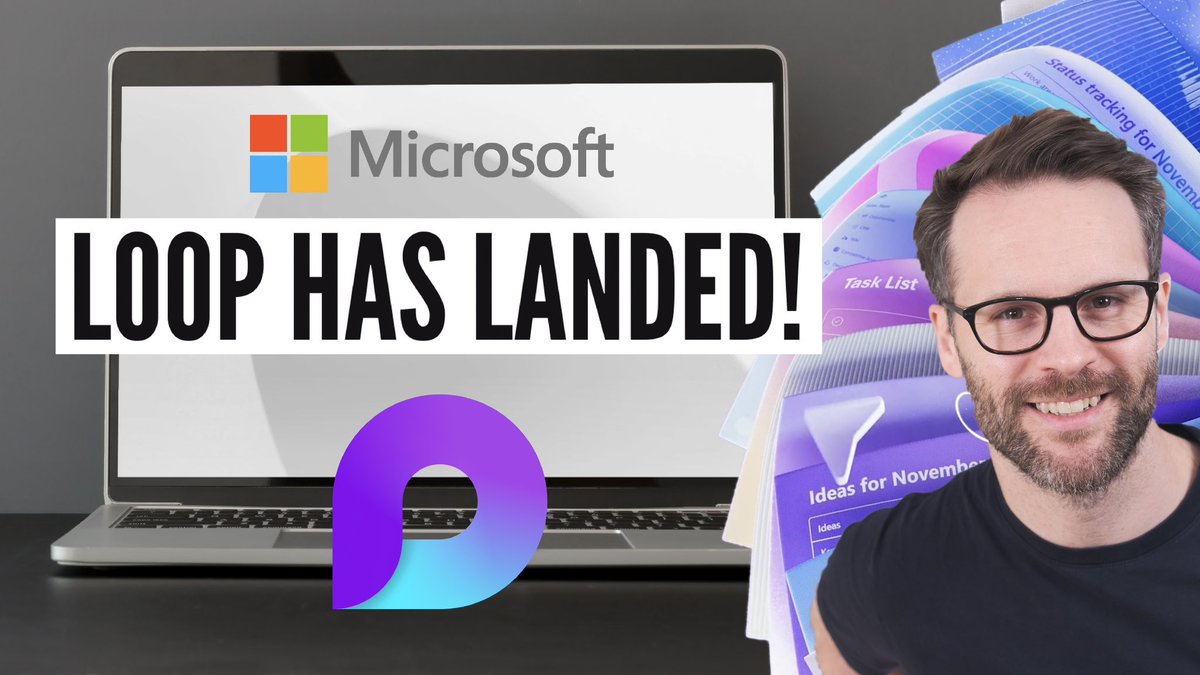
Microsoft Loop now in public preview & is a serious new productivity tool! Microsoft 365 just stepped up! Watch my full tour video here along with some demos of the exciting new features! https://t.co/Uelneg1Rma
Happy Friday! 👆🔥
#loopcreator#microsoftloop
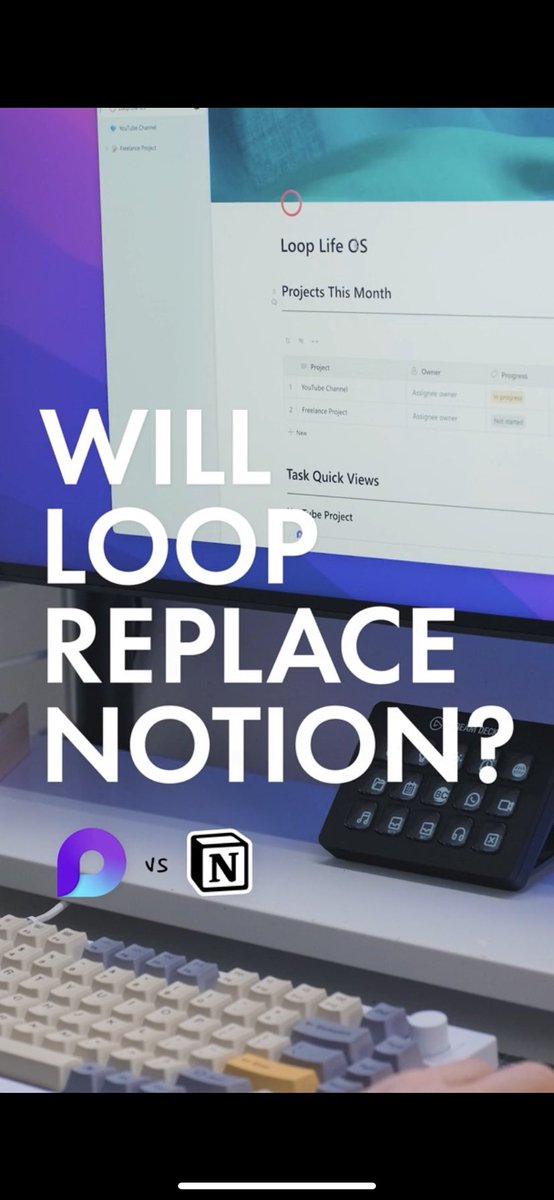
The Microsoft Loop app is now available. Find out what it is, how you can get it right now, and how to use it. It promises to change how you work. https://t.co/2kM82AuMjj #microsoftloop#microsoft
Okay, so @Microsoft is about to destroy @canva with thier new AI tool. That is awesome. Join the waitlist and get access to Microsoft Designer.
https://t.co/IC9466shBE
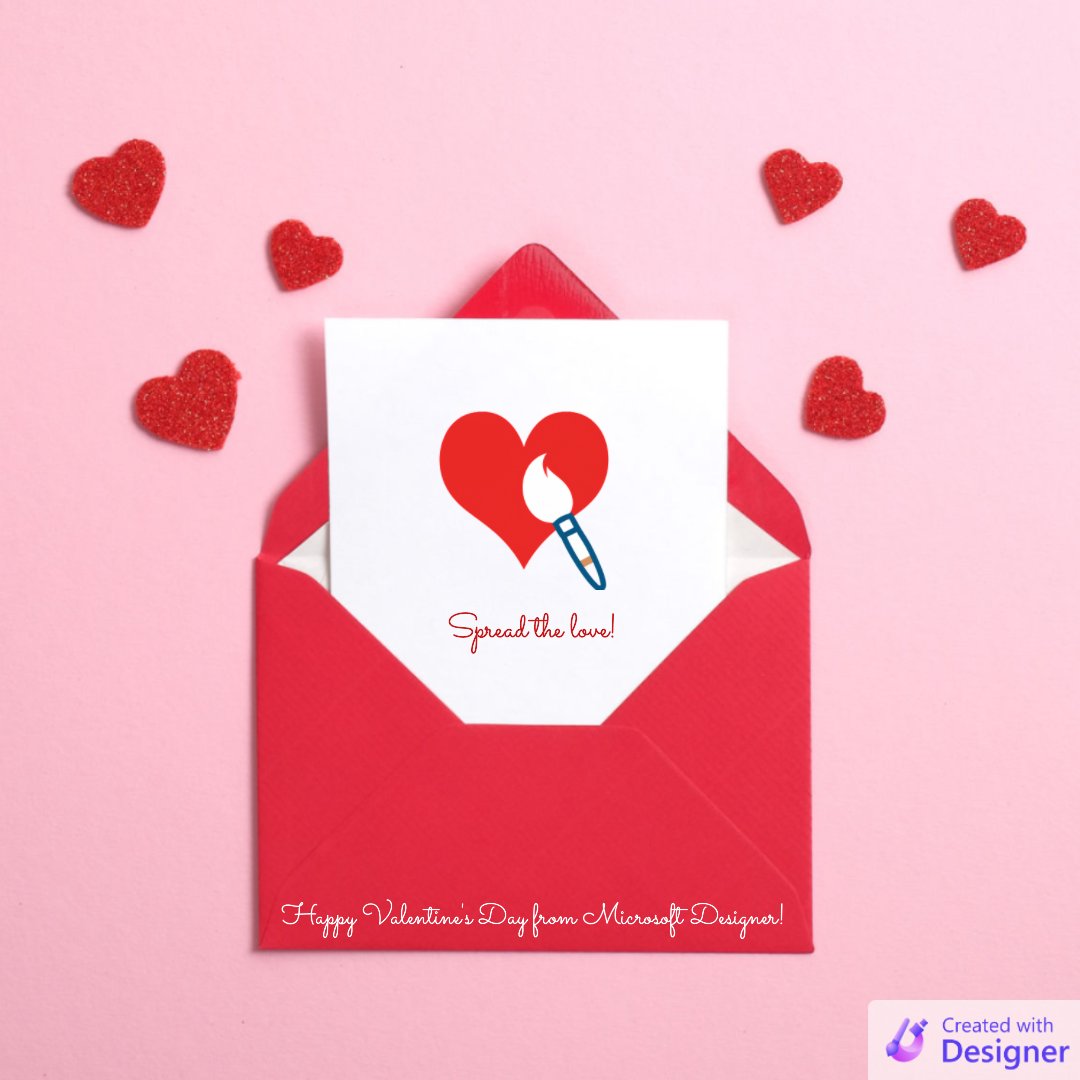
Today's 90-second design challenge is all about spreading the love 💕
Use Microsoft Designer to create a Valentine's Day greeting for a friend or loved one in 90 seconds or less and share it with us below!
@MSFT365Designer Make removing the watermark a default setting, so that you have to intentionally add the watermark. No one wants this watermark... maybe if it was cuter.