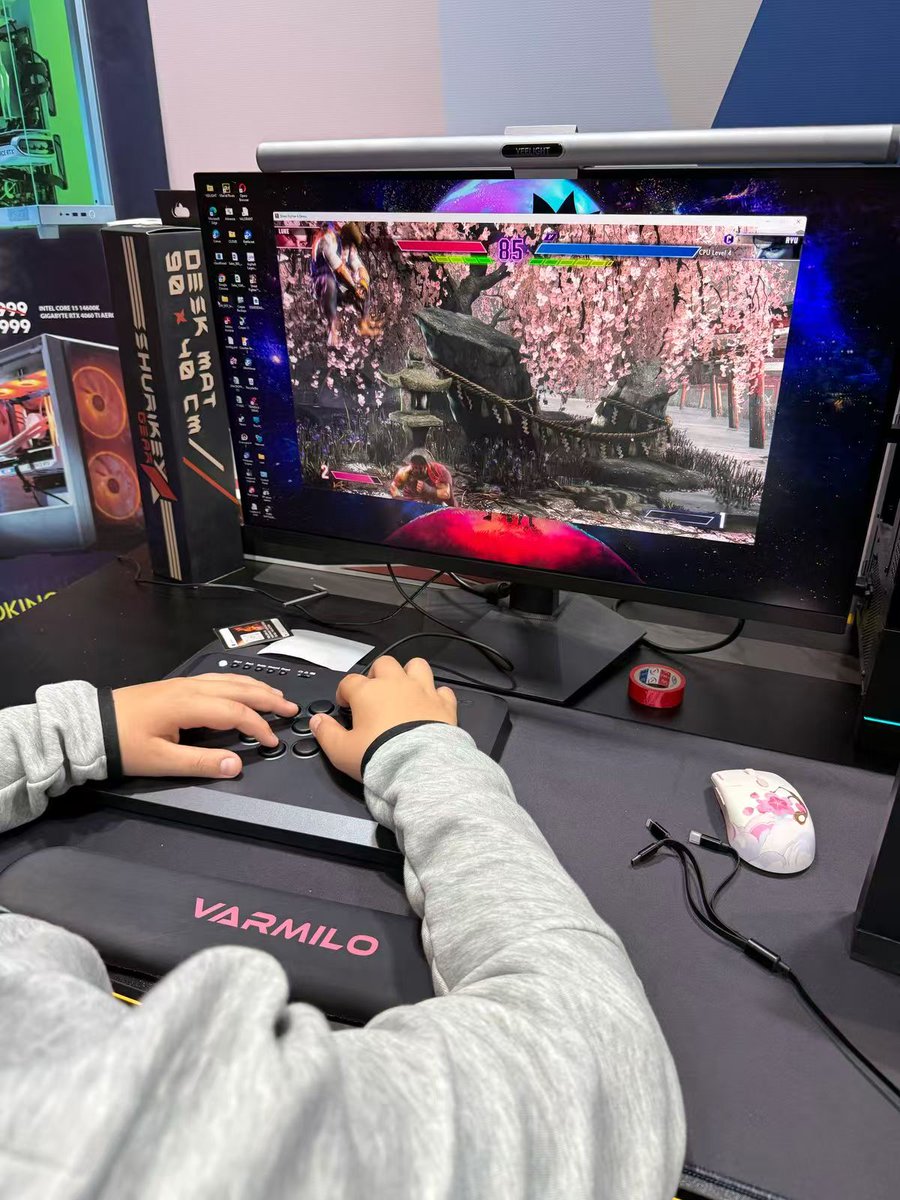
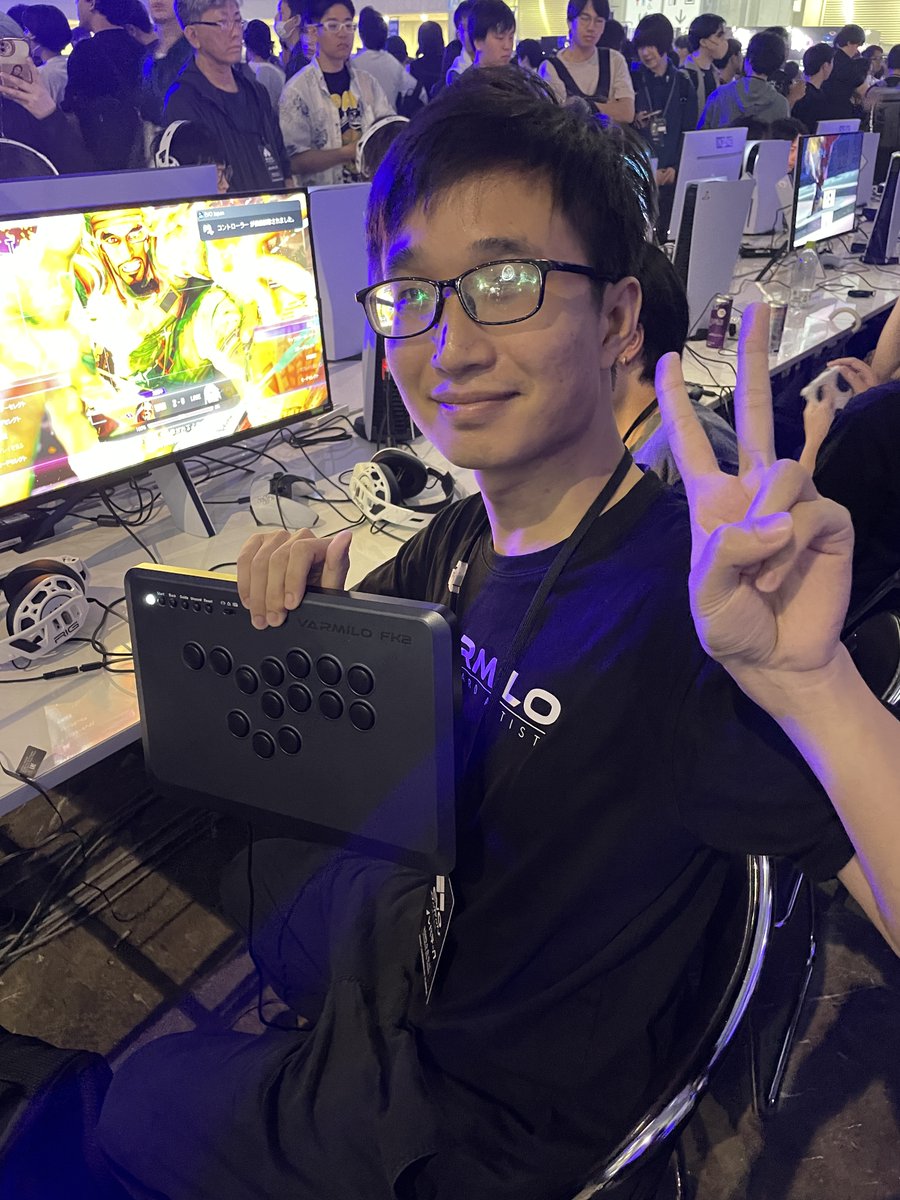
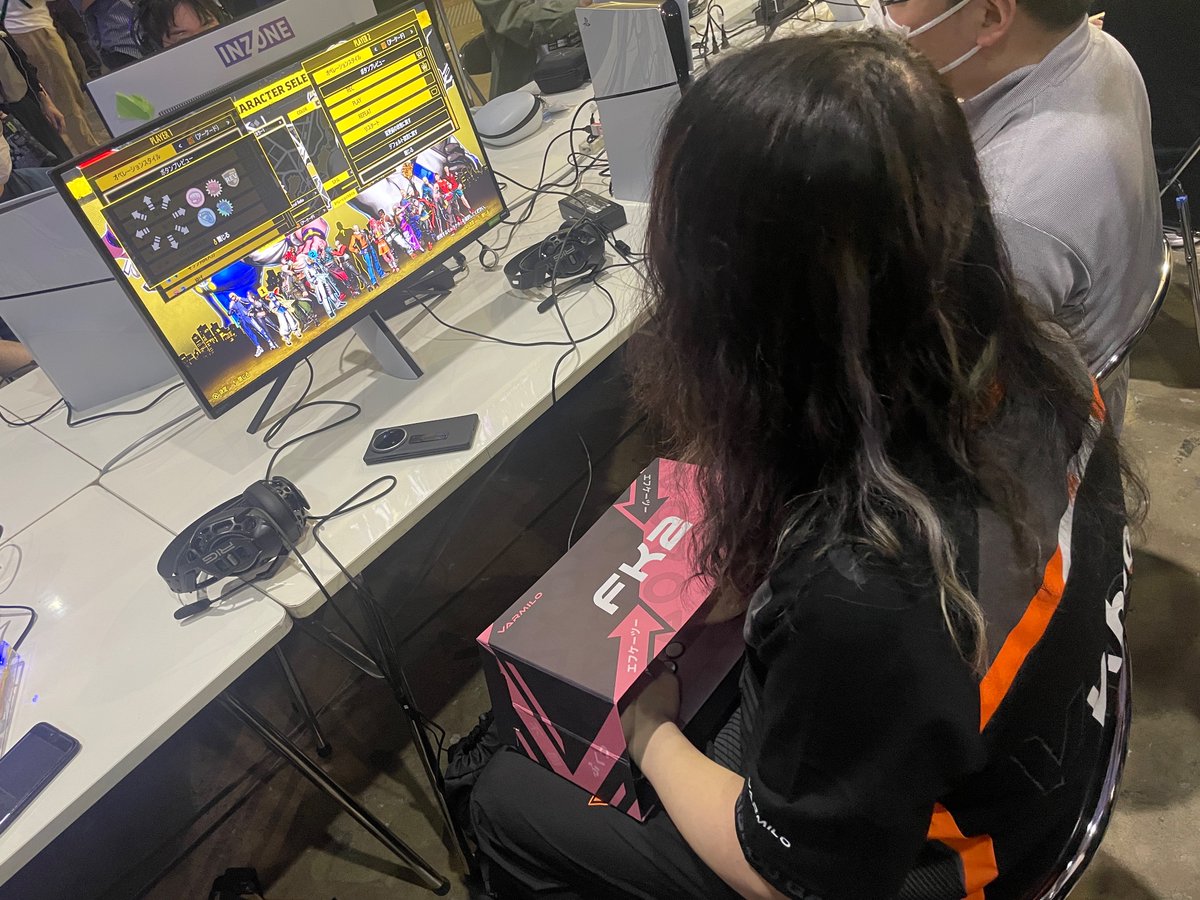
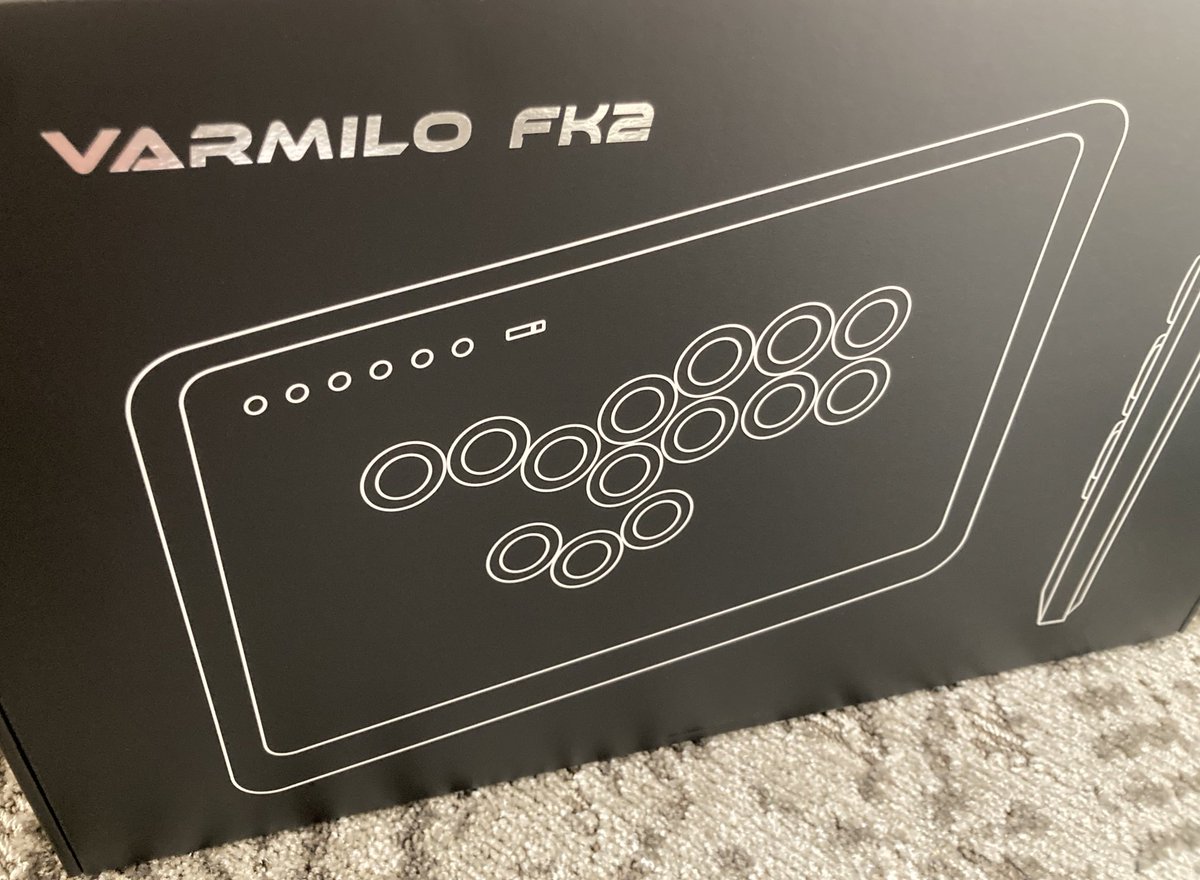
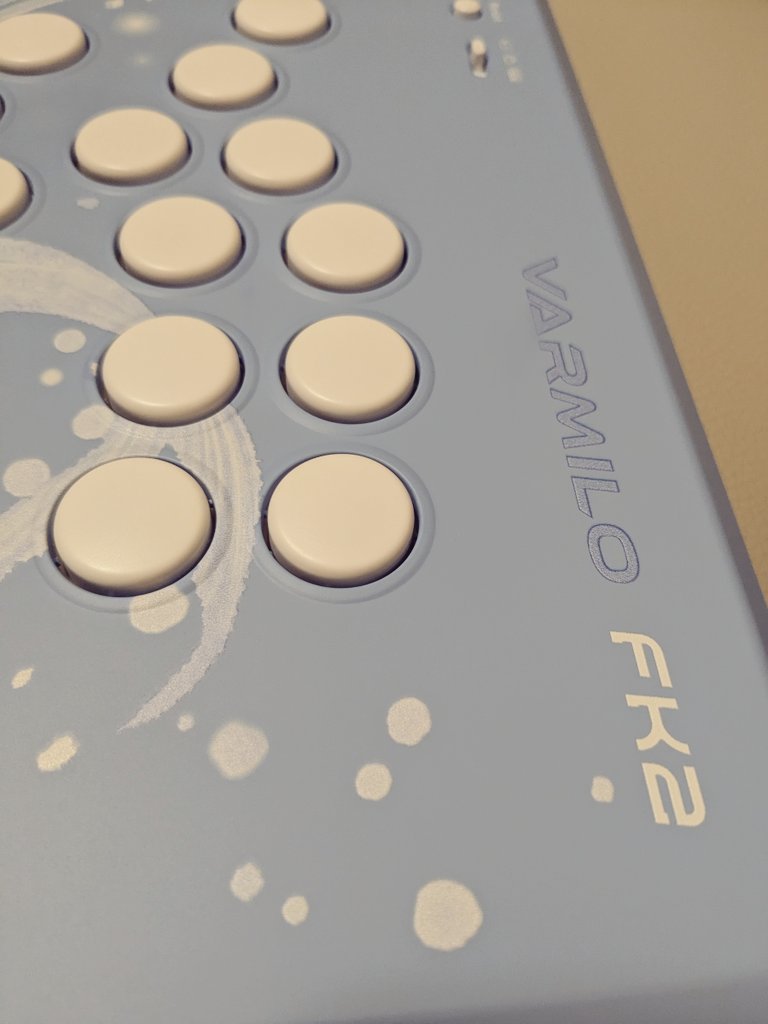
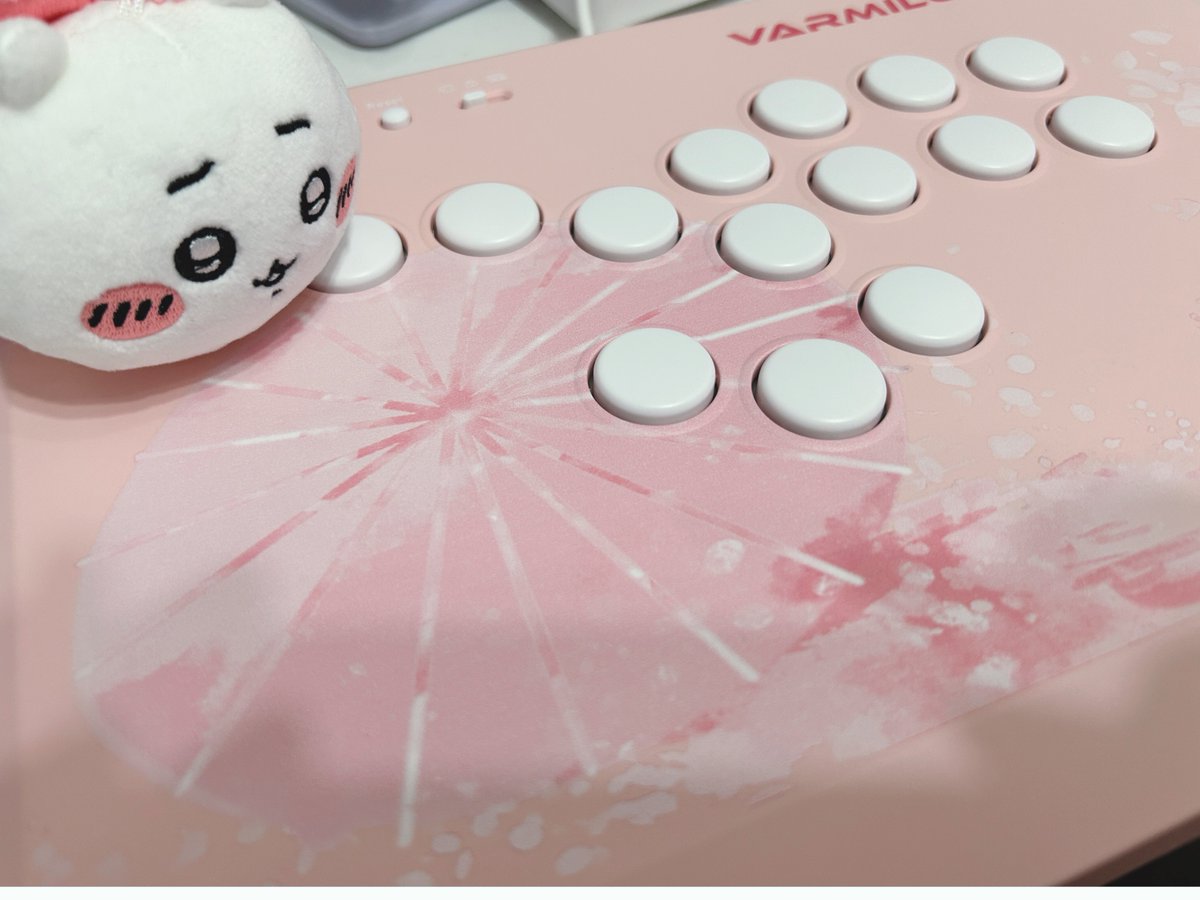
FightClub Championship VI Beijing - CPTWW Asia #1
Vxbao: 3rd
Plaster King: 4th
It was a good start to the new season for Team VARMILO🔥🔥🔥
#StreetFighter6#CPTWW#CPT2025#VARMILO
If you wanted to use your Varmilo FK 2 to play games on the Switch 2 and you own a Wingman NS Lite, you can get it to work!
Before you follow the steps below, you will need to update your Wingman NS LITE to the BETA firmware.
Here's the how-to:
1. Connect the FK2 to the Wingman NS LITE, then plug it into the Switch 2 dock.
2. Confirm that the LED on the NS LITE lights up blue.
3. On the Switch 2, go to Home > Controllers > Change Grip/Order.
4. Press and hold Start + Back + × (for SF6: Light Kick) on the FK2.
5. Confirm that the NS LITE’s LED blinks blue and red, then lights up blue again.
→ The controller is now in X Input Mode.
Press and hold Start + Back + △ (for SF6: Medium Punch) on the FK2.
6. Confirm that the NS LITE’s LED blinks blue and red, then lights up blue again.
→ The controller is now in NS Mode.
7. If you see “Registered” at the top-left corner of the screen at this timing, the setup is successful.
Evo Arcade Controller Museum
Exhibit 2 - Evo Community and Inspirations
Display 4
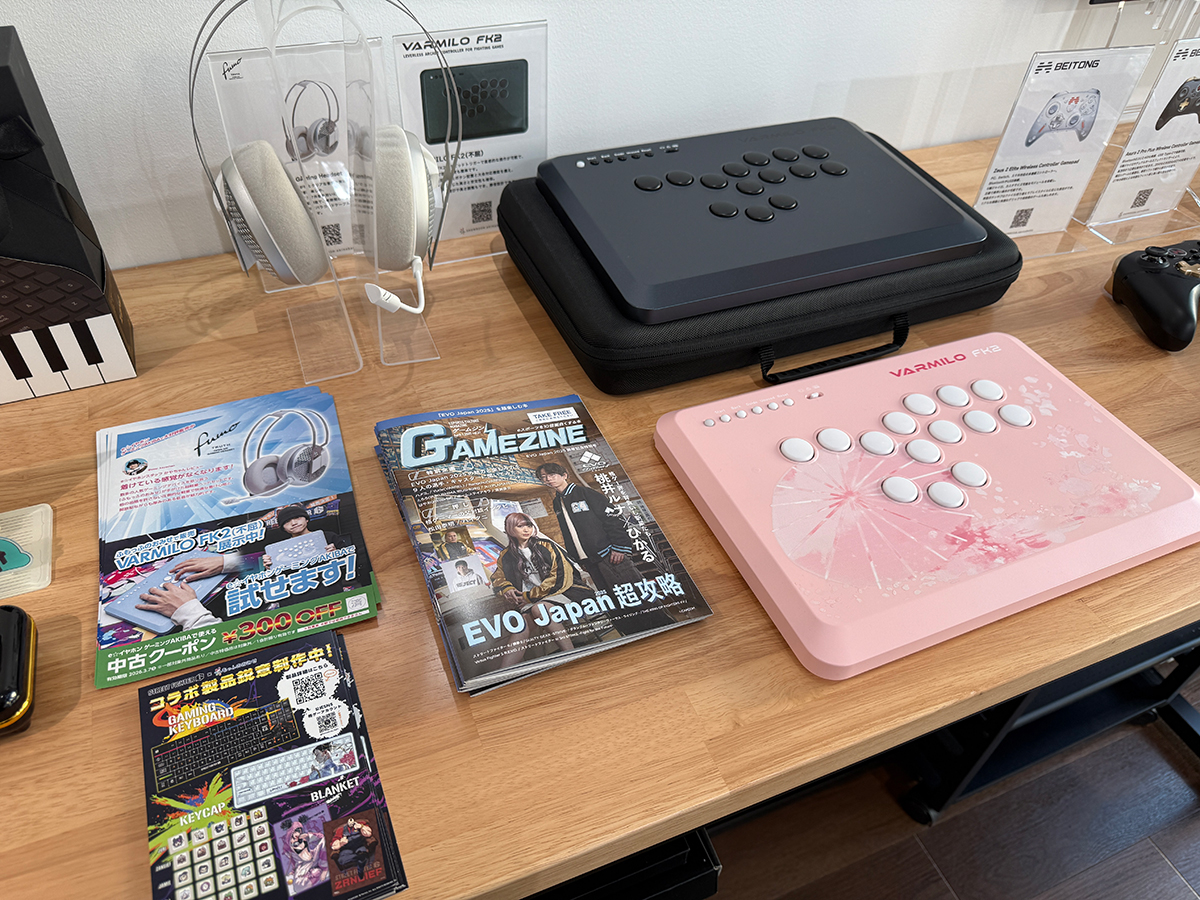
- VARMILO - FK2 (2024)
- PUNKWORKSHOP - MINI BOX - EVO Japan 2025 Edition - (2025)
- Junk Food Customs Arcade - SWORL (2025)
FK2 is fortunate to be recognized by Arslan Ash, the symbol of Pakistani esports & 5x Evo Champion
@ArslanAsh95
Our partner - @Keystrook
Web: https://t.co/zzQjQ1ztoL
Level 3&5, Building C3, DWTC, Sheikh Zayed Road, https://t.co/WyvIPB6Bdr 9573 - UAE Email: [email protected]