You can now create original scripts based on YouTube videos or channels.
Start by pasting a public YouTube link, select your script language, and review two unique script options generated for you.
We’ve added the ability to keep recurring characters consistent across your videos.
You can now choose up to two saved characters or avatars as references for generated scenes in supported video workflows.
Watch the full tutorial on YouTube. We break down the complete bulk scheduling flow, including YouTube destination setup, future timing, AI metadata, and final review:
https://t.co/Vd8FBkExua
8. Click Schedule posts when everything looks right.
Videnly creates the queue items together, and you can use the undo option right after scheduling or manage scheduled posts later.
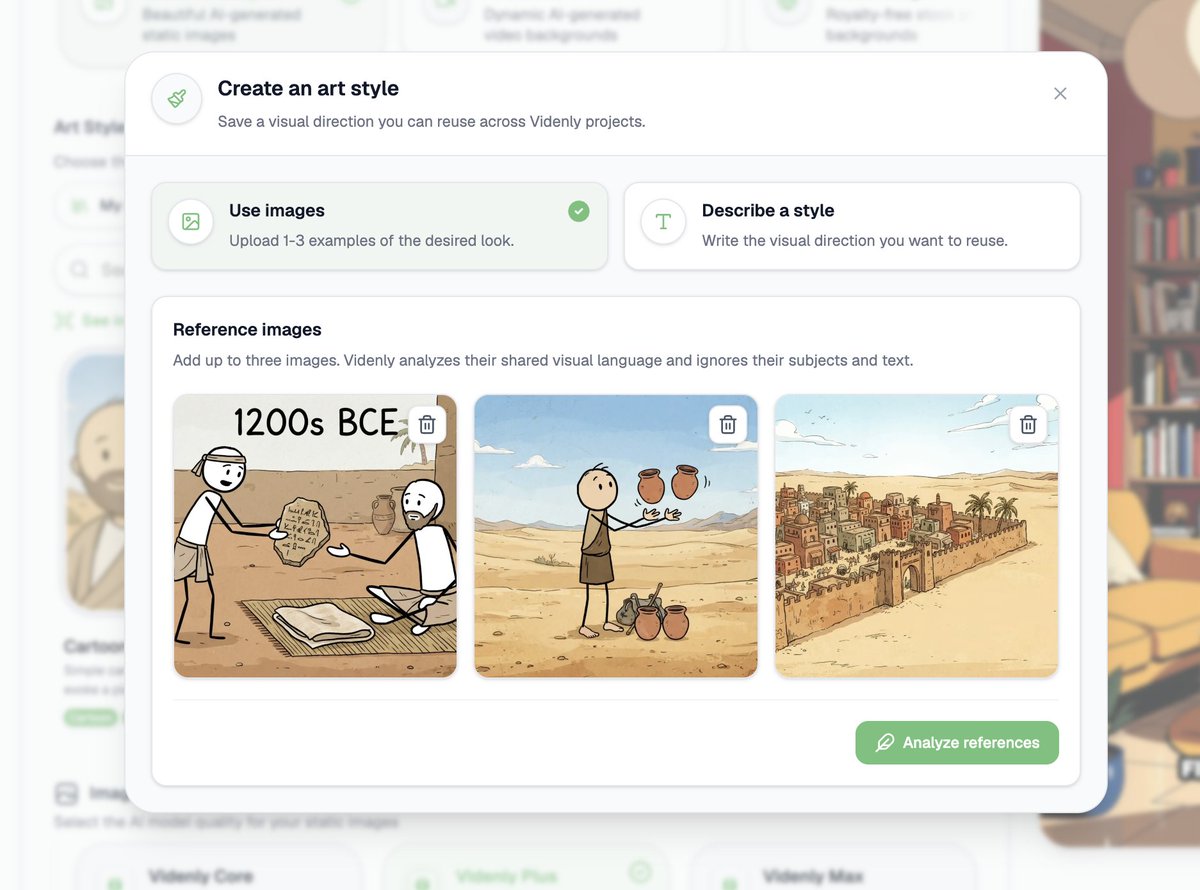
We now allow you to create and reuse your own art styles.
Turn written ideas or reference images into a visual style that you can use for future projects.
We now offer complete control over YouTube thumbnails for scheduled Projects.
Set automatic thumbnail styles and review each scheduled video's thumbnail before it goes live.
We've added a library of reusable prompt templates to help you start custom projects faster.
Now you can browse and use templates to simplify your workflow.
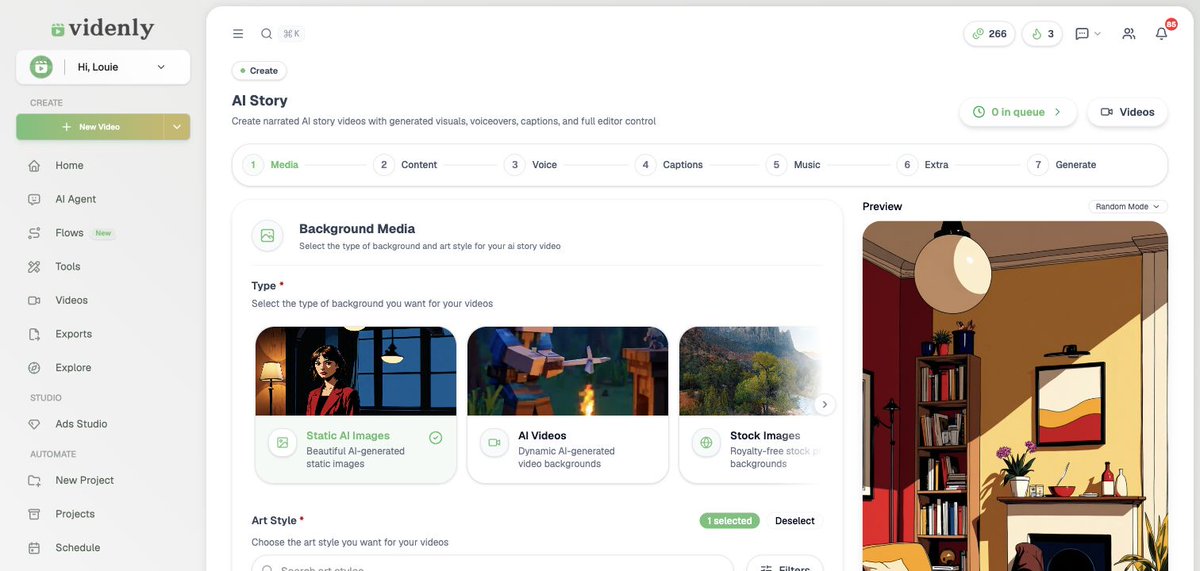
We've evolved our Faceless AI Video workflow into AI Story.
Now, you can create faceless videos in our new editor while your existing projects remain functional.
Watch the full tutorial on YouTube. We walk through the style comparison, the voice picker, the caption settings, and the full 479-credit breakdown:
https://t.co/dfA40B82CD
7. Generation takes 7 to 15 minutes.
Videnly prepares the script, records the voiceover, generates each visual, animates it, then assembles the video.
You can leave the queue running and come back to it.