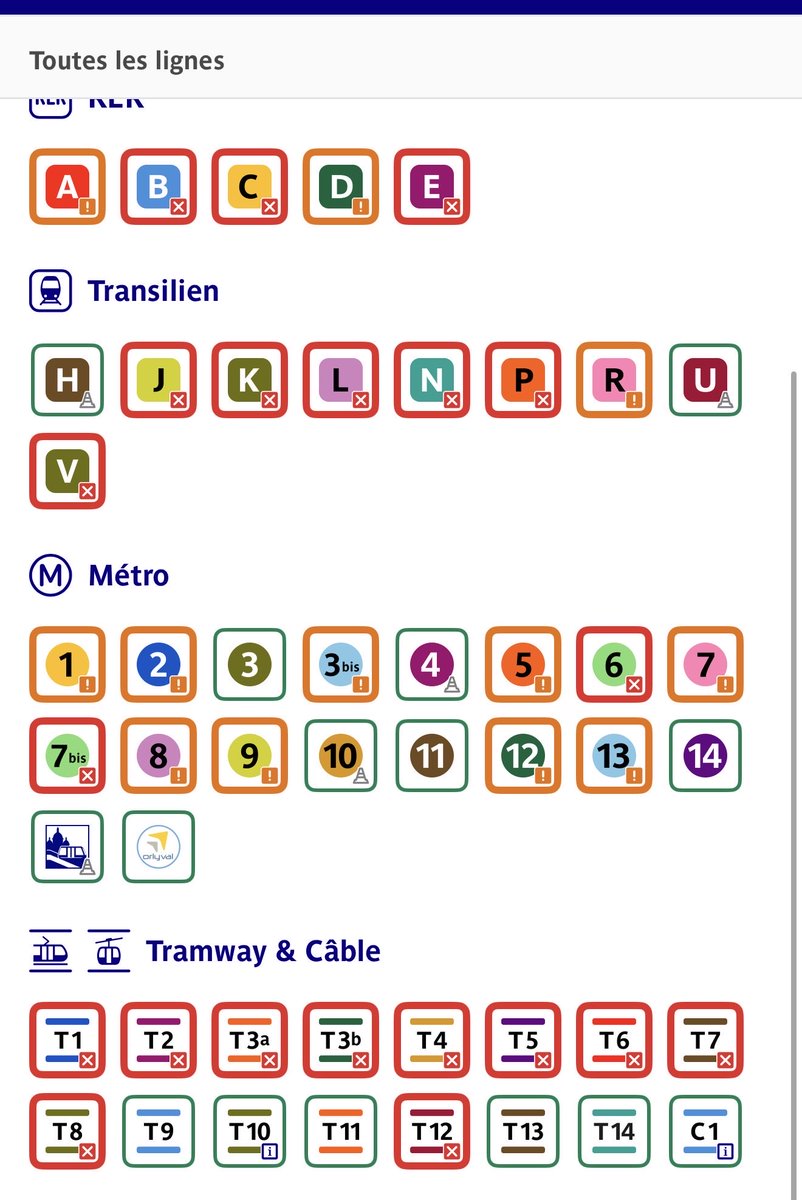
@ClientsRATP comment est ce possible que même les trains climatisés comme la ligne 5 et 2 n’ont aucune clime qui marche. On arrive au bureau trempé et on rentre dans le meme état. Faut venir en maillot de bain? C’est inadmissible !
This week I experimented with using AI for browser automation and here’s what I learned.
I wanted something to monitor ticket resales 24/7 and alert me when something popped up, without manually parsing the DOM, telling Playwright exactly where to click, and chasing broken selectors after every site update. I tested small open-source models like Qwen locally (they’re great at producing structured outputs like JSON you can feed directly to Playwright). They work reliably only at ~9B+ parameter scale; smaller models hallucinate a lot. Also, you can’t get acceptable latency on an M1 chip; instead, plan at least for a beefier M-series (M4) if you want decent responsiveness.
Reducing hallucinations means shrinking the context window, which you can do by sanitizing the DOM before sending it to the model. Even then, you won’t get perfect results; you’ll need vision-enabled models to verify page state. With that, a simple prompt can elicit actions on the site. Crucially, don’t run the LLM every time: capture and persist the selectors after the first run so subsequent checks are static, fast, and avoid unnecessary model calls. Done right, you can turn a sub-1-minute experiment into a robust Playwright workflow. It’s powerful and surprisingly elegant.
Last but not least, as you're not the only one doing this, optimize everything. Just after the DOM is loaded, apply the selectors, and humanize the behavior artificially to avoid CAPTCHA and rate/limit as much as you can.
At the end, what I've built can also be used as a foundation for AI browser testing at scale but it was fun to learn how to do it by watching ticket resales (more complex).
And you, what are you building this week?