A point on your wrist. The score on your iPhone. 🎾
See VMSPadel in action: score on Apple Watch, show the live scoreboard, then explore your match stats.
Try it for your next match:
https://t.co/8nOipTiuB0
#Padel#AppleWatch
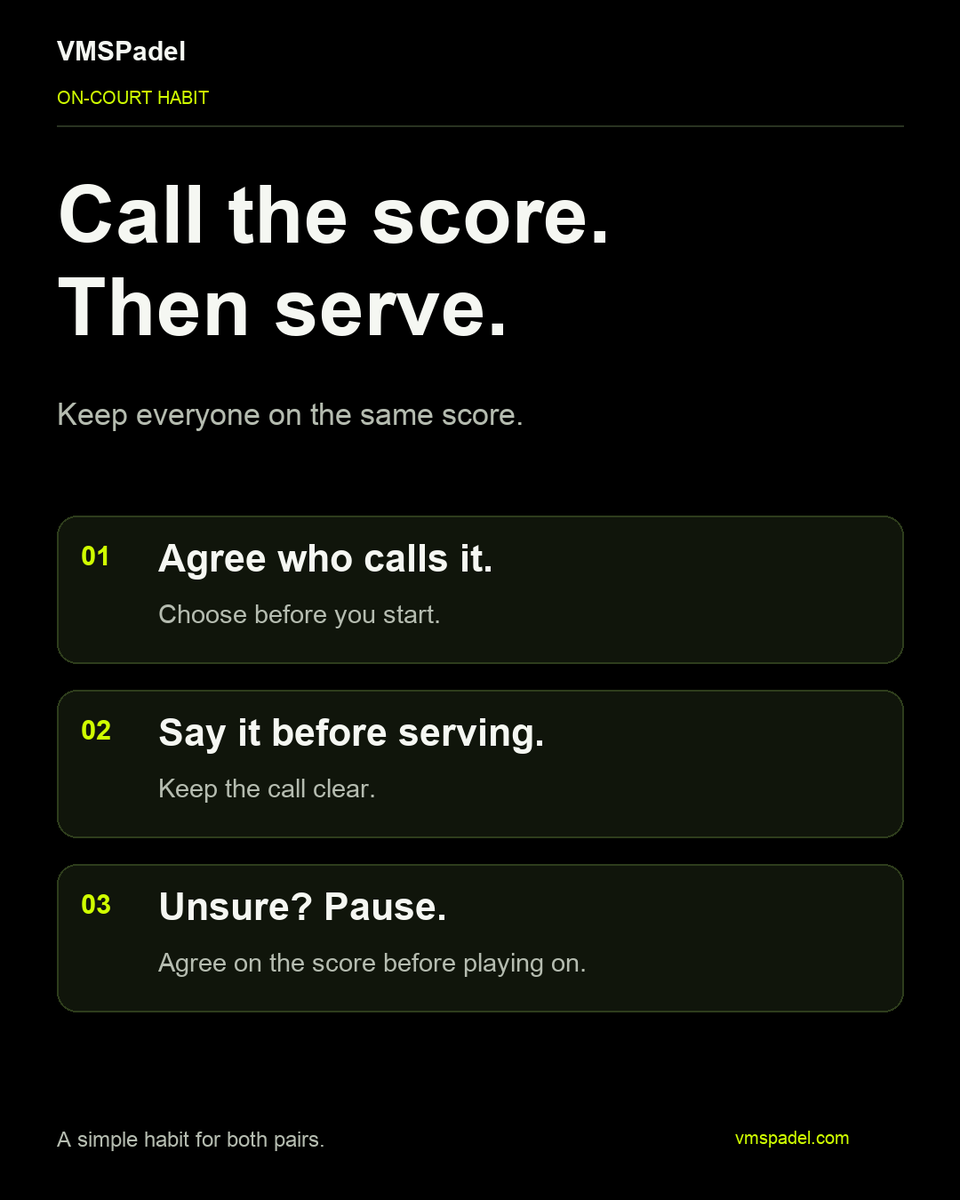
Call the score. Then serve. 🎾
Before you start, agree who will call it. Say it clearly before each serve. If either pair is unsure, pause and agree before playing on.
#Padel
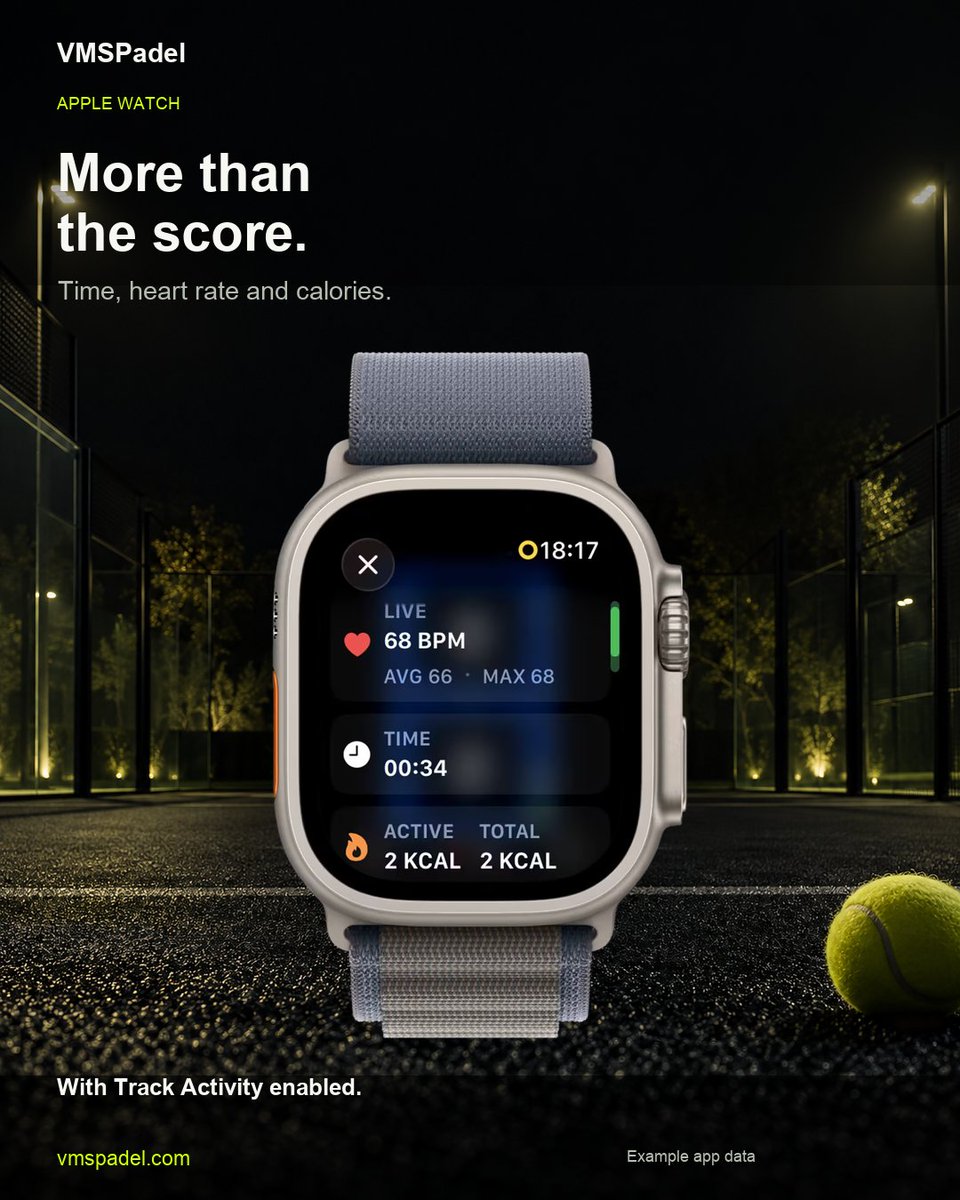
Your match has an activity view, too. 🎾
With Track Activity enabled, check elapsed time, heart rate and calories during your VMSPadel match on Apple Watch.
https://t.co/VzMxy2VeKj
#Padel#AppleWatch
@meetmaozai To clarify: choose your left/right playing side and first serving team before play. As you log points, the Watch automatically updates who serves and from which side. Optional court-side change alerts remind you to switch ends between games.
Before the first point. 🎾
Choose which team serves first and whether you play on the left or right in VMSPadel on Apple Watch.
https://t.co/Cc0ssUr5Ci
#Padel#AppleWatch
@meetmaozai For changing ends, the reminder is automatic: enable Side Change Alert and the Watch prompts you after odd-numbered games in Normal matches, or every 6 points in Quick. Your left/right playing position is a separate setup choice.
Before your next match, try the scoreboard. 🎾
With no active Watch match, open Settings → Watch Scoreboard on iPhone to preview the layout and test score announcements in VMSPadel’s demo mode.
https://t.co/O8dSKWWXKZ
#Padel#AppleWatch
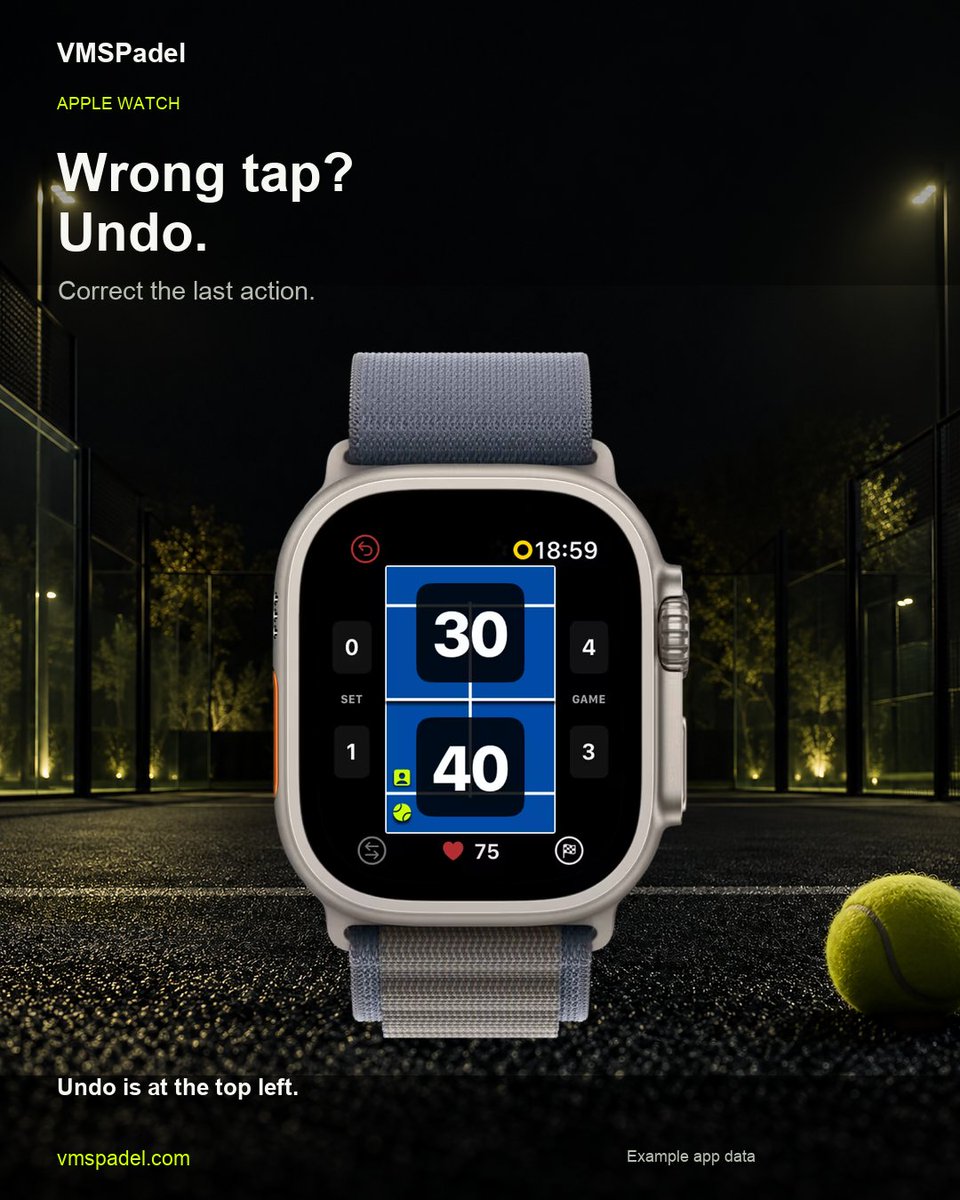
Wrong tap? Undo it. 🎾
Use Undo on Apple Watch to revert your last action in VMSPadel, then record the correct point.
https://t.co/zfljCXWuZt
#Padel#AppleWatch
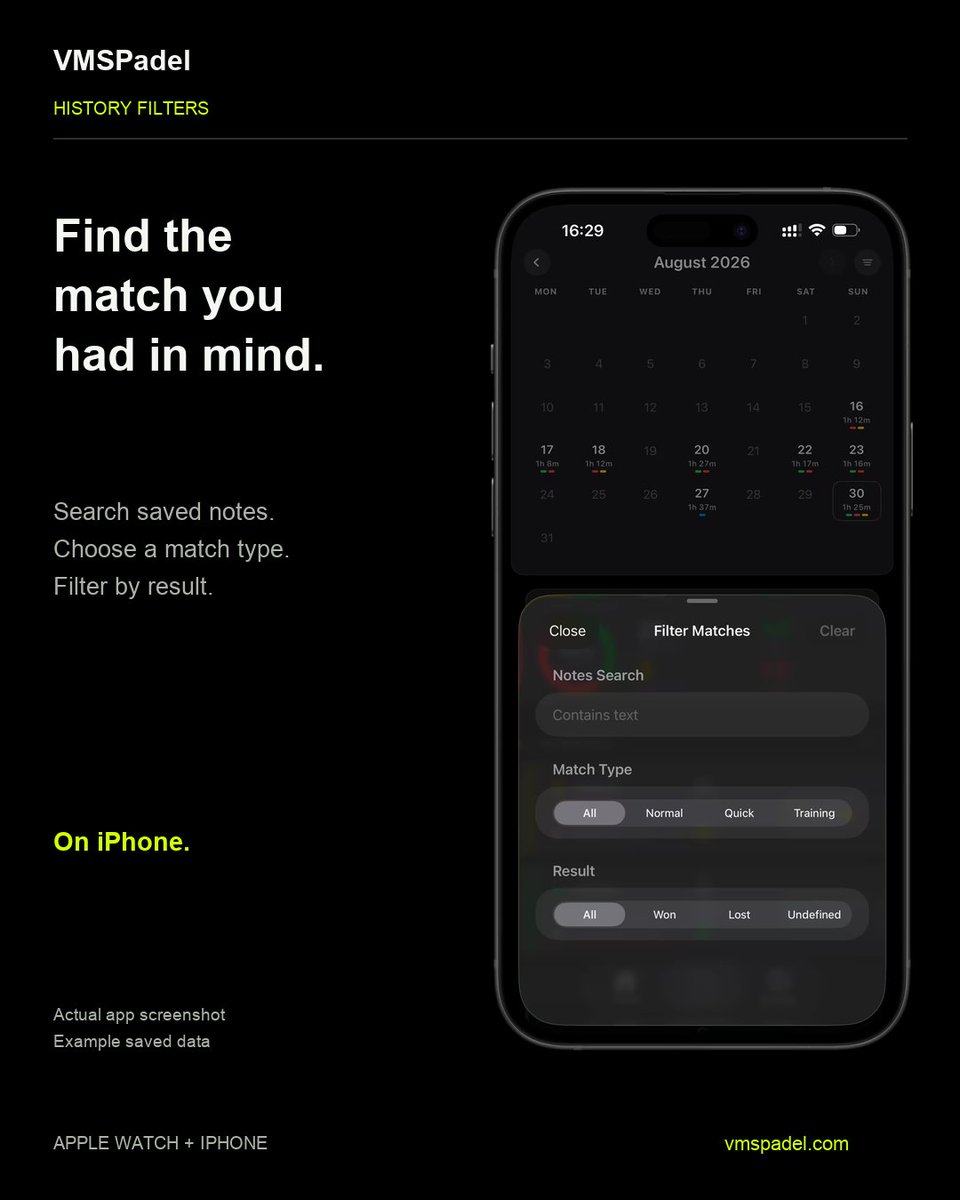
Find that match again. 🎾
In VMSPadel History on iPhone, search your saved notes or filter by match type and result within the selected calendar view.
https://t.co/0yQB0dVlpk
#Padel#AppleWatch
Keep the score on your wrist. 🎾
Tap your team’s score or your opponents’ score on Apple Watch to record the point in VMSPadel.
https://t.co/zfljCXWuZt
#Padel#AppleWatch
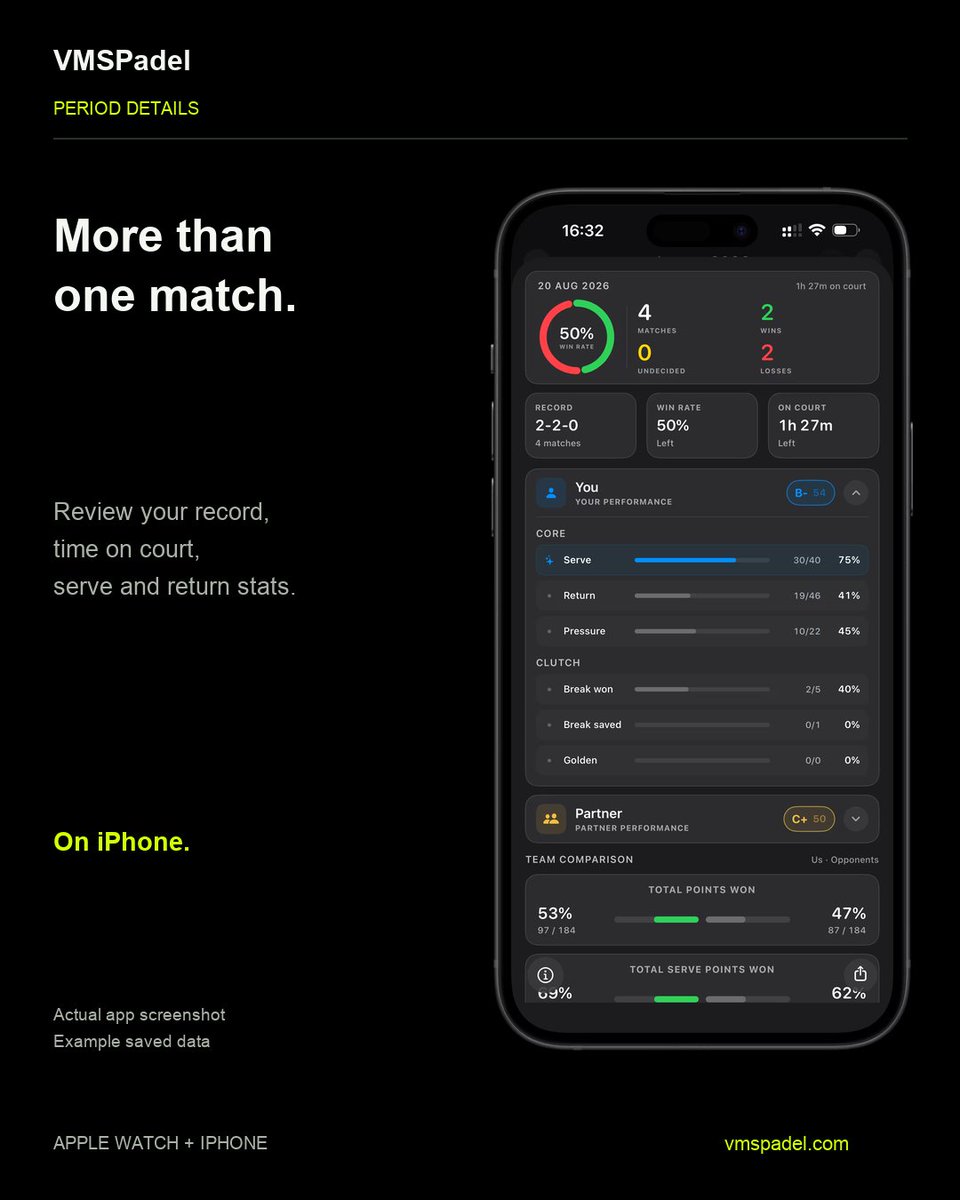
After the match, look beyond the score. 🎾
Review your time on court and serve/return stats across recorded matches in VMSPadel on iPhone.
https://t.co/VaSk0fe5OG
#Padel#AppleWatch
“What’s the score?” 🎾
Keep the live scoreboard open on iPhone while you record points on Apple Watch. VMSPadel puts the score in view between rallies.
https://t.co/KQUO1wnIXe
#Padel#AppleWatch
Not every session needs a final score. 🎾
Working on volleys, lobs or returns? Choose Training in VMSPadel on Apple Watch to record your time on court without counting points or sets.
https://t.co/P7cNmQRT7W
#Padel#AppleWatch
Your padel has a history. 🎾
Every match, more than a final score. Browse your recorded matches and time on court in VMSPadel on iPhone.
Your next match is ahead. Your past matches are right here.
https://t.co/KQUO1wnIXe
#Padel#AppleWatch
@ChoqueDeVoleas Quedarse con un ajuste que los dos entendáis y probarlo en el siguiente punto. Mucho más útil que repasar todas las excusas del anterior 🎾
Before you forget that last match, save one takeaway. 🎾
What worked with your partner? What would you try differently?
In VMSPadel on iPhone, open a match and scroll to the bottom to add a note. Keep it handy for next time.
#Padel
What happened behind the score? 🎾
Open a saved match in VMSPadel on iPhone to review serve and return points, pressure points and break-point chances.
A quick look back before your next match.
https://t.co/KQUO1wnIXe
#Padel#AppleWatch