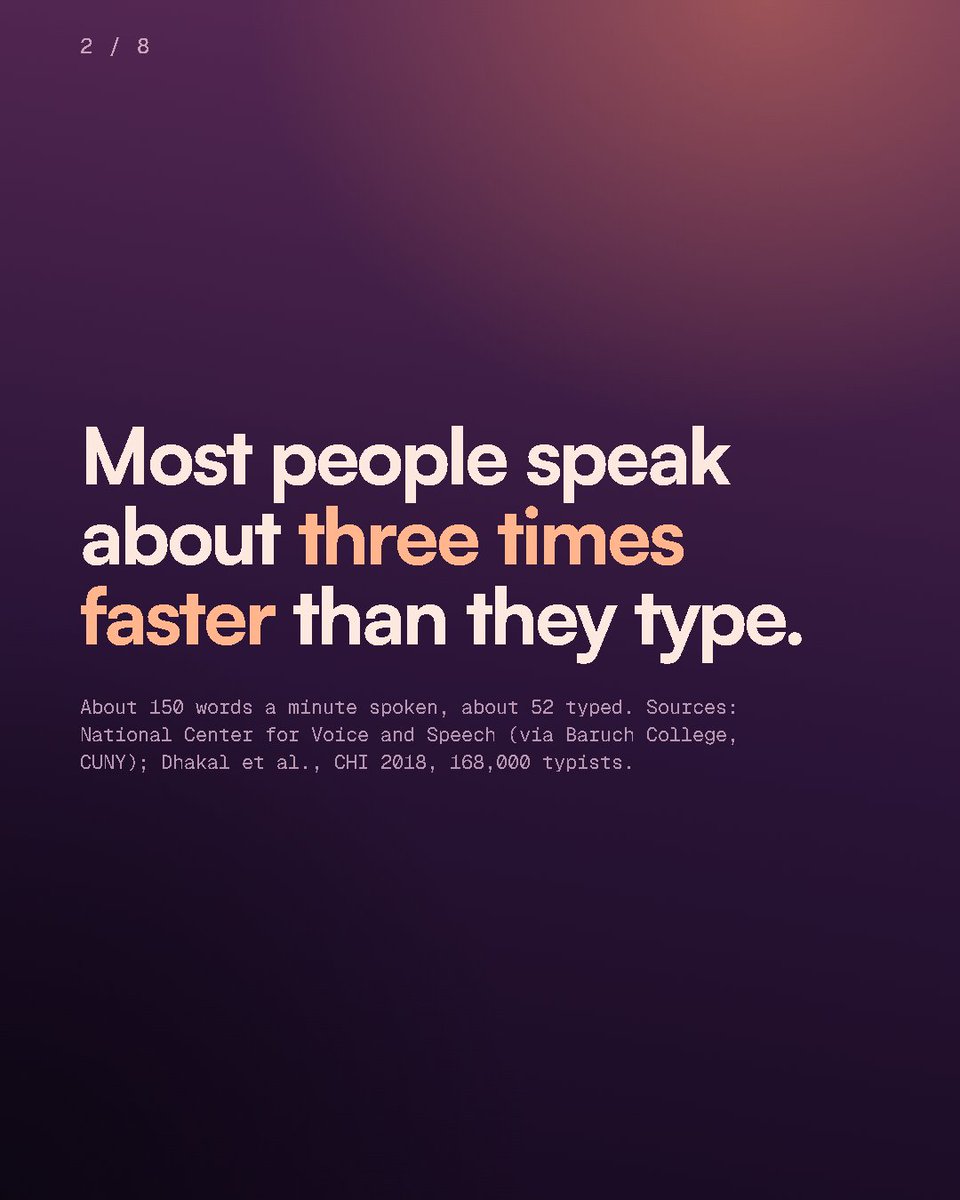
Windows has free voice typing built in: Win+H.
The upgrade: hold Ctrl+Win, talk the way it comes out, let go. Tidied and typed. (The AI prompt style is Pro.)
https://t.co/J2tIQgruPs
Stop typing the same AI prompt twice. Save it as a snippet, then say "my summary prompt" and the whole thing is typed for you.
Three snippets free, more with Pro.
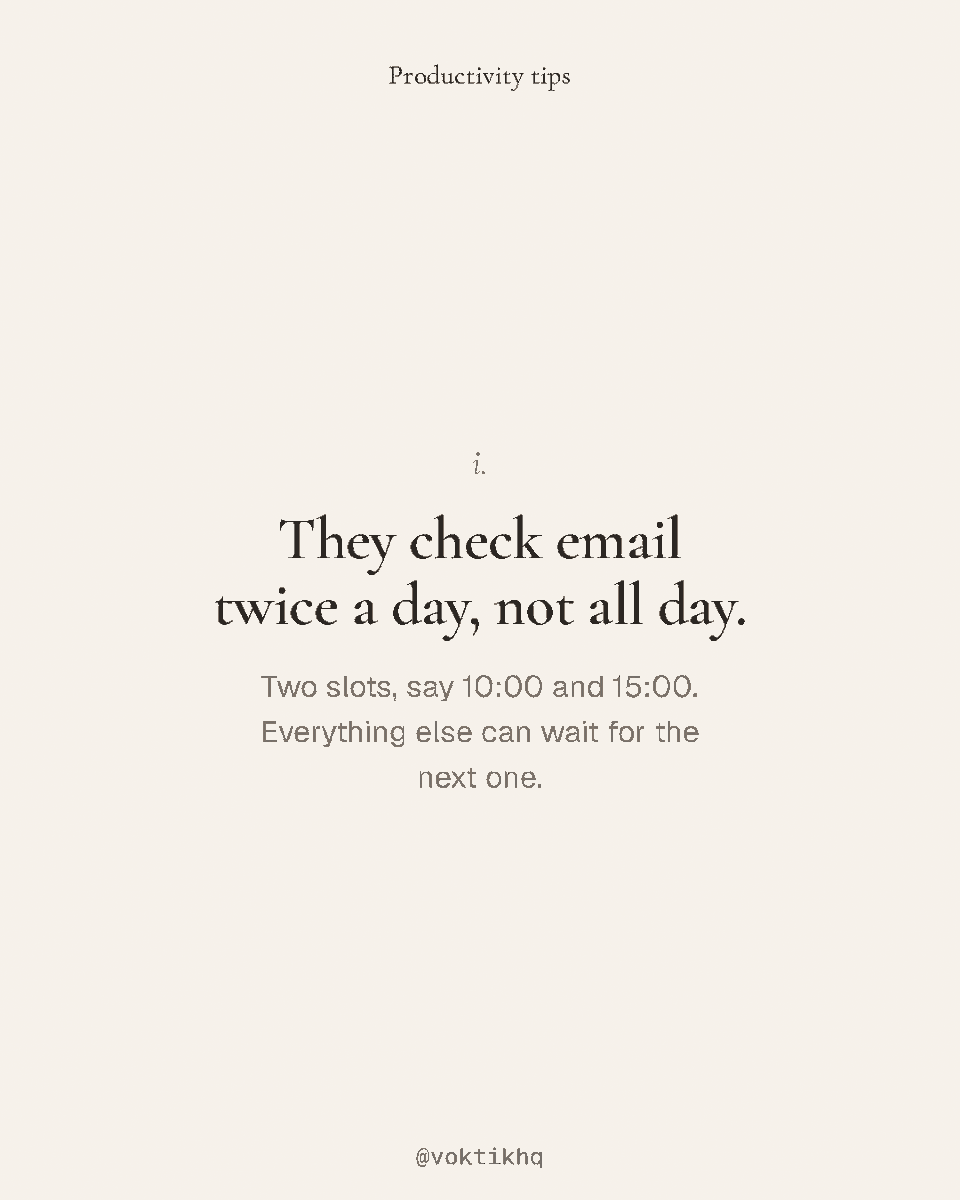
How organised people get through their inbox: email twice a day, two-minute replies now, a "waiting on" list, and the long replies said out loud instead of typed.
Early buyer price for Voktik Pro: £99.99 for your first year of Pro yearly, then £129.99. Until 23:59 on Monday 30th November.
Every new account gets 7 days of Pro free first. No card.
https://t.co/J2tIQgruPs
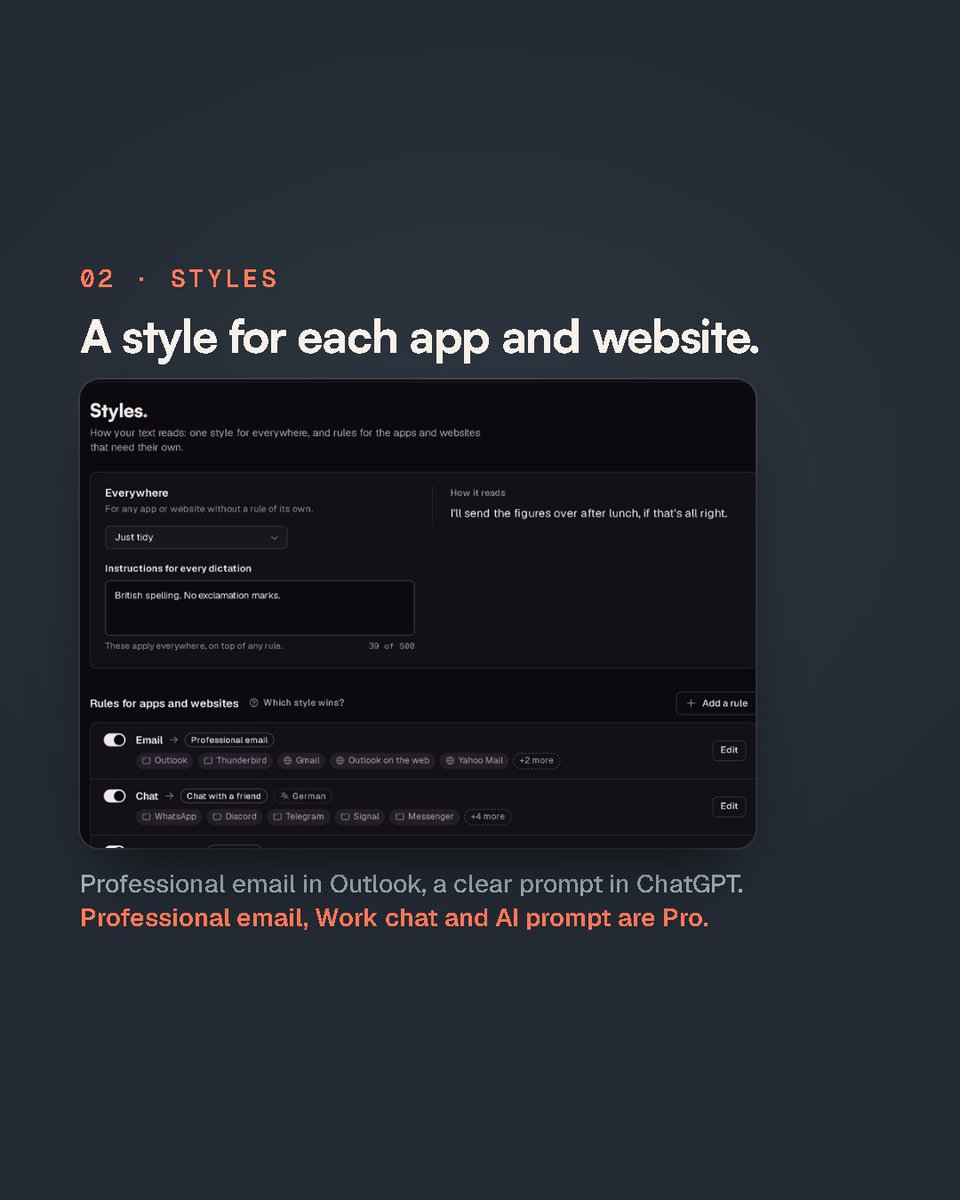
Voktik, screen by screen. Every dictation beside what it wrote, a style for each app, your own dictionary and snippets.
Styles and snippets past three are Pro.
https://t.co/J2tIQgruPs
New to dictating? It feels odd for about a day. Five habits fix that:
1. Talk like you would to a colleague
2. Don't stop for the ums
3. Say "new paragraph"
4. Add names to the dictionary once
5. Esc if you change your mind
@Saucy_Tech If you need something on your Windows machines in the meantime, I made Voktik: hold Ctrl+Win, talk, let go. Free month of Pro if you'd like to try it, just reply.
@Hola2Abhi Did the login problem get sorted? If not, I made Voktik, another voice typing app, and I'd happily give you a free month of Pro to try it. Just reply.
@FlorentChif Losing voice notes is the worst. I made Voktik: it types at your cursor the moment you let go of Ctrl+Win, and Shift+Alt+Z brings the last one back if it lands wrong. Free month of Pro if you want to try it, just reply.