🚨Twitch Streamers
Your OBS stream settings might be COSTING you FPS
If you game + stream, use these as a guide⬇️
Encoder: NVIDIA NVENC H.264
Rate Control: CBR
Bitrate: 6000 Kbps
Keyframe Interval: 2s
Preset: P5-P7
Tuning: High Quality
Multipass: Two Passes Quarter Resolution
Profile: High
Look-ahead: OFF
Psycho Visual Tuning: ON
Max B-frames: 2
If you’re partnered:
Bitrate: 7000-8000 Kbps
Do NOT use x264 if you care about in-game performance.
🚨NVIDIA Users
If your monitor is G-SYNC compatible do this ⬇️
If your FPS mogs your refresh rate, leave it uncapped for the lowest delay
If it sits at or below your monitor's refresh rate, cap it to this:
144Hz = cap between 140-142 FPS
240Hz = cap between 235-237 FPS
360Hz = cap between 353-356 FPS
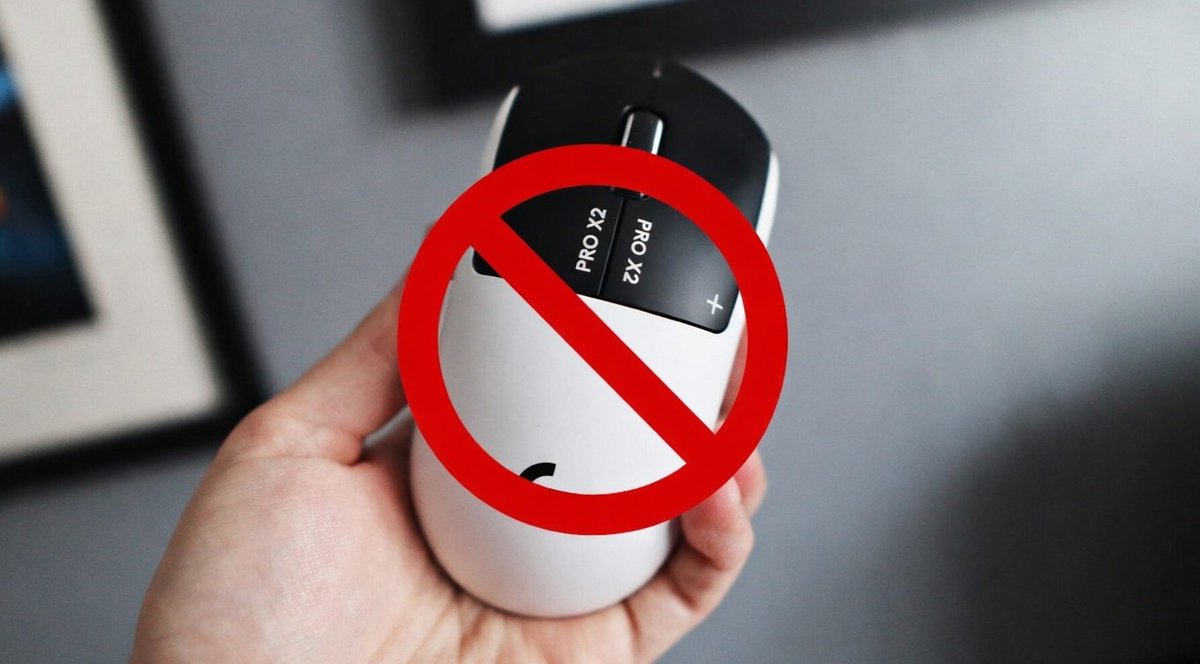
Logitech G PRO X2 “Superstrike” reportedly triggers a permanent ban in Apex Legends
Accounts flagged for gameplay enhancement, appeals are reviewed and rejected.