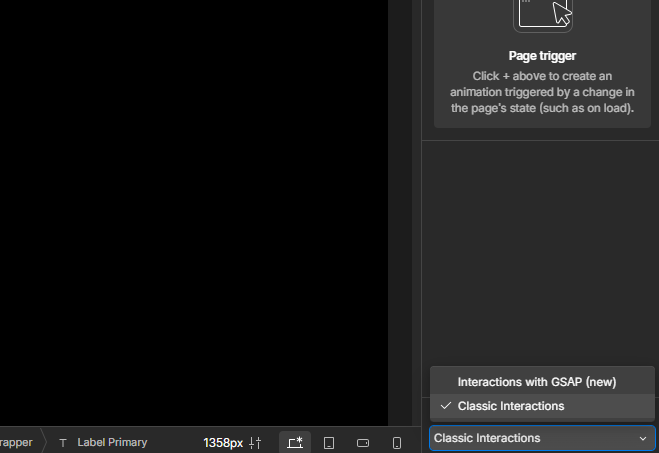
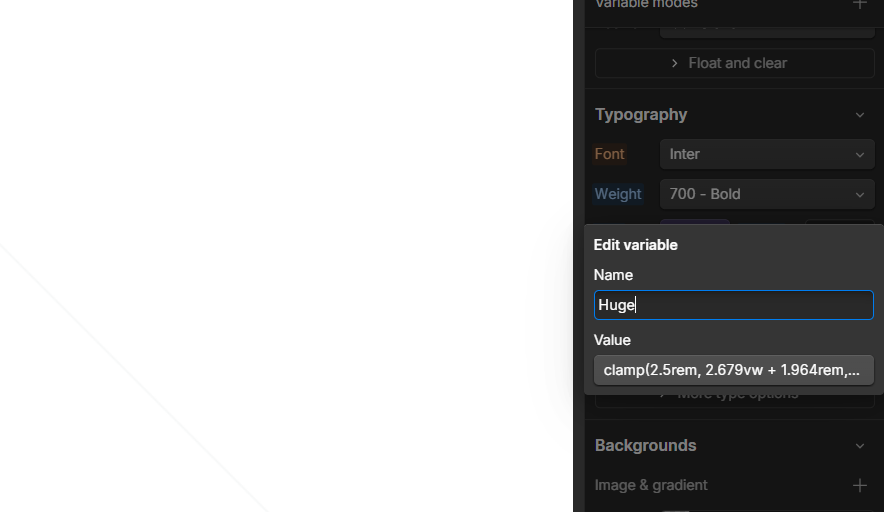
You can now rename elements and component instances directly in Design or Build mode, making your projects more organized and easier to manage.
Whether you're working in the Navigator, right panel, or context menu, updating names is just a click away.
✨ Plus, we've improved default naming:
- Text elements now reflect their actual content.
- Images use their asset names.
- Custom elements show readable HTML tags.
Learn more here: https://t.co/h5UYh0E8Vn
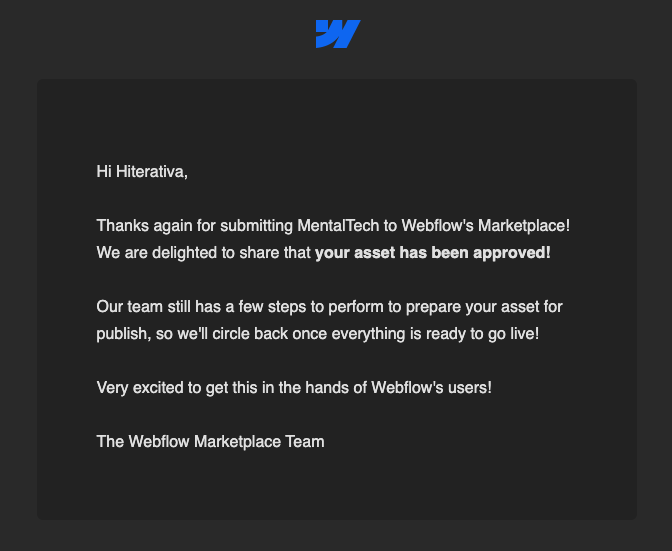
🚨Our newest Webflow template just got published — MentalTech! A clean, minimal, and focused template built for wellness tools.
You can create a beautiful, calming, and professional landing page that connects with your audience and showcases the unique features.
@filipz Just picked up something new from the comments here, in many cases, you can use overflow: clip instead of overflow: hidden, and it gives the same effect. Worked for me 🙌
Working on a Webflow project and ran into an issue with a sticky navbar😅
Turns out:
position: sticky won’t work if any parent has a set overflow: hidden
Webflow’s per page CSS is great but beware: classes stored only on your style guide page (like combo classes to not clean up for custom JS) won’t load on live pages anymore. They still show in Designer, but not on the site. Best to move them into a global nav component.
#webflow