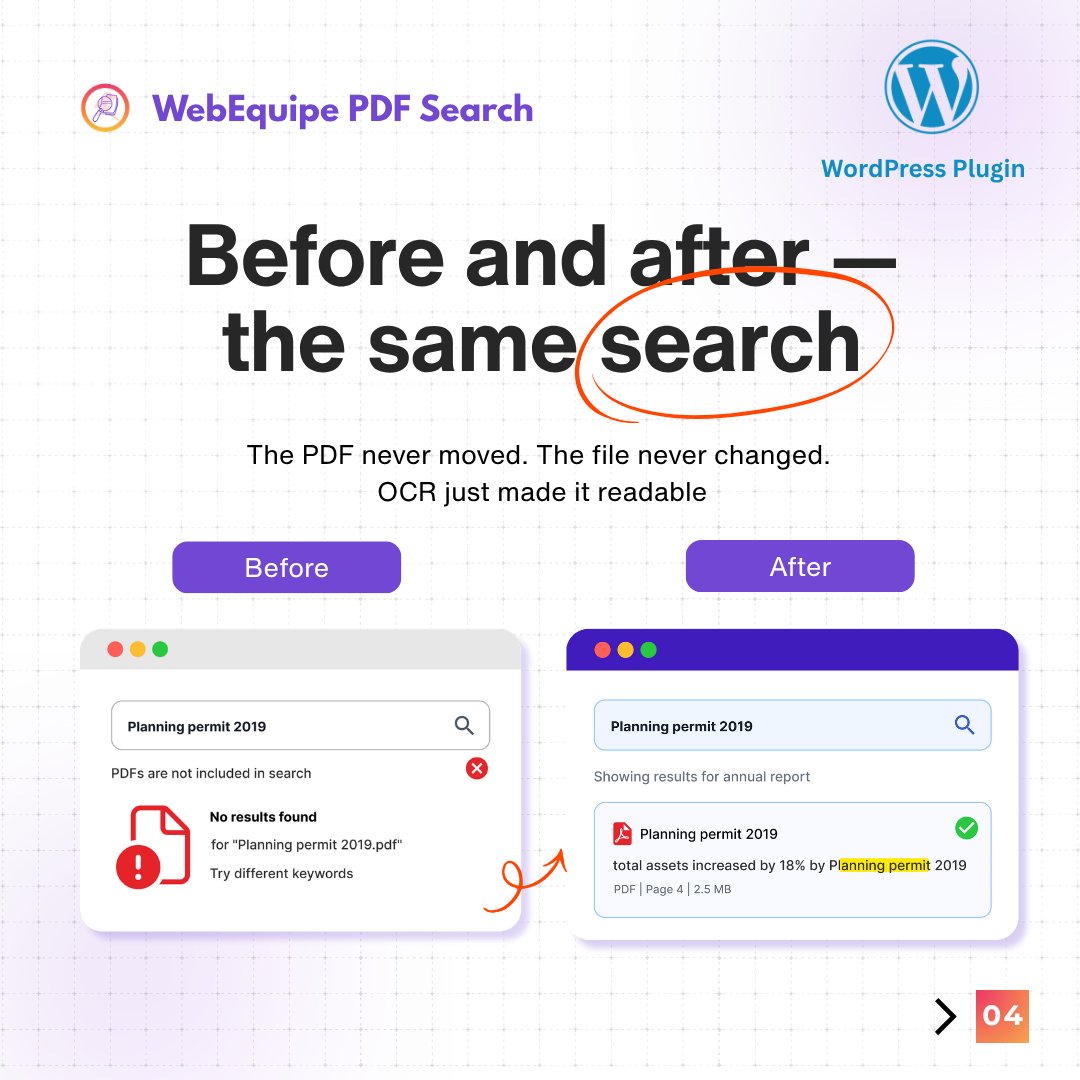
Nothing changed on your site.
Same PDFs. Same content.
But now visitors can search inside them.
PDF Search Pro. One install.
→
#WordPress#PDFSearch#WordPressTips
Most sites have two types of PDFs.
Ones everyone can see. Ones only members should see.
Search plugins don't know the difference -- they index everything.
How Private PDF Search works in PDF Search Pro:
A student searched for the withdrawal deadline.
Got nothing.
The answer was on page 47 of a scanned PDF uploaded in 2019 — invisible because scanned PDFs are images, not text.
PDF Search Pro OCR makes those searchable automatically.
→
#WordPress#PDFSearch#HigherEducation
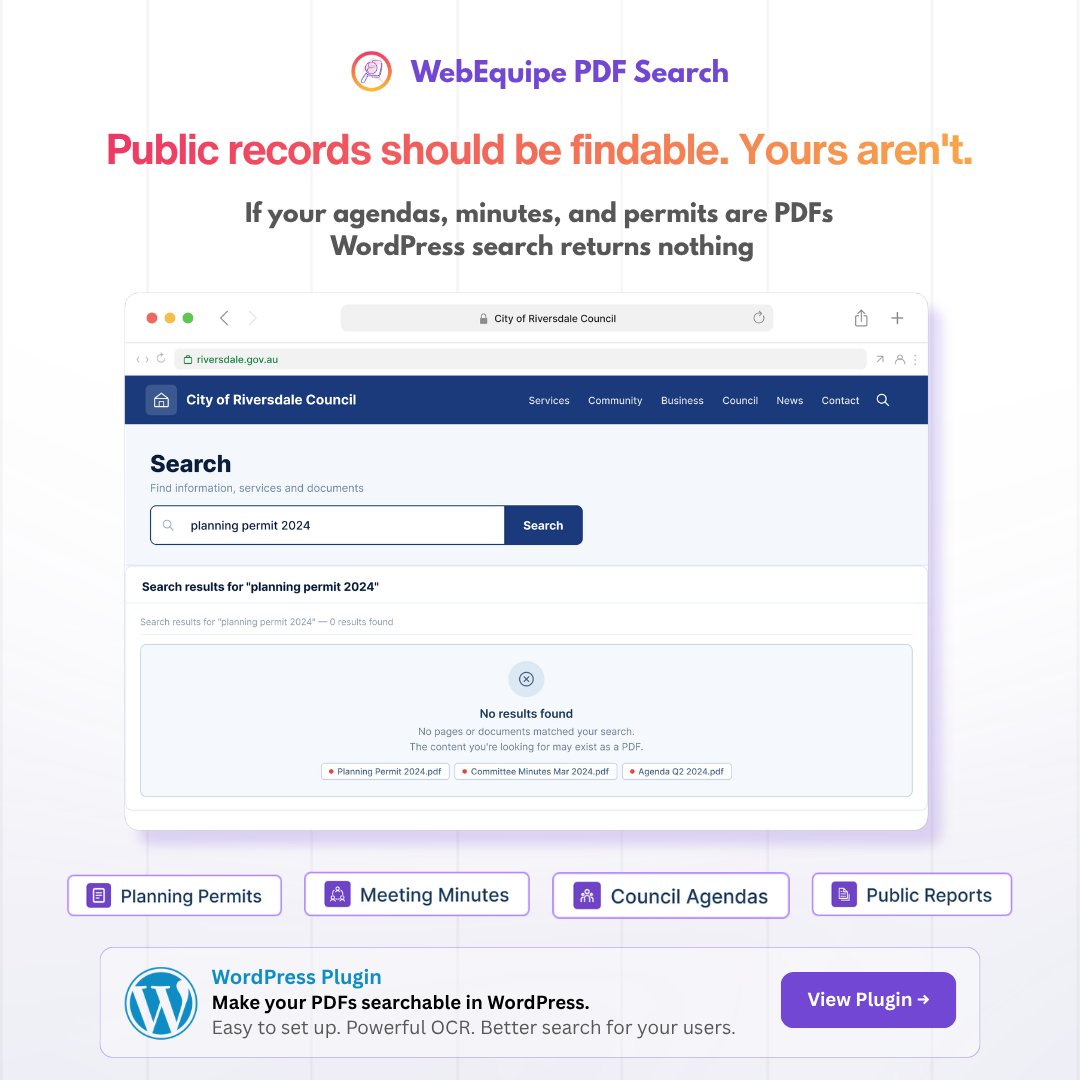
Citizen searches the council website for the planning permit.
Gets nothing.
Calls the office. Team forwards a document already on the website.
Not a content problem. A search problem.
PDF Search Pro fixes that.
→
#WordPress#LocalGovernment#PDFSearch
Your membership site has a private PDF section.
Meeting minutes. Member guides. Internal policies.
They're all in public search results right now.
Search plugins index everything by default — there's no 'private' in standard WordPress PDF indexing.
Two types of PDF on your WordPress site.
Text-based: search plugins can read them. ✓
Scanned: just pixels. Every plugin skips them. ✗
If you have old meeting minutes, pre-2015 policies, or paper forms — half your archive may be invisible to search.
Three support emails today.
All three answers: already in PDFs on your site.
Visitors searched. Found nothing. Emailed you.
PDF search fixes the findability, not the content.
→
#WordPress#PDFSearch#ProductDocs
⏰ 3 days left on PDF Search Pro early bird.
Starter: $55 → $79 on Thursday
Pro: $104 → $149 on Thursday
Agency: $279 → $399 on Thursday
14-day guarantee. No risk 👇
#WordPress#PDFSearch#WordPressPlugin
How WordPress PDF search works in 4 steps:
01 Upload → 02 Extract → 03 Index → 04 Search
Pro adds one extra step between 02 and 03:
Google OCR for scanned PDFs — the step the free plugin skips.
Free 👇
#WordPress#PDFSearch#WordPressDev
A founder came to us with an idea for an elopement marketplace.
We built it.
Today: 10,000+ couples. 700+ vendors. 34 destinations. Leading platform in the US.
What's the hardest part of building a marketplace?
#ProductDevelopment#CodersBucket
Your council published planning decisions for 11 years. Most were scanned.
A resident searches. Gets nothing. Emails your office.
The document was on your website the whole time — just invisible to search because scanned PDFs are images, not text.
A member needs the renewal form.
They search. It comes up. They download it.
No email to your team.
Most membership sites have the content. They just don't have search that reads inside PDFs.
PDF Search Pro fixes that.
→
#WordPress#MembershipSite#PDFSearch
WordPress search ignores everything inside your PDFs.
PDF Search Pro fixes that — full-text search for every
PDF on your site. Even scanned ones.
Built-in Google Vision OCR. No pre-processing.
Just upload and search.
30% off for 15 days → https://t.co/fBexGNwVIl
Just launched WebEquipe PDF Search on https://t.co/d7vGQsVafj 🚀
Makes PDF content searchable on WordPress.
→ Full-text indexing
→ Highlighted excerpts
→ Privacy controls
→ Background processing
→ Works with 100+ PDFs
Free. No setup.
Try: https://t.co/VC6HfqJLBi