Helps you take client sites from build to launch, with automated monitoring to keep them healthy after go-live.
One flat price, no separate subscriptions.
Is Website Toolkit right for you?
If your job involves building and launching websites for clients, then the answer is yes!
Find out more here: https://t.co/DbNP2b0JEI
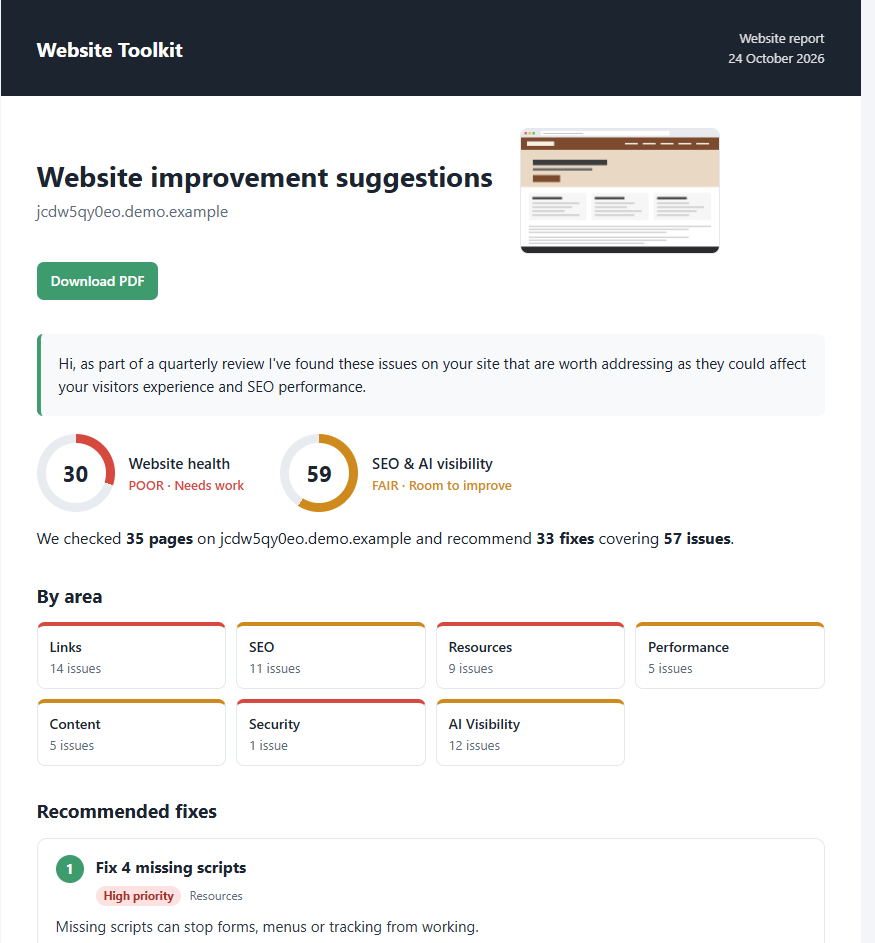
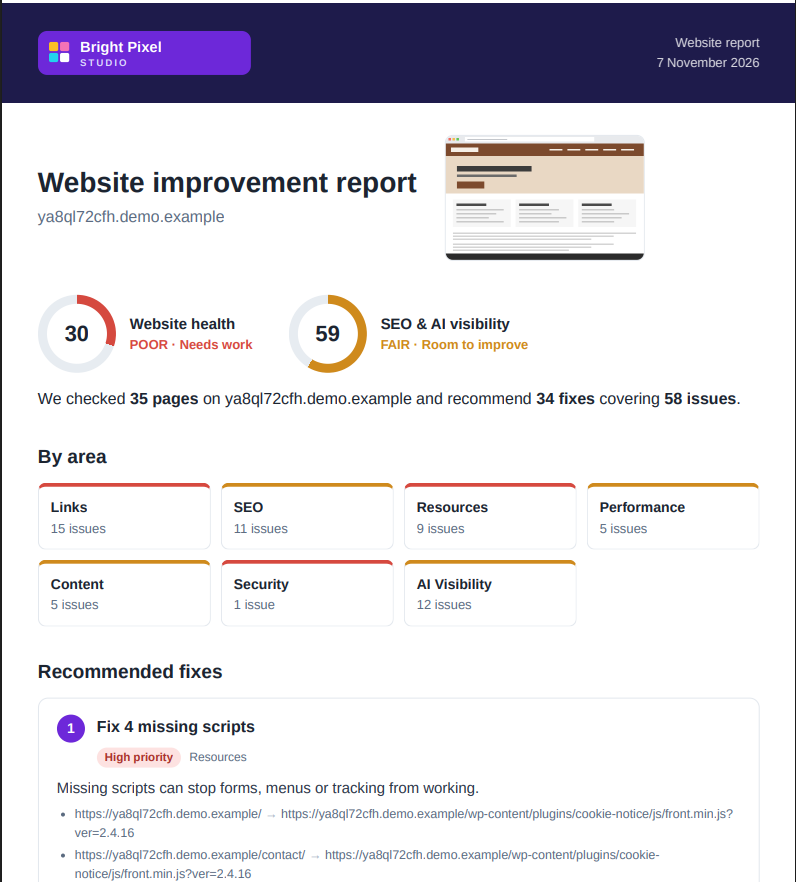
Clients want to know three things: is my website in good shape, what needs doing, and, once you’ve done it, did it work?
With Website Toolkit you can show what needs fixing, then prove you fixed it.
https://t.co/AfmC2zO9up
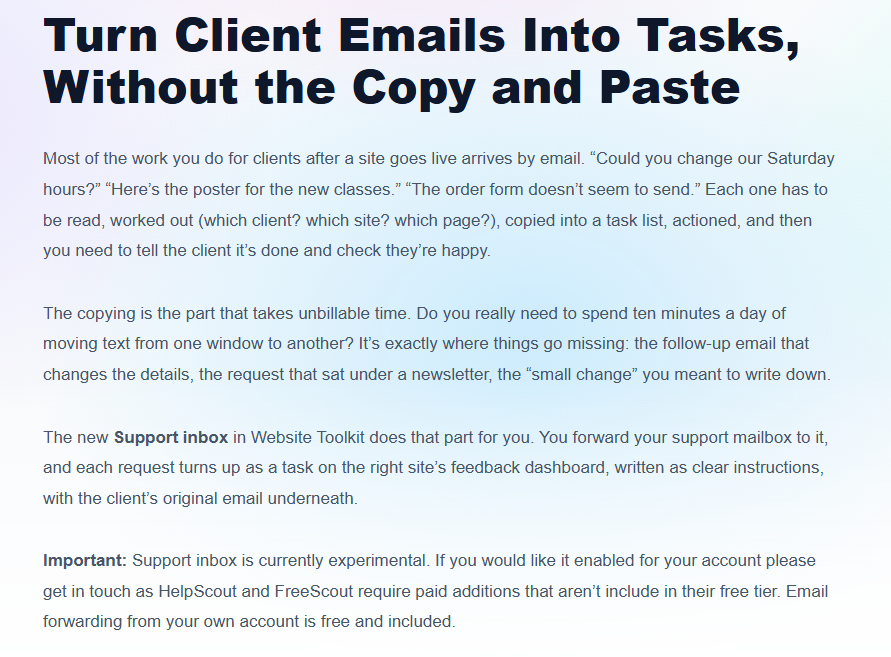
Most of the work you do for clients after a site goes live arrives by email. The new Support inbox in Website Toolkit helps with that.
You forward your support mailbox to it, and each request turns up as a task on the right site’s feedback dashboard.
https://t.co/k4QeWqiVZQ
Every website build reaches the same awkward stage. The work is on staging, and you need the client to look at it and decide things.
Is the new hero right?
Are these prices correct?
Now you get to ask the questions, in a visual way:
https://t.co/sX0NuauJRw
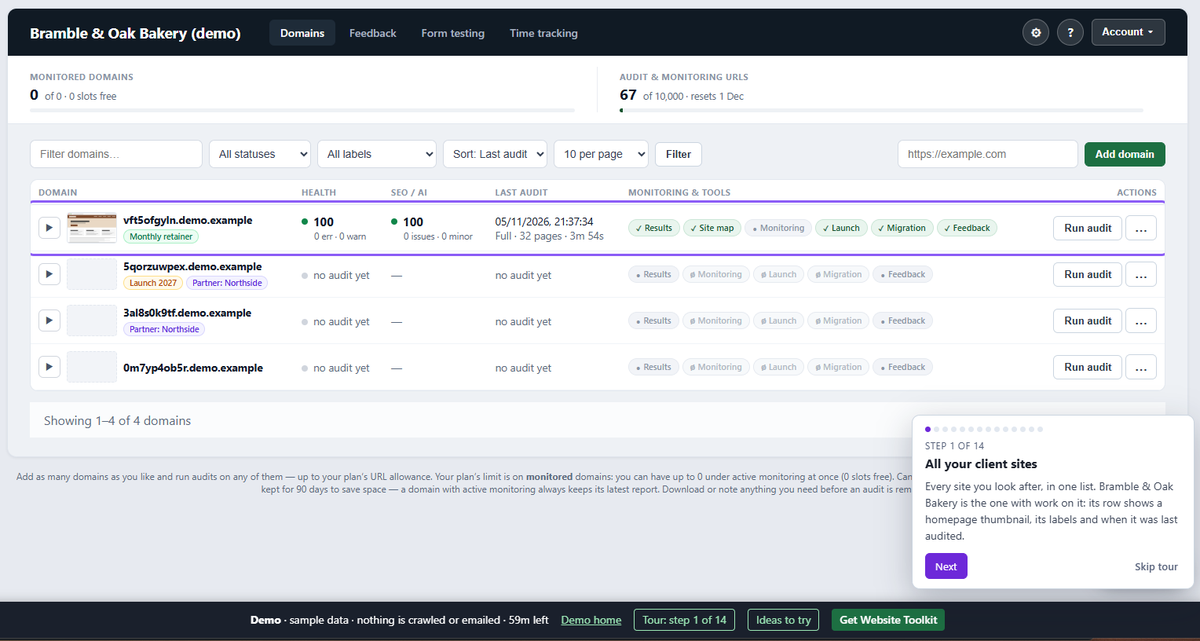
After adding a tour to @ToggleWP I couldn't not add the same to Website Toolkit's demo.
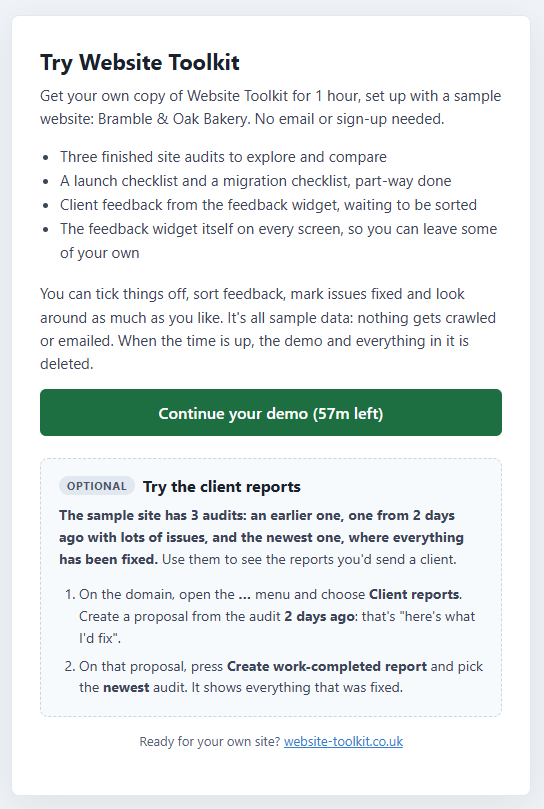
You can now pretend to be Bright Pixel Studio, looking after a bakery client.
See what issues came up, tick them off, check their feedback, or explore it your way!
https://t.co/g5JQg8Icnf
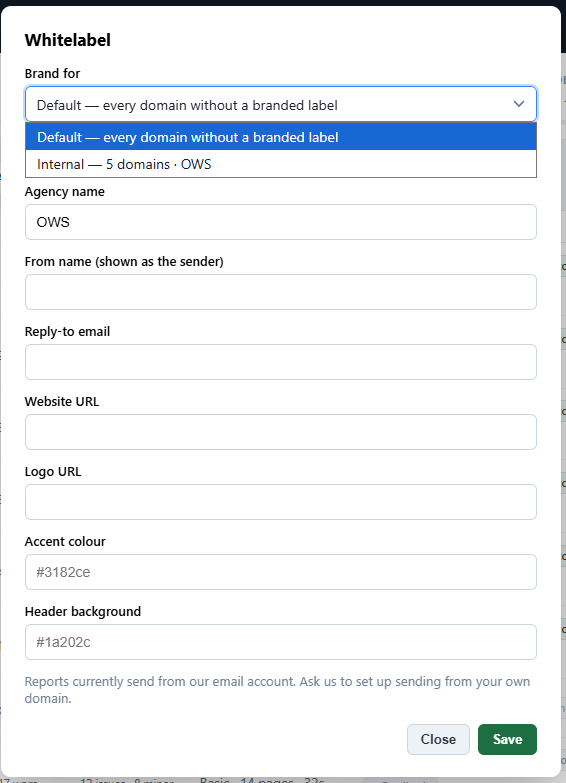
@BlakeWhittle7 As the feedback widget script is cached on the client side it might take 5 to 10mins to pick up changes, so I'd set up the white label before adding it to any client sites.
@BlakeWhittle7 The new "Brand for" feature will be rolled out to production shortly.
Create and assign your labels, then pop to Account > Whitelabel and there is now the drop down to select an existing label where you can set it up.
@BlakeWhittle7 Ah ok, so multiple white label settings based on the 'tag' applied, which apply to the feedback widget.
Will add that to the ideas list.
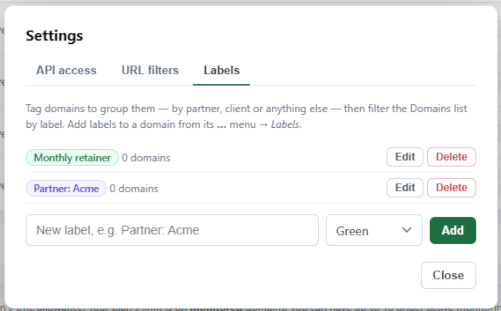
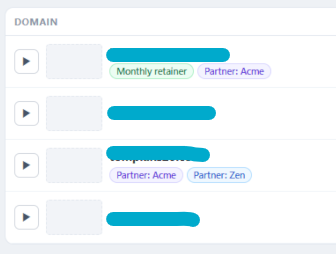
An agency had recently completed 40 audits for their various agency partners. They could filter by name, but that doesn't scale.
So I got thinking. Coming this week to Website Toolkit: Labels.
It's a simple thing which will make a difference when managing multiple sites.
2. Some may buy it as a future collectable, which is good for some initial cash, but not for early feedback.
50 would leave a good number of agencies to work with during 2027 to fine tune it for real world situations.
See what to extend and what to focus on to add value.
My BFCM / Q4 / "not quite as early adopter" deal is capped at 50 slots, with 43 remaining after its initial (lower) price from the summer.
Why 50?
1. It was a nice round number that would fund the infrastructure for many years.
1/2
https://t.co/aAEDQZmpcR
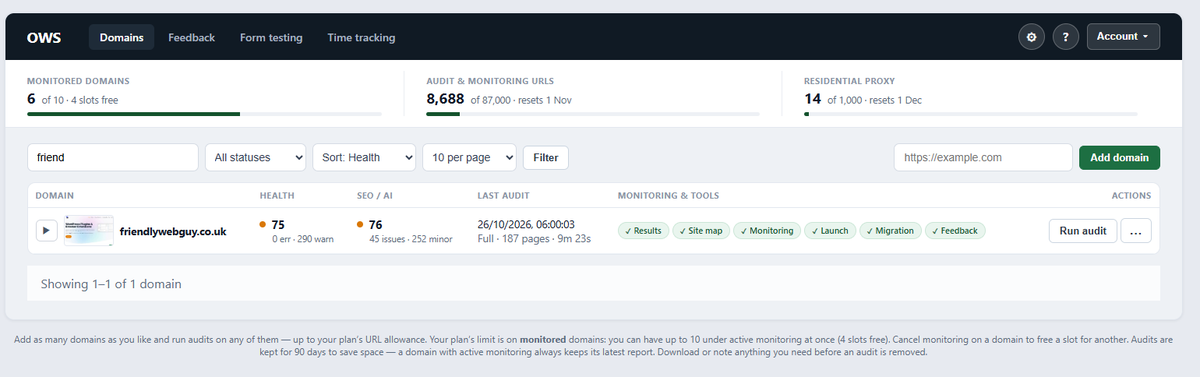
The new Site map feature can now be accessed from the main screen, saving a couple of clicks.
For the best results a fresh audit will be required as it makes additional checks to figure out the site structure.
Existing audits may show more pages as not being found via the nav.
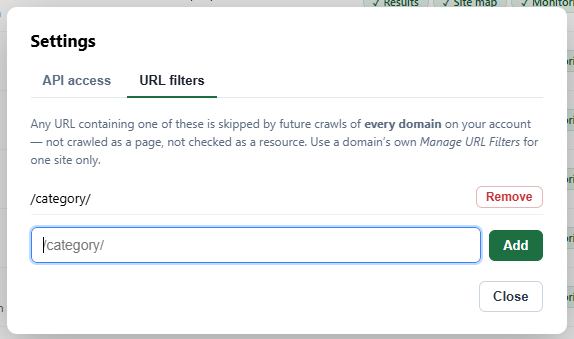
A minor quality of life improvement - you can now globally set URL filters via the top Settings icon.
Any audit under your account will apply the filters, saving you from adding it per domain.
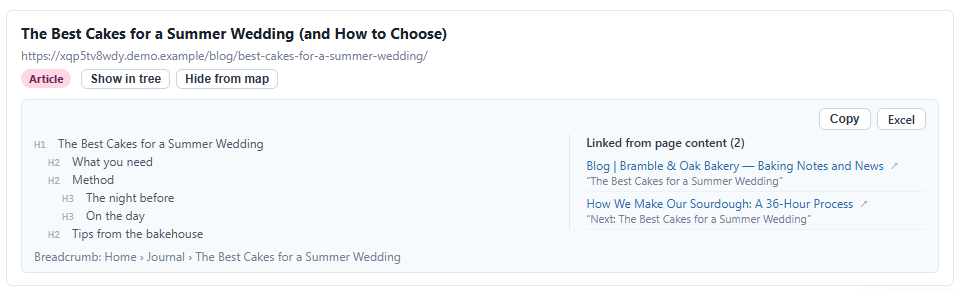
Added bonus: It will also attempt to identify where the page was linked to internally (excluding nav / footer).
This summer wedding page was linked to from the blog and sourdough pages.
If that page was deleted these links would break, now you can remove them beforehand.
Coming soon to Website Toolkit is the Site structure view.
It'll attempt to create a visual site structure based on your header / footer navigation to let you see where your clients content sits.
@BlakeWhittle7 It is rather experimental currently. Hopefully will iron out a few issues with it over the next couple of days so it can hit production in early Nov.
Coming soon to Website Toolkit is the Site structure view.
It'll attempt to create a visual site structure based on your header / footer navigation to let you see where your clients content sits.
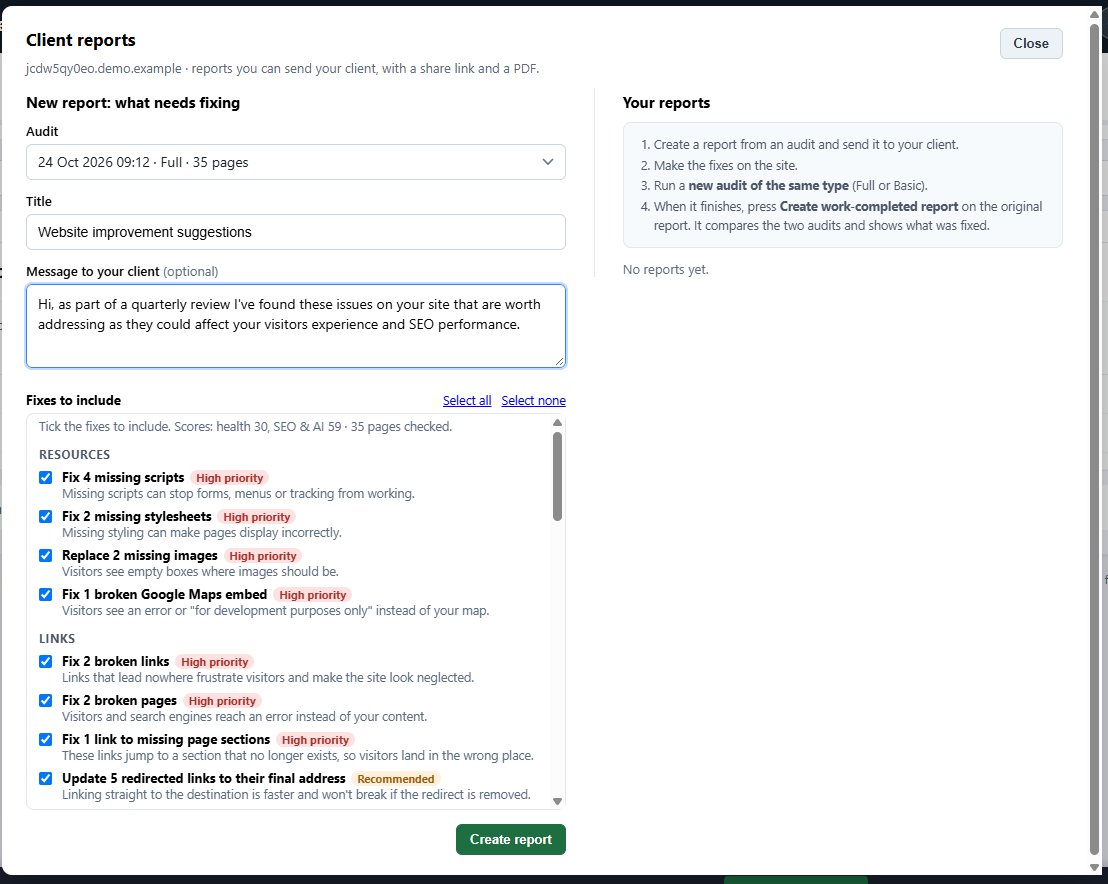
Coming next week - Client reports.
Run an audit of your clients site to see what needs fixing, select details to include then generate a report.
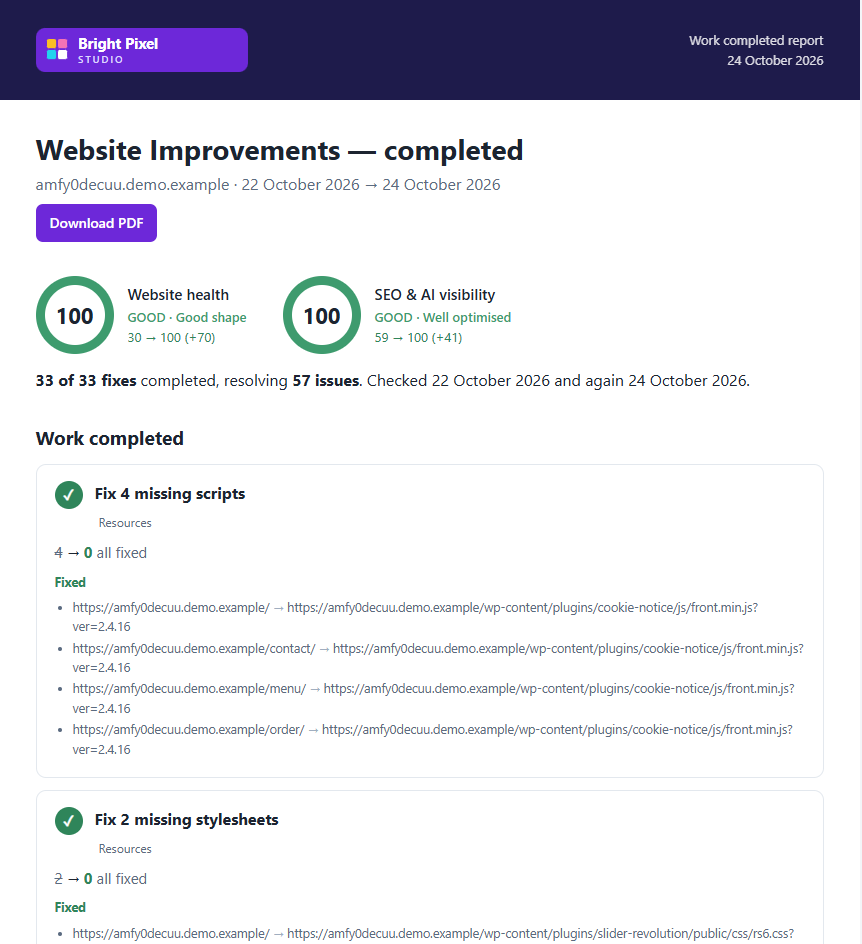
After completing the work* you can re-audit and provide a work-completed report.
*Demo data shown, so nothing much had changed
The Client report will also pick up your agencies branding.
Here is the latest from the demo set up, which now includes a 3rd example audit with everything fixed. This lets you see the work completed report with the changes made.